How to Download Digital Video Greetings Directly to Your Phone's Camera Roll
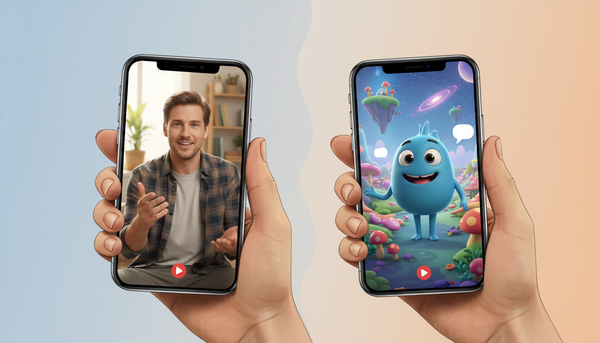
Want to save a special video greeting directly to your mobile device? Here is a simple, step-by-step guide to bypassing browser playback traps and keeping your digital video files safe in your camera roll.
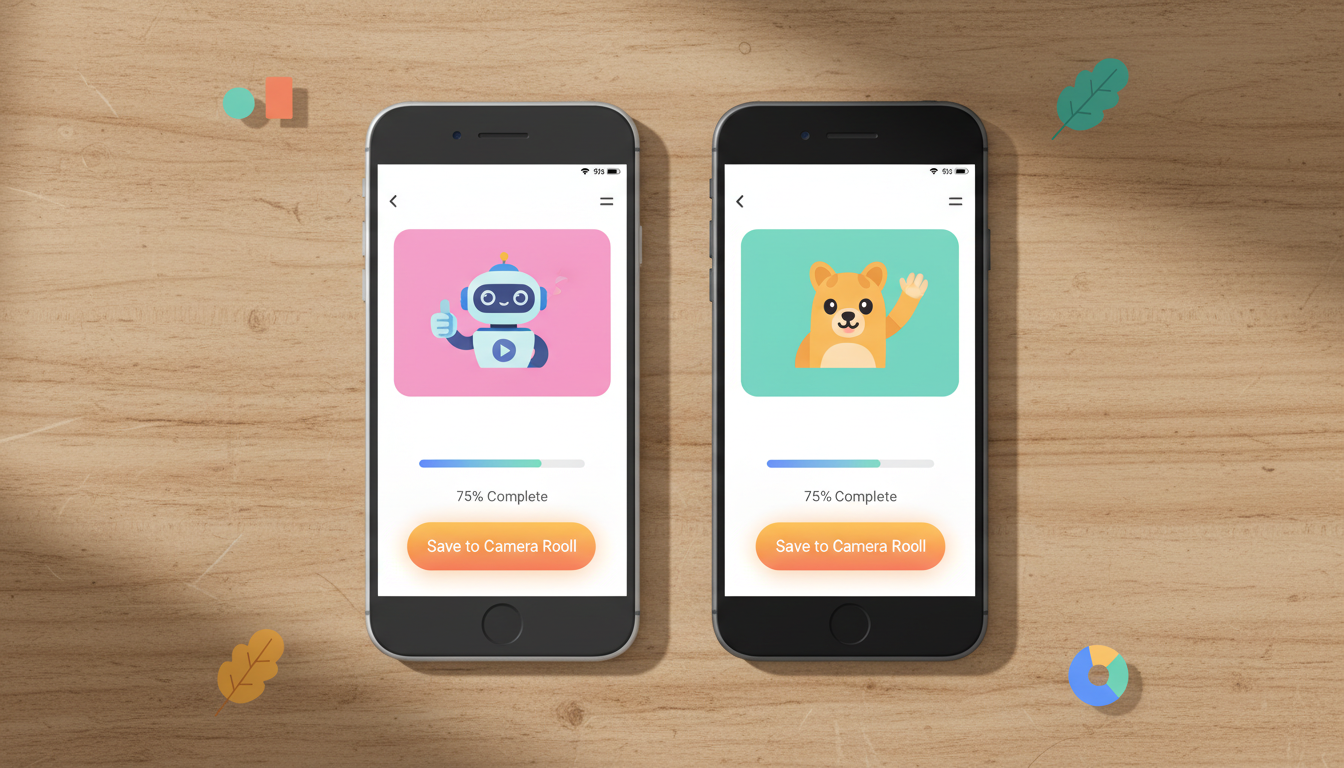
To download a digital video greeting directly to your phone's camera roll, you must save the raw media file (usually an MP4) from its email delivery link or web hosting page. On iPhones, this requires opening the link in Safari and using the native share sheet to select 'Save Video.' On Android, you long-press the playing video in Chrome or tap the three-dot menu to choose 'Download.' Note that in-app browsers, such as those inside Gmail, Instagram, or Facebook, often block direct media saving. To avoid playback loops, always copy the link and open it in your device's default browser.
How to Download Video Greetings on iOS (iPhone & iPad)
Apple's iOS has a secure file system that sometimes makes downloading media feel like a puzzle. If you just received a personalized AI character-style video greeting from a platform like Fanfun, you will want to save it directly to your Photos app. Here is how to do it step-by-step:
- Copy the link: If you opened the video from an email app (like Gmail or Outlook), tap the browser icon in the corner or copy the URL directly.
- Open Safari: Paste the link into Safari. Avoid using in-app browsers, as they restrict file-saving permissions.
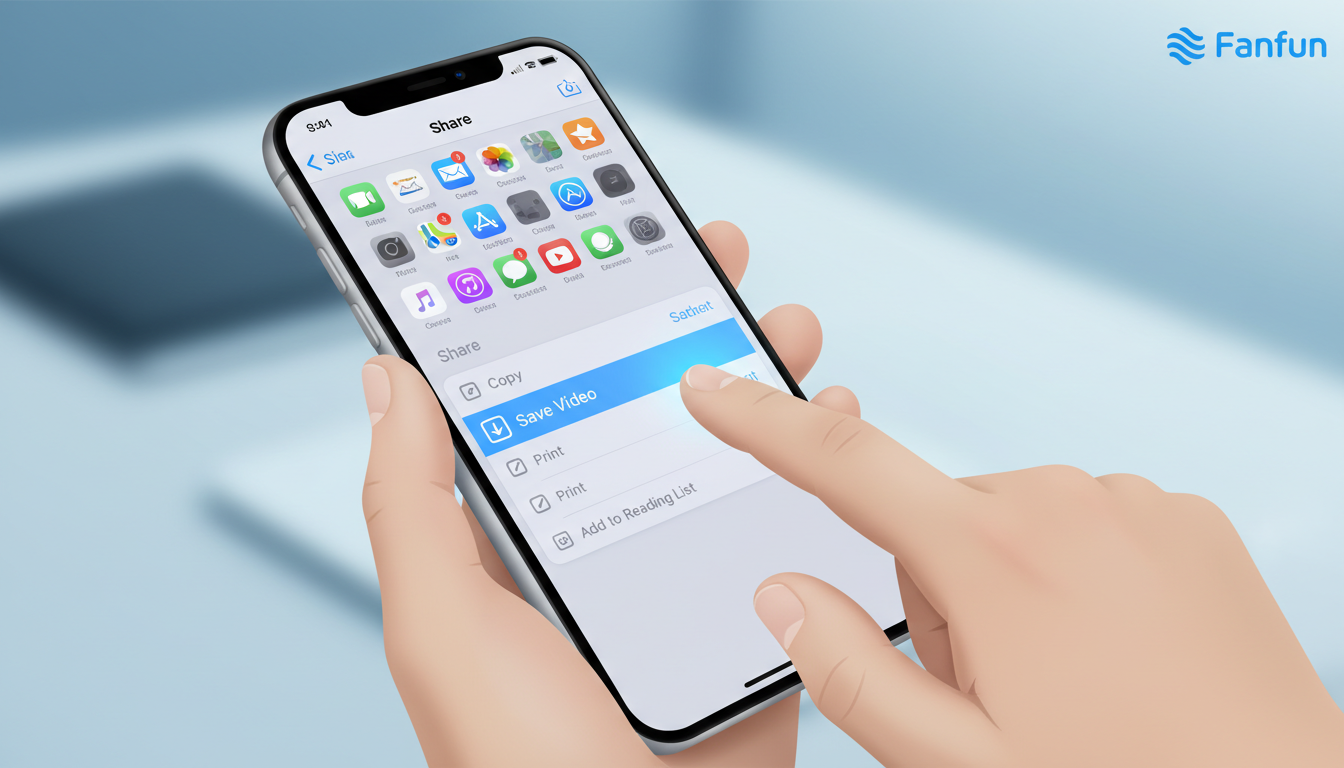
- Tap the Share icon: This is the square button with an upward-pointing arrow located at the bottom of the Safari screen.
- Select 'Save Video': Scroll down the Share sheet. If the video is fully loaded as a compatible MP4, you will see 'Save Video.' Tapping this sends it directly to your Camera Roll in the Photos app. If you only see 'Save to Files,' select that option, choose a folder on your iCloud Drive or iPhone, and then export it to your Photos app later.
If you run into Apple-specific quirks or permission pop-ups, you can find more detailed solutions in our detailed guide on saving virtual character videos to your iPhone.
How to Download Video Greetings on Android Devices
Android devices offer a highly flexible file management system, making it relatively straightforward to download video greetings using Google Chrome. Whether you are saving a fun birthday roast or a holiday message, follow these steps to download the file:
- Open the link in Chrome: Ensure you are using the dedicated Google Chrome app rather than a social media webview browser.
- Long-press the video: While the video is playing or paused, press and hold your finger on the video screen. A context menu should pop up.
- Tap 'Download video': Select this option to start the download.
- Alternative method (The Three-Dot Menu): If the long-press does not work, tap the three vertical dots in the bottom-right corner of the video player interface and select 'Download.'
Once completed, a notification will appear. You can find the file in your 'Downloads' folder using the Files by Google app, or view it instantly in Google Photos under the 'Library' tab.
Troubleshooting: What to Do When the Video Won't Save
Sometimes, a mobile browser will insist on streaming the video rather than downloading it, or you might run into playback errors. Here are three quick troubleshooting strategies to get your file saved:
- Toggle the Desktop Site: If a download button is hidden or the video keeps playing in full screen without download options, tap your browser's menu (the 'aA' icon in Safari or the three dots in Chrome) and select 'Request Desktop Website.' This often reveals native download controls.
- Check File Compatibility: Ensure you are downloading a mobile-friendly format like MP4 with H.264 encoding. Older devices occasionally fail to play newer high-efficiency formats. Many digital video platforms deliver files in standard formats to ensure broad compatibility.
- Free Up Local Storage: A standard 30-second video greeting is lightweight, but high-definition files can fail to download if your phone's local storage is completely full. Check your device settings to ensure you have at least 50MB of free space.
Comparing Video Sharing Methods
Once you have the video file, you have two primary ways to share it with friends and family. Use the decision table below to choose the best method for your situation:
| Sharing Method | Pros | Cons | Best For |
|---|---|---|---|
| Direct Video File (MP4) | Plays instantly in the chat thread; works offline; feels personal. | Messaging apps (like SMS) may heavily compress the quality. | Close friends, family group chats, and messaging apps like WhatsApp or Telegram. |
| Web-Hosted Link | Preserves original high-definition quality; does not use receiver's storage. | Requires an active internet connection to watch; feels slightly less direct. | Large email groups, professional contacts, or older phones with limited storage. |
Sharing and Archiving Your Saved Video Greetings
When you decide on sharing a direct video file versus sending a web-hosted link, keep file compression in mind. Standard SMS text messaging often compresses high-quality MP4s into grainy, low-resolution files. To keep your video looking sharp, share the actual file through platforms like WhatsApp, Telegram, or Discord, which allow you to send media uncompressed.
Finally, do not let these unique memories disappear if you change or lose your phone. Setting up an automatic cloud backup to iCloud or Google Drive is the easiest way to preserve your personalized media for years to come.
Why does my downloaded video play without sound on my phone?
This is usually due to your phone's physical mute switch or system media volume being turned down. On iOS, make sure your Ring/Silent switch is set to ring. On both iOS and Android, check that your device's media volume is turned up inside the actual video player app, as some default gallery apps mute videos by default.
Can I download video greetings directly from social media apps?
In most cases, no. Social media platforms like Instagram, Facebook, and TikTok use in-app browsers that restrict direct downloads to protect user privacy and keep you inside their ecosystem. For the best results, copy the link from the social app and paste it into Safari or Chrome to download the file directly.
How much storage space does a standard digital video greeting require?
A typical 30-second video greeting is generally lightweight, depending on the resolution and complexity of the template. This makes them small enough to download quickly even on slower mobile connections, without cluttering your phone's storage.