How to Archive Digital Video Greetings for Long-Term Storage
Don't lose your favorite virtual messages when sharing links expire. Follow this practical guide to download, organize, and back up your digital video greetings so they last for decades.
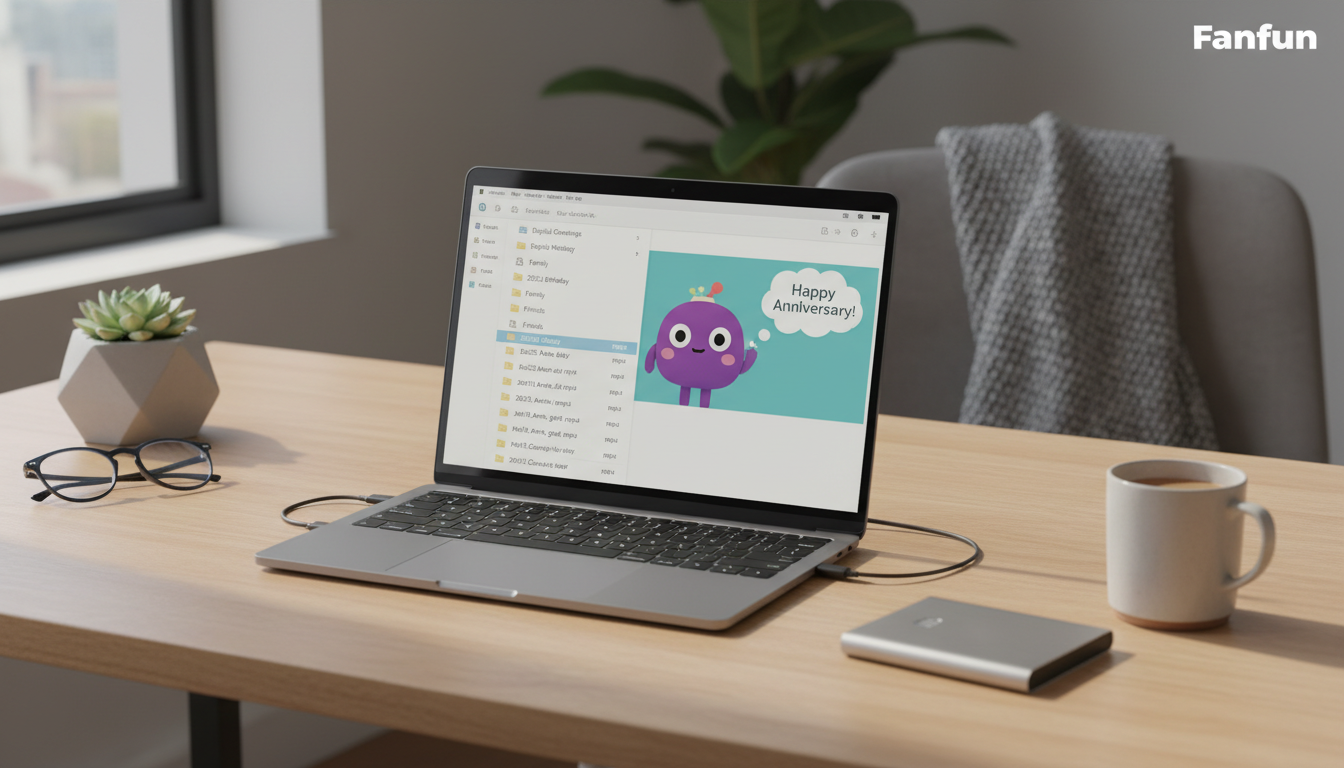
To archive digital video greetings for long-term storage, you must download the source video file immediately and apply the 3-2-1 backup method rather than relying on active hosting links. While web-based sharing platforms are excellent for delivery, they are not permanent storage vaults. Downloading your video helps you keep a local copy of the file, reducing the risk of losing access due to platform changes, expired links, or digital decay.
Why You Cannot Rely on Live Sharing Links for Long-Term Storage
When you receive a digital video greeting, the natural first step is to open the link and watch it. However, keeping that link bookmarked in your browser is a risky long-term strategy. Web-based hosting platforms are designed for delivery and sharing, not for permanent archiving. Over time, active sharing links can expire, platforms can update their terms of service, or hosting domains can go offline entirely. It helps to compare how sharing hosts differ from long-term storage solutions to understand why active links are inherently temporary.
For example, when you generate a custom virtual character video on Fanfun, the finished video is delivered straight to your inbox and saved in your account's creation history. While Fanfun makes it easy to preview and share these videos with friends, downloading the physical MP4 file is a practical way to keep a personal copy for your own archives. Relying solely on a cloud-based hosting link leaves your memories vulnerable to digital decay—the gradual loss of data or access due to outdated software, broken links, or discontinued services.
The 3-2-1 Backup Strategy for Digital Video Keepsakes
To help keep your digital video greetings intact for decades, professional archivists recommend using the 3-2-1 backup rule. This simple system is designed to reduce the risk of losing your files if one device fails or a cloud service goes down.
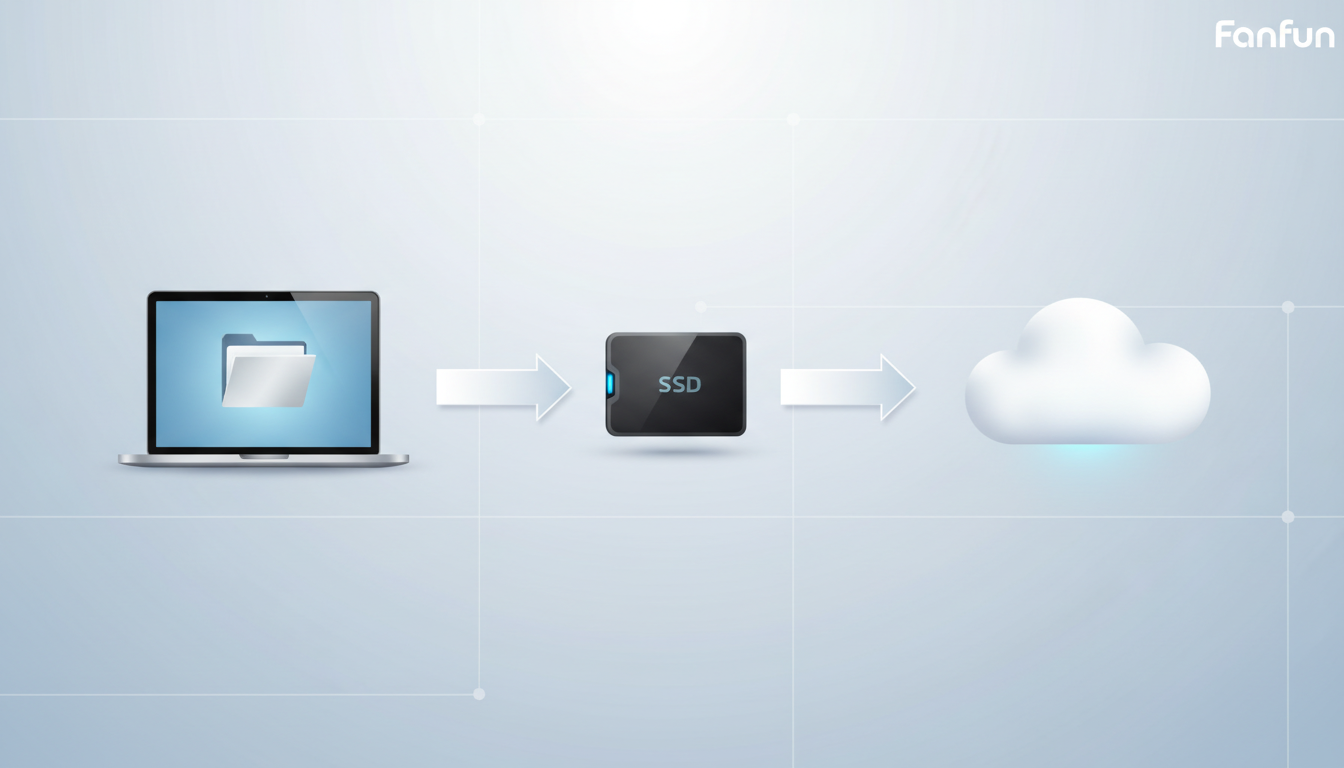
- 3 Copies: Keep three separate copies of each video file (the primary file and two backups).
- 2 Media Types: Store the copies on two different types of storage media (such as your computer's local drive and an external solid-state drive).
- 1 Offsite Copy: Keep at least one copy in a different physical location (such as secure cloud storage).
Step-by-Step Backup Workflow
When you download your greeting, save the primary copy directly to your computer's internal hard drive. Next, copy the file to a physical external solid-state drive (SSD) or a high-quality USB flash drive dedicated solely to family archives. Keep this drive in a safe, dry place in your home.
Finally, upload the file to a secure cloud storage provider like Google Drive, iCloud, or Dropbox. This offsite copy protects your files in case of physical damage to your home, such as a fire or flood.
When downloading your video, focus on selecting a highly compatible video file format. An MP4 file utilizing the H.264 video codec and AAC audio codec is the industry standard. This configuration ensures that your archived video will remain playable on future operating systems and devices without requiring complex file conversions.
| Storage Type | Pros | Cons | Best For |
|---|---|---|---|
| Local Computer Drive | Fast access, no internet required | Vulnerable to computer crashes or loss | Daily viewing and initial organization |
| External SSD | Highly durable, offline, portable | Can be physically lost or damaged | Physical hardware backup |
| Cloud Storage | Accessible anywhere, safe from physical disasters | Requires internet, potential subscription costs | Offsite safety net |
How to Organize and Label Your Archived Video Greetings
A backup is only useful if you can find the file years later. Generic camera filenames like "video_1283.mp4" will quickly get lost in a massive digital archive. Establishing a clean folder structure and a standardized naming template makes your video library searchable and organized.
Use this simple, standardized file-naming template for all your digital keepsakes:
YYYY-MM-DD_Occasion_Sender_CharacterOrTheme.mp4
For example, if you are preserving custom virtual character birthday videos for kids, your file names might look like this:
2026-11-02_6th-Birthday_Uncle-Dan_Doraemon-Fanfun.mp42027-05-14_Graduation_Mom-and-Dad_Barack-Obama-Fanfun.mp42027-12-25_Christmas_Grandma_Santa-Claus-Fanfun.mp4
To add even more value to your archive, create a simple text file (such as a .txt file) and save it in the same folder. Use this text file to write down the context of the video: who generated it, why the character was chosen, and how the recipient reacted. This extra step turns a simple video file into a rich digital heirloom for future generations.
Annual Archive Maintenance Checklist
Digital storage media is not permanent. To ensure your files remain safe, set a recurring calendar reminder once a year to perform these quick maintenance steps:
- Check Physical Drives: Plug in your external SSD to confirm it is still functioning and readable.
- Verify Cloud Sync: Ensure your cloud storage account is active, has sufficient space, and that all local files have successfully synced.
- Update Outdated Formats: If a new video standard emerges over the next decade, convert older formats to the new standard to maintain compatibility.
Should I compress my archived video files to save space?
It is generally best to avoid extra compression for long-term archiving. Digital video greetings are typically small files, so the space savings from extra compression are minimal. Compressing an already compressed file can permanently degrade the video and audio quality.
How often do physical external hard drives fail, and when should I replace them?
Traditional mechanical hard drives (HDDs) have moving parts and typically last 3 to 5 years. Solid-state drives (SSDs) are more durable because they have no moving parts, but they can still degrade if left unpowered for many years. It is a good practice to refresh your physical backup hardware every 5 to 8 years by copying your archives to a new drive.
Can I store my digital video greetings on DVDs or Blu-ray discs?
While writable DVDs and Blu-ray discs were popular in the past, they are highly susceptible to physical scratches and chemical degradation (known as "disc rot"). Additionally, modern computers rarely include optical disc drives. It is much safer and more convenient to rely on SSDs and secure cloud storage.