
How to Choose the Best Video File Format for Sharing Digital Greetings
Want to help your digital video greetings play smoothly across different devices? Here is why MP4 is the universal standard and how to avoid compression issues.
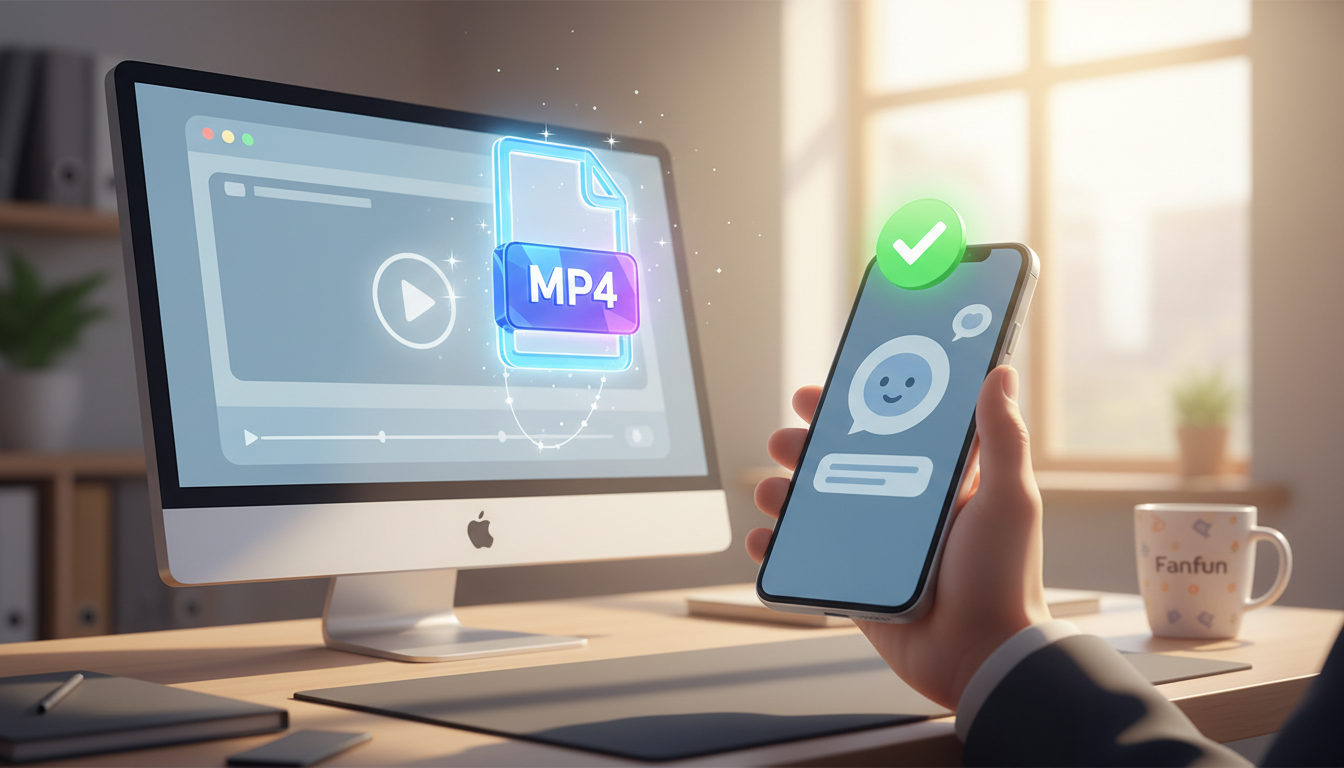
The absolute best video file format for sharing digital greetings across most devices and messaging apps is MP4 (specifically encoded with the H.264 video codec and AAC audio codec). This combination offers an excellent balance of crisp visual quality and highly compressed, small file sizes, helping your virtual messages play smoothly on iPhones, Androids, and computers alike. While other formats like MOV deliver stunning raw quality, they often create massive files that chat apps will aggressively compress or refuse to send entirely.
Why MP4 is the Gold Standard for Digital Greetings
When you are creating a digital message, you want the recipient to focus on the fun content—not technical troubleshooting. MP4 is universally recognized by almost every operating system, web browser, and social media platform in existence. While creative tools let you generate amazing video content, exporting them in the wrong format can lead to frustration.
Here is why MP4 remains the undisputed champion for digital greetings:
- Universal Playback: Whether your recipient is on an iPhone, an older Android device, or a desktop computer, an MP4 file will play natively without requiring them to download third-party media players.
- Smart Compression: MP4 uses advanced compression algorithms to keep file sizes small while preserving the clarity of virtual characters, facial expressions, and voice tracks.
- Stress-Free Family Sharing: If you are designing digital video gifts for parents or grandparents, the last thing you want is for them to encounter a "file format not supported" error. Sending an MP4 makes it easy for them to open your video directly from their text messages.
Platform-by-Platform Sharing Guide
Different messaging apps and platforms handle video files in their own unique ways. To ensure your digital greeting card looks crisp and plays smoothly, use this quick platform guide:
| Platform | Max File Size Recommendation | What Happens to Large Files? |
|---|---|---|
| iMessage & SMS | Under 100MB (under 20MB for SMS) | Aggressive compression that makes the video look blurry or pixelated. |
| WhatsApp & Telegram | Under 16MB for native video playback | WhatsApp compresses the video heavily unless you send it as a raw "Document" file. |
| Email (Gmail, Outlook) | Under 20MB to 25MB | The email provider will block the attachment or automatically convert it into a cloud drive link. |
| Slack & MS Teams | Under 150MB | When using digital video greeting cards for remote team building, sharing an MP4 directly inside your workplace chat allows for instant, inline playback. |
When to Use a Shareable Web Link Instead of a Raw File
Sometimes, the best video file format is no file at all. Downloading, compressing, and re-uploading raw files can be a chore, especially when you want to maintain pristine video quality for your recipient.
Sharing a hosted web link offers several major advantages:
- Zero Quality Loss: When you share a hosted link, your recipient views the video exactly as it was rendered, completely bypassing the aggressive compression algorithms of messaging apps.
- Instant Delivery: There are no upload or download lag times. The recipient simply taps the link and watches.
- Saves Device Storage: Your friends and family won't have to delete photos to make room for a large video attachment.
At Fanfun, we love making the creation process simple. When you generate a custom AI video message with one of our playful virtual characters, you get a custom video file that you can easily share. Whether you are choosing between one-way video greetings and interactive AI chat for creative projects, knowing how to manage your video formats keeps things fast, fun, and accessible for everyone.
Quick Troubleshooting: What to Do If Your Video Won't Send
If you run into issues while sharing your digital greeting, try these quick fixes:
The file is too large: If your MP4 is too massive for email or text, use a free online compressor tool (like Handbrake or Clideo) to shrink the file size, or simply switch to sharing a hosted web link.
The audio is missing: Ensure your export settings use the AAC audio codec. Some older or more professional formats separate audio and video tracks, which can result in silent playback on mobile devices.
The video looks stretched or cropped: Stick to standard aspect ratios. Use 9:16 (vertical) for mobile-first apps like WhatsApp, TikTok, or iMessage, and 16:9 (horizontal) for email or desktop viewing to keep your video looking exactly as intended.
Can I send a high-quality MOV file instead of an MP4?
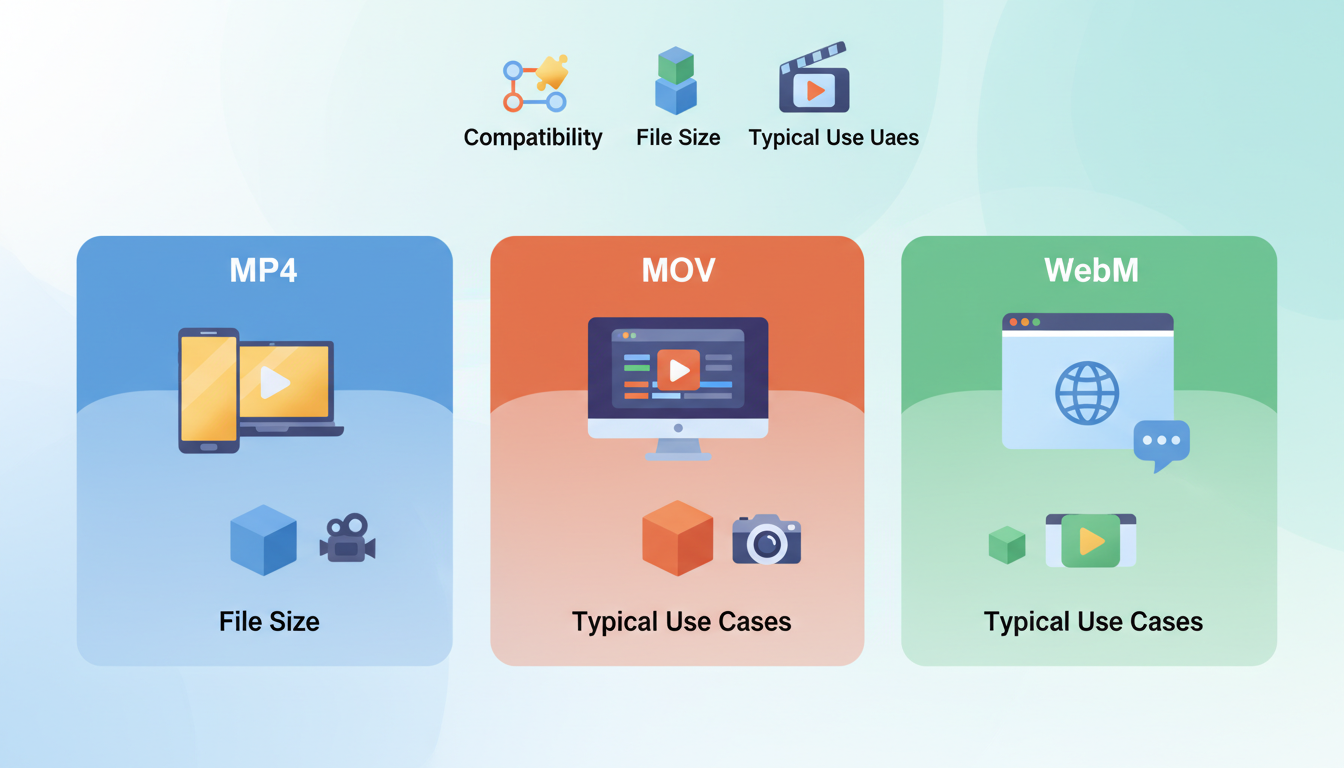
While MOV files offer incredible, uncompressed quality, they are typically much larger than MP4s. Many Android devices and Windows systems cannot play MOV files natively without extra software, and messaging apps will often reject them due to file size limits. For digital greetings, sticking to MP4 is always the safer, more compatible choice.
How do I convert an unsupported video format into an MP4?
You can easily convert unsupported files (like MKV, AVI, or MOV) into MP4 using free online conversion tools or desktop software like Handbrake. Simply upload your video, select MP4 (with H.264 video and AAC audio codecs), and download the newly optimized file.
Will sending a video through a messaging app ruin its resolution?
Most messaging apps like WhatsApp, iMessage, and Messenger use aggressive compression to save bandwidth, which can make your video look blurry. To preserve the original resolution, you can send the file as a "Document" attachment, compress it yourself beforehand, or share a direct web link to a hosted version of the video.



