
How to Design Personalized Digital Video Gifts for Parents
Move past generic photo montages. Learn how to combine family lore, structured scripts, and creative tools like Fanfun to make a personalized video gift your parents will actually watch on repeat.

A great digital video gift for parents succeeds by replacing passive, generic photo slideshows with active, narrative-driven storytelling centered on family lore. By combining structured scripting—like a gentle roast or a mock documentary—with modern tools like Fanfun to add custom AI character cameos, you can create a high-impact, emotionally resonant video in under an hour without needing professional editing skills. The key is keeping the final runtime under three minutes and balancing lighthearted humor with genuine appreciation.
Why Most Parent Video Gifts Fall Flat (and How to Fix Them)
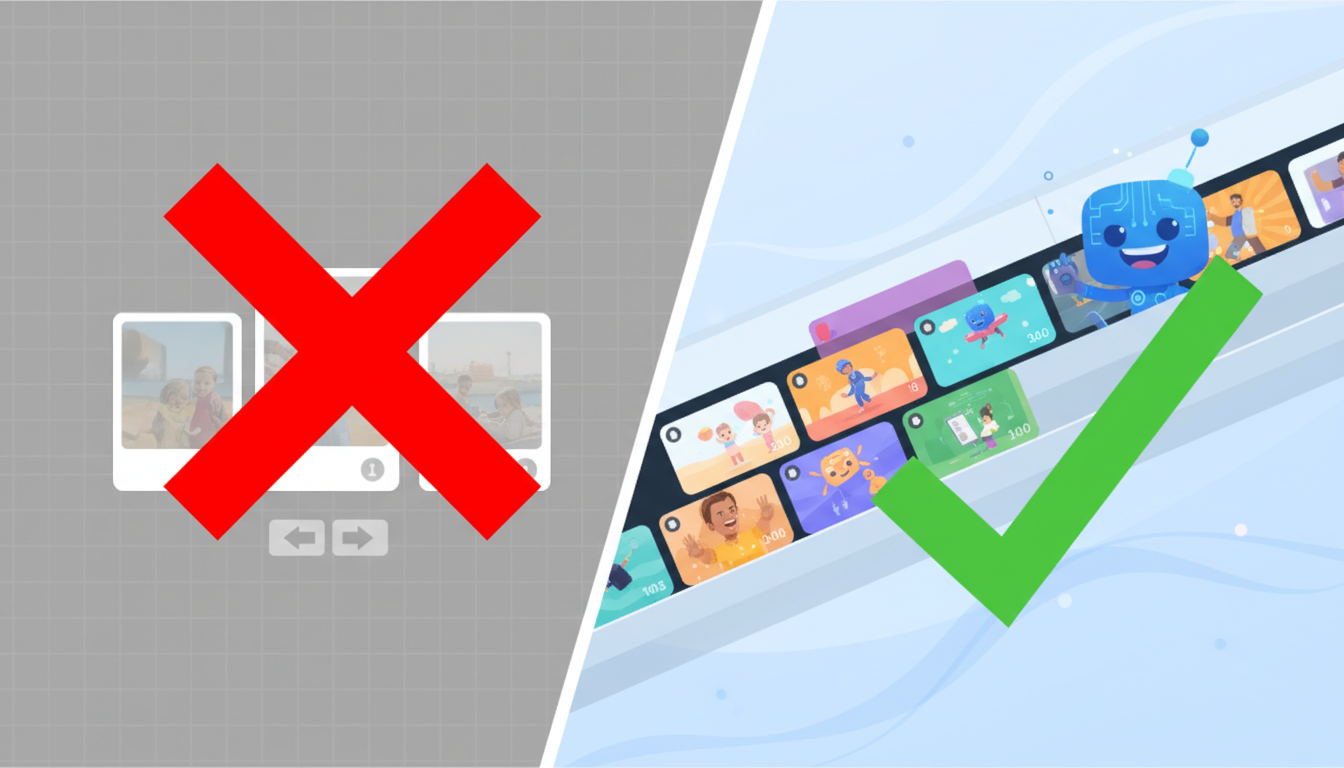
Most of us have sat through a well-meaning family video that was essentially a five-minute sequence of scanned childhood photos set to generic acoustic guitar music. While sentimental, these slideshows often feel repetitive and fail to capture the active energy of your family's actual relationships. To make a video your parents will want to watch more than once, you need to shift from a passive photo dump to an active narrative.
The secret ingredient is anchoring your video in family lore. Family lore consists of the hyper-specific inside jokes, recurring catchphrases, and legendary mishaps that define your household. Did your dad wage a ten-year war against local squirrels? Does your mom have a highly specific way of loading the dishwasher that everyone else gets wrong? These are the details that build real connection. Keep the pacing tight; a highly engaging two-minute video is infinitely better than a slow ten-minute montage.
Comparison: Traditional Slideshow vs. Narrative Digital Gift
| Feature | Traditional Slideshow | Narrative Digital Gift |
|---|---|---|
| Core Content | Static chronological photos | Short video clips, voiceovers, and character cameos |
| Tone | Uniformly sentimental, often slow | Dynamic, balancing light roasts with genuine heart |
| Pacing | 5+ minutes (prone to lagging) | Under 3 minutes (high engagement) |
| Inside Jokes | Rarely highlighted | The central theme and driving force |
Three High-Impact Video Formats Your Parents Will Actually Watch
Instead of starting with a blank timeline, choose a specific format that dictates how your story unfolds. Here are three highly effective formats that are easy to execute:
Format 1: The Mock Documentary
Frame your parent's daily routines, hobbies, or quirky habits as if they were the subject of a high-end nature documentary or a true-crime investigation. You can write a voiceover script describing their morning coffee routine or their meticulous lawn care in a whispery, dramatic narrator voice. This format is instantly funny because it treats mundane, everyday actions with epic solemnity.
Format 2: The Fictional Character Cameo
Imagine your parent's favorite classic cartoon character, anime icon, or retro movie star giving them a personalized shout-out. Using Fanfun, you can select an AI character persona, type in a custom script full of family inside jokes, and generate a video message in minutes. Having a beloved fictional figure chime in to congratulate them on their retirement or tease them about their messy garage adds an unexpected, highly memorable element of surprise.
Format 3: The Multi-Generational Tribute
If you have a large family, coordinate short, structured clips from siblings, grandkids, and close friends. To prevent this from becoming a chaotic mess of generic wishes, give everyone a specific prompt. Ask them to answer one question in 15 seconds, such as 'What is one piece of advice Mom gave you that you actually followed?' or 'Describe Dad's driving in one word.'
How to Script Your Video: Balancing Humor and Heart
A successful video gift needs a script that balances laughter with sincere emotion. To achieve this, use the 'Sandwich' Scripting Method: start with an affectionate joke, transition into a sincere memory or expression of gratitude, and conclude with a high-energy celebration.
If your family thrives on playful teasing, consider producing a high-impact digital video roast that highlights their funniest quirks without crossing the line. For milestone events like a 50th anniversary or retirement, you can scale up the energy by crafting a legendary personalized video congratulations that feels like a professional broadcast.
If you are coordinating with siblings across different time zones, check out our guide on designing hyper-personalized digital gifts for long-distance family members to keep the project organized and ensure everyone submits their clips on time.
The Sandwich Script Template
Here is an editable template you can adapt for your script:
[Opening - The Joke]: 'Happy 60th Birthday, Dad! We wanted to get you something expensive, but we figured saving you from another year of fixing the lawnmower yourself was gift enough...'
[Middle - The Heart]: 'In all seriousness, thank you for always being the first person we call whenever something breaks, and for teaching us how to be resilient. Your patience means the world to us...'
[Ending - The High Energy]: 'We love you, and we can't wait to celebrate. Here's to the next chapter!'
When writing scripts for digital voiceover tools or AI character generators, write phonetically for tricky family names or niche local jokes. For example, write 'Val-par-ay-so' instead of 'Valparaiso' if the system needs help with regional pronunciations.
Assembling the Final Edit: Tools and Best Practices
You don't need complex desktop software to assemble your video. User-friendly mobile and desktop apps like CapCut, iMovie, or Canva make it incredibly simple to stitch clips together, add clean text transitions, and overlay background music.
Use Fanfun's platform to generate custom character clips that act as comedic transitions or intro segments. For instance, you can have a classic cartoon character open the video by welcoming everyone to 'The Annual Roast of Mom,' then transition into your family clips, and close with another quick character sign-off. This breaks up user-generated footage and keeps the pacing lively.
Once the edit is complete, think about how you will deliver it. Sending a raw video file over a text message often compresses the quality. Instead, upload the final video to a private YouTube link or a shared drive. For the best reaction, cast the video directly to the living room smart TV during a family dinner, or set up a tablet at their place at the table so you can watch them experience the surprise firsthand.
How long should a digital video gift for parents be?
Aim for a sweet spot of 2 to 3 minutes. Anything longer than 5 minutes tends to lose momentum, especially if it relies heavily on static photos or repetitive clips.
What is the best way to show a digital video gift to non-tech-savvy parents?
Avoid sending a raw link or file attachment that they have to download. Instead, set up the video on a smart TV in their living room, load it onto a tablet, or present it during a family gathering so they can watch it instantly with zero technical friction.
Can I use copyrighted music in my personal video gift?
If you are sharing the video privately (via a direct link, cloud drive, or in-person casting), you can use any music you like. However, if you plan to publish it publicly on YouTube, TikTok, or Instagram, use royalty-free music or built-in app libraries to prevent the audio from being muted or flagged.
