
Beyond the Slideshow: How to Produce a High-Impact Digital Video Roast for a Friend
Ditch the dull photo dumps. Discover how to craft a fast-paced, high-impact digital roast video that blends sharp writing, comedic timing, and unexpected custom cameos to celebrate your friend's milestone.
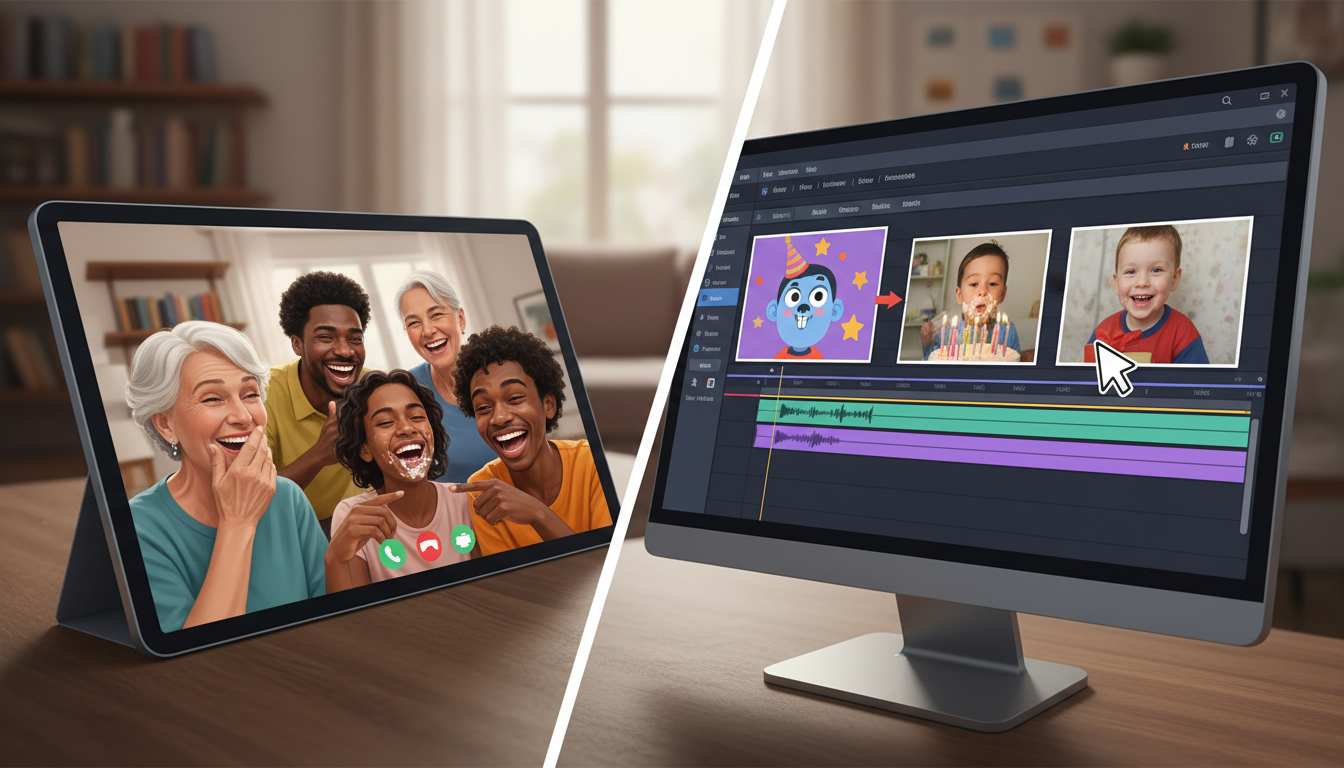
We have all sat through it: a five-minute slideshow of blurry childhood photos set to a generic acoustic track, while the guest of honor smiles politely and the rest of the room quietly checks their phones. Milestone events deserve better than a passive trip down memory lane. If you want to celebrate a friend's birthday, wedding, or graduation with actual energy, it is time to trade the sentimental retrospective for a high-impact digital video roast.
Creating a digital roast that lands requires more than just compiling embarrassing snapshots. It demands a production-minded approach that balances sharp writing, rapid pacing, and unexpected visual surprises. By treating your tribute like a mini-comedy special, you can create a shareable, laugh-out-loud masterpiece that honors your friendship without putting the audience to sleep.
The Anatomy of a Digital Roast: Why Slideshows Fail (and What Works Instead)
Traditional slideshows fail because they lack narrative tension, comedic timing, and auditory variety. A series of static photos fading in and out on a screen offers no momentum. To keep a crowd engaged—whether they are watching live on a projector or viewing it in a rowdy group chat—your video needs to adopt the grammar of modern digital media: quick cuts, expressive voiceovers, and contextual humor.
The golden rule of digital comedy is simple: show, don't tell. Instead of simply showing a picture of your friend asleep at a party, show the picture accompanied by a mock news broadcast voiceover analyzing their "legendary ability to lose consciousness in high-traffic zones." Combining visual evidence with sharp, voice-driven commentary transforms a generic memory into a punchline. This shift from static photo dump to structured, digital-first content ensures the video remains highly rewatchable long after the event ends.
Scripting the Burn: How to Structure Your Digital Roast
Writing comedy is intimidating, but you do not need to be a professional stand-up to write a killer script. The secret lies in a formula we call "Affectionate Savagery": the art of delivering razor-sharp burns that are rooted in deep, undeniable love. The goal is to make your friend laugh at their own absurdities while feeling incredibly valued.
To keep the video moving, structure your script with a clear three-act narrative arc:
- The Hook (0:00 - 0:30): Establish the premise. State clearly why everyone is gathered and introduce the central theme of your roast (e.g., "We are here to celebrate Sarah, a woman who has held a driver's license for fifteen years but still parks like she is steering a runaway shopping cart").
- The Evidence (0:30 - 2:00): Present three to four specific inside jokes, backed up by visual evidence. Focus on quirky habits, bizarre fashion choices, or legendary, low-stakes fails.
- The Soft Landing (2:00 - 2:30): Bring the room back together with a warm, genuine tribute. Acknowledge why this person is irreplaceable to the group, ending on a high note that ensures everyone leaves smiling.
For a deeper dive into balancing humor with heart, check out our guide on how to write a roast script for your best friend without ruining the friendship.
Establishing the 'No-Fly Zones'
Comedy thrives on boundaries, and a great roast is only funny if the target is laughing along. Before you write a single line, establish your "No-Fly Zones." Avoid highly sensitive topics like past relationships, family drama, genuine financial struggles, or career setbacks. If a topic still causes real-world stress, it is absolutely off-limits.
Additionally, remember the "Read the Room" rule. A roast script written for a tight-knit group chat can be far more unhinged than one designed to be screened in front of your friend’s grandparents at a rehearsal dinner. Keep the severity of your jokes proportional to the comfort level of the largest audience present.
Choosing Your Delivery Vehicle: Traditional vs. AI-Powered Formats
Once your script is drafted, you need to decide who will deliver the punchlines. While you can certainly narrate the video yourself, introducing unexpected voices can elevate the production value instantly.
Here is a quick look at how different production methods compare:
| Feature | Traditional Slideshow | DIY Video Roast | Fanfun Hybrid Roast |
|---|---|---|---|
| Production Effort | Low (Drag-and-drop photos) | High (Requires editing and voice recording) | Medium (Fast templates & instant AI generation) |
| Audience Engagement | Low (People zone out after 45 seconds) | Medium (Funny, but depends on your delivery) | High (Dynamic pacing with unexpected celebrity/character cameos) |
| Cost & Turnaround | Free / Instant | Free / Hours of editing | Affordable / Generated in minutes |
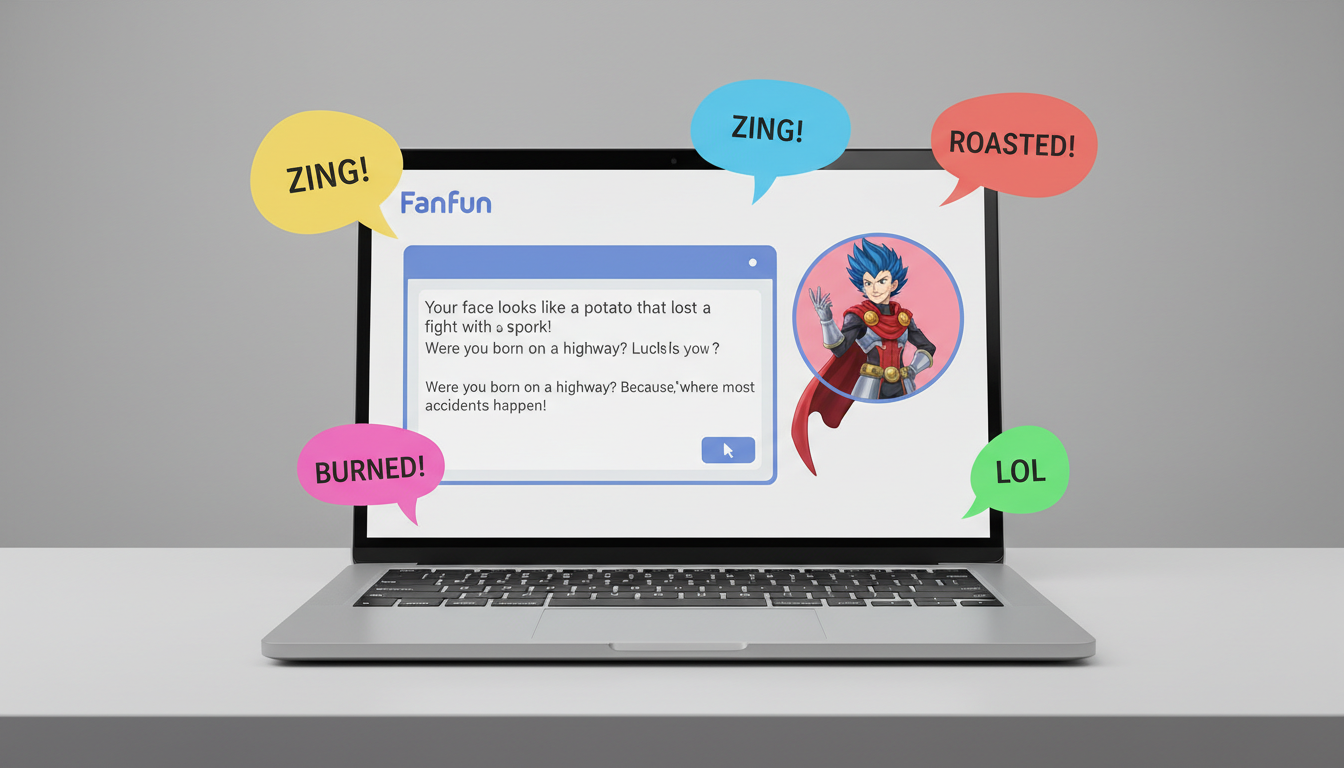
Platforms like Fanfun change the game by removing the friction of traditional celebrity video bookings. Instead of paying hundreds of dollars and waiting weeks for a real celebrity who might mispronounce your friend's name, you can use Fanfun to generate custom, highly specific video messages featuring AI interpretations of iconic pop-culture characters, anime heroes, or sports legends instantly. If you want to leverage AI to deliver your jokes, learn how to script and direct a hilarious AI video roast for your friends.
The most effective digital roasts often use a hybrid approach. You can narrate the main timeline of the video yourself, and then drop in short, high-impact "cameos" from Fanfun characters to deliver the most devastating punchlines. This keeps the audience guessing and adds a layer of professional-grade absurdity to the entire presentation.
Directing the Digital Performance: Voice, Pacing, and Visual Assets
The difference between a joke that bombs and one that kills is timing. When using digital voiceover tools or AI voices, you must act as the director. Pay close attention to punctuation; adding commas, ellipses, or line breaks in your text generator can force the AI to take dramatic pauses, build suspense, or hit a punchline with the correct emphasis. To make sure your voiceover does not sound flat, read our tips on how to choose and direct digital voiceover tools for high-retention video edits.
Visually, keep the edit fast and messy. You are not making a cinematic documentary; you are making a comedy video. Lean into the digital aesthetic by using mock text message screenshots, bad Photoshop crop jobs, red circles pointing out embarrassing background details, and relevant pop-culture memes.
To keep viewer retention high, follow the "3-Second Rule." Never let a single visual asset sit on the screen for more than three seconds without a cut, a zoom, a text overlay, or a sound effect. Constant visual movement keeps the brain engaged and prevents the energy of the video from dipping.
The Launch Plan: How to Present the Video for Maximum Impact
You have written the script, generated your Fanfun cameos, and edited a masterpiece. Now, you need to execute the release. A brilliant video can easily be ruined by a laggy internet connection or crackling speakers.
If you are presenting live at an event, test the venue's audio-visual setup beforehand. If you are sharing the video virtually, ensure your screensharing settings are optimized for high-definition video and system audio sharing. If you are planning this as part of a larger virtual event, see our complete playbook on how to organize a high-impact digital roast for a friend's milestone.
For the ultimate launch, use a dual-distribution strategy. Screen the video live to capture the immediate collective laughter, but the exact second the video finishes, drop the high-resolution link directly into your group chat. This allows guests to rewatch their favorite segments immediately and share it with those who could not make it. Finally, don't forget to set up a secondary phone to record the guest of honor's face as they watch the roast unfold—their raw reaction is the ultimate payoff.
How long should a digital roast video be?
The sweet spot for a digital roast video is between 2 and 3 minutes. Anything longer risks losing the audience's attention. Keep your jokes tight, your edits fast, and always end on a high note before the pacing drags.
How do I make a roast video if I don't know how to edit?
You don't need complex editing software. User-friendly mobile apps like CapCut, Canva, or TikTok's built-in editor make it easy to stitch photos, add text overlays, and sync audio. Using instant AI generation platforms like Fanfun also does the heavy lifting by delivering fully produced character clips that you can easily drop into your timeline.
What are some safe roast topics that won't ruin a friendship?
Safe topics include quirky daily habits (like being chronically late or having an obsessive coffee order), terrible past fashion phases, harmlessly bad driving skills, or legendary low-stakes fails (like failing a basic cooking attempt). Avoid sensitive personal topics like exes, family issues, or career struggles.
How can I get a celebrity voice to read my roast script instantly?
Instead of booking expensive traditional celebrity videos and waiting weeks for a response, you can use Fanfun's AI Voice Generator and character video tools. Simply select a character from the library, type your custom roast script, and generate a high-quality video or voiceover instantly.



