
How to Format Scripts for Virtual Character Video Greetings
Writing for an AI character is about rhythm, not just words. Follow this guide to help structure your scripts for your video greetings.
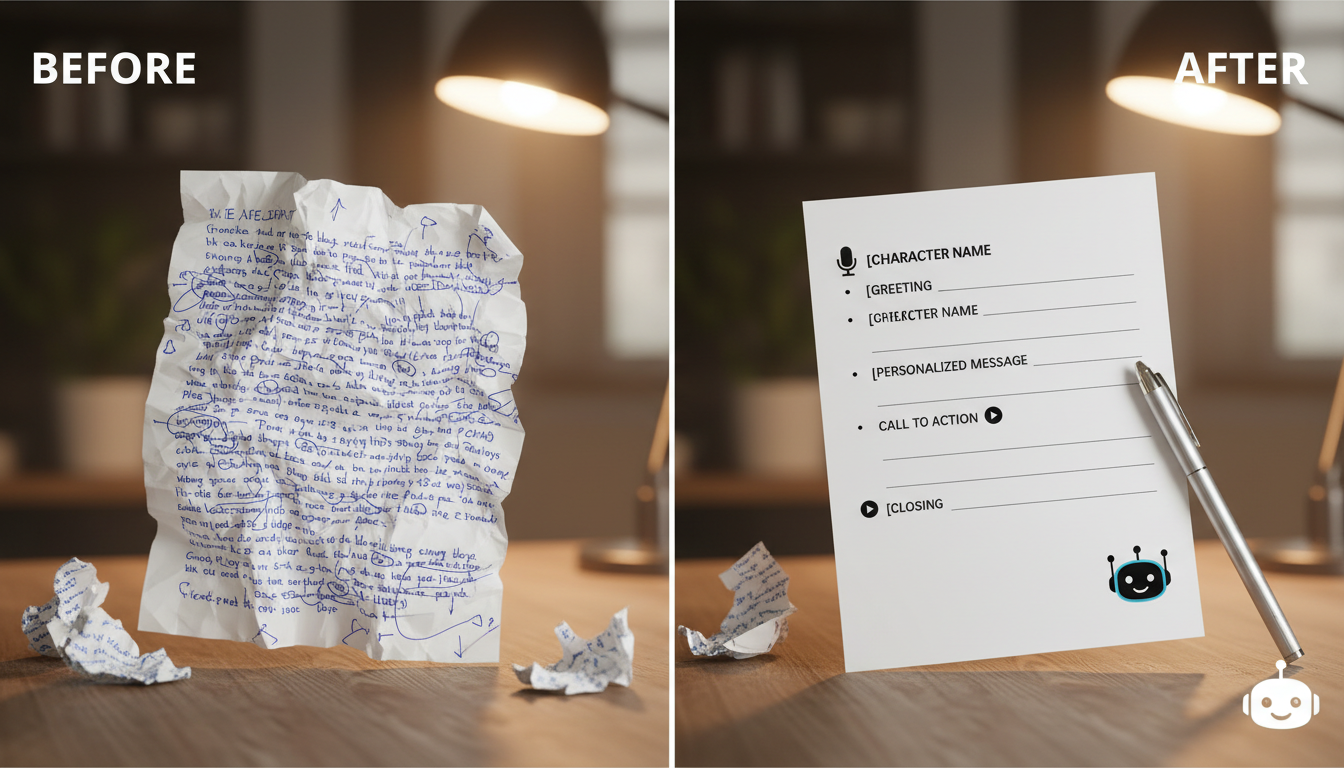
To help get a natural performance from a virtual character, think of your script as a performance guide rather than a formal document. A great video greeting often relies on conversational flow, strategic punctuation, and brevity. Writing in shorter blocks can help make the spoken delivery feel more conversational and easier to follow. For a foundational approach to refining your text, see our guide on how to format scripts for better AI character video outputs.
The Golden Rule: Write for the Ear, Not the Eye
When you write for a screen, your eyes can scan complex sentences, but when you write for a character's voice, you must account for how the AI breathes and pauses. Avoid long, winding sentences that force the AI to rush through information. Instead, use short, punchy lines that mirror how people actually talk.
- Use punctuation as pacing: Don't be afraid to use ellipses (...) or line breaks to force the AI to take a natural breath.
- Phonetic spelling: If a name or slang term is consistently mispronounced, spell it out phonetically. For example, if the AI struggles with a specific name, try writing it as "Suh-rah" instead of "Sarah."
- Keep it conversational: Read your script out loud. If you find yourself gasping for air, your character will, too.
A Simple Script Framework for Better Delivery
A structured approach helps you keep your message within the optimal 30-second window. Use this three-part framework to ensure your message is impactful and clear.
| Part | Goal | Duration |
|---|---|---|
| The Hook | Address the recipient and set the tone. | 0-5 seconds |
| The Core | Deliver your main sentiment or message. | 5-20 seconds |
| The Sign-off | A memorable closing or call to action. | 20-30 seconds |
To see how this works in practice, compare the two approaches below:
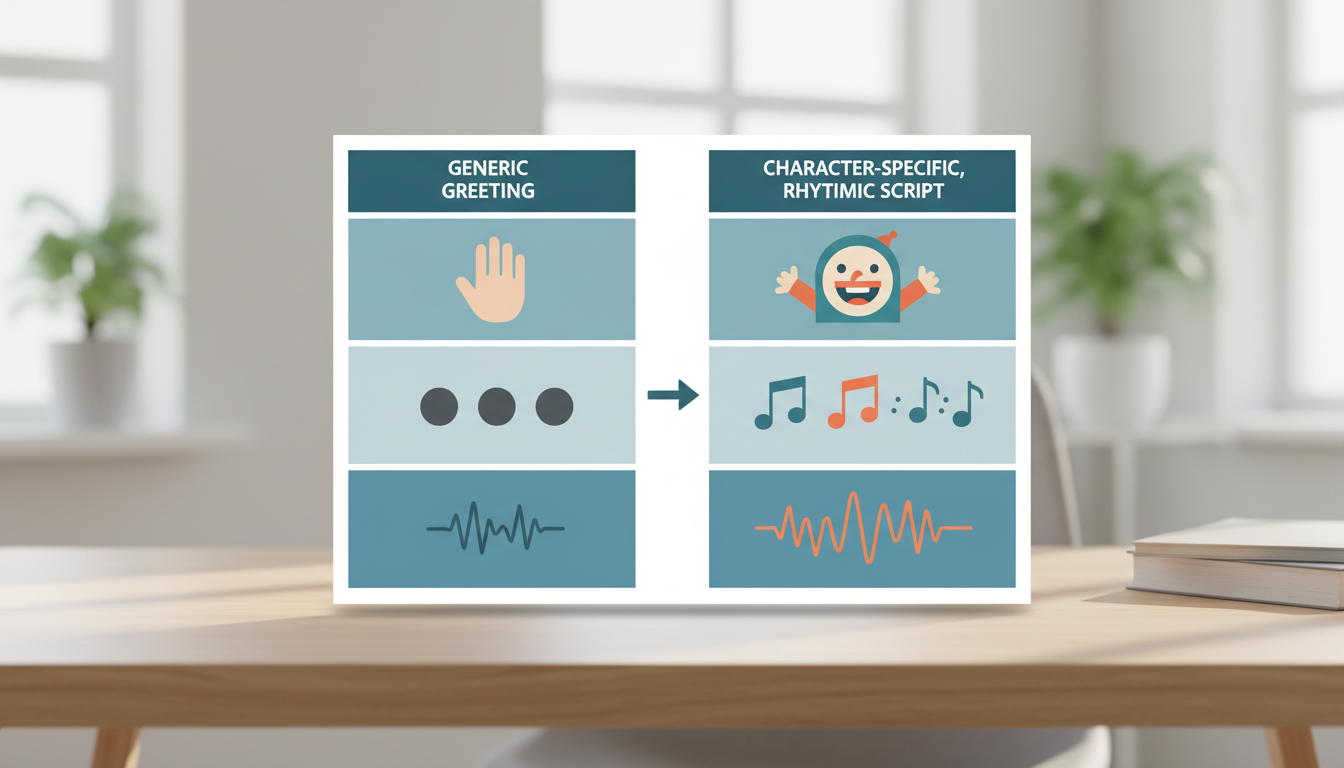
- Dense Paragraph (Avoid): "I am writing this video greeting to you today because I wanted to wish you a very happy birthday and I hope that you have a wonderful time celebrating with all of your friends and family members this weekend."
- Character-Focused Script (Recommended): "Happy birthday! I hope you have an incredible time celebrating this weekend. Surround yourself with your favorite people—you deserve it!"
When creating a video gift on Fanfun, keeping messages straightforward can help the character's personality stand out without being buried in filler words. If you are planning a specific event, you can also look at resources like how to plan a virtual character video greeting for a retirement party for thematic inspiration.
Timing Your Script for Video Credits
One video credit typically covers up to 30 seconds of speech. For a 30-second video credit, a script of around 60 to 80 words is a common starting point to keep the pacing comfortable. Anything longer might feel rushed, while anything significantly shorter might leave the character lingering on screen too long.
Always preview your script to check the cadence before finalizing. If you are preparing content for social media or mobile viewing, remember that the visual presentation is just as important as the audio; check our tips on how to choose the best video aspect ratio for mobile virtual character messages to ensure your final output looks professional across all devices.
How can I make an AI character sound more excited or serious?
Use punctuation to control the tone. Exclamation points, short sentences, and upbeat vocabulary often trigger a more energetic delivery. For a serious or somber tone, use longer sentences and periods to encourage a slower, more deliberate pace.
Should I use emojis in my script for an AI character?
It is generally best to avoid emojis in your script. AI models interpret text, and emojis can sometimes confuse the model or cause it to skip over words. Using standard punctuation is generally recommended to help the system interpret your text clearly.
What happens if my script is longer than 30 seconds?
Longer scripts will consume more video credits. You will see an estimate of the credit usage before you generate the video, allowing you to edit for length to fit your budget and timing needs.