How to Plan a Virtual Character Video Greeting for a Retirement Party
Planning a memorable retirement send-off requires balancing humor with sentiment. Learn how to plan, script, and technically prepare a stylized virtual character video that keeps party guests laughing.
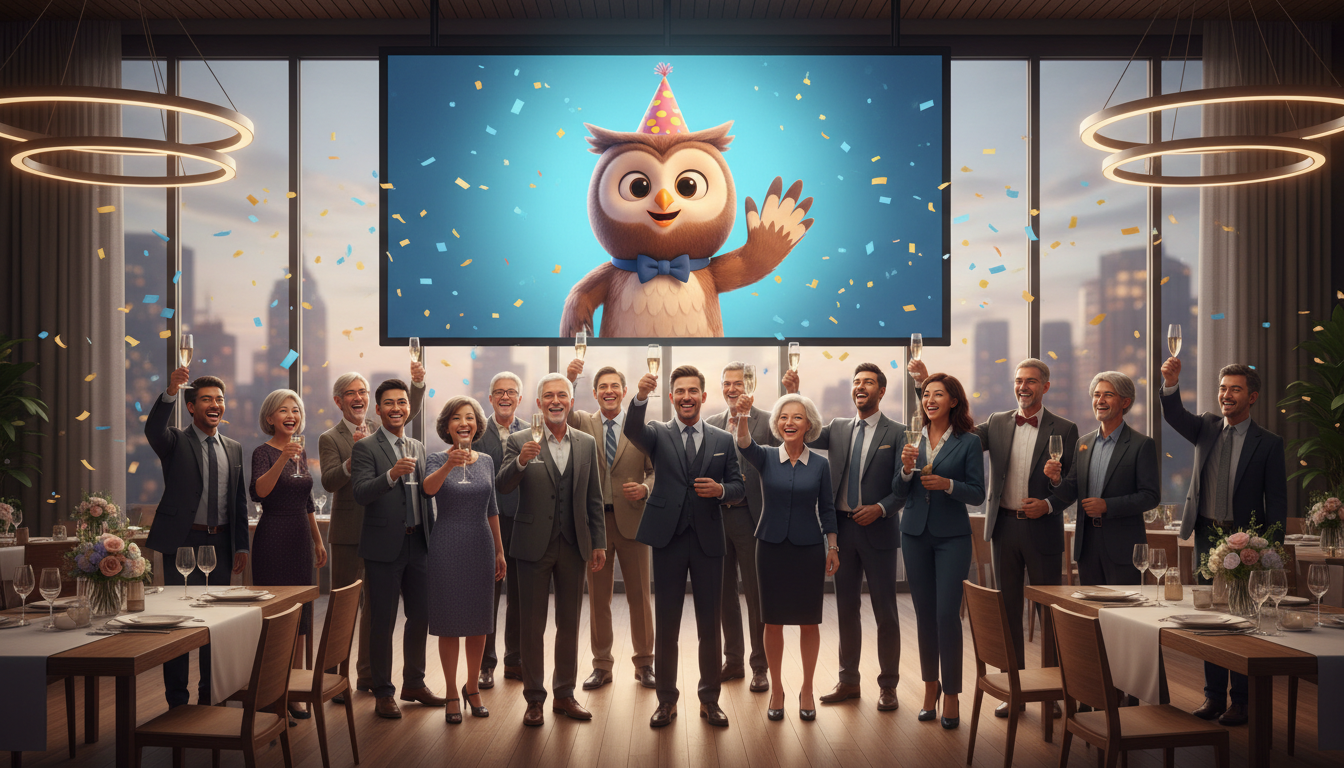
Planning a virtual character video greeting for a retirement party requires matching the digital persona to the retiree's sense of humor, writing a concise script under 60 seconds, and testing the audio-visual setup at the venue beforehand. While these AI-generated messages provide a highly entertaining, lighthearted parody, they are stylized representations rather than flawless real-person recordings, making them best suited as a playful highlight or roast during the celebration.
Step 1: Match the Character Persona to the Retiree's Legacy
The key to a successful virtual character greeting is selecting a persona that aligns with the retiree's personality, career history, and sense of humor. A well-chosen character can set the tone for the entire retirement celebration, whether you want to inspire the room or provoke a round of friendly laughter.
First, assess the retiree's taste. Would they prefer a warm, motivational send-off from a historic leader, or a hilarious, satirical roast from an animated icon? Keep in mind that these virtual character videos are fun, stylized parodies rather than real-person endorsements. They are designed to bring a playful energy to the room, not to convince guests that a celebrity actually recorded a message in a professional studio.
On Fanfun, planners can choose from dozens of distinct AI characters—ranging from animated favorites to recognizable public figures—to deliver their custom message. If you are still deciding on the overall direction of the retirement gift, it helps to compare your options. For instance, you might find yourself deciding between a traditional group video or a stylized character message depending on whether you want a sentimental compilation of coworker goodbyes or a singular, high-energy entertainment piece.
| Retiree Personality Type | Recommended Character Style | Best Tone for the Message |
|---|---|---|
| The Office Joker | Animated Cartoon Character | A lighthearted roast about office habits and sleeping at their desk. |
| The Dedicated Leader | Inspiring Public Figure | An encouraging speech celebrating their legacy and future adventures. |
| The Pop-Culture Fan | Famous Musician or Actor | A stylized, high-energy shout-out filled with references to their favorite movies or music. |
Step 2: Draft and Time Your Script for Maximum Impact
A great retirement video script must keep the party crowd's attention while working smoothly with synthetic voice generation. Long, rambling speeches can cause guests to lose interest, and they can also complicate the generation process.
Keep your script concise: 30 to 60 seconds is the sweet spot. It is important to acknowledge platform parameters early in your planning. For example, on Fanfun, one video credit covers up to 30 seconds of speech. If you write a longer script, it will require multiple credits, so keeping it tight and punchy is both engaging and cost-effective.
When drafting, focus on universal career milestones that the entire room will understand. Avoid ultra-niche inside jokes that only two people in the department will get. Additionally, synthetic voices can occasionally stumble on industry-specific terminology. To ensure smooth delivery, spell out tricky industry acronyms or unusual names phonetically. For more detailed tips on formatting your text, you can read our guide on writing a tailored script for a virtual character.
Sample Editable Script Template (Under 30 Seconds)
"Attention everyone! This is [Character Name] bringing you a special announcement. After [Number] years of hard work, [Retiree's Name] is officially escaping the daily grind. No more early meetings, no more spreadsheets, and absolutely no more answering emails with 'as per my last email.' [Retiree's Name], congratulations on an incredible career. Enjoy your endless weekend!"
Step 3: Choose Your Presentation and Delivery Format
Once your video is generated, you must decide how the retiree and the guests will actually view it. The technical setup can make or break the moment, especially in a noisy party venue.
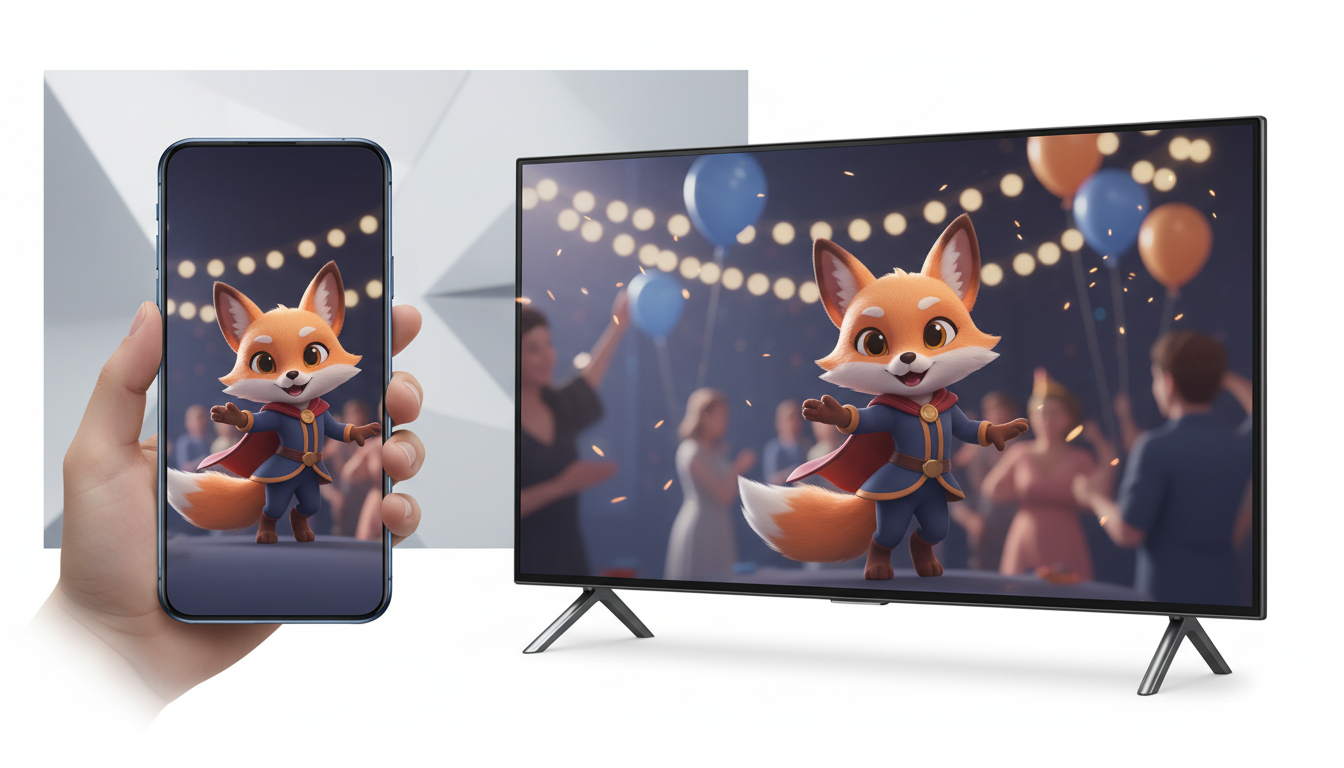
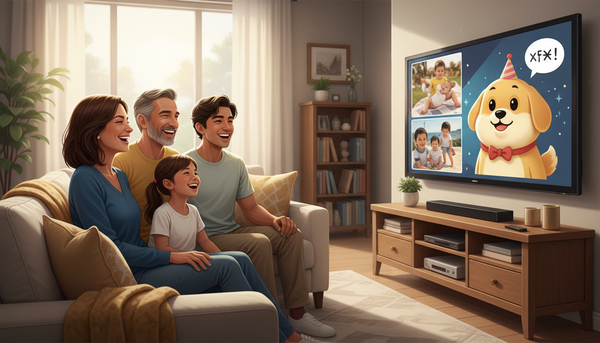
First, choose between a personal mobile delivery (sending the video directly via text or email) or a public screening at the retirement venue. If you choose a public screening, you must optimize the video dimensions. You will want to focus on selecting the right aspect ratio for mobile or wide displays. Vertical formats work beautifully for direct mobile sends, while landscape formats are necessary for projectors, large TV screens, or event monitors.
Second, prioritize your audio setup. Built-in projector or laptop speakers are rarely loud enough to cut through background party chatter. Always connect the playback device to external venue speakers or a dedicated sound system. Finally, if you want the video to run continuously on a lobby screen during the cocktail hour rather than playing once during the main speeches, you should plan how to loop and display your video at the venue using standard media player settings.
The Ultimate Retirement Video Planning Checklist
Use this chronological checklist to ensure a seamless delivery of your virtual character video greeting from initial draft to the day of the retirement party.
- Two Weeks Out: Scripting and Generation
- Select your AI character on Fanfun based on the retiree's personality.
- Write a 30-to-60-second script using phonetic spellings for tricky names.
- Generate your video on Fanfun by selecting a template and entering your script.
- One Week Out: Technical Testing
- Download the completed video file to your local playback device.
- Verify the aspect ratio matches your display method (vertical for phones, horizontal for screens).
- Test the video file on the actual laptop, tablet, or projector you plan to use at the venue.
- Day of the Event: Final Setup
- Connect your playback device to the venue's external sound system and test the volume.
- Secure any necessary display adapters (such as HDMI or USB-C cables).
- Cue up the video file or set up the media player loop before guests arrive.
Can I combine multiple virtual characters into one retirement video?
Currently, each Fanfun video generation features one selected character. To feature multiple characters, you can generate separate video clips and combine them using basic video editing software before the party.
What should I do if the character mispronounces the retiree's name?
If a name or industry term sounds incorrect, adjust the spelling in your script phonetically (for example, writing "Sheryl" as "Share-ull" or "Koch" as "Cook") and regenerate the video.
Is it better to play the video during the speeches or have it running in the background?
If the video has a specific, highly personalized message or roast, it is best to play it as a featured segment during the main speeches so everyone can hear the jokes. If it is a general congratulatory message, looping it on a lobby screen during cocktail hour works beautifully.