
Comparing Video Greetings and Personalized Audio: How to Choose the Right Format
Struggling to decide between a fully animated video message and a quick, punchy voice note? This guide breaks down when to use each format, complete with a decision matrix and scripting tips to make your next character message hit the mark.
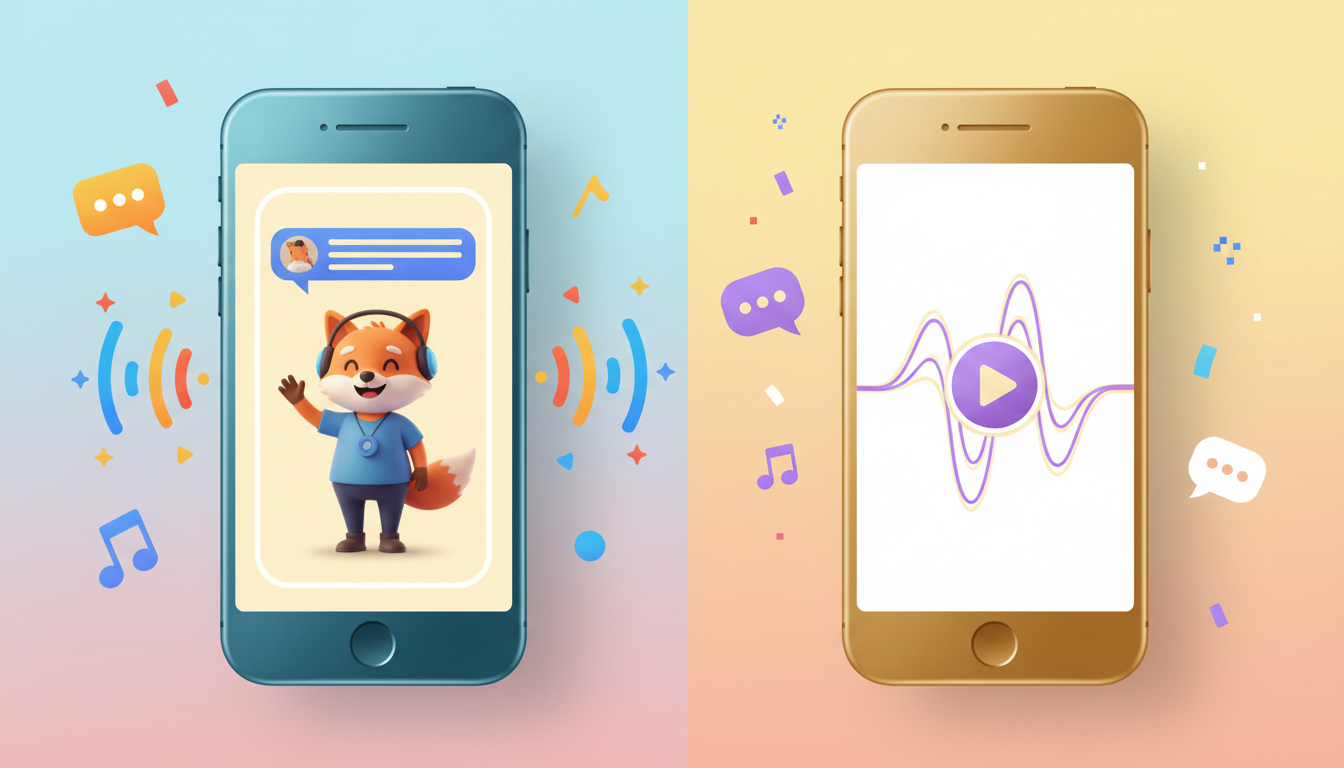
Choose personalized audio clips for quick, low-pressure messages—like a casual morning roast or a background track for a custom slideshow—where visual attention isn't required. Opt for video greetings when celebrating major milestones, hosting group viewing parties, or when having a visual presence on screen is preferred for the punchline. While audio is highly versatile and fits easily into daily routines, video greetings act as a standalone, high-impact gift. With Fanfun, you can easily create custom video greetings to deliver the exact level of playful energy your recipient will appreciate.
The Case for Personalized Audio Clips: Quick, Casual, and Versatile
Personalized audio clips offer a level of flexibility that full video messages cannot match. Because they do not demand the recipient’s undivided visual attention, they are perfect for busy mornings, on-the-go group chats, or a quick laugh during a workday. Audio feels intimate, like a voice note from a friend, but with the added twist of a custom character delivery.
Audio is also incredibly modular. If you are already compiling a custom family montage or editing a vacation slideshow, layering custom character voiceovers onto existing clips is an excellent way to inject humor without starting your visual project from scratch. You can use the generated voice to narrate specific inside jokes or provide a funny commentary over old photos, making the final project feel cohesive and uniquely tailored.
The Case for Video Greetings: High-Impact Visual Storytelling
When the occasion calls for a grand gesture, video greetings are a great choice. Having a character appear on screen adds a layer of engagement that audio alone does not deliver. Seeing the character deliver lines on screen turns a simple message into a memorable event.
Video greetings feel like a complete, standalone gift rather than a quick notification. They are inherently more shareable during live gatherings, such as a milestone birthday or retirement party, where you can cast the video to a screen for everyone to enjoy together. Even if you are working on a tight schedule, generating hyper-personalized character videos in minutes on Fanfun ensures you can deliver a high-quality, visually engaging surprise without days of production planning.
The Format Decision Matrix
To help you decide which medium fits your goals, use this quick comparison matrix. It outlines how audio and video compare across key delivery scenarios and emotional contexts:
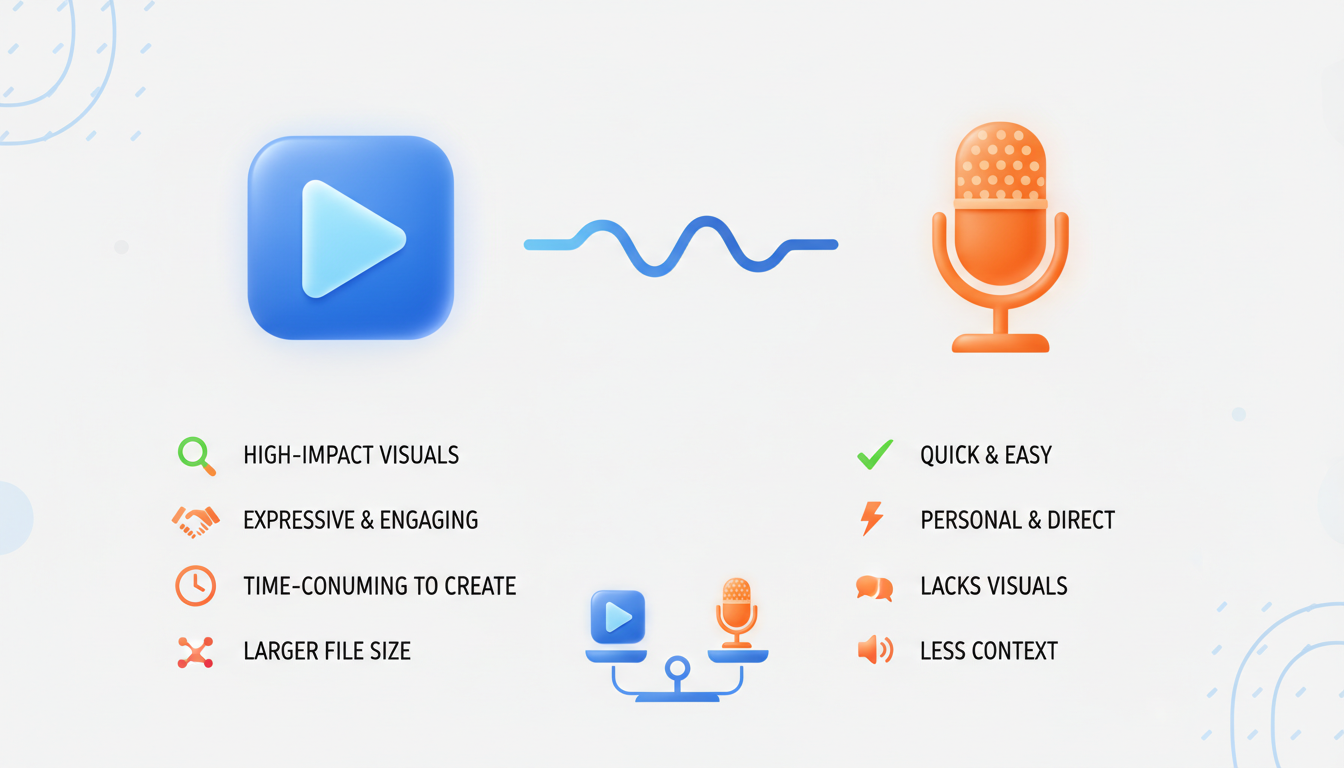
| Feature | Personalized Audio Clips | Video Greetings |
|---|---|---|
| Best For | Casual roasts, daily updates, background voiceovers | Milestones, group watch parties, major celebrations |
| Emotional Weight | Intimate, casual, and low-pressure | High-impact, theatrical, and highly shareable |
| Delivery Channel | Direct messaging apps, email, embedded in slideshows | Group chats, cast to TV, social media platforms |
| Visual Context | Not required; relies entirely on the listener's imagination | Essential; character is visible on screen |
| Production Speed | Almost instant; highly flexible for quick edits | Fast, but requires visual alignment and framing |
Scripting Tips for Both Formats
Writing for the ear is very different from writing for the eye. To make sure your message hits the mark, it helps to understand how to write a script that fits the medium you have chosen.
Scripting for Audio
Since the listener cannot see the character, your words have to do all the heavy lifting. Use highly descriptive language and clear context clues. For example, instead of just saying "Look at this," say, "I am sitting here looking at that ridiculous neon shirt you wore last Tuesday." Keep the lines punchy and introduce the character's identity early so the listener immediately knows who is speaking.
Scripting for Video
With video, you can let the visual presence do some of the talking. Keep your lines slightly shorter to allow the visual pacing to breathe. Focus on visual setups—like referencing the character's outfit or background—to tie the script directly to what the recipient is seeing on screen. In both cases, keeping your message under 60 seconds ensures your recipient stays engaged from the first second to the last.
Can I convert a Fanfun video greeting into an audio-only file?
If you generate a video message on Fanfun, you can easily use standard media conversion tools to extract the audio track if you want to use the voiceover for a custom slideshow or background track.
Which format is better for sending to older family members who might struggle with tech?
Audio clips are often easier to play directly within standard messaging apps without requiring external players. However, a video greeting can also be easily cast to a TV or shared via a simple link, making it a great option if someone else is hosting the viewing experience.
Should I use a script template or write my greeting from scratch?
Starting with a template is a great way to understand pacing, but adding specific, hyper-personalized details—like inside jokes, specific dates, or unique nicknames—is what makes the final character message truly memorable.



