
How to Structure a 30-Second Script Outline for Custom Video Greetings
Learn how to structure a high-impact, 30-second script for custom video greetings. Get an editable template, a second-by-second breakdown, and a worked example to make your digital character messages sound natural.

A successful 30-second custom video greeting relies on a precise three-part structure: a character-establishing hook (0 to 8 seconds), a personalized core message (8 to 22 seconds), and a signature sign-off (22 to 30 seconds). Since a 30-second video has a limited duration, keeping your script concise prevents the AI-generated voice from rushing or getting cut off mid-sentence. While these digital character greetings differ from real-person recordings, treating the brief runtime as a creative boundary helps you craft a punchy, memorable message.
The 30-Second Rule for Digital Character Scripts
Writing for digital avatars requires a different approach than filming a traditional video greeting. Since you are working with AI personas rather than real-person recordings, timing is everything. A single video credit on Fanfun covers up to 30 seconds of speech, making this the perfect benchmark for planning a script without wasting words.
Depending on the specific character persona you choose, the pacing of the voice will vary. Some animated characters may speak more quickly, while other AI personalities might deliver their lines at a more deliberate pace. To set yourself up for success, you can explore our comprehensive guide on how to plan and script custom video greetings before finalizing your draft.
The 3-Part Script Outline Template
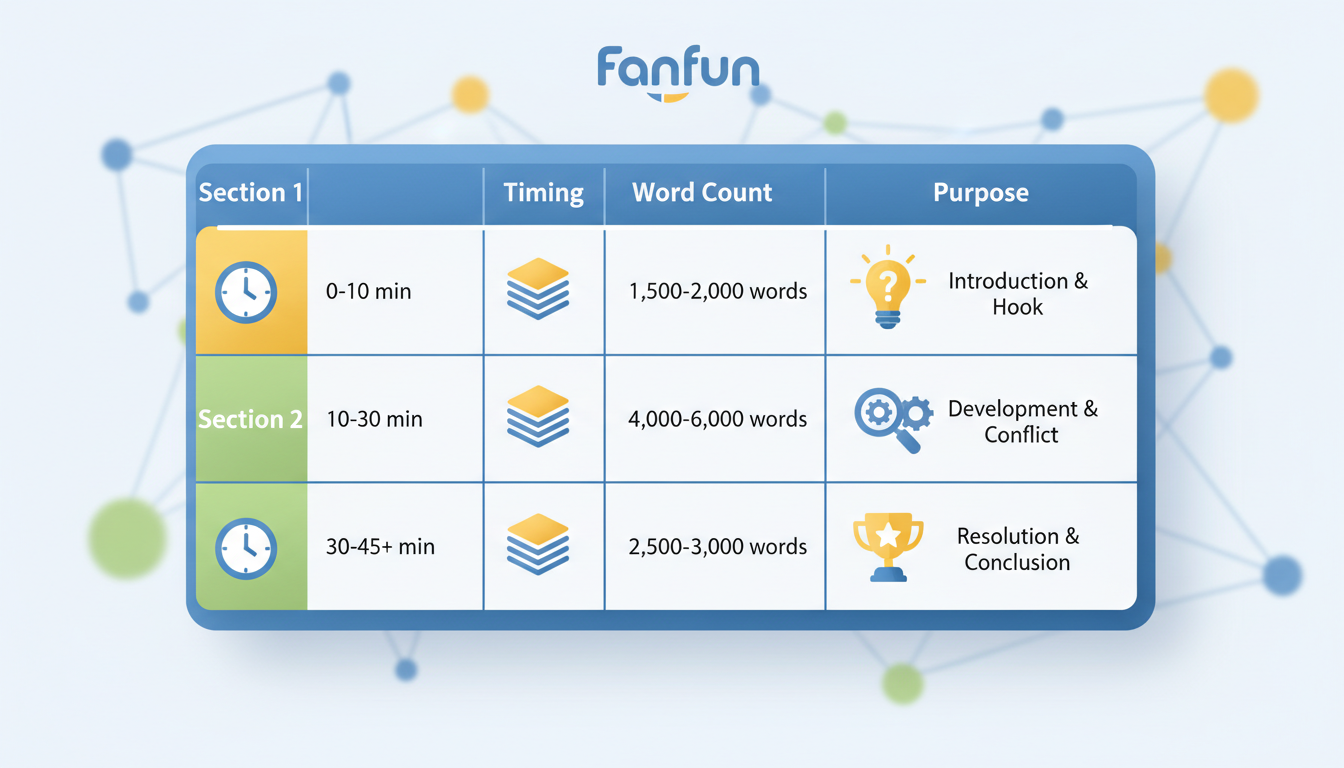
To make the most of your 30 seconds, divide your script into three distinct phases. This ensures the greeting flows naturally, delivers the personalized details clearly, and wraps up with high energy.
| Segment & Timing | Suggested Length | Purpose & Focus |
|---|---|---|
| The Hook (0–8s) | 1 short sentence | Establish the character's unique voice and greet the recipient by name. |
| The Personal Twist (8–22s) | 2-3 short sentences | Deliver the specific details, inside jokes, or personalized milestone context. |
| The Sign-off (22–30s) | 1 short phrase | Deliver a signature catchphrase or warm closing remark. |
The Editable 30-Second Script Template
Copy and paste this template to write your own custom greeting:
[The Hook] Hey there, [Recipient Name]! It is your favorite [Character Persona/Name] here, coming to you live from [Character Location]!
[The Personal Twist] I heard you are celebrating [Occasion/Milestone] today. Word on the street is that you [insert fun personal fact or inside joke]. Keep up that awesome energy!
[The Sign-off] Have an absolute blast today. And remember: [Character Catchphrase or Sign-off]!
Formatting Checklist for Better Voice Generation
- Keep names simple: If a name is highly unusual, using a common nickname can help ensure a smooth delivery.
- Keep sentences short: Long, run-on sentences can cause the digital voice to sound unnatural or rushed.
A Worked Example: The Birthday Roast and Toast
Here is an illustrative example of how the 3-part template works in action, modeled after a playful animated character voice. This sample script is designed to be punchy, energetic, and concise.
"Aha! Happy birthday, Marcus! It is your favorite space explorer here, beaming down directly to your screen! I heard you finally turned thirty, but you still play video games like you are twelve. Do not worry, your secret is safe with me. Have an awesome day, buddy. Remember: keep reaching for the stars, and never stop gaming!"
Let's look at how this breaks down structurally:
- The Hook: "Aha! Happy birthday, Marcus! It is your favorite space explorer here, beaming down directly to your screen!" This immediately establishes who is speaking and who they are addressing.
- The Personal Twist: "I heard you finally turned thirty, but you still play video games like you are twelve. Do not worry, your secret is safe with me. Have an awesome day, buddy." This provides the personalized, playful roast that makes the gift feel unique.
- The Sign-off: "Remember: keep reaching for the stars, and never stop gaming!" A fun, thematic catchphrase that ends the greeting on a high note.
When writing your script, reading it aloud at your chosen character's estimated pace can help you gauge if the comic timing matches their unique rhythm.
Adapting the Template for Different Occasions
You can easily adjust this core structure to suit different audiences, tones, and events. The key is matching the vocabulary and energy of your script to the recipient and the occasion.
For instance, if you are crafting a greeting for a child, keep the language simple, enthusiastic, and highly encouraging. You can read more about customizing virtual character messages for kids' birthdays to find ideas on matching a younger audience's expectations.
If you are planning a holiday greeting, swap the playful roasts for warm, festive sentiments. You can check out our seasonal holiday dialogue templates for digital characters to find inspiration for Thanksgiving, Christmas, or New Year's greetings. No matter the occasion, choosing a character persona on Fanfun that matches your script's natural energy—whether that is a high-energy superhero or a calm, wise mentor—will make your custom video greeting feel cohesive and genuinely fun to share.
How long should my script be for a 30-second video greeting?
Because speaking paces vary by character, it is best to keep your script brief and focused. Energetic characters may speak more quickly, while dramatic or deliberate voices will take longer to deliver the same lines. Reading your script aloud with a stopwatch can help you estimate if it fits within the 30-second limit.
What should I do if a name is difficult to pronounce?
If a name is highly unusual or difficult to pronounce, you might consider using a common nickname or a simplified spelling in your script to help the character deliver it smoothly.
Can I use the same script outline for different characters?
Yes, you can adapt this outline for different characters across separate videos. Simply adjust the tone, vocabulary, and catchphrases to match each persona's unique style.



