
How to Send a Virtual Birthday Card with a Custom Video
Move past generic, static e-cards. Learn how to combine modern digital card platforms with personalized, AI-generated character videos from Fanfun to create a memorable birthday surprise.
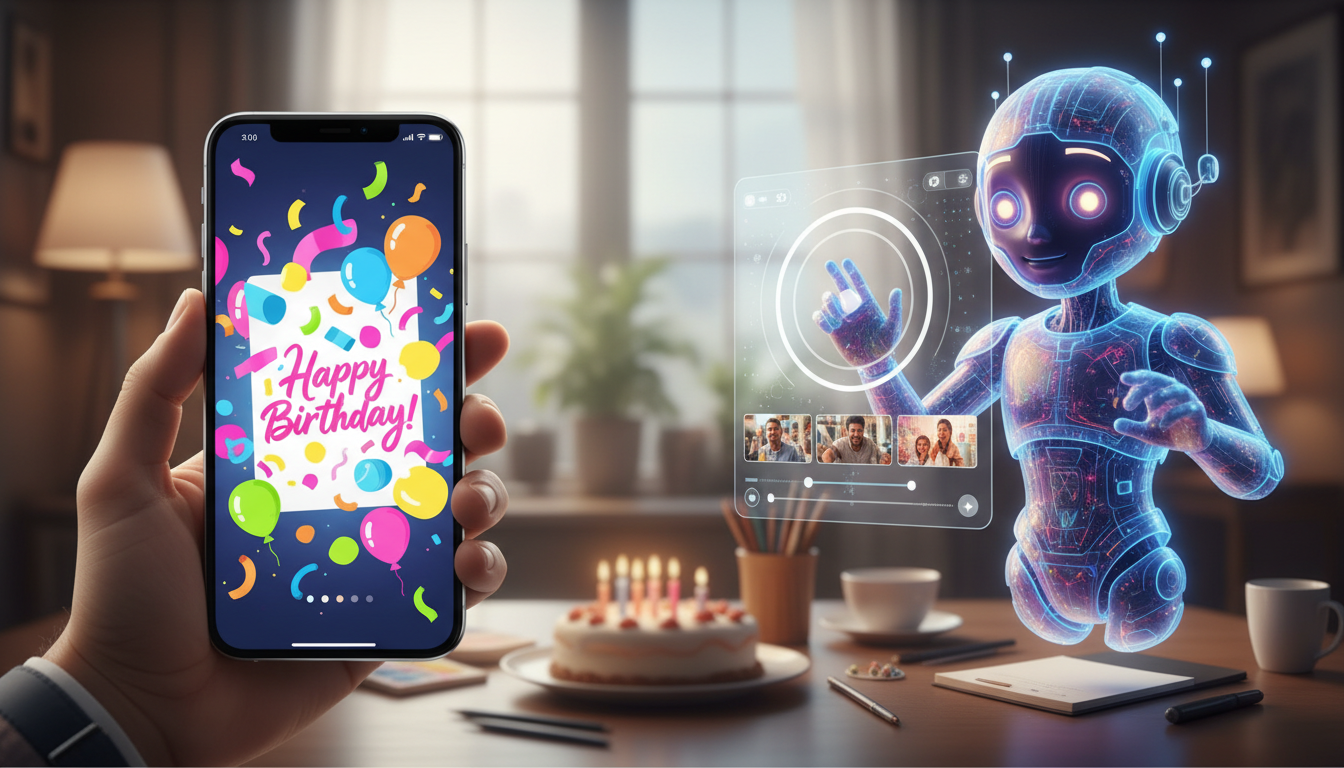
To send a virtual birthday card with a custom video, you need to select a digital card platform that supports media embedding, generate a personalized video message using an AI platform like Fanfun, and insert the video directly into the card template. This process transforms a standard, often-ignored text greeting into a highly engaging, interactive experience. Whether you are celebrating a friend's milestone or exploring other celebrations like learning how to create a virtual graduation card with a custom character video, adding custom media ensures your message stands out.
Why Static Cards Fall Short (and How Video Upgrades Them)
Standard digital cards often feel like a low-effort afterthought because they rely on generic templates and dry text. By shifting the focus to rich, personalized media, you can design interactive virtual birthday cards with real pop-culture punch that recipients actually want to watch and share. Fanfun solves this by letting you generate custom video messages using unique character and celebrity-style voices in minutes. Instead of a generic greeting, you can have a beloved pop-culture icon or customized persona deliver a tailored birthday wish or a playful roast, creating a high-substance keepsake.
Step-by-Step: How to Create and Embed Your Custom Video
Building a multimedia greeting card does not require technical expertise. Follow this practical sequence to produce and assemble your card:
- Choose a digital card platform: Select a platform that supports video embedding or clean external links.
- Generate your custom video: On Fanfun, you can pick a character, enter what you want them to say (such as a birthday wish or roast), and get a custom AI video in minutes.
- Embed or link the video: Depending on the platform, you can upload the MP4 file directly or use a high-quality thumbnail image that links to the video.
- Test the card across devices: Send a test version to yourself to ensure the video loads quickly on both mobile and desktop.
For a detailed breakdown of formatting and presentation techniques, read our guide on how to direct and produce custom video greetings that don't get deleted.
What to Look For in a Digital Card Platform
When selecting a digital card platform, review their specific feature lists to ensure they support your planned layout. Key features to check include:
- Video Integration: Verify whether the platform allows direct video embedding, file uploads, or external link sharing.
- Collaborative Signing: Check if multiple contributors can add messages, images, or media to the same card.
- Delivery Options: Confirm if the platform supports scheduled email delivery, direct links, or text messaging.
Scripting Your Custom Video for Maximum Impact
The success of your video depends heavily on the script. Because the AI voice generator interprets your text literally, a well-structured script helps guide natural pacing. Keep your message under 60 seconds (around 100 to 150 words) to maintain a punchy, high-impact delivery. To get started, learn how to write a script for an AI birthday video. You can try writing tricky names phonetically in your script to help guide the AI's pronunciation. For example: "Hey [Name]! Word on the street is you are turning [Age] today. Yes, [phonetic spelling of name], we all know you still cannot cook a simple bowl of pasta without setting off the smoke alarm. Happy Birthday from the whole crew!"
Coordinating a Collaborative Group Video Card
If you are organizing a birthday greeting on behalf of a family, friend group, or workplace team, coordination is key. You can follow the group card blueprint to orchestrate a virtual birthday card with custom video that lands perfectly. Ensure you set a firm deadline at least 48 hours before the birthday to troubleshoot formatting issues, designate a single coordinator to manage the layout, and verify that your selected platform supports multiple editors. This collaborative approach works beautifully for various life milestones, similar to how you would organize a humorous retirement tribute video with AI character voices.
Can I schedule the virtual card to be sent at a specific time?
Yes, most modern digital card platforms allow you to schedule delivery in advance. Once you have finalized your card and embedded your custom Fanfun video, you can select the exact date, time, and timezone for delivery.
Do recipients need a special app or account to view the video card?
No, recipients do not need to download an app or create an account. They will receive a link via email, text, or messaging app that opens the interactive card directly in any standard mobile or desktop web browser.
How long does it take to generate a custom character video for the card?
Generating a custom video on Fanfun takes only a few minutes. After choosing your AI character and entering your script, the video renders quickly, allowing you to copy the link or download the file almost instantly.
