
How to Write a Script for an AI Birthday Video
Writing a script for an AI voice generator requires a unique approach to pacing and formatting. Discover how to use strategic punctuation, phonetic spellings, and our three editable templates to help craft an engaging AI birthday greeting.
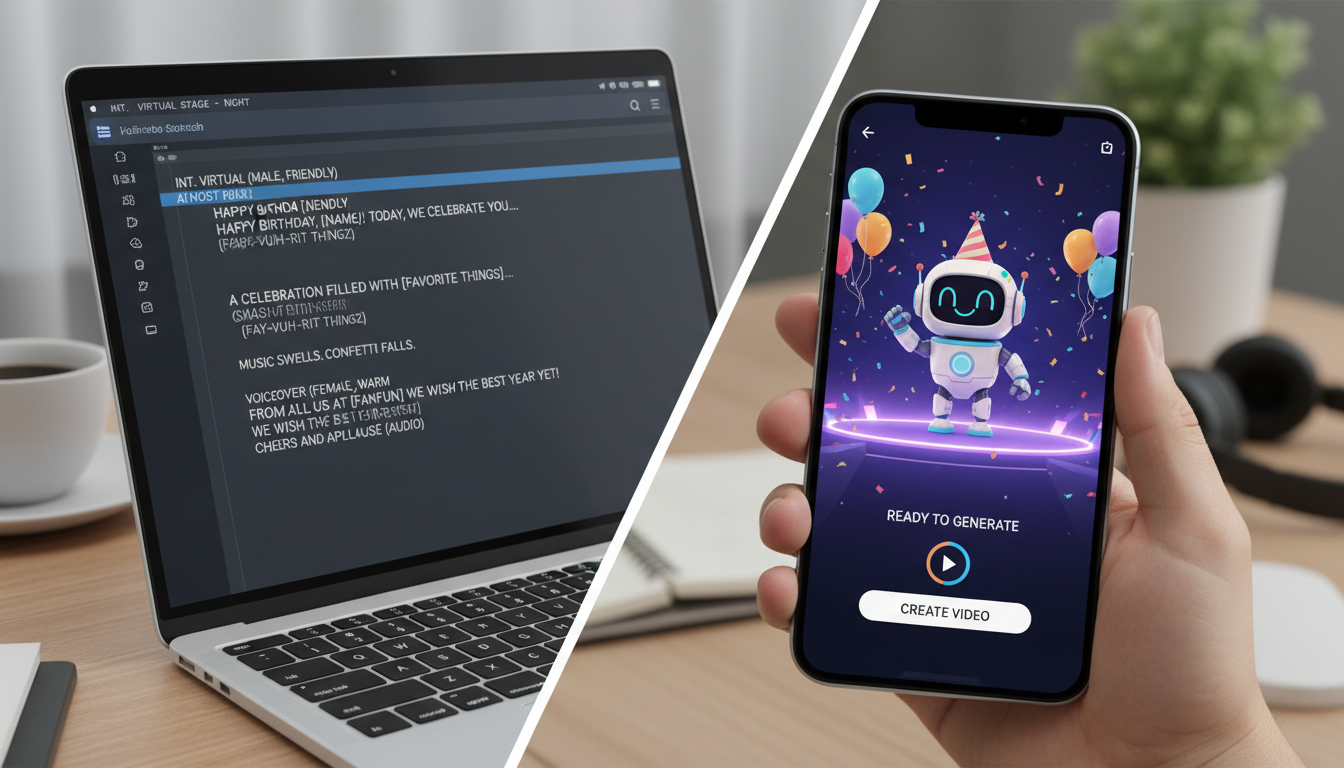
Writing a script for an AI birthday video requires adjusting your natural writing style to accommodate an AI voice generator's pacing and pronunciation limits. To create a highly engaging video, keep your script between 15 and 30 seconds (roughly 40 to 80 words), introduce the recipient's name within the first five seconds, and use strategic punctuation to guide the voice's rhythm. Platforms like Fanfun let you select a character and input custom text to generate instant video greetings in minutes, but formatting the text correctly is key to avoiding robotic-sounding pauses or mispronounced names.
The Golden Rules of Scripting for AI Voice Generators
AI voice generators do not read text the same way humans do; they rely entirely on punctuation and formatting cues to determine pacing, pitch, and emphasis. When writing a script for a Fanfun video, keeping your message concise can help prevent the generated voice from sounding rushed or losing its natural flow.
- Keep it short: Aim for 40 to 80 words. This translates to roughly 15 to 30 seconds of high-retention video content.
- Control the pace with punctuation: Punctuation marks like commas, ellipses (...), and exclamation points are often used to guide the AI's pacing and tone, though the exact delivery depends on the specific voice model. For a deeper dive into these formatting mechanics, read our guide on structuring AI scripts for optimal pacing and pronunciation.
- Hook them early: Introduce the recipient's name within the first five seconds. This immediately personalizes the video and grabs their attention.
Three Plug-and-Play AI Birthday Script Templates
Depending on the recipient's personality and your chosen character, you can choose from three distinct script styles. Here are editable templates you can copy, customize, and paste directly into the generator.
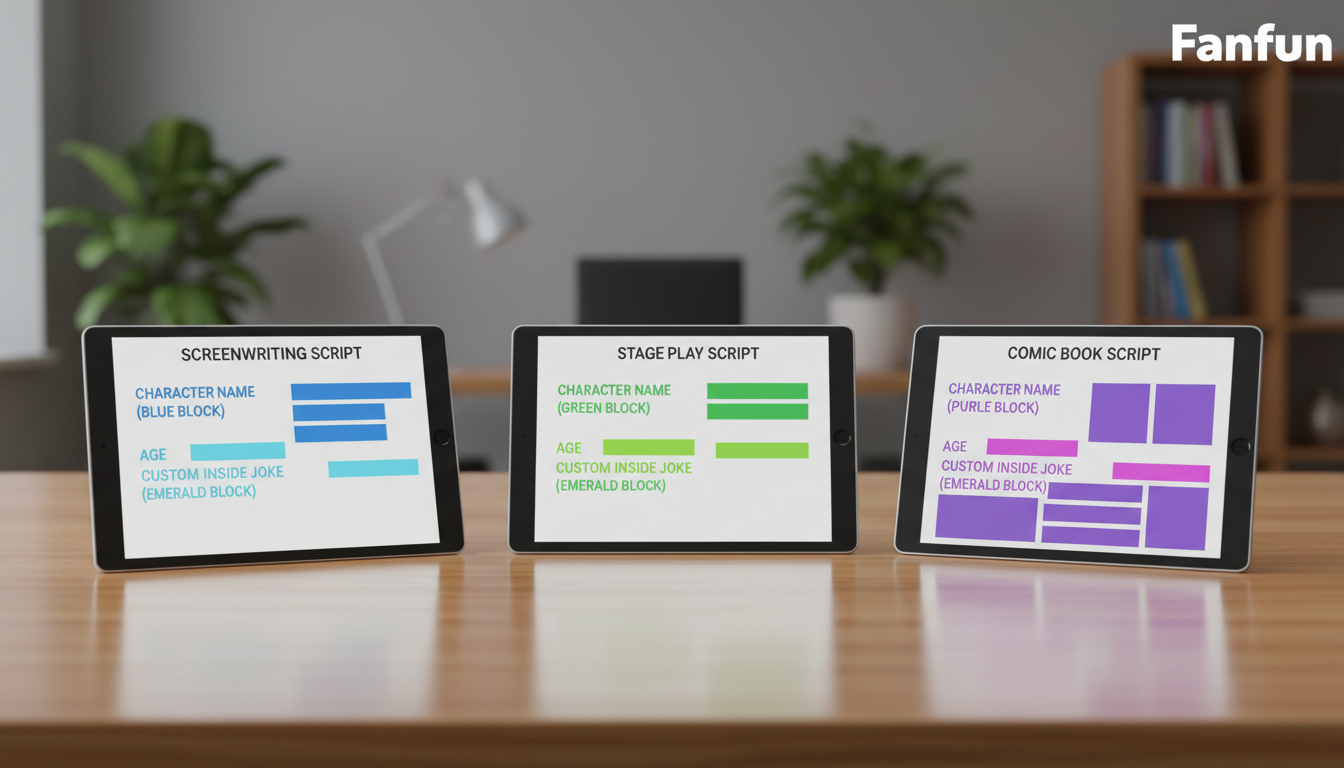
1. The Roast Template (High-Energy & Playful)
Best for: Close friends who appreciate self-deprecating humor. Use a high-energy or sassy character persona.
"Stop everything! We need to talk about [Name] turning [Age] today. Yes, [Name]... you are officially another year older, and no, your knees will never be the same. Just kidding! Happy birthday to my absolute favorite human. Enjoy the cake, old friend!"
2. The Sentimental Blueprint (Warm & Low-Key)
Best for: Family members or introverted friends who prefer a quiet, sincere message. If your recipient dislikes being the center of attention, check out our blueprint for scripting AI birthday messages for people who dislike the spotlight.
"Hey [Name]... I wanted to take a quick moment to wish you the happiest of birthdays. You do so much for everyone around you, and today is all about celebrating you. I hope your day is peaceful, relaxing, and filled with your favorite things. Happy birthday."
3. The Character-Specific Template (Nostalgic & Fun)
Best for: Fans of specific anime, cartoons, or pop culture icons. Lean heavily into the character's famous catchphrases and tone. For more tips on this style, explore our guide on scripting birthday messages specifically from fictional characters.
"[Character Catchphrase]! What is up, [Name]? I heard it is your [Age] birthday today! That is awesome. Make sure you celebrate like a true champion today, and do not let anyone ruin your vibe. Have an incredible day!"
Template Comparison at a Glance
| Template Type | Ideal Tone | Target Word Count | Best Character Match |
|---|---|---|---|
| The Roast | Sarcastic, high-energy, funny | 50–60 words | Comedians, sassy cartoon icons, bold personas |
| The Sentimental | Warm, sincere, calm | 40–50 words | Comforting characters, friendly mentors |
| The Character-Specific | Nostalgic, energetic, trope-heavy | 60–80 words | Anime heroes, classic cartoon characters |
How to Format Your Script for Flawless AI Pronunciation
AI models read text literally, which can sometimes lead to awkward delivery of names, slang, or numbers. Follow these formatting adjustments to ensure the voice engine reads your script flawlessly:
- Spell names phonetically: If the recipient's name is unusual or frequently mispronounced, spell it out phonetically in the script. For example, write "Shi-vawn" instead of "Siobhan", or "Al-ee-ah" instead of "Aaliyah".
- Write out numbers fully: Avoid using digits like "21st" or "2026". Instead, write "twenty-first" or "twenty twenty-six". This prevents the AI from rushing through the number or mispronouncing ordinal indicators.
- Keep sentences punchy: Long, run-on sentences don't leave room for the AI to simulate natural breathing patterns. Break up complex ideas into short, distinct statements.
The Pre-Generation Checklist for AI Birthday Videos
Before you hit generate on Fanfun, run through this quick checklist to help optimize your script's delivery:
- Read it aloud: Set a timer and read your script at a moderate, conversational pace. If it takes longer than 30 seconds, trim the fluff.
- Match the persona: Does the script match the vocabulary of your chosen character? Ensure you are not putting overly formal words into a casual character's mouth.
- Check the punctuation: Use commas, ellipses, and exclamation marks to suggest pauses and shifts in tone, keeping in mind that different AI voices interpret punctuation in their own way.
How do I make an AI voice say a unique name correctly?
Spell the name phonetically in your script. For example, write "Shi-vawn" instead of "Siobhan." Try breaking the name down into simple, recognizable syllables to help the AI engine pronounce it naturally.
What is the ideal word count for a 30-second AI birthday video?
The ideal length is between 60 and 80 words. If your chosen character has a slower, more deliberate speaking style, aim for 40 to 50 words to prevent the audio from being cut off.
Can I use emojis in my AI video script?
It is best to avoid emojis in your script text. Some AI voice generators may attempt to read the emoji name literally (such as saying "birthday cake emoji" out loud) or ignore it completely. Use punctuation like exclamation points or ellipses to help guide tone and pacing instead.
