
The Birthday E-Card Upgrade: How to Direct and Produce Custom Video Greetings That Don't Get Deleted
Generic digital birthday cards are digital clutter. Discover how to upgrade your greetings with a structured three-act script, smart production choices, and instant AI character cameos that your friends and family will watch on repeat.
Most digital birthday cards suffer a predictable, unceremonious fate. They are opened, skimmed for a generic "hope you have a great day" message, and promptly closed or deleted. In a landscape saturated with automated emails and static graphics, these gestures often feel more like crossing a chore off a to-do list than delivering a meaningful gift. They lack the warmth of a physical card and the energy of a real-world celebration, leaving the recipient with little reason to engage beyond a polite, mandatory thank-you text.
Elevating your digital greetings means treating them like a mini-production. By replacing the standard, static template with a highly personalized, well-paced video, you can create something memorable enough to be saved, re-watched, and shared. Whether you want to coordinate a multi-person montage or generate an instant, custom message from an iconic character using Fanfun, the goal is to make the recipient feel genuinely celebrated through creative scripting, smart pacing, and unexpected delivery.
Why Traditional Birthday Cards Fail (and the Video Alternative)
Static digital cards fail because they are passive. A stock image of a birthday cake paired with a generic cursive font does not convey personal effort; it conveys convenience. Because these cards are often mass-produced and sent via automated platforms, they lack the distinct voice and specific memories that define real relationships. They end up lost in email inboxes, buried under promotional newsletters, or deleted to clear up digital storage space.
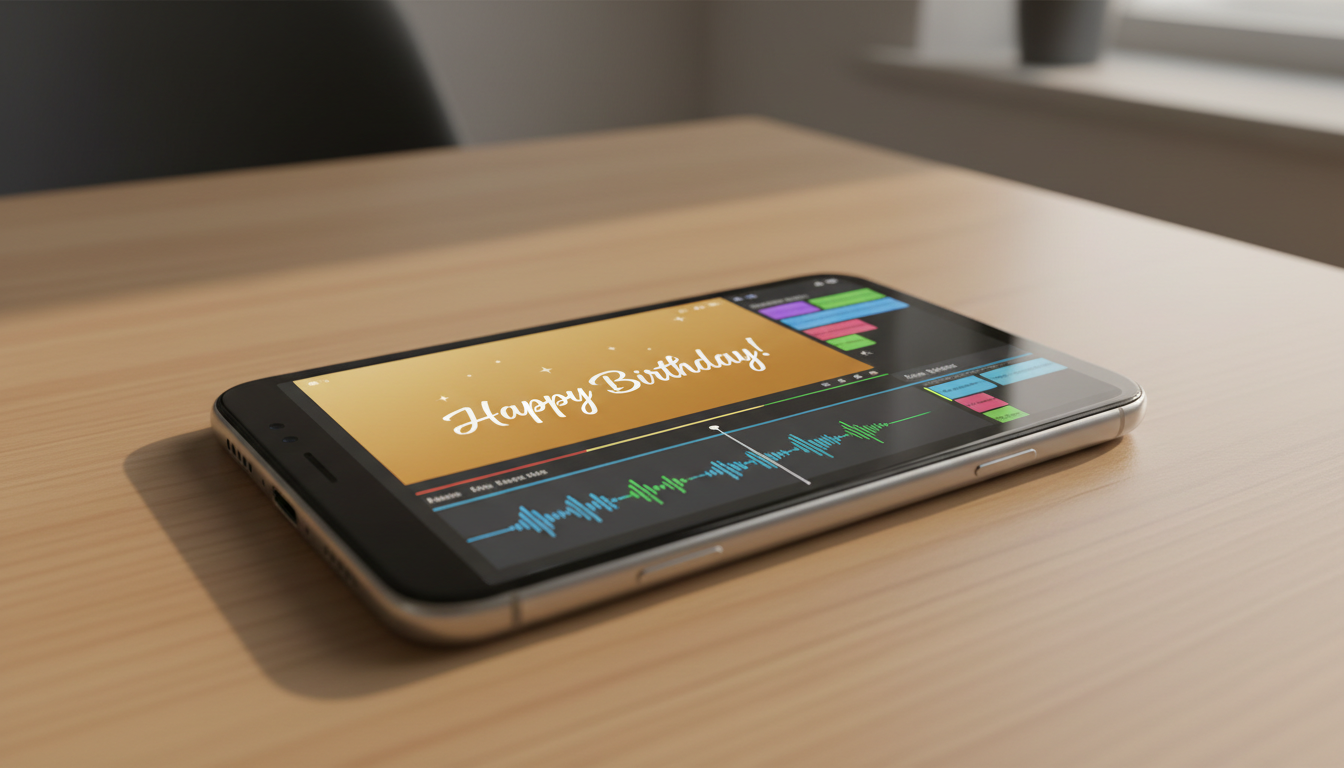
A custom video card, by contrast, commands attention because it combines visual storytelling, music, and personalized humor. Instead of reading a flat line of text, the recipient watches a dynamic story unfold. This format allows you to inject visual inside jokes, show actual photos of shared adventures, or even bring their favorite fictional characters to life to deliver the message. Transitioning from planning custom video greetings for the holidays to executing highly personalized birthday campaigns requires a shift in how we think about digital delivery. It is no longer about simply saying "Happy Birthday"—it is about creating an emotional experience that makes the recipient feel seen and appreciated.
Furthermore, video greetings leverage the power of sound and pacing. A well-timed pause, a sudden sound effect, or an enthusiastic vocal delivery can transform a simple inside joke into a hilarious highlight. When you choose video, you are not just sending a message; you are gifting a brief moment of genuine entertainment that stands out from the flood of generic social media wall posts they receive on their special day.
The Three-Act Structure for a High-Retention Birthday Video
To keep your video greeting engaging, you must resist the urge to ramble. A great digital greeting should be punchy, focused, and clock in at under 60 seconds. If a video drags on for too long, the recipient's attention will wander, and the emotional impact will be diluted. To achieve this brevity without sacrificing substance, you can apply a simple three-act narrative structure.
The Under-60-Second Script Blueprint
When scripting custom video messages for major life achievements to make them feel legendary, pacing is everything. Here is how to break down your 60-second script for maximum engagement:
- Act 1: The Hook (0-15 Seconds): Grab attention immediately. Avoid starting with a standard "Happy Birthday." Instead, open with an unexpected line, a surprising visual, or an outrageous claim. For example, start with: "I was going to hire a skywriter, but the FAA said no, so you're getting this instead."
- Act 2: The Core Gag or Nostalgia Trip (15-45 Seconds): This is the heart of your video. Inject a specific shared memory, a playful roast, or an inside joke that only the two of you understand. Keep it highly specific—mentioning the exact diner where you got food poisoning in college is infinitely more memorable than saying "remember all those fun times in school."
- Act 3: The Sincere Sign-Off (45-60 Seconds): Transition smoothly from comedy to genuine warmth. End the video on a high note by expressing real appreciation for their presence in your life, followed by a clear, enthusiastic birthday wish.
By keeping the pacing tight and moving quickly through these three acts, you ensure that the video remains highly watchable. The recipient won't feel pressured by a five-minute epic, but they will be deeply touched by a highly concentrated, 45-second burst of humor and affection.
Choosing Your Production Style: From Montages to AI Character Cameos
Before you hit record, you need to decide on the format that best fits your relationship, your budget, and your timeline. Different styles of video greetings require varying levels of effort, coordination, and technical skill. Understanding the landscape helps you select the path of highest impact.
If your recipient is a gamer or puzzle enthusiast, you might even consider designing immersive, choose-your-own-adventure greetings to gamify their birthday, giving them a playful, non-linear experience. However, for most occasions, you will likely choose between a collaborative group effort or an instant, high-concept character video. Below is a comparison to help you choose the right approach:
| Production Style | Effort Level | Delivery Time | Best Suited For | Key Advantage |
|---|---|---|---|---|
| Group Video Montage | High (Requires chasing down contributors) | 1-2 Weeks | Milestone birthdays (30th, 50th, retirements) | Emotional depth from collective community voices |
| Interactive Video Card | Medium-High (Requires planning pathways) | 3-5 Days | Gamers, tech-savvy friends, puzzle lovers | High engagement through choice-based play |
| Instant AI Character Video | Low (Type a script, generate in minutes) | Under 10 Minutes | Niche fans, pop-culture lovers, last-minute gifts | Bypasses celebrity booking delays with instant delivery |
While group montages are fantastic for major milestones, they require weeks of planning, editing, and badgering relatives to send in their clips on time. When you are short on time or want to deliver something completely unexpected, instant AI character videos offer an incredible alternative. Rather than waiting days for a real celebrity on traditional booking platforms—and paying hundreds of dollars—you can use Fanfun to have an anime protagonist, a legendary athlete, or a nostalgic cartoon icon deliver a highly customized script instantly, matching the recipient's specific fandom perfectly.
How to Script and Direct an AI Character Birthday Message
Using an AI platform like Fanfun to generate a personalized video message gives you ultimate creative freedom, but the quality of the final video depends on your scriptwriting. Because you are directing an AI interpretation of a beloved character, you need to write with that specific persona's voice, catchphrases, and mannerisms in mind.
First, match the character to the recipient's fandom. If your sister grew up watching nostalgic anime, having a character like Doraemon deliver her birthday wishes will trigger instant emotional resonance. If you are sending a greeting to a colleague, focus on crafting a funny video message for a coworker that keeps the mood light, professional, and genuinely entertaining. The character choice sets the stage, but the script details make it land.
Second, write phonetically for unique names, inside jokes, or slang. AI voice generators are highly advanced, but unusual spellings or highly localized slang can occasionally trip up pronunciation. If your friend's name is Helena but pronounced "He-LAY-nuh," write it phonetically in your script prompt to ensure the voice output sounds completely natural and flawless on the first try.
Lastly, keep the tone balanced. If you are writing a playful roast, make sure the character's persona matches the ribbing. An anime rival character can deliver a dramatic, mock-serious warning about getting older, while a friendly cartoon hero should focus on encouragement and upbeat energy. Keep the jokes lighthearted, referencing harmless quirks—like their obsession with iced coffee or their terrible driving—rather than deeply sensitive topics.
Editing, Packaging, and Delivering the Perfect Video Card
Once you have generated your custom video or compiled your clips, the final step is packaging. A raw video file sent over a basic text message can sometimes feel unpolished. Taking a few extra minutes to refine the presentation elevates the entire experience from a simple media file to a premium digital gift.
Consider adding a fitting soundtrack. Background music dictates the emotional tone of your video. A dramatic, cinematic score works perfectly behind a mock-heroic AI character speech, while a lo-fi, upbeat track suits a nostalgic montage. Keep the music volume low—around 15% of the overall audio level—so it supports the spoken voiceover without competing with it or drowning out the punchlines.
When it comes to delivery, choose a channel that matches the vibe of the gift. For an instant, high-energy reaction, text the video directly or send it via a messaging app like WhatsApp or Discord where they are guaranteed to see it during their morning scroll. If you want to present it as a more formal surprise, you can embed the video link into a beautifully designed email or host it on a simple, custom landing page. To create a hybrid physical-digital experience, print a custom QR code onto a physical card or gift tag. When the recipient scans the code with their phone, your custom-directed AI character video immediately plays, seamlessly pairing modern technology with classic gifting.
How do I make a birthday video card for free?
You can create a basic birthday video card for free by using mobile editing apps like CapCut, Canva, or iMovie. These platforms offer pre-made templates where you can drag and drop your own photos, add text, and overlay free background music. For a more unique, character-driven greeting, you can also explore Fanfun's accessible creation tools to generate personalized messages quickly.
What is the best app for making a group birthday video?
For collaborative group videos, platforms like Memento, Vidhug, or Tribute are highly effective. They allow you to create a central link where friends and family can upload their individual video clips. The platform then provides simple tools to stitch the clips together, add transitions, and arrange the order of the messages without requiring advanced editing software.
How long should a birthday video card be?
The sweet spot for a digital birthday video card is between 30 and 60 seconds. This length is long enough to deliver a punchy hook, a personalized inside joke, and a warm sign-off, but short enough to keep the recipient's full attention. For milestone group montages, you can go longer (2 to 5 minutes), but individual messages should always remain concise.
Can I get a fictional character to say happy birthday in a video?
Yes. While traditional celebrity booking sites only offer real-life actors and influencers who are subject to long wait times and high fees, Fanfun allows you to instantly generate custom video messages featuring AI interpretations of iconic fictional characters, anime heroes, and cartoon legends. You simply write the script, choose the character, and receive the video in minutes.



