The HR-Friendly Roast: How to Make a Funny Video Message for a Coworker That Actually Lands
Most office birthday videos are a chore to watch. Learn how to trade the shaky webcam footage for high-impact, AI-delivered messages that actually land.

The corporate "group video" has become a digital ritual as common as the weekly standup, and unfortunately, just as prone to inducing collective eye-rolls. We have all been on the receiving end of these disjointed compilations: a series of low-resolution webcam clips where colleagues apologize for being on mute, offer generic "happy birthday" wishes, and awkwardly wave at the camera before fading to black. It feels like a chore to record, a tax to watch, and a missed opportunity to actually build team culture.
But celebrating a colleague's milestone—whether it is a major work anniversary, a promotion, or a retirement—does not have to feel like an administrative task. By shifting your approach from a generic group card to a highly targeted, well-scripted video message, you can create a piece of content that your team actually wants to rewatch and share. The secret lies in balancing sharp, relatable humor with genuine professional respect, transforming a standard office update into a legendary team moment.
The Anatomy of a Non-Cringe Office Video Message
The primary reason most office videos fail is a lack of creative friction. When you ask ten different team members to record a fifteen-second clip on their phones, you get ten variations of the exact same script: "Hey, happy birthday, hope you have a great day!" There is no narrative arc, no comedic tension, and no shared context. It is the video equivalent of a generic card signed in blue ink by twenty people who happened to be standing near the breakroom.
To create a piece of content your team actually wants to rewatch, you need to move beyond the dry Slack thread format and embrace the power of specificity. A generic "great job on the project" is forgettable, but a callback to a specific, shared struggle—like the time the server crashed during the quarterly demo or the never-ending debate over Slack emoji etiquette—carries weight. By focusing on the "micro-tropes" of your specific team culture, you transform a required office task into an inside joke. For those looking to master this shift, exploring how to move past the dry Slack thread format is the first step toward building a library of team content that actually resonates with your coworkers.
The Safe-for-Work Comedy Framework: Finding Your Angle
Comedy in a professional setting is about alignment, not just humor. You aren't looking to be a stand-up comedian; you are looking to be a "team curator." The key is to map your humor style against the risk of HR intervention. If you target a person, you risk alienation; if you target the absurdity of the corporate environment, you build solidarity.
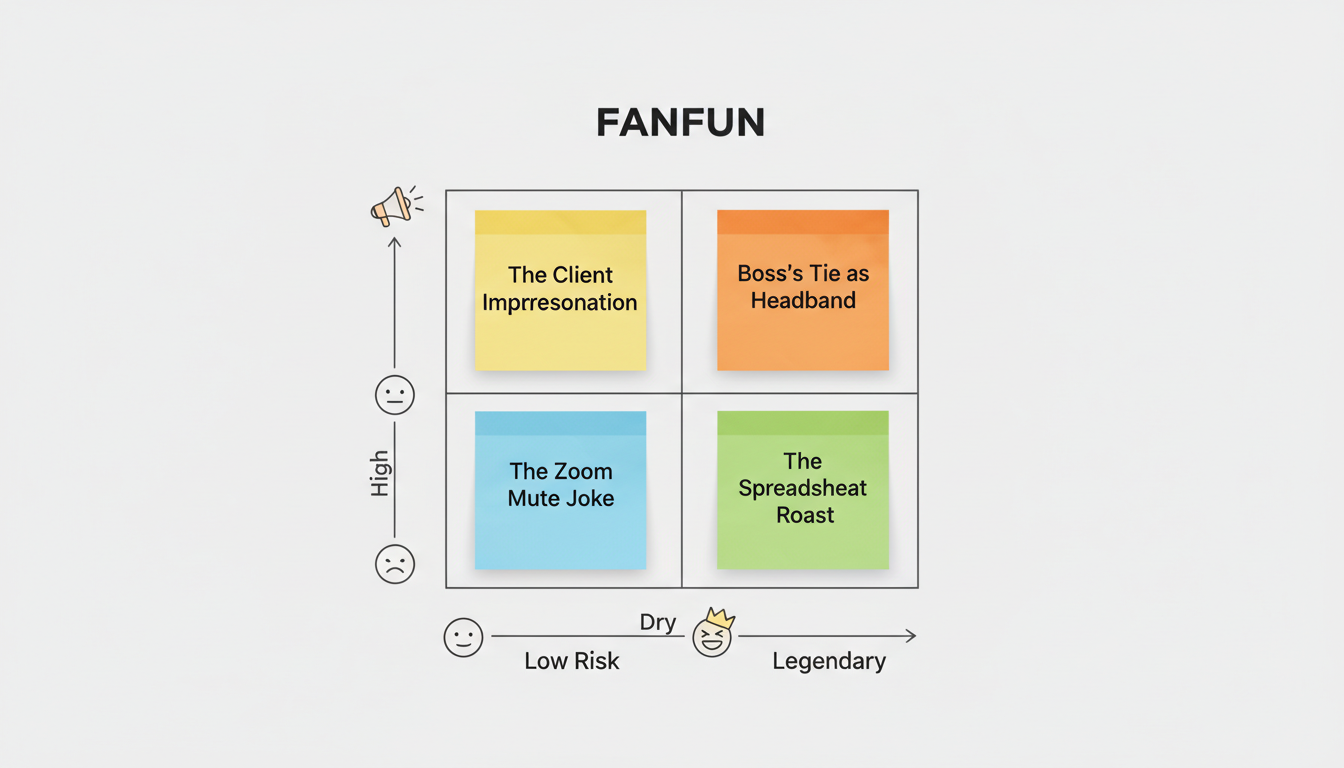
When structuring your comedic angle, it helps to look at professional marketing frameworks. In many ways, crafting an internal video message is identical to scripting a high-converting promotional campaign. You need to capture attention immediately, deliver a highly relatable core message, and close with a call to action—which, in this case, is celebrating your teammate. Understanding how to script high-converting video promos for the AI era can give you a blueprint for pacing, hooks, and keeping your audience engaged from the first second to the last.
To help you structure this, let's break down three safe-for-work comedy angles that guarantee laughs without risking a meeting with HR.
Angle 1: The Gentle Roast
This angle focuses on harmless, well-known quirks that everyone on the team recognizes and loves. Think of habits like "always has 40 tabs open during screen shares," "uses too many exclamation points in emails," or "has a deeply personal relationship with their mechanical keyboard." This style offers high hilarity with low-to-medium risk, as long as it is delivered with affection.
Angle 2: The Over-the-Top Hype
Take a minor, mundane win and elevate it to the level of an Olympic gold medal. This uses hyperbole to celebrate everyday tasks, such as "The Person Who Finally Closed That Year-Old Jira Ticket" or "The Master of the Pivot Table." By treating a basic administrative task as a historic, world-changing achievement, you create a hilarious contrast that is entirely safe for the office.
Angle 3: The Fictional Consultant
Bring in an external, highly dramatic persona to critique mundane office tasks as if they were high-stakes espionage or a matter of national security. Having a dramatic character analyze your team's weekly spreadsheet updates adds an immediate layer of absurdity. This is a highly effective angle with incredibly low risk because the joke is directed at the process, not the person.
The 'Gentle Roast' Rules of Engagement
A roast is a dangerous tool if handled poorly, but it is the most rewarding when executed with precision. The golden rule is simple: punch up at the situation or laterally at the process, never down at the individual’s competence. If you are roasting a coworker for their love of spreadsheets, make sure the focus is on the beauty of their color-coded tabs, not their inability to use presentation software. The goal is to celebrate their unique contributions through a lens of affectionate exaggeration.
To ensure your script lands perfectly, you must balance the comedic tension with a soft landing. You can learn more about how to script a funny AI video roast without the cringe, ensuring that the "sting" of the joke is immediately followed by a sincere "win." This balance is what keeps the message from crossing into territory that would make an HR representative nervous. A well-structured roast is a sign of deep professional affection, proving that you pay enough attention to their work to notice the small details.
Scripting Your Message: From Hook to Punchline
Your script needs a clear three-part structure to keep the momentum high. First, the Hook: disrupt the standard greeting. Instead of starting with "Hey, happy birthday," try something unexpected like: "We’ve been tracking your productivity metrics, and frankly, they’re suspicious." Second, the Bit: deliver your specific observation about an office trope. Keep sentences short, punchy, and highly visual. Finally, the Pivot: transition into genuine appreciation.
This transition is critical. If you leave the video on a joke, it can feel unresolved or slightly cold. You need to transition the roast into what we call a "victory lap"—a moment of genuine praise that frames their daily efforts as legendary. By learning how to script custom video messages for major life achievements, you can master the art of the emotional pivot, ensuring your colleague feels both thoroughly entertained and deeply valued by the end of the video.
Here is a quick template you can adapt for your next team video:
[The Hook]: "Attention Team. We have gathered here today to address a serious breach of protocol by [Name]..."
[The Bit]: "Specifically, their alarming habit of responding to Slack messages in under three seconds, which is making the rest of us look incredibly slow. We suspect they have automated their entire personality, or perhaps they just really, really love database architecture."
[The Pivot]: "But in all seriousness, [Name], your speed, dedication, and ability to keep our systems running are the real reasons we stay afloat. Happy 3-year work anniversary from all of us."
Upgrading the Delivery: Why an AI Icon Beats a Shaky Webcam
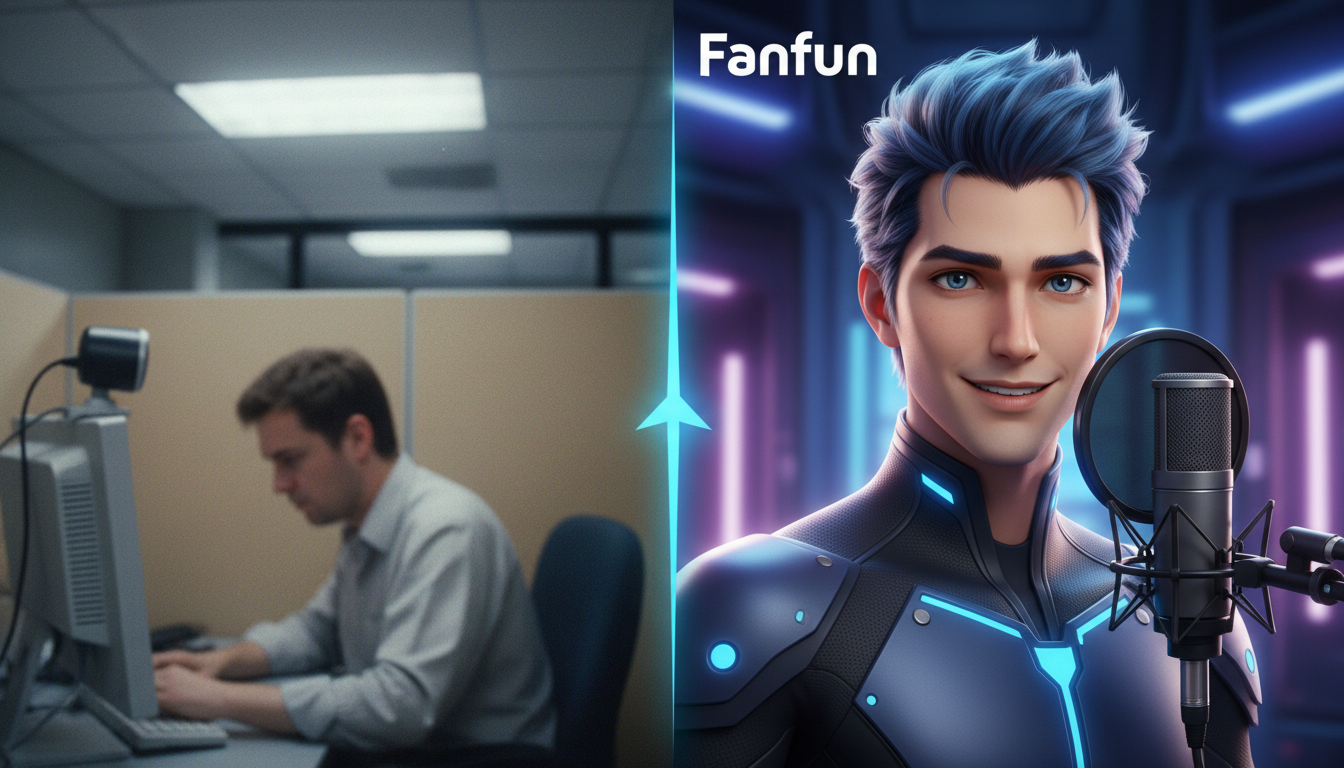
The biggest bottleneck in creating office videos is execution. Getting ten busy professionals to record, edit, and compile their clips on time is an administrative nightmare. This is where Fanfun transforms the process. Instead of relying on shaky, poorly lit webcam footage, Fanfun allows you to direct instant, high-impact video messages delivered by iconic AI characters and personas. This completely removes the awkwardness of having to perform on camera yourself while elevating the production value to a professional standard.
The Power of Comedic Distance
Using an AI-powered voice or character creates a crucial layer of "comedic distance." A joke about a late-night email thread or a messy desktop is inherently funnier and less personal when delivered by a dramatic, cinematic character or a legendary anime icon than by a tired colleague in a poorly lit cubicle. To make these characters feel truly alive, it helps to understand how to direct them. By exploring how to direct an AI voice generator with true emotional range, you can coax the perfect level of sarcasm, enthusiasm, or dramatic gravity out of your chosen AI persona, making the final video feel like a custom-produced piece of media.
Speed Meets Scale: Handling Last-Minute Milestones
Furthermore, office milestones often happen fast. If a team member suddenly lands a massive client or announces a last-minute departure, you don't have a week to pass a virtual card around. By leveraging high-impact, instant delivery formats for time-sensitive office milestones, you can generate and deliver a fully custom, hilariously scripted video message in minutes. Fanfun gives you the creative freedom to react to workplace wins in real-time, keeping team morale high without adding another task to anyone's to-do list.
The Final Checklist Before You Hit Send
Before you share the video with the team, run it through the "HR Sniff Test." Ask yourself: If this video were accidentally forwarded to a client, a senior executive, or a new hire on their first day, would it cause a misunderstanding? If the answer is yes, soften the edge of the joke. The goal is inclusion, not isolation.
Next, verify your technical details. If you are using Fanfun to generate an AI voiceover or video, ensure the pronunciation of your colleague's name is correct. Always add captions to the final file; many people will watch your video on their phones while commuting, in an open-plan office, or during a quiet moment in a meeting, often with the sound turned off. Finally, timing is everything. Do not drop the video in the main Slack channel during a Monday morning rush. Instead, schedule it for a natural lull, like a Friday afternoon or right before a scheduled team lunch, to maximize engagement and give everyone a chance to celebrate together.
How do you make a funny video for a coworker's retirement without being depressing?
Focus on the "legendary status" of their tenure. Use hyperbole to describe their "retirement from the chaos" and frame it as a promotion to a life of leisure, rather than an exit from the team.
What are some safe, HR-approved inside jokes to use in an office video message?
Stick to universal office experiences: the mysterious disappearance of breakroom coffee, the "can you hear me?" Zoom dance, or the overly complex email chains that could have been a three-minute call.
How long should a funny video message for a colleague be?
Keep it under 60 seconds. Humor has a short shelf life in professional settings, and a concise, high-energy message is far more likely to be watched in full than a three-minute monologue.
How can I coordinate a group video message if my team is fully remote?
Avoid the "everyone record a clip" method, which usually leads to mismatched audio levels and awkward pacing. Instead, write a collaborative script and use an AI tool like Fanfun to deliver the message as a cohesive, high-production video that represents the whole team's voice.