Beyond the Static NPC: How to Direct an AI Voice Generator for Video Game Characters with True Emotional Range
Stop settling for flat, robotic NPC dialogue. Learn how to use professional voice-direction techniques, punctuation hacks, and structural frameworks to generate high-fidelity, emotionally expressive game character voices using AI.
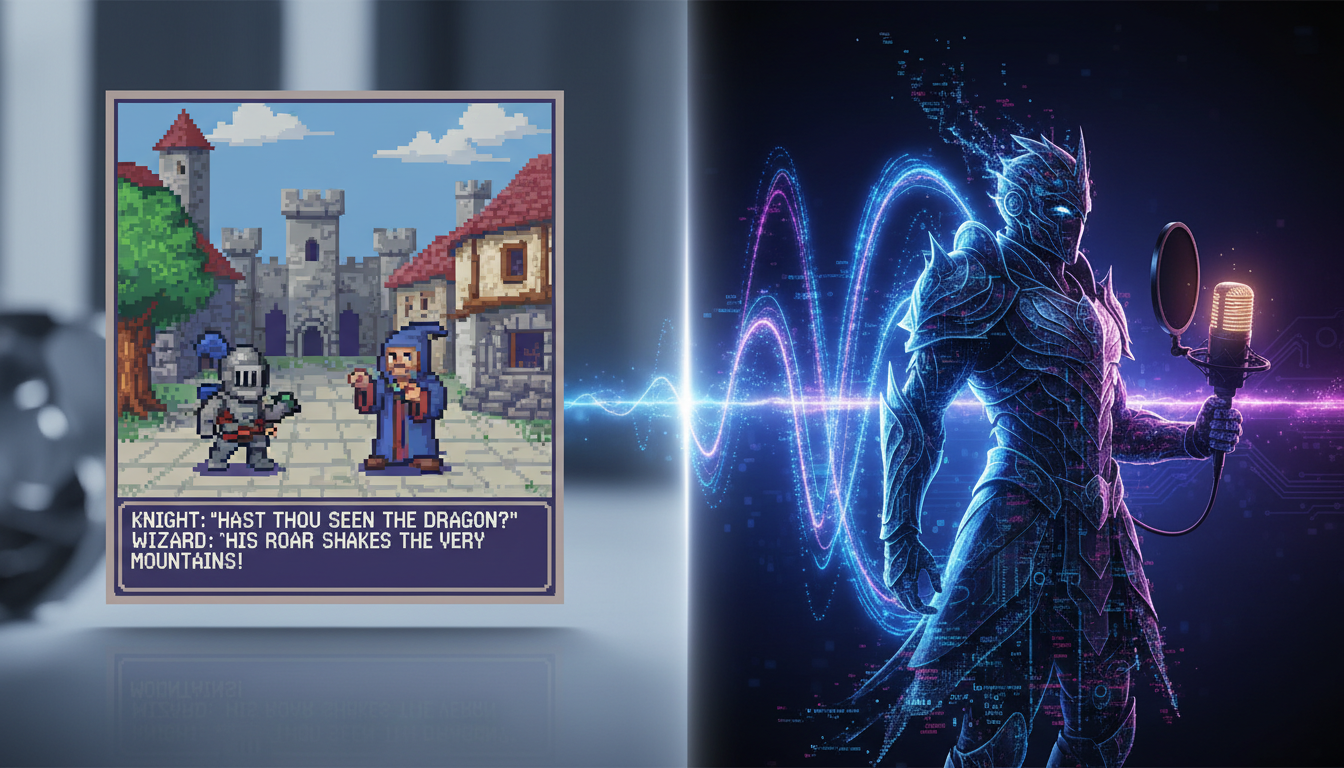
A player steps into a beautifully rendered gothic tavern. The lighting is perfect, the music is haunting, but when the tavern keeper speaks, he sounds like a robotic GPS reading driving directions. The immersion is shattered instantly. Standard text-to-speech has historically been the bane of indie developers and modders, turning potentially cinematic moments into flat, lifeless exchanges.
Overcoming this barrier does not require a Hollywood casting budget or months of scheduling. By treating an AI voice generator as a professional voice actor waiting for direction rather than a simple software utility, you can coax genuine emotional depth from digital voices. Platforms like Fanfun allow creators to instantly generate character-rich performances, bridging the gap between passive text and dynamic, immersive storytelling.
The Death of the Flat NPC: Why Video Game Dialogue Needs Direction
In game development, audio is half of the experience. While players are often willing to overlook retro graphics or minor visual bugs, flat and disjointed vocal performances immediately break the magic circle. When an NPC sounds like a synthesized voice assistant reading a spreadsheet, the player is instantly reminded that they are sitting in front of a monitor, pressing buttons. To build worlds that feel alive, dialogue must carry weight, subtext, and human variation.
The root of the problem is that standard text-to-speech engines read text literally. They do not understand that a character who has just run three miles up a mountain should be out of breath, or that a betrayer whispering in the dark should use a completely different vocal register than a merchant selling potions. Real human speech is messy, dynamic, and heavily reliant on subtext.
This is where the concept of AI voice direction comes in. Instead of simply pasting raw dialogue into a generator and hoping for the best, creators must act as digital directors. By manipulating punctuation, altering phonetic spellings, and choosing the right vocal archetypes, you can guide the AI to deliver lines with genuine dramatic tension. Fanfun provides the ultimate canvas for this creative process, offering a diverse character library that lets you bypass traditional, weeks-long casting delays and iterate on vocal performances in real-time.
The Three-Tier Character Archetype Framework
Before you write a single line of dialogue, you need to define the vocal blueprint of your character. A space marine, a scheming dark wizard, and a whimsical tavern guide require entirely different pacing, pitch, and tone configurations. To help you structure your project, we use a simple three-tier archetype framework designed to map physical lore to vocal parameters.
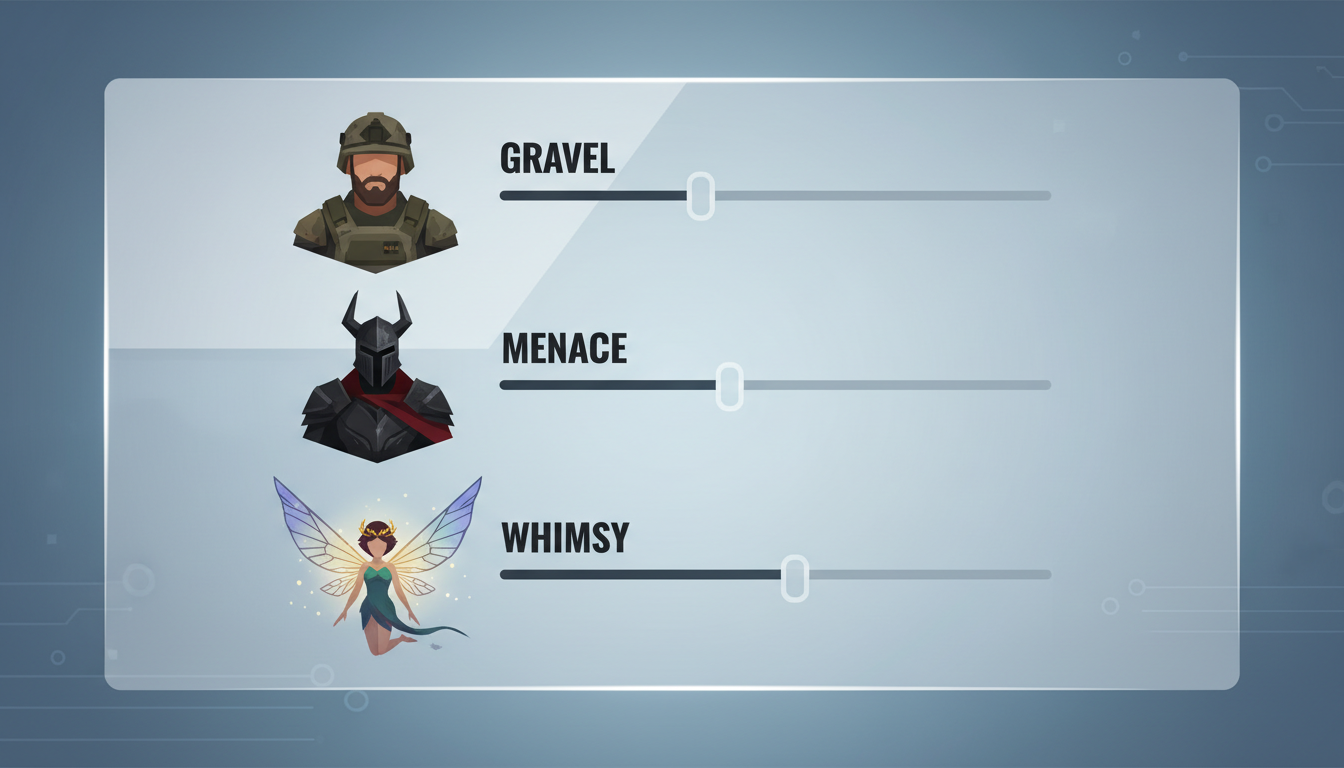
| Archetype | Primary Tone | Pacing Style | Key Vocal Parameter | Best Game Genre |
|---|---|---|---|---|
| The Grit-and-Gravel Hero | Low-register, breathy, resonant | Deliberate, measured | High breathiness, low pitch | RPG, Action-Adventure, Sci-Fi |
| The Cinematic Antagonist | Sibilant, cold, theatrical | Varying (slow to sudden bursts) | High resonance, sharp consonants | Dark Fantasy, Cyberpunk, Horror |
| The Quirky Companion | Bright, expressive, eccentric | Rapid, dynamic inflections | High pitch, varied cadence | Cozy Games, Platformers, Casual RPGs |
The Grit-and-Gravel Hero
The protagonist archetype is typically defined by weariness, determination, and quiet strength. Think of the battle-hardened soldier or the solitary monster hunter. To achieve this quality, direct your AI voice generator toward a lower register with significant breathiness. This creates an intimate, close-to-the-microphone feel that makes the player feel like they are sharing the character's immediate physical space.
When formatting text for this archetype, use frequent ellipses to represent physical exhaustion or heavy sighs. For example, instead of writing "We have to keep moving," write "...We... we have to keep moving." When your protagonist needs to rally their squad or deliver a dramatic speech before the final battle, check out our guide on directing an anime protagonist voice generator to capture true shonen energy.
The Cinematic Antagonist
A great villain doesn't just speak; they perform. The Cinematic Antagonist relies on theatricality, slow and calculated pacing, and sudden shifts in volume to keep the player off-balance. To direct this voice, emphasize sibilance (the sharp "s" sounds) and slow down the delivery to build tension. A villain who speaks too quickly loses their menace; a villain who takes their time commands the room.
Use commas and semicolons to force the AI to linger on threatening words. To master the art of the theatrical threat and create a boss character players will love to hate, dive into our deep dive on directing a villain voice generator for cinematic menace.
The Quirky Quest-Giver or Companion
Not every character in your game is fighting for the fate of the universe. Merchants, guides, and whimsical sidekicks bring levity and warmth to your game world. These characters thrive on rapid pacing, upward inflections, and exaggerated emotional peaks. They should sound energetic, expressive, and slightly unpredictable.
To direct this archetype, use exclamation marks, question marks, and even phonetic spelling to introduce playful stutters or quirky pronunciations. For creators building out expansive lore, we highly recommend our guide on directing a fantasy character voice generator for immersive worldbuilding to craft memorable wizards, tavern keeps, and mythical guides.
The Script-to-Engine Playbook: Punctuation Hacks for Emotional Delivery
AI voice generators do not read scripts the way humans do; they parse punctuation marks as physical instructions. An exclamation mark isn't just an indicator of volume—it tells the engine to increase pitch and energy. A dash isn't just a grammatical tool—it tells the engine to cut a sound short. By mastering these non-standard punctuation hacks, you can force the AI to emote exactly how your scene requires.
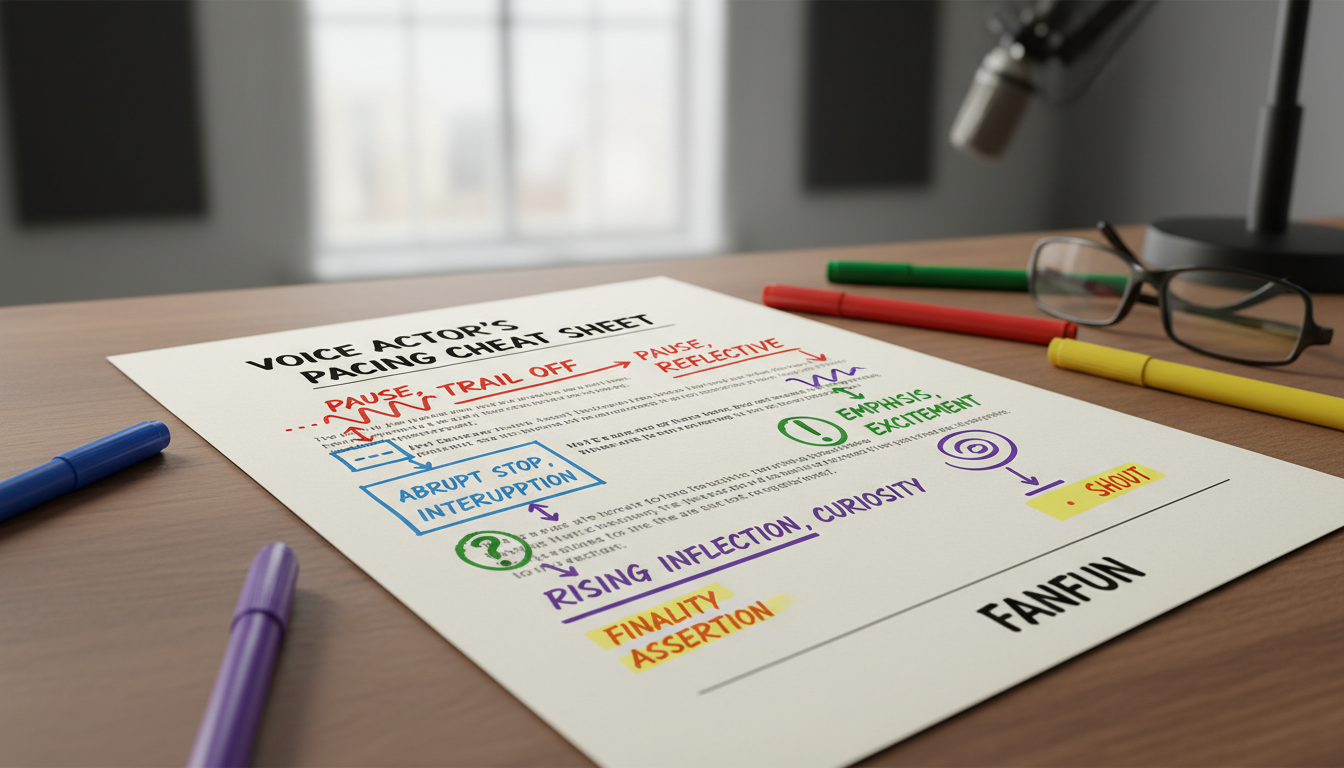
| Target Emotion | Punctuation Pattern | Script Example | Vocal Result |
|---|---|---|---|
| Fear / Panic | Hyphens, capitalization, short fragments | "No- NO! It's... it's right BEHIND us!" | Stuttering, rapid pacing, sudden volume spikes |
| Secrecy / Whispering | Ellipses, lowercase, parenthetical cues | "...shh... keep quiet... they're listening..." | Lowered volume, increased breathiness, intimate tone |
| Anger / Outrage | Exclamations, capitalization, double dashes | "You dare-- YOU DARE challenge me?!" | Aggressive onset, sharp consonants, high volume |
| Exhaustion / Defeat | Ellipses, trailing periods, commas | "I can't... not anymore, my lord..." | Slowed pacing, heavy pauses, dropping pitch at line ends |
In addition to punctuation, phonetic spelling is your secret weapon for fantasy names and technical jargon. If your game features a mythical city named "Aethelgard," standard AI engines might stumble or pronounce it flatly. By spelling it phonetically in your script input—such as "Ay-thul-gard"—you ensure a natural, confident delivery on the first try. Always run a quick test on custom lore terms before exporting your final audio batches.
From Modding to Machinima: Creative Workflows for Creators
The ability to generate professional-grade voice acting instantly completely changes the production pipeline for indie creators. Modders can now write and fully voice massive, multi-hour custom questlines for RPGs without needing to coordinate schedules with volunteer voice actors or rent expensive studio space. This levels the playing field, allowing small teams to produce content that rivals AAA studios in narrative depth.
For machinima makers, YouTubers, and video essayists, this workflow allows for rapid-fire content creation. If you are creating high-retention social content or promotional teasers for your project, apply these same voice principles to your social channels by directing a TikTok AI voice generator for high-retention short-form content.
The real power of using Fanfun lies in this rapid loop of iteration. If a line of dialogue doesn't perfectly match the camera angle or the emotional beat of a cutscene, you don't have to schedule a re-record session. You simply adjust the punctuation in your script, hit generate, and have a new high-fidelity audio asset ready to drop into your game engine in minutes. This agility is what allows modern creators to keep pace with internet culture and deliver high-substance storytelling on an indie budget.
How do I make an AI voice generator sound natural for a video game?
To make an AI voice sound natural, avoid pasting dry, grammatically perfect text. Use realistic conversational patterns, such as ellipses (...) for natural pauses, dashes (-) for sudden interruptions, and phonetic spelling for complex fantasy or sci-fi terms. Matching the correct vocal archetype (like high breathiness for weary heroes) also eliminates the flat, robotic tone of traditional text-to-speech.
Can I use AI-generated voices in my indie game legally?
Yes, but it depends heavily on the platform you use. When using Fanfun, creators gain access to legal, high-quality character voices designed for creative projects. Always ensure you are using a platform that respects creative ethics and intellectual property rights before integrating generated audio into a commercial game build.
How do you add emotion like anger or fear to AI character voices?
Emotion is directed through non-standard punctuation. For anger, use capitalization and exclamation marks to trigger higher volume and aggressive delivery. For fear or panic, use hyphens to create stutters (e.g., "No- no- wait!") and short, fragmented sentences that mimic hyperventilation.
What is the best way to format scripts for an AI character voice generator?
Break your script down into single-line inputs rather than massive blocks of text. Spell fantasy names phonetically (e.g., writing "Zy-lar" instead of "Xylar") and insert physical direction markers like ellipses for heavy breathing or commas to force dramatic pauses directly within the text input.