Beyond the Dry Slack Thread: How to Script Actually Funny Custom Video Messages for Your Coworkers
Stop settling for sterile, obligatory Slack messages. Learn how to craft sharp, HR-safe, and genuinely hilarious custom AI videos to celebrate your team's milestones.

It is 9:00 AM on a Tuesday, and the main team Slack channel has just fired off its tenth consecutive "Happy Birthday, Dave! 🎉" message. Dave, sitting three time zones away, replies with a polite but deeply tired "Thanks everyone!" emoji reaction. It is a sterile, obligatory ritual—the digital equivalent of a dry sheet cake left in the breakroom that everyone ignores but feels compelled to acknowledge.
Workplace celebrations do not have to feel like administrative chores. Instead of letting another major milestone drown in a sea of generic text, teams are turning to highly personalized, creative media to inject genuine energy into the workday. By using Fanfun's customizable AI character library, you can bypass the awkwardness of filming yourself and have iconic personalities deliver hyper-specific office inside jokes that your team will actually want to watch on loop.
The Death of the 'Happy Birthday' Slack Thread
The standard, passive-aggressive chain of "HBD!" Slack messages has become a performative chore. It requires zero effort to type three letters and an emoji, and employees can spot that lack of effort from a mile away. When every birthday, work anniversary, and promotion is met with the exact same wall of text, the sentiment loses its value entirely. We have reached a point of digital fatigue where passive corporate greetings no longer build connection; they simply clutter notifications.
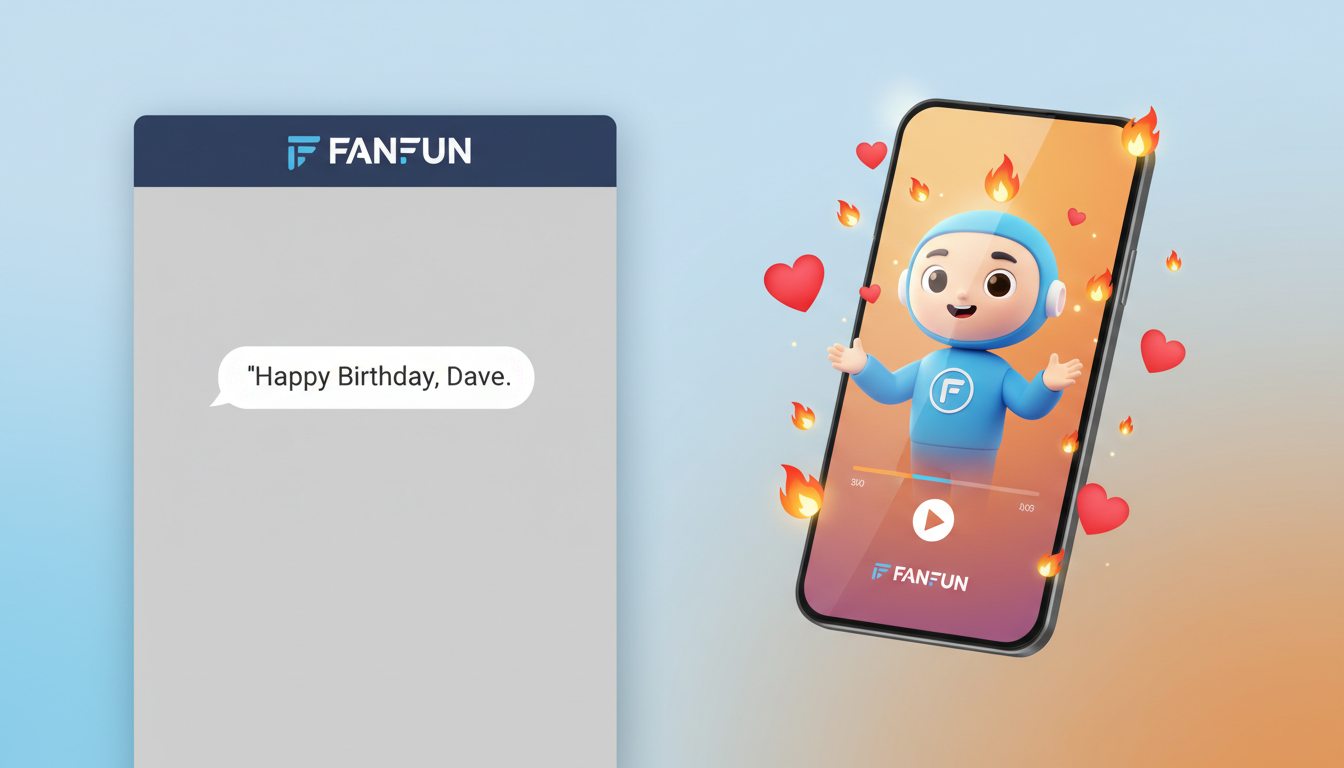
To combat this, forward-thinking teams are shifting from passive text to active, personalized media. A custom video message stands out because it shows that someone actually sat down, thought about the recipient, and crafted something unique. However, the traditional way of making these videos is a logistical nightmare. It usually involves badgering five different coworkers to record themselves on their webcams, chasing down missing video files, and attempting to edit them together in a choppy, awkward montage.
This is where Fanfun changes the game. As the modern, instant alternative to traditional video greetings, Fanfun allows you to generate custom video messages featuring AI versions of cultural icons, sports legends, and fictional characters. You do not need to coordinate schedules or force camera-shy colleagues to perform on video. Instead, you write a sharp, tailored script packed with your team's specific inside jokes, select an AI persona, and generate a high-quality video in minutes. It is fast, highly collaborative, and infinitely more entertaining than another generic text thread.
The 4 Golden Rules of Workplace Comedy (That Won't Get You Called to HR)
Writing comedy for the workplace is a high-wire act. You want the video to be genuinely funny and sharp, but you must also keep it safe, inclusive, and professional. The goal is to build camaraderie, not to create an awkward situation that requires an explanation to management. To navigate this minefield successfully, follow these four foundational rules of corporate humor.
Rule 1: Punch Up at the System, Not Down at the Person
The golden rule of workplace comedy is to carefully select your target. Never make a coworker's personal traits, work performance, or eccentricities the butt of the joke. Instead, make the "villain" of your script the systemic, universal realities of corporate life that everyone struggles with. Target the broken office printer, the capricious Q3 budget spreadsheet, the endless Monday morning syncs, or the labyrinthine process of submitting expense reports. By positioning these inanimate corporate absurdities as the antagonist, your coworker instantly becomes the heroic protagonist who successfully navigates them daily.
Rule 2: Anchor the Joke in Shared Commiseration
The best inside jokes are built on shared experiences. When scripting your video, focus on the specific project hurdles, client quirks, or industry oddities that your team has faced together. Did a client request a design change at 4:59 PM on a Friday? Did the team survive a grueling software migration? Use these specific touchpoints to make the video feel exclusive and highly tailored to your team's culture. However, be careful to avoid jokes that exclude newer team members. The humor should feel warm and welcoming, uniting the team over shared history rather than alienating those who were not around for a specific event three years ago.
Rule 3: Keep It Universally Accessible
A good rule of thumb is the "VP Test." If you would feel uncomfortable playing the video in a meeting with your department head or a representative from HR, it does not belong in the script. Keep the humor clean, respectful, and focused on work-related situations. Avoid politics, personal lives, or sensitive topics entirely. The comedy should come from the absurdity of the scenario and the performance of the AI character, not from pushing professional boundaries.
Rule 4: Match the Scale of the Medium to the Milestone
The tone of your video should match the significance of the occasion. A casual birthday video can be light, fast-paced, and highly comedic. A major career transition, however, requires a slightly different balance. If you are celebrating a colleague who is leaving the workforce entirely rather than just switching roles, check out our guide on directing funny retirement video messages to ensure you hit the perfect note of humor and respect.
3 Custom Video Frameworks for Common Workplace Milestones
To help you get started, we have developed three distinct scripting frameworks designed for common workplace occasions. These structures balance professional boundaries with genuine comedic timing, giving your selected AI persona plenty of room to deliver a memorable performance.
| Framework | Core Comedic Angle | Sample Hook | Recommended AI Archetype |
|---|---|---|---|
| The Project Hero | Treats a major project launch or product release like an epic, historical battle or an elite athletic achievement. | "They said the Q3 codebase was haunted. They said no one could merge that branch without breaking the entire platform. But they didn't know Sarah..." | Enthusiastic Sports Coach or Action Hero |
| The Milestone Roast | Gently teases the passage of time, the sheer volume of coffee consumed, and the survival of endless meetings. | "Another year older, which means another 10,000 hours of Dave politely saying, 'I think you're on mute' to the VP of Sales." | Deadpan Detective or Sarcastic Cartoon Character |
| The Next Chapter | Frames a promotion or department transfer as a legendary quest or a highly classified mission. | "Your mission, should you choose to accept it, is to manage the chaos of the new department without losing your mind or your favorite desk chair." | Dramatic Fantasy Wizard or Sci-Fi Commander |
When adapting these frameworks for a birthday, remember that the goal is to make the recipient feel valued while keeping the laugh track going. For a deeper dive into crafting highly engaging birthday content, explore our framework on creating custom AI birthday video greetings.
Directing Your AI Talent: How to Prompt for Natural Workplace Humor
Once you have selected your framework and drafted your script, the next step is directing your AI character on Fanfun to deliver the lines with perfect comedic timing. Because you are working with an AI interpretation of a character, the way you format your text directly influences the pacing, emphasis, and emotional delivery of the performance.
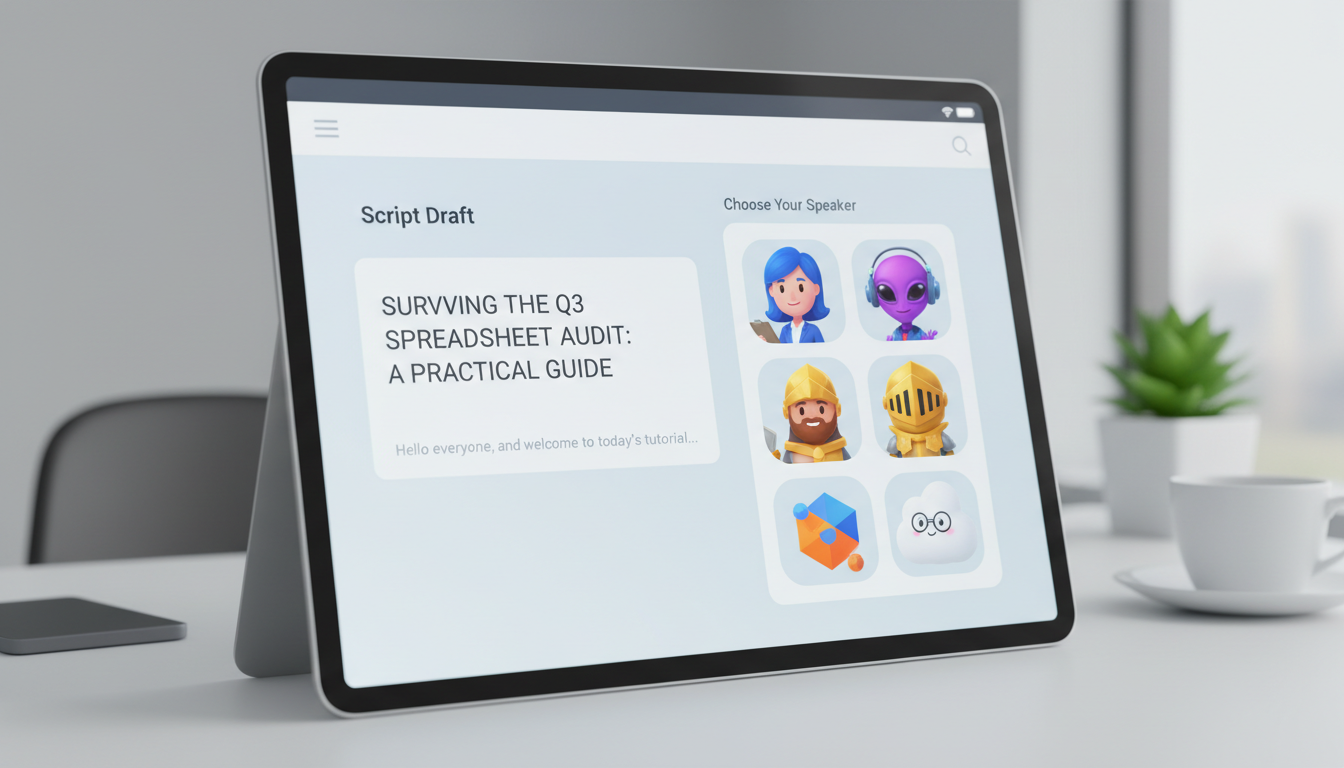
First, match the character archetype to the tone of your script. If you are celebrating a massive sales win, select an energetic sports legend who can shout, cheer, and bring high-octane energy to the screen. If you are writing a script about surviving a grueling financial audit, a dramatic fantasy wizard or a deadpan character will make the mundane corporate task feel hilariously epic and absurd. The contrast between the grandeur of the character and the reality of the office context is where the magic happens.
Second, write phonetic cues and punctuation markers into your script to guide the AI voice generator. AI models rely on punctuation to determine when to pause, breath, or emphasize a word. Use ellipses (...) to create dramatic pauses before a punchline, write out sound effects phonetically (like "phew" or "aha!"), and use capitalization sparingly to indicate excitement or emphasis. For example, instead of writing "We finally launched the site," write: "After three months, four system crashes, and... approximately eighty gallons of cold brew... we FINALLY launched the site!" This level of detail ensures the generated video sounds natural, deliberate, and genuinely funny.
Delivery and Timing: Maximizing the Slack Drop
The final element of a successful workplace custom video is how you deliver it to the team. Simply pasting a video link into a random thread with no context can dull its impact. To maximize the engagement, you want to treat the release of the video like an event—what we call the "Slack Drop."
Pin the video to the main team channel first thing in the morning, right as people are starting their day. Pair the video with a brief, enthusiastic introduction that encourages everyone to watch it. For example: "Stop what you are doing, grab your morning coffee, and watch this urgent briefing from our new department head regarding Dave's birthday." This builds anticipation and ensures that the video becomes a shared cultural moment for the team to discuss throughout the day.
For remote and distributed teams, this asynchronous approach is incredibly powerful. It allows team members across different time zones to participate in the celebration on their own schedules, ensuring that no one feels left out of the office culture. Keeping distributed teams connected requires a unique approach to digital humor; learn how to keep faraway friendships and remote teams laughing with our guide to remote video greetings. By shifting from boring, obligatory text threads to dynamic, personalized AI video messages, you can transform routine corporate milestones into genuine moments of connection, laughter, and team unity.
How do I make a video message funny without crossing professional boundaries?
To keep workplace humor safe and professional, always focus the jokes on shared systems, situations, or inanimate objects (like broken software, endless meetings, or office coffee) rather than a coworker's personal traits, habits, or performance. Keep the coworker as the hero of the story who successfully navigates these challenges.
What are some safe inside jokes to use in a coworker's video?
Safe inside jokes include universal office experiences such as surviving a massive project launch, dealing with common technical glitches, navigating complex expense report processes, or the shared struggle of staying on mute during video calls. Avoid jokes that refer to personal relationships, sensitive topics, or past mistakes that might cause embarrassment.
How long should a custom video message for a colleague be?
The sweet spot for a custom workplace video is between 30 and 60 seconds. This is long enough to establish a funny narrative, deliver 2-3 solid inside jokes, and wish the colleague well, without losing the team's attention or dragging out the comedic pacing.
Can I use AI voice generators to make funny videos for remote teams?
Absolutely. AI voice and video generators are ideal for remote and hybrid teams. They allow you to create high-quality, highly engaging content asynchronously, ensuring that team members across different time zones can share a laugh and celebrate milestones together without needing to coordinate live schedules.