
How to Organize a Humorous Retirement Tribute Video with AI Character Voices
Say goodbye to dry slideshows and predictable corporate speeches. This guide details how to craft a highly engaging, humorous retirement tribute video using custom AI character voices that celebrate your colleague's career milestones.
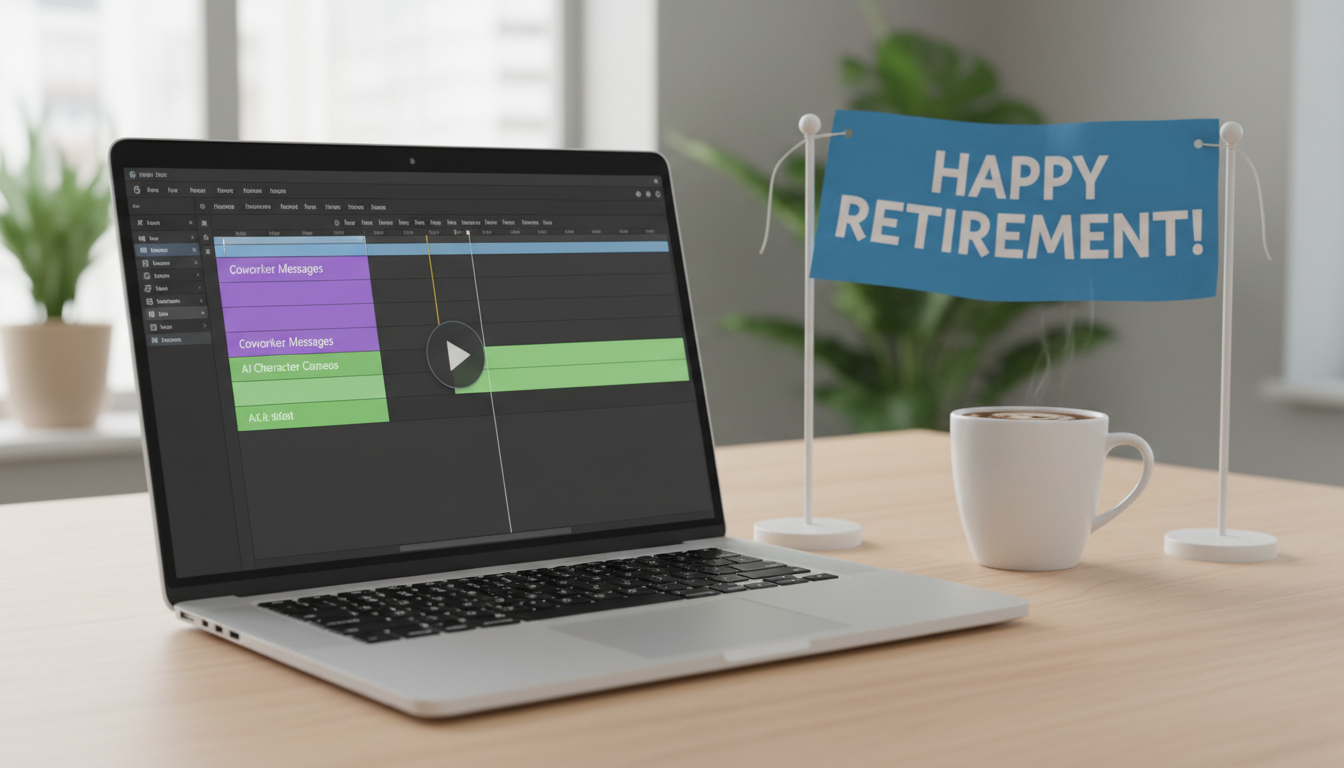
A successful, humorous retirement tribute video balances fond workplace memories with lighthearted, respectful comedy. By integrating AI-generated character voices, you can break up standard "we'll miss you" speeches with unexpected pop-culture cameos that playfully roast the retiree's quirky habits or celebrate their career achievements. This approach keeps the audience engaged and ensures the send-off is memorable, rather than a dry corporate slideshow. To execute this effectively, you need a clear matching strategy, a structured format, and a workflow that blends real coworker messages with fictional character interruptions.
Why Character Voices Transform Standard Retirement Videos
Traditional tribute videos often suffer from low-energy pacing, predictable slideshow transitions, and repetitive messages. While heartfelt, a long line of coworkers saying the same variation of "congratulations on your next chapter" can make the retirement party feel more like a lecture than a celebration. Custom character voices introduce a playful element of surprise, allowing a beloved fictional figure to "comment" on the retiree's career milestones, work ethic, or legendary office habits.
Using a fictional persona shifts the dynamic from a standard corporate presentation to an entertaining production. This is highly effective when discussing how a custom video can surprise a friend or colleague during major life transitions, as the unexpected appearance of a familiar voice instantly commands attention. To make the humor land, you must align the character choice with the retiree's actual personality and work style.
Use the decision table below to match common workplace habits with the perfect character archetype:
| Workplace Archetype | Defining Behavior | Ideal Character Match | Why It Works |
|---|---|---|---|
| The Spreadsheet Wizard | Manages complex budgets, builds massive Excel sheets, and lives in data. | A wise, ancient wizard or a hyper-logical sci-fi robot. | The contrast between mystical powers and mundane data entry creates instant comedic tension. |
| The Early-Morning Coffee Enthusiast | First to arrive, sends emails at 5:00 AM, and is fueled entirely by caffeine. | An energetic cartoon animal or a high-tempo military commander. | Matches their high-octane energy and highlights their legendary morning productivity. |
| The Calm Crisis Manager | Stays completely unbothered during system crashes and tight deadlines. | An unflappable space captain or an action-movie hero. | Reflects their ability to navigate "dangerous" corporate waters with heroic ease. |
| The Tech Skeptic | Prefers physical notebooks, struggles with screen-sharing, and misses paper memos. | A retro sci-fi explorer or a historical warrior. | Gently pokes fun at their classic, old-school workflow in a high-tech world. |
Four Creative Video Formats for Your Tribute
To keep the video structured and engaging, choose a specific thematic format rather than throwing random clips together. Here are four creative concepts that use character voices to drive the narrative:
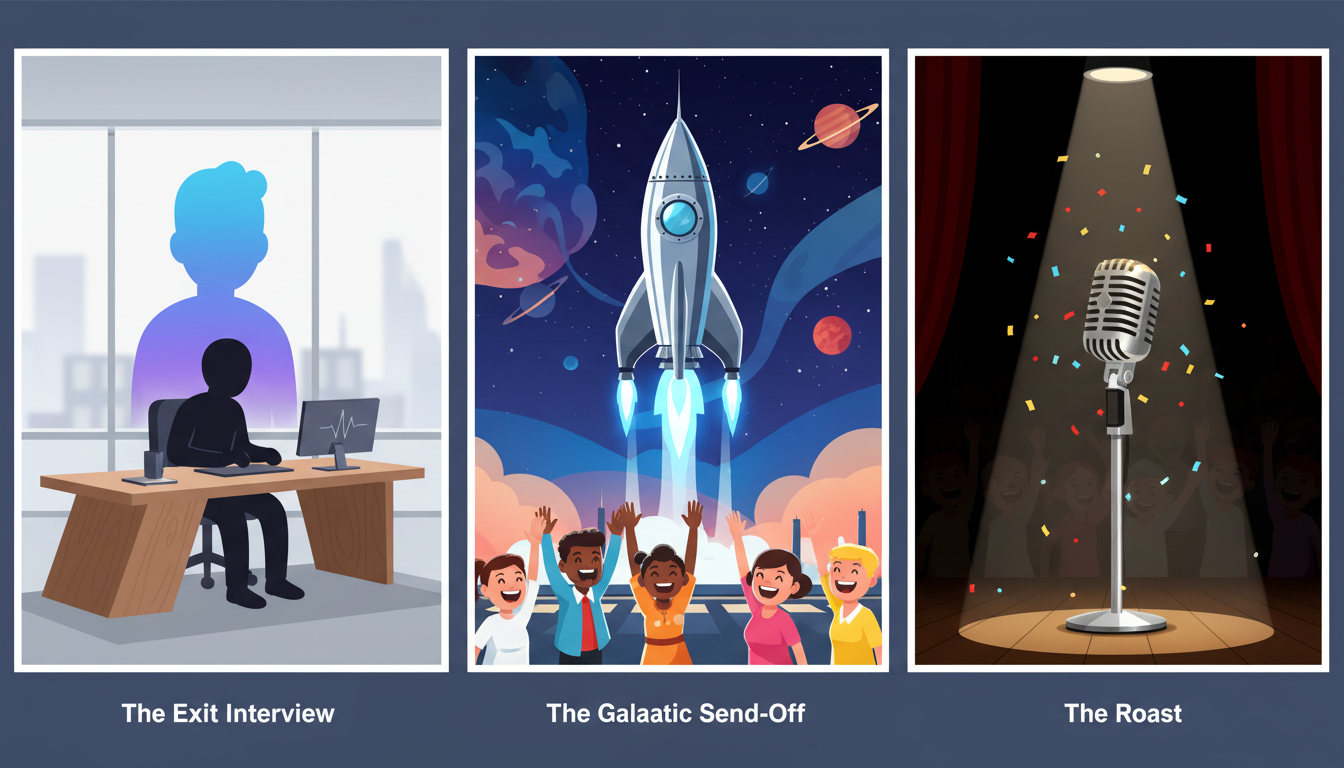
1. The Exit Interview
In this format, a fictional character acts as an HR representative conducting a highly exaggerated, final exit interview. The character reviews the retiree's actual performance file, calling out funny, real-world metrics like "number of coffee cups left in the breakroom sink" or "average response time to Slack messages." This format works best when you alternate between the character's serious questions and short, pre-recorded video clips of the retiree's real-life responses from past office events.
2. The Galactic Send-Off
Perfect for sci-fi fans, this format features a space commander or starship captain recruiting the retiree for an "interstellar mission" now that their earthly duties are complete. The script should frame retirement not as a period of rest, but as a top-secret deployment to explore the galaxy (or, more realistically, the golf course and the backyard garden). This setup allows for dramatic music and epic voiceover delivery that elevates the scale of the tribute.
3. The Good-Natured Roast
A legendary character playfully calls out the retiree's famous workplace habits. If the retiree is known for sending emails at 4:00 AM, a cartoon hero can express awe at their superhuman sleep schedule. The key to a successful roast is keeping it affectionate; focus on harmless, universally recognized habits rather than sensitive topics. Pair these voiceovers with funny, edited photos of the retiree wearing a crown or holding a giant coffee mug.
4. The Relay
The Relay format uses a series of short, 15-second cameos from different pop-culture figures, each giving a quick, customized piece of retirement advice. For example, a fantasy hero might advise them on how to defend their garden from pests, followed by an anime protagonist offering tips on mastering the art of afternoon naps. This fast-paced format keeps the energy high and prevents any single joke from wearing thin.
Scripting for AI Voices: Pacing, Inside Jokes, and Pronunciation Hacks
Writing for synthetic voices requires a different approach than writing for live actors. AI character voices perform best when the text is tailored specifically to their natural cadence, rhythm, and structural limitations.
To help structure your script for a synthetic voice, consider these general formatting tips:
- Keep sentences short and rhythmic: Avoid long, winding corporate jargon. AI voices often sound more natural when delivering punchy, direct statements. Try breaking up complex sentences into smaller, distinct thoughts.
- Consider how acronyms are written: If your office frequently uses acronyms, you may want to experiment with how they are written in your script. Spelling them out phonetically or testing different letter spacings can help you find a format that sounds natural during generation.
- Experiment with punctuation: Different punctuation marks can be tested during your drafting phase to see how they affect the flow and rhythm of the generated voice. Trying out different pauses or sentence structures can help you find the right comedic timing.
By experimenting with these adjustments, you can work toward a more natural-sounding output. You can dive deeper into this process by mastering the nuances of directing fictional character voices to help refine your video's comedic timing.
The Step-by-Step Production Workflow
Once you have selected your format and drafted your scripts, you can begin assembling the final video. Follow this practical workflow to keep the project organized and on schedule:
Step 1: Gather assets and anecdotes. Reach out to colleagues at least two weeks in advance. Collect high-resolution photos, brief video clips of coworkers sharing well-wishes, and specific, funny stories about the retiree. Keep these files organized in a shared drive.
Step 2: Generate your character clips. Use Fanfun to bring your scripts to life. By visiting Fanfun, you can pick your favorite character, enter your script, and generate a custom AI video in minutes. This allows you to rapidly iterate on different scripts and find the perfect comedic tone.
Step 3: Edit and arrange the timeline. Import your coworker videos, photos, and Fanfun character clips into a basic video editor. Alternate between the heartfelt, real-world messages and the high-energy character interruptions. Use the character voices as transition elements to keep the video moving forward at a brisk pace. Keep the total runtime between 5 and 7 minutes to maintain audience engagement.
Step 4: Test on venue equipment. Before the retirement party, test the completed video on the actual projector or screen at the venue. Verify that the audio levels of the AI character voices match the volume of the real coworker recordings so the audience can hear every joke clearly.
Retirement Video Production Checklist
- [ ] Collect photos and video clips from at least 5-10 close colleagues.
- [ ] Match the retiree's personality to 1-3 distinct AI character voices.
- [ ] Draft punchy scripts and test different spellings for clarity.
- [ ] Generate and export custom character videos using Fanfun.
- [ ] Assemble the timeline, alternating between real messages and character cameos.
- [ ] Standardize audio levels across all clips.
- [ ] Test the final export on the venue's audio-visual system.
How long should a retirement tribute video be?
A retirement tribute video should ideally be between 5 and 7 minutes long. This provides enough time to showcase heartfelt messages from close colleagues and 2 or 3 funny character cameos without losing the audience's attention during the party.
Is it appropriate to roast a retiring boss or manager using a character voice?
Yes, but keep it lighthearted and safe for work. Focus on harmless, universally recognized habits like their love for coffee, their favorite catchphrases, or their early-morning email habits. Avoid sensitive topics, personal matters, or genuine workplace frustrations to ensure the video remains a positive celebration.
Do I need advanced video editing software to compile these clips?
No, advanced software is not necessary. You can easily assemble your photos, coworker videos, and generated character clips using free, user-friendly video editors like iMovie, CapCut, or Canva. Focus on clean cuts and consistent audio levels rather than complex visual effects.
