Beyond Flat Text-to-Speech: The Creator’s Guide to Directing Fictional Character Voices with AI
Stop clicking 'generate' and hoping for the best. Learn how to direct AI character voices using strategic punctuation, phonetic spelling, and structural pacing frameworks.
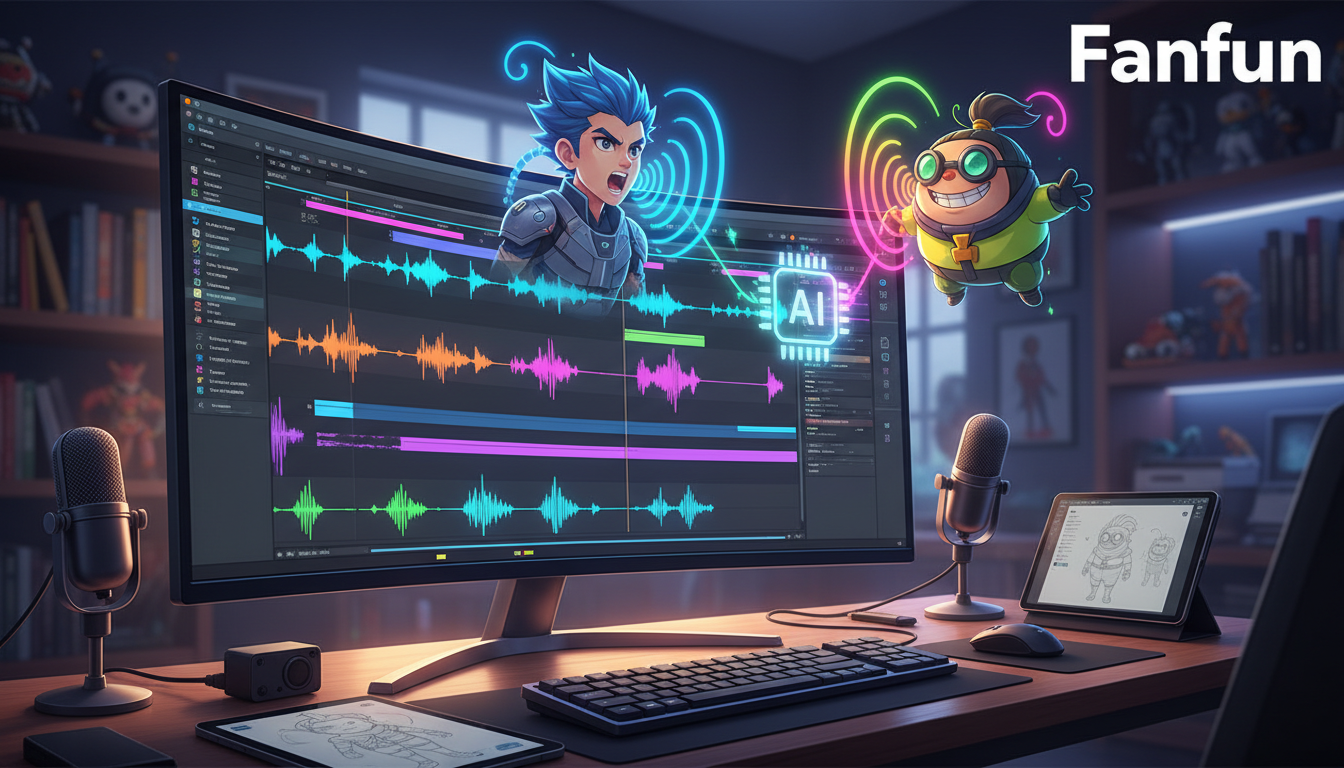
Most creators approach AI voice generation as a passive lottery. They paste raw, grammatically perfect text into a generator, click a button, and hope the synthetic voice magically delivers the exact comedic timing, dramatic pause, or emotional weight they hear in their heads. When the output sounds flat and robotic, they blame the model, unaware that the secret to cinematic vocal synthesis lies not in the algorithm, but in the direction.
To bridge the gap between sterile text-to-speech and a living, breathing performance, you must stop writing like an essayist and start writing like a voice director. By treating your text input as a musical score—complete with strategic punctuation, phonetic adjustments, and psychological pacing—you can coax rich, character-driven performances from synthetic models.
The Director's Paradigm: Why Fictional Voices Need Active Direction
Standard text-to-speech (TTS) engines are engineered for clinical utility. Their primary objective is the clear, unambiguous delivery of information—think GPS systems, screen readers, and corporate training modules. They prioritize uniform syllable duration and flat emotional baselines to ensure maximum legibility. Fictional characters, however, exist in the spaces between words. They live in the gasps, the sudden shifts in pitch, the nervous hesitations, and the deliberate pauses that signal subtext, denial, or excitement.
When you feed raw, unformatted text into an AI voice generator, the algorithm does its best to smooth out the transitions. This optimization is exactly what kills the drama. To make a synthetic voice feel alive, you must introduce deliberate irregularities. Human speech is inherently chaotic; we speed up when we are excited, swallow our vowels when we are tired, and stretch out words when we are thinking on our feet. As a creator, your job is to translate these psychological states into textual cues that the AI model can interpret as performance indicators.
This is where platforms like Fanfun transform the creative workflow. Instead of forcing creators to wrestle with complex code or settle for generic, robotic voices, Fanfun provides instant access to highly distinct character personas and voice generators. By offering a playground of specific, pre-tuned vocal profiles, the platform allows you to focus entirely on the art of direction. Rather than trying to program a voice from scratch, you are acting as the director on set, using your script to coax the perfect take from an incredibly talented virtual actor.
The Character Cadence Framework: Mapping Vocal Archetypes
Before typing a single word of your script, you must identify your character's vocal archetype. Different characters require radically different pacing, pitch variance, and structural layouts. If you write a fast-talking sidekick's script with the same sentence structure as a stoic mentor's, the AI will deliver a confusing, off-key performance that breaks the audience's immersion.
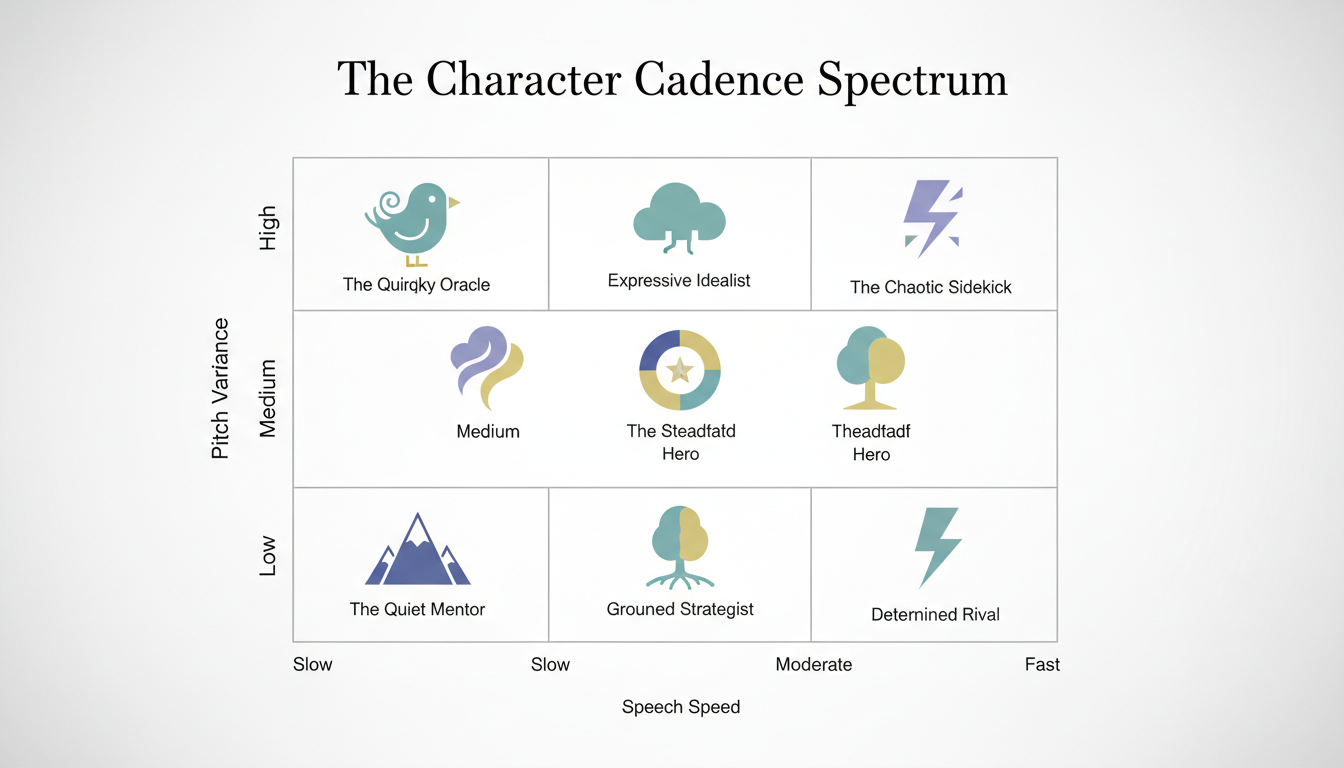
Use the following comparison matrix to map your character's psychological profile to their synthetic vocal requirements:
| Vocal Archetype | Target Tempo | Pitch Variance | Pause Frequency | Primary Formatting Key |
|---|---|---|---|---|
| The Stoic Mentor | Slow & Deliberate | Low / Flat | High (Long gaps) | Ellipses (...) and em-dashes (—) |
| The Hyperactive Sidekick | Rapid & Erratic | High / Dynamic | Low (Run-on) | Phonetic spelling, minimal periods |
| The Reluctant Hero | Moderate / Hesitant | Mid / Conversational | Moderate | Hesitation words (um, uh, wait) |
The Hyperactive Sidekick vs. The Stoic Mentor
To successfully direct these archetypes, you must match the visual layout of your script to the character's internal rhythm. A hyperactive character doesn't think before they speak, so their script should feature long, breathless sentences with very few hard stops. For creators looking to master hyperactive, high-energy delivery, our guide on scripting eccentric sidekick vocal chaos provides a deep dive into managing erratic pacing.
Conversely, a stoic mentor speaks with gravity. Every word is heavy, meaning your script must force the AI generator to pause, breathe, and lower its pitch. By breaking their dialogue into short, isolated fragments, you signal to the model that each statement is a self-contained thought, preventing the AI from rushing through the lines and ruining the character's authoritative presence.
Punctuation as Notation: Scripting Tricks for Synthetic Delivery
When directing AI voices, standard grammar rules no longer apply. You must treat punctuation not as syntactical structure, but as musical notation. The symbols you type directly dictate the rhythm, breath control, and emotional peaks of the synthetic output.
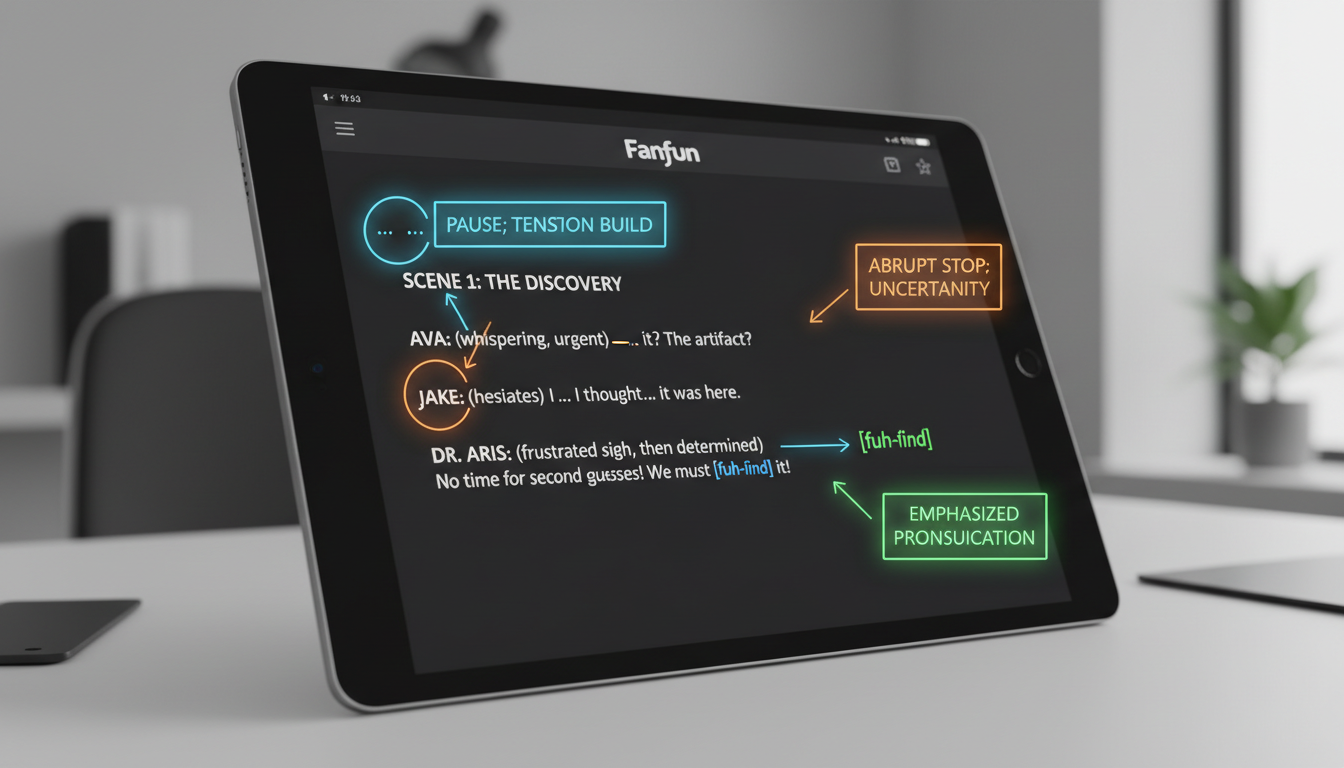
- The Ellipsis (...) for Breathing Room: Placing three dots between words doesn't just create a pause; it forces the AI to simulate a breath or a moment of hesitation. Instead of writing, "I don't know what to do," try writing, "I... I don't know... what to do." This forces the model to mimic the vulnerability of a character processing difficult news.
- The Em-Dash (—) for Sudden Pivots: Use em-dashes to indicate a sudden interruption in thought or a sharp transition in tone. For example, "We have to run—now!" triggers a sudden increase in urgency and prevents the AI from blending the two clauses together smoothly.
- Phonetic Spelling for Elongation: If you need a character to sound skeptical, casual, or lazy, spell words the way they sound when dragged out. Writing "prooobably" instead of "probably," or "whaaat" instead of "what," forces the AI voice generator to spend more time on the vowel sounds, conveying hesitation or disbelief without needing a separate voice slider.
- Capitalization and Exclamations for Intensity: While some models ignore capitalization, many advanced generators interpret consecutive capitalized words as a cue to raise the volume and intensity. Using "No, NO, stop!" will yield a much more dynamic, high-stakes performance than "No, no, stop."
The Director's Scripting Checklist
Before hitting generate, run your script through this quick checklist to ensure maximum vocal dynamics:
- [ ] Read the line aloud. Did you naturally breathe? If yes, insert an ellipsis (...) or a comma.
- [ ] Identify the single most important word in the sentence. Can you spell it phonetically to draw focus?
- [ ] Look at the end of your sentences. If the character is trailing off, replace the period with an ellipsis. If they are cut off, use an em-dash (—).
- [ ] Check for emotional transitions. Did you use capitalization or exclamation marks to signal shifts in volume?
Tailoring the Energy: Matching the Script to the Persona's Vibe
Every character has an energetic signature. A script that works perfectly for a chaotic cartoon character will sound absurd when fed into a voice model meant for an ancient wizard. To get the best results, you must align your writing style with the specific energy of the persona you are generating.
If your character leans into nostalgic, warm, or sincere territory, check out our blueprint for scripting earnest, time-traveler-style vocal energy to capture that genuine emotional core. These characters thrive on slower tempos, softer consonants, and a conversational flow that feels unhurried. When writing for this vibe, avoid harsh, clipped punctuation and instead opt for commas and soft transitions that allow the warmth of the synthetic model to shine through.
For characters who carry an air of mystery or ancient wisdom disguised in a youthful tone, explore our guide on directing ancient youth vocal energy to balance suspense and innocence. Achieving this balance requires a careful mix of formal vocabulary, unexpected pauses, and precise phrasing. By keeping the sentences grammatically structured but rhythmically unpredictable, you can guide the AI to deliver a performance that feels simultaneously young and incredibly old, building an immediate sense of intrigue for your audience.
Finally, remember the power of subtext. Humans rarely say exactly what they mean; we mask our anger with polite words, or our fear with jokes. When directing an AI voice, you can simulate this tension by writing lines where the literal meaning of the words contradicts the structural pacing. Writing a line like, "Sure... everything is... perfectly fine—" with a trailing em-dash forces the AI to deliver a performance that hints at underlying panic, creating a layered, professional-grade voiceover.
From Text to Fanfun: Bringing Your Fictional Characters to Life
Once you have mastered the art of scripting notation and archetype mapping, you need a sandbox where you can execute these strategies instantly. Traditional methods of obtaining character voices—such as hiring voice actors, scheduling recording sessions, or waiting days for a generic, expensive message on legacy celebrity platforms—create massive bottlenecks for modern creators who need to move at the speed of social media trends.
Fanfun serves as the ultimate creative sandbox, offering instant delivery of personalized character videos, voiceovers, and interactive chats. Because Fanfun's AI Voice Generator and character library operate in real time, you can instantly test your scripting variations. If an ellipsis doesn't give you the exact breathy pause you wanted, you can tweak the text, adjust the phonetic spelling, and generate a new take in seconds. This rapid iteration loop allows you to fine-tune roasts, promotional videos, and custom fan dubs until the performance is flawless.
Furthermore, you can scale your creative output by blending Fanfun's interactive AI Chat with these custom video messages. By using the AI Chat to converse with a character persona beforehand, you can discover natural speech patterns, catchphrases, and unique rhythmic quirks directly from the AI itself. Once you have mapped out the character's unique conversational vibe, you can apply your newly learned scripting hacks to generate highly personalized, high-impact video messages that feel genuinely alive, incredibly engaging, and completely custom-tailored to your audience.
How do I make an AI character voice sound less robotic?
To make an AI voice sound natural, avoid standard grammar. Use ellipses (...) to simulate breathing, em-dashes (—) for sudden pauses or shifts in thought, and phonetic spelling (like 'prooobably' instead of 'probably') to force the AI to elongate vowels and mimic human hesitation.
Can I use AI voice synthesis for commercial character promos?
Yes! Creators and marketers use platforms like Fanfun to generate highly engaging, scalable promotional content, custom roasts, and memes featuring distinct character voices, bypassing the high costs and scheduling bottlenecks of traditional voice-over production.
How does punctuation affect AI voice generation?
Punctuation acts as musical notation for AI models. Commas and ellipses force pauses and breath simulation, exclamation points and capitalization often trigger increases in volume and intensity, and periods signal a complete drop in pitch to close a thought.
What makes Fanfun different from traditional celebrity video platforms?
Unlike traditional platforms like Cameo, which require you to pay high fees and wait days for a real person to record a video, Fanfun offers instant, affordable, and highly customizable AI-generated videos, voiceovers, and interactive chats with a massive library of fictional characters and cultural icons.