How to Surprise a Friend with a Personalized Character Video
Give a gift your friend won't forget. Here is how to create a highly personalized AI character video and deliver the surprise for maximum impact.
To surprise a friend with a personalized character video, you need to match an AI persona to a shared inside joke, write a highly specific script that addresses them by name immediately, and choose a delivery method that catches them off guard. While generating a video on Fanfun takes only a few minutes, the emotional or comedic impact depends heavily on how you present it—whether that is dropping it in a lively group chat, printing a custom QR code on a physical card, hijacking a TV screen during a hangout, or sending a disguised link. The main limitation is ensuring your friend is in an environment where they can actually hear the audio and react in real-time.
Match the Character to the Inside Joke
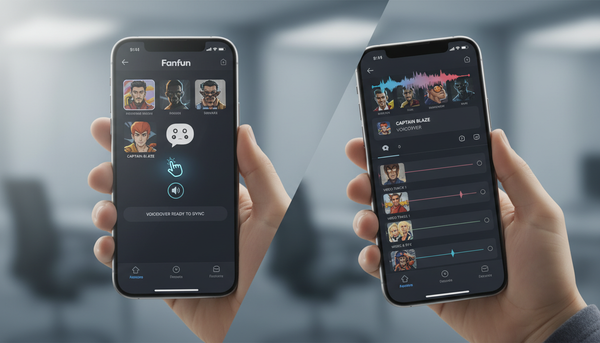
The foundation of a great surprise video is choosing a character that instantly triggers a reaction. Fanfun offers a library of AI personas, allowing you to pick your favorite character. Instead of picking a character at random, select one that aligns with your friend's deep fandoms, guiltiest pleasures, or a long-running inside joke. If they are obsessed with a specific fictional universe, having a character roast their gaming skills will always land better than a generic greeting.
Once you have chosen your character, avoid the temptation to use a generic, pre-written script. The magic of an AI-generated video lies in hyper-specific personalization. Focus on details only a close friend would know: their childhood nicknames, their specific coffee order, or that one time they got lost in a parking garage. When writing a tailored script for an AI character, structure the dialogue so the character addresses your friend by name within the first three seconds. This immediately hooks their attention and signals that this is not a generic clip you found online.
Example Script Templates
To help you get started, here are two script concepts. Keep in mind that these are illustrative templates to inspire your writing, not guaranteed outputs, as AI interpretations can vary in pacing and tone.
- The Playful Roast Template: "Hey [Name], it's [Character] here. I heard you finally managed to [funny fail or minor achievement, e.g., parallel park on the first try]. Honestly, I didn't think you had it in you. Keep trying, buddy, maybe one day you'll actually be as cool as me."
- The Ultimate Hype-Up Template: "Listen up, [Name]! [Character] here to tell you that today is your day. I know you've been grinding on [project/hobby], and let me tell you, the whole galaxy is watching. Go out there and crush it!"
Four Creative Ways to Deliver the Video Surprise
Once your video is generated, the delivery mechanics dictate how memorable the moment will be. Simply texting a link with "hey look at this" is a missed opportunity. Instead, consider these four distinct delivery frameworks to maximize the surprise factor:
1. The Group Chat Bomb
If you share a tight-knit group chat with the recipient, drop the video directly into the thread without any prior warning. This works exceptionally well for birthday roasts or celebratory messages. The instant flood of reactions from mutual friends builds collective hype, turning a simple video link into a shared group event.
2. The Physical QR Code
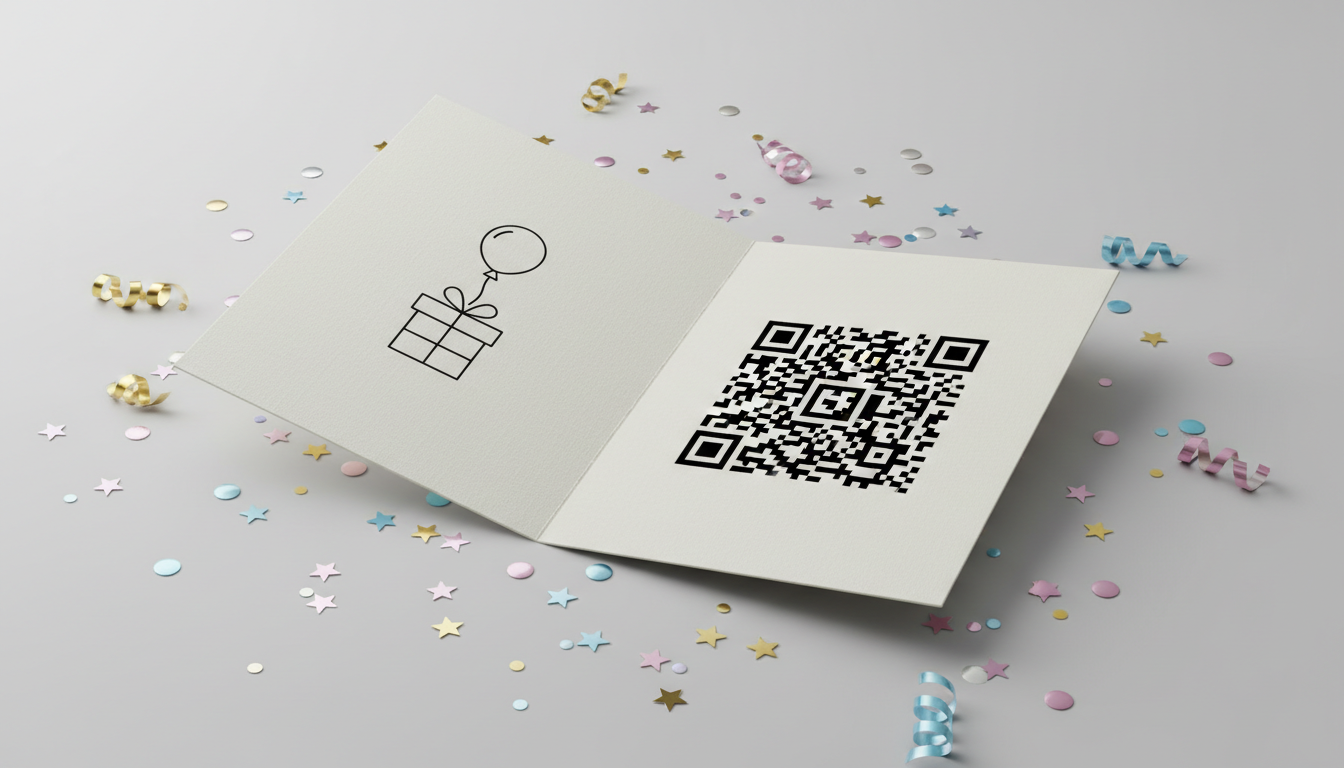
For a tangible gift experience, print a clean, scannable QR code and paste it inside a physical card or on a gift tag. When your friend opens the card, they will see a note like "Scan for a message from an old friend." They can scan it with their smartphone camera, unlocking the video directly on their own device. This blends the charm of a physical gift with the unexpected novelty of a digital character message.
3. The Watch-Party Hijack
If you are hanging out in person, cast the video directly to a TV screen during a casual moment. You can pretend you are looking for something to watch on YouTube or Netflix, then play the custom video instead. This method is highly effective for crafting surprise announcement videos, such as revealing a trip, a group gift, or big personal news.
4. The Fake-Out Link
Disguise the video link as something incredibly mundane. Send your friend a message saying, "Hey, can you double-check the budget spreadsheet for this weekend?" or "Did you see this weird update from our lease agreement?" and paste the Fanfun video link. The sudden transition from boring administrative task to an AI character talking directly to them creates an unmatched comedic contrast.
Delivery Methods Comparison
| Method | Surprise Level | Required Effort | Best Suited For |
|---|---|---|---|
| Group Chat Bomb | Medium | Low | Birthdays, inside jokes, and group memes |
| Physical QR Code | High | Medium | Formal gifts, physical cards, and holidays |
| Watch-Party Hijack | Very High | High | In-person hangouts and big group announcements |
| Fake-Out Link | High | Low | Pranks, casual roasts, and quick laughs |
Timing and Pacing: The Zero-Hour Strategy
Timing can make or break a surprise. If you send the video when your friend is busy at work or driving, the initial excitement is lost. Wait for the "zero hour"—a moment when you know they are relaxed, comfortable, and able to listen to the audio clearly. Because AI voiceovers rely heavily on clear audio delivery, playing the video in a loud, crowded restaurant without headphones will ruin the punchlines.
One of the biggest advantages of using Fanfun is the speed of execution. If you realize you forgot a friend's milestone or need a quick reaction to a real-time event, you can rely on generating videos in minutes for last-minute moments. You do not need to wait days for a real celebrity to approve and record a script; you can generate, download, and deliver the surprise almost instantly.
Finally, always plan a follow-up. If you are delivering the video digitally, ask them to send a screen recording of their reaction, or hop on a quick video call right after sending it. Capturing their genuine, unfiltered laugh is the ultimate reward for pulling off the perfect character surprise.
Can I make a collaborative group video with multiple character voices?
If you want to feature multiple characters, a practical approach is to generate separate video clips for each character and stitch them together using a standard mobile video editing app before sharing the final edit with your friend.
What is the best way to record my friend's reaction to the video?
If you are delivering the surprise in person (such as during a Watch-Party Hijack), have another friend discreetly record them on a phone as the video starts playing. For remote surprises, you can ask them to open the link while on a FaceTime or Zoom call with you, allowing you to watch and record their live reaction directly from your screen.