How to Use Interactive AI Chat to Build Dynamic Creative Writing Prompts
Static writing prompts often lead to flat, predictable scenes. By treating interactive AI chat as a conversational sparring partner, writers can co-create organic narrative friction and write more authentic character dialogue.
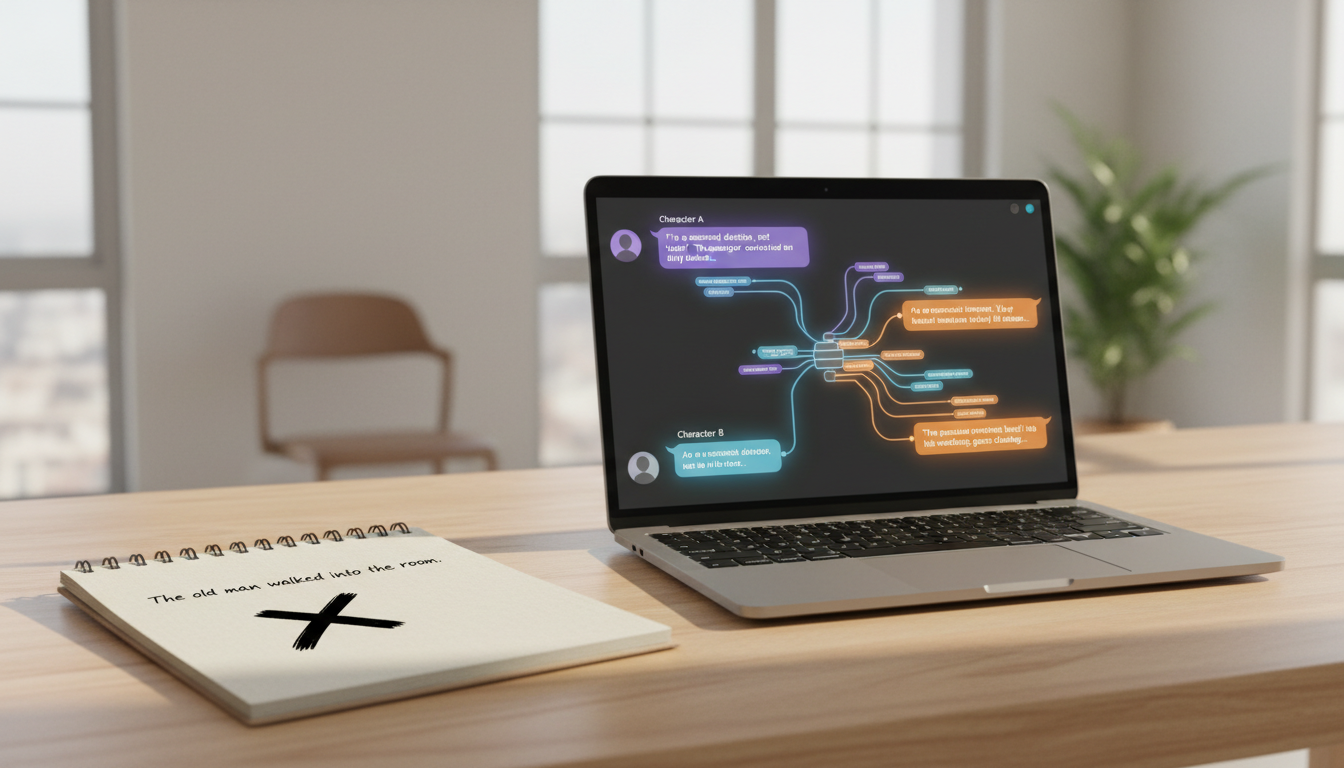
To build dynamic creative writing prompts with interactive AI chat, you must treat the AI as an active conversational partner rather than a passive text generator. Instead of asking for a static list of premises, establish a specific scenario, assign a biased persona to the AI, and instruct it to introduce narrative friction by disagreeing, withholding information, or escalating tension. This live, back-and-forth dialogue co-creates organic conflict, helping writers stress-test character voices and discover unexpected plot directions in real time.
Why Static Prompts Fail and How Interactive Chat Changes the Game
Traditional writing prompts are dead ends. A prompt like "Write about a detective who finds a mysterious key" gives you a starting point, but it leaves you entirely alone to figure out how the characters react, speak, and clash. There is no feedback loop, no resistance, and no spark of unexpected dialogue to push your story forward.
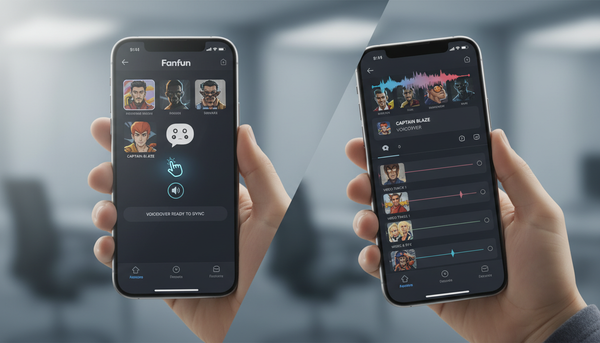
Interactive AI chat changes this dynamic by turning the prompting process into a collaborative sandbox. Instead of receiving a flat block of text, you engage in a live conversation where the AI responds to your narrative choices in real time. This allows you to test hypotheses, push back against character decisions, and discover plot twists organically through dialogue. Engaging with distinct AI personas can help writers step outside their own natural narrative voices to discover authentic friction. For creators looking to hear how their dialogue sounds when spoken aloud by specific characters, platforms like Fanfun allow you to select a character, input your script, and generate a custom video message. This helps you hear the pacing and delivery of your written lines. To learn more about using character tools for your stories, you can explore how to use these platforms to stress-test your narrative concepts.
The Conversational Prompting Framework: From Spark to Scene
To turn a basic idea into a friction-filled writing exercise, you need a structured approach. Rather than letting the AI lead the chat aimlessly, use this four-step conversational framework to guide the interaction:
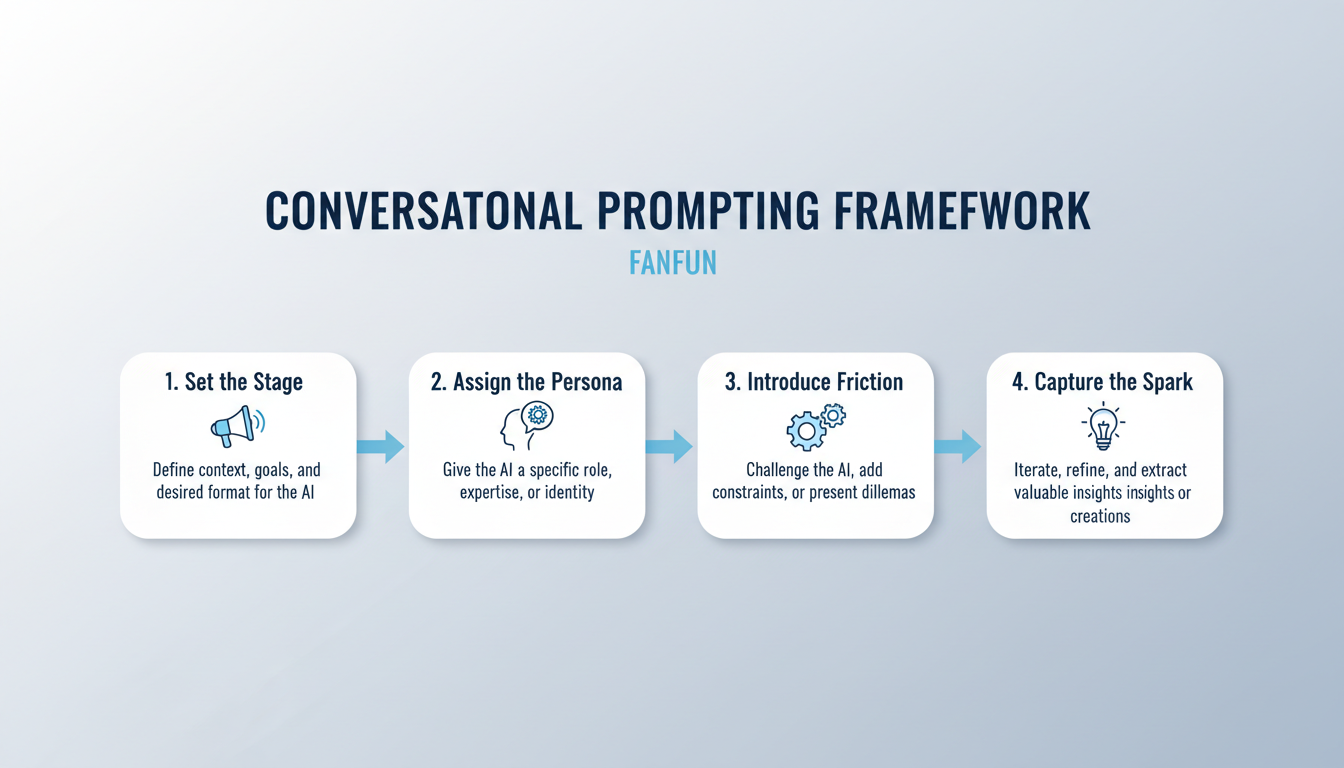
1. Set the Stage
Begin by establishing the core conflict, setting, or theme. Clearly define what the scene is about, but do not resolve the tension yet. For example, tell the AI: "We are two business partners who have just discovered our third partner has fled with all our capital."
2. Assign the Persona
Instruct the AI to adopt a highly specific perspective, complete with its own biases, secrets, or emotional states. This prevents the AI from acting like a helpful assistant and forces it to act like a character. Learn more about directing interactive character chats to get the exact tone and friction you need.
3. Introduce Friction
Explicitly tell the AI to challenge you. You can instruct it to actively disagree, withhold crucial information, or escalate the stakes as the conversation progresses. This ensures the dialogue remains active and unpredictable.
4. Capture the Spark
Once the conversation reaches a natural climax or a surprising revelation, stop the chat. Copy the transcript and use it as raw material. You can edit the dialogue, add sensory details, and sculpt the exchange into a polished, structured scene.
Comparison: Static vs. Conversational Prompting
| Feature | Static Prompt Lists | Conversational Prompting |
|---|---|---|
| Narrative Tension | Pre-determined and fixed | Developed organically through back-and-forth play |
| Character Voice | Imagined entirely by the writer | Tested and shaped against an active counter-voice |
| Plot Discovery | Linear and predictable | Emerges from unexpected AI responses and friction |
| Friction Level | Low (no active resistance) | High (AI actively challenges your choices) |
Three Interactive Scenarios to Spark Your Next Project
To help you get started, here are three practical scenarios designed to generate narrative tension and build realistic character dynamics. You can copy and adapt these templates for your favorite AI chat platform.
Scenario 1: The Interrogation
Use this scenario to pressure-test a character's secrets and find their breaking point. Your goal is to extract information, while the AI's goal is to deflect, deny, or counter-interrogate. Read our guide on practicing and refining creative dialogue through interactive chat.
Prompt Template: "Act as a suspect who was seen near the museum vault last night. You have a secret connection to the museum director that you want to hide. I will play the detective. Do not confess easily. Deflect my questions, ask your own, and only reveal clues if I catch you in a logical contradiction."
Scenario 2: The Clash of Values
Flesh out your story's theme by setting up an ideological debate between two opposing forces. This scenario helps you write balanced arguments where neither side is entirely wrong.
Prompt Template: "Act as a traditionalist village elder who believes the old ways protect the community from outside dangers. I will play a young innovator who wants to introduce modern technology to save the failing crops. Let us debate this. You must argue with deep conviction, citing past failures of technology, while I argue for survival."
Scenario 3: The Unreliable Narrator
Create natural suspense by prompting the AI to hide a specific truth from you while you attempt to uncover it through conversational clues.
Prompt Template: "Act as my character's childhood friend who has just returned from a long journey. You are hiding a dark truth: you know that my character's family estate is cursed, but you do not want to terrify me. Speak warmly but evasively. Use subtext and subtle hesitations to hint that you are holding something back."
How to Keep AI Prompts Original and Avoid Clichés
AI chat tools are highly capable, but they are also prone to predictable tropes, overly agreeable responses, and repetitive "AI-speak." To keep your prompts original and your dialogue sharp, use these proactive strategies:
- Ban the Pleasantries: Instruct the AI to skip polite introductions, summarizing statements, and agreeable transitions like "That is a great point, but..." or "I understand how you feel."
- Apply Strict Constraints: Force creativity by setting mechanical limits. Tell the AI: "Respond in under 15 words," "Do not use the word 'secret' or 'afraid'," or "Speak only in short, clipped fragments."
- Embrace the Edit: Remember that AI-generated chat is merely raw clay. The final polish, emotional depth, and unique stylistic choices must always come from your manual editing process. Use the chat to discover the scene's structure, then rewrite the dialogue to match your unique authorial voice.
How do I prevent the AI from agreeing with everything I say during a brainstorming chat?
To stop the AI from being overly agreeable, establish a strict bias or conflict in your initial prompt. Explicitly tell the AI: "Do not agree with my suggestions. Challenge my assumptions, point out flaws in my logic, and force me to defend my creative choices." You can also give the AI a specific contrarian persona to maintain this friction throughout the session.
Can I use interactive AI chat to brainstorm plot outlines, or is it only good for character dialogue?
Yes, interactive chat is highly effective for plot outlining. Instead of asking for a complete outline, build it dynamically. Ask the AI to play a skeptical editor or a co-writer. Present your plot points one by one and ask the AI to identify plot holes, suggest alternative consequences, or introduce unexpected complications to your structure.
What should I do if the AI chat companion loses track of the story context during a long session?
AI models have a limited context window and can drift during long conversations. To keep the chat on track, periodically post a brief "re-sync" message. Summarize the current state of the scene and remind the AI of its persona and constraints (e.g., "Quick recap: We are still in the interrogation room, you are still hiding the key, and you are remaining defensive. Let's continue.").