How to Make a Custom Congratulatory Video for a Graduate
Ditch the predictable graduation slideshows. Learn how to design, script, and generate a highly personalized, memorable video message from your graduate's favorite fictional character or icon.
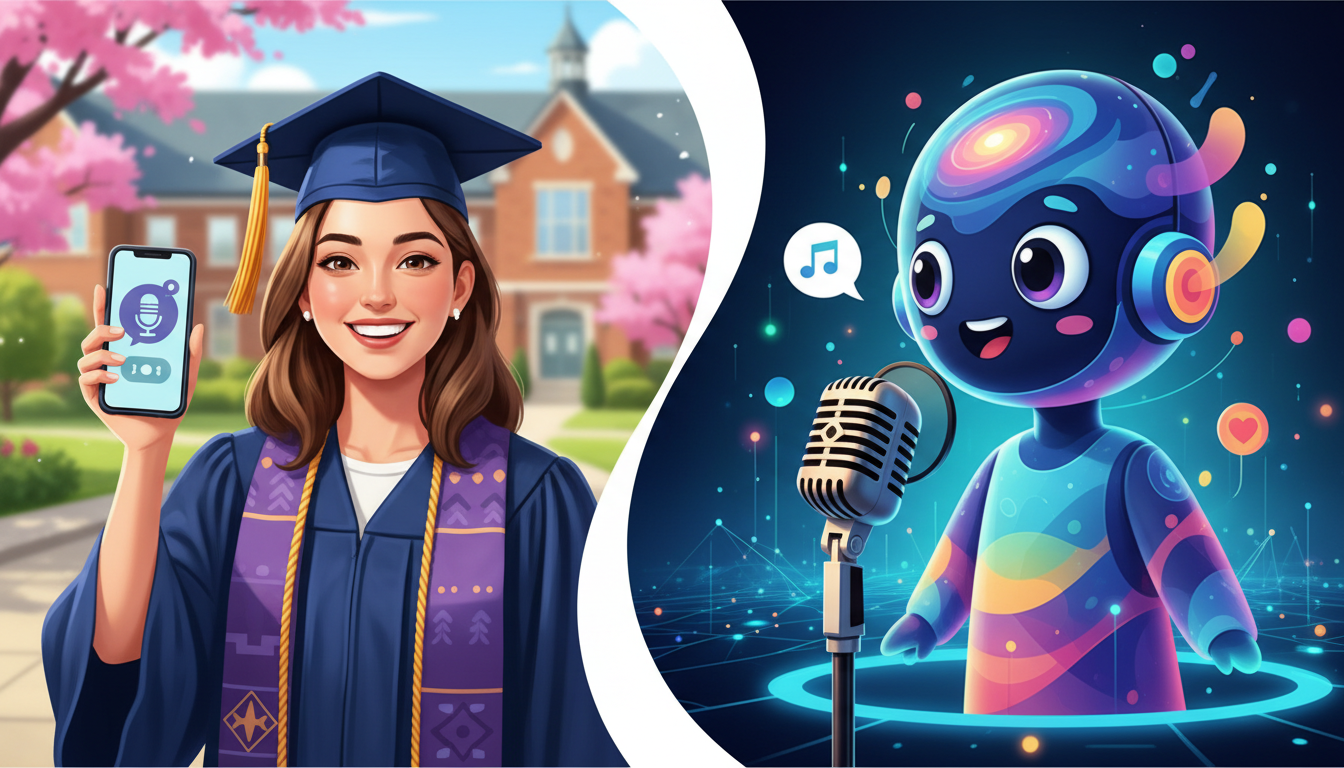
To make a custom congratulatory video for a graduate that actually stands out, you can generate a personalized video message from their favorite fictional character, anime icon, or meme legend using Fanfun. Instead of relying on a predictable photo slideshow, you select a character persona, write a short script tailored to the graduate's major and inside jokes, and generate a customized video in minutes. To help the final video feel polished, write your script clearly to account for tricky names and academic degrees, and consider layering the generated clip with their favorite background music.
Moving Beyond the Boring Graduation Slideshow
Graduation is a major milestone, but the way we celebrate it digitally has gotten incredibly predictable. Most of us have sat through the standard five-minute photo montage set to generic acoustic guitar music. While sentimental, these slideshows rarely capture the energy and personality of the graduate. By opting for a custom AI-generated character message, you can shock and delight them with a personal salute from an anime hero, a fictional villain, or a cultural icon they genuinely follow.
This creative format represents a major step forward, transitioning from standard digital greetings to instant custom video messages that feel highly personalized and culturally relevant. With Fanfun, you do not need to book expensive, real-life celebrity shoutouts weeks in advance. You can construct a tailored, hilarious, or inspiring video message from an AI interpretation of a beloved character in just a few clicks.
Step 1: Choose Your Creative Concept and Persona
Before writing your script, you need to match the character to the graduate's unique personality and fandom. A gamer graduating with a computer science degree will appreciate a different persona than an art history major who loves classic anime. Consider what media they consume during their downtime to choose a persona that will make them laugh or feel genuinely inspired.
| Concept Type | Best Suited For | Example Persona Type | Vibe |
|---|---|---|---|
| The Inspiring Mentor | The ambitious achiever, future leaders | Fictional heroes, anime leaders | Uplifting, motivating, sincere |
| The Humorous Roast | Close friends, siblings, roommates | Fictional villains, meme icons | Playful, sarcastic, highly memorable |
| The Pop Culture Cameo | Movie buffs, casual gamers | Iconic sci-fi stars, cartoon legends | Surprising, lighthearted, nostalgic |
Step 2: Write a Script That Balances Humor and Sentiment
Great custom videos rely on sharp writing. When drafting your script, keep it concise and packed with specific details. Mentioning their exact degree, their favorite late-night study snack, or a notorious inside joke makes the video feel genuinely custom rather than auto-generated.
However, writing for an AI voice requires a slightly different approach than writing for a human actor. To get the best results, focus on directing and scripting custom voice text-to-speech messages by optimizing for natural pacing.
Scriptwriting Tips:
- Keep it short: Aim for 3 to 5 sentences (roughly 45 to 75 words) to maintain a high-energy delivery and prevent pacing slowdowns.
- Use common names or nicknames: If a name is highly unusual, using a familiar nickname or a simpler title can help ensure a smooth delivery.
- Keep sentence structure simple: Writing clear, straightforward sentences can help the AI voice maintain a steady flow.
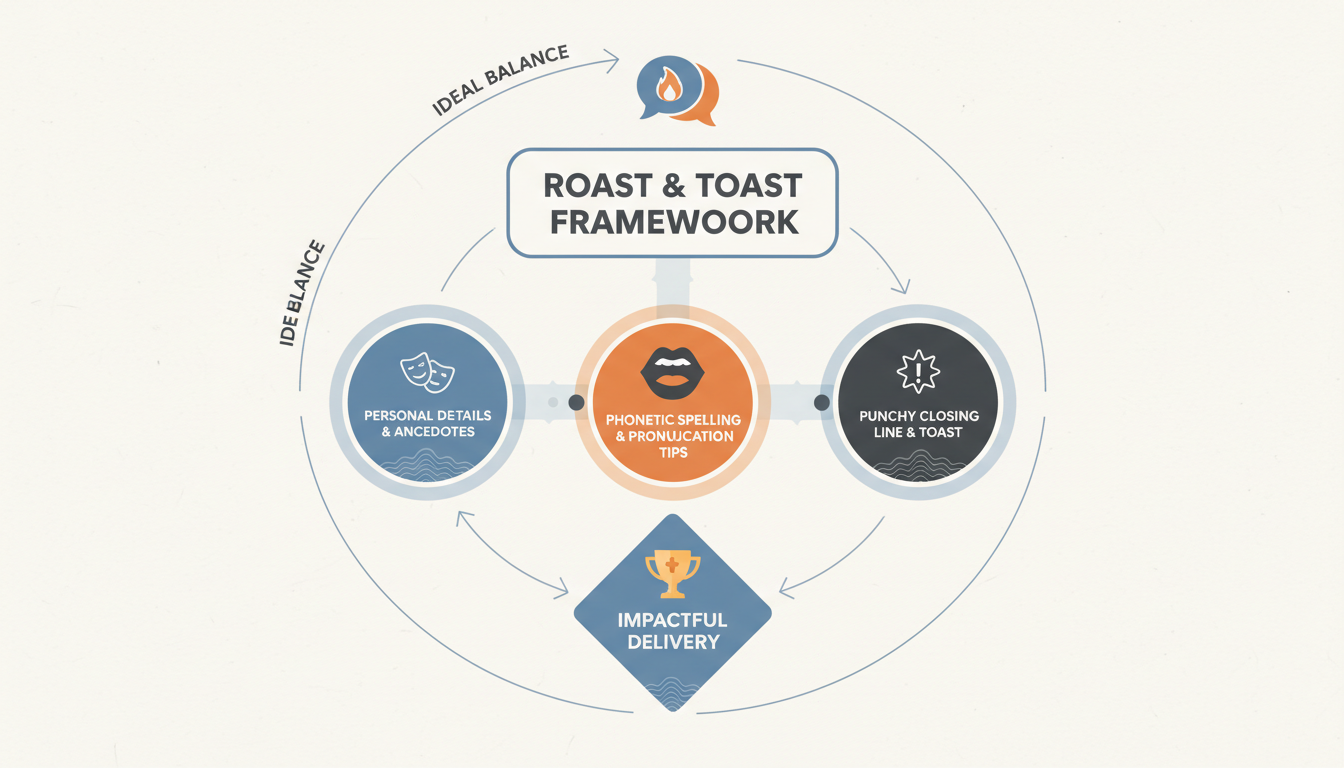
The "Roast & Toast" Script Template
Here is an illustrative script structure you can adapt for your graduate. Make sure to replace the bracketed details with personal info:
"Hey [Name], I heard you finally graduated from [University Name] with a degree in [Major]—not bad for someone who spent half of senior year playing video games until 3 AM. Seriously though, taking on [Specific Hard Class/Project] was no joke, and you actually pulled it off. Now go out there and conquer the real world, but maybe get some sleep first!"
Step 3: Generate and Polish Your Custom Video Message
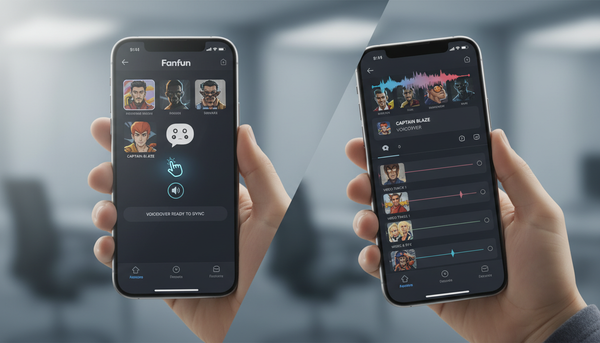
Once your script is ready, generating the video on Fanfun takes only a few minutes. Simply select your character from the library, input your custom script, and click generate to receive your custom AI video message.
For those looking to create an even larger, multi-part tribute video, you can easily download the generated clip and drop it into your favorite video editor. This is where layering and syncing custom character voiceovers with video clips becomes incredibly valuable. You can combine the character's congratulations with real photos of the graduate, layer a subtle instrumental music track underneath, or even splice together clips from multiple characters to build a custom "congratulations crew."
Whether you share the final video in a family group chat, post it to TikTok, or screen it during the graduation party, this custom character message offers a unique and memorable way to celebrate their achievement.
How long should a custom graduation video message be?
We recommend keeping the custom video message under 60 seconds. A punchy 30-to-45-second clip keeps the energy high, ensures natural pacing, and is easy to share on social platforms or group chats.
Can I combine multiple character voices into one graduation video?
Yes. You can generate individual video messages using different characters on Fanfun, download the files, and use any standard video editing software to stitch them together into a multi-character congratulatory compilation.
How do I make sure the AI pronounces the graduate's name correctly?
To help ensure a smooth delivery, write the name clearly within standard sentence structures. If a name has multiple complex pronunciations, using a widely recognized nickname or a direct title (like "Graduate" or "Champ") in the script is a reliable alternative.