
How to Create a Virtual Graduation Card with a Custom Character Video
Ditch the generic e-cards. Learn how to combine collaborative digital group cards with a personalized, high-impact AI character video message for a graduation keepsake they will actually remember.
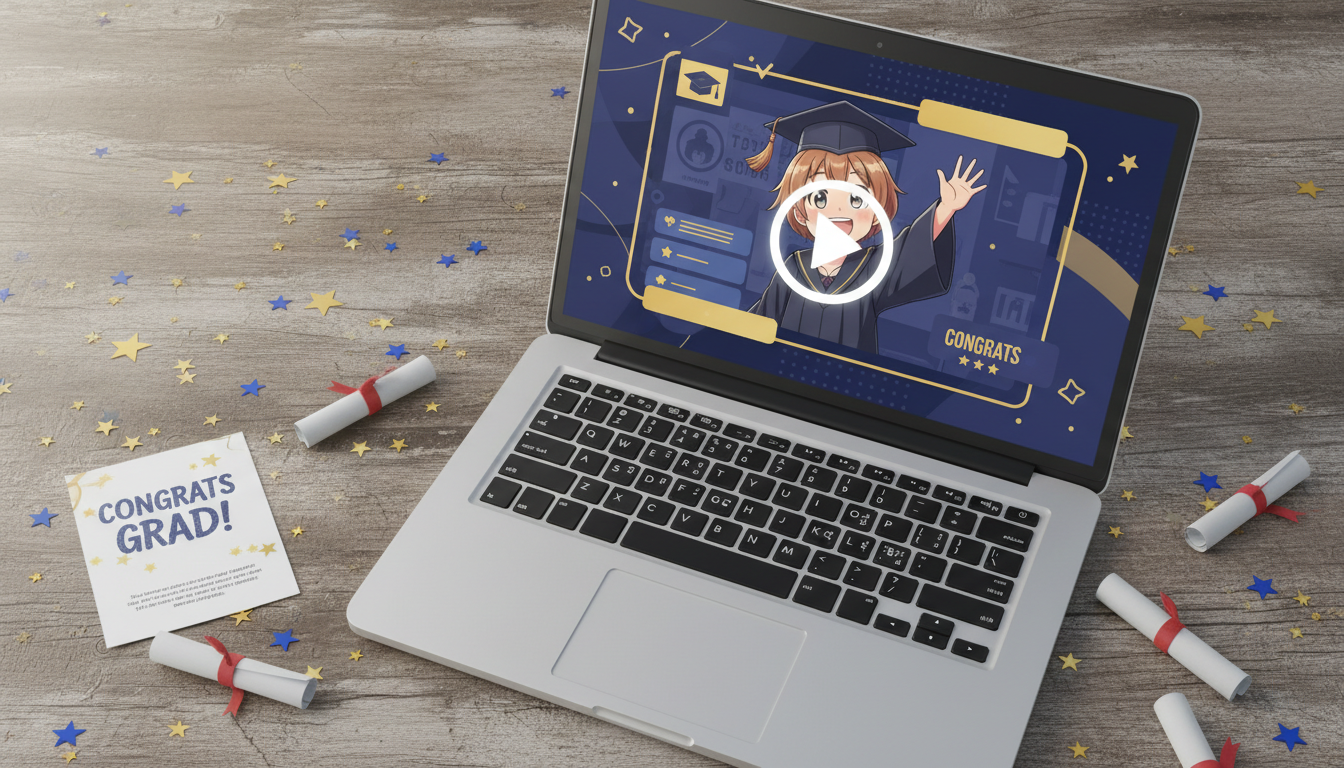
To create a virtual graduation card with a custom character video, you must choose an e-card platform that supports media uploads, generate a personalized video message using an AI platform like Fanfun, and embed the final file directly into your digital layout. This setup transforms a standard, easily forgotten digital greeting into a highly engaging keepsake by matching collaborative group messages with a custom "commencement address" from a beloved pop culture icon. While these AI-generated videos offer an incredibly fun, instant alternative to traditional celebrity booking platforms, they represent creative AI interpretations and should be presented as playful parodies rather than official endorsements.
Why Virtual Graduation Cards Need a Character Upgrade
Most digital graduation cards suffer from the same problem: they feel like a last-minute chore. A collage of static "Congrats!" messages and generic stock images of mortarboards rarely does justice to years of hard work. By adding a custom video from a favorite anime mentor, superhero, or cultural icon, you elevate the entire experience. It turns a passive digital page into an interactive event. On Fanfun, creators can generate these custom video messages in minutes, offering a level of personalization and humor that traditional paper cards or standard e-cards simply cannot replicate.
Step 1: Select Your Digital Card Platform
Before generating your video, you need a digital home for it. The platform you select depends on whether you are organizing a solo gift or gathering messages from a group of friends and family. If you are coordinating a class-wide or family-wide effort, you will want to refer to our blueprint for orchestrating virtual group cards to keep the coordination seamless while keeping the final character video a surprise.
Let's compare the most common options for hosting your virtual graduation card:
| Platform | Best Used For | Media Capabilities | Pros & Cons |
|---|---|---|---|
| Kudoboard | Group collaboration from many contributors. | Supports direct MP4 uploads, YouTube/Vimeo links, and GIFs. | Highly customizable, but requires a paid plan for larger groups. |
| GroupGreeting | Simple multi-page digital cards. | Supports media links and text messages. | Easy to use, but has more rigid layout options. |
| Canva / Google Slides | Solo creators wanting total design control. | Direct video embeds and full animation control. | Completely free and highly creative, but requires manual coordination for group inputs. |
Step 2: Generate the Character Video on Fanfun
Once you have chosen your platform, it is time to create the centerpiece. Fanfun makes generating custom AI videos straightforward, requiring no technical editing skills or long waiting periods.
- Pick Your Character: Browse the Fanfun library to find a persona that matches the graduate's unique tastes. Whether they are obsessed with a specific anime series, a classic superhero, or a viral meme, matching the character to their actual fandom is key.
- Input the Script: Write a tailored script that highlights the graduate's achievements, major, or future plans.
- Generate and Download: Fanfun processes the video in just minutes, allowing you to quickly get your custom AI video.
Step 3: Scripting the Graduation Message (With Templates)
A great character video relies heavily on a well-written script. To help you get started, we have provided two editable templates below. If you want to dive deeper into scripting strategies, you can explore our dedicated guide on crafting custom AI graduation messages that beat boring templates.
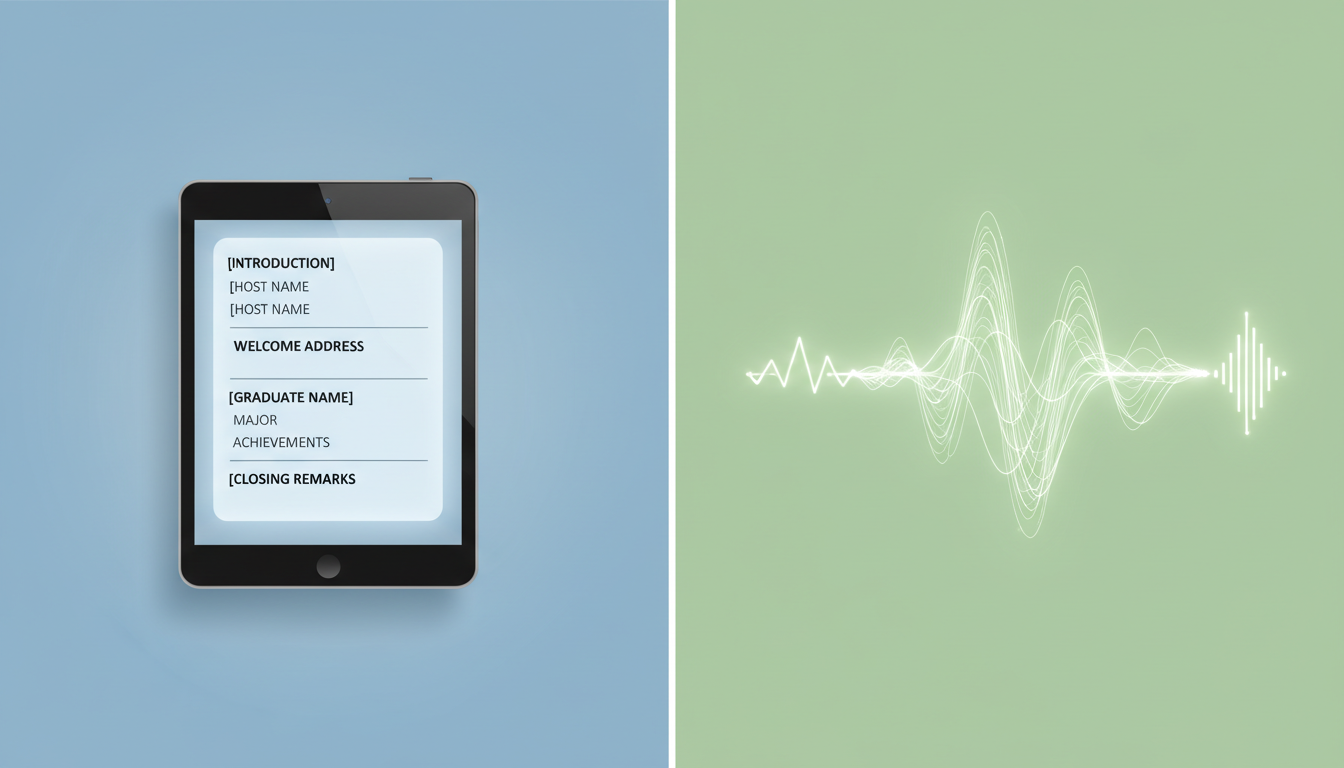
Template 1: The Inspiring Commencement Address
"Class of [Year] has officially been upgraded! [Graduate Name], I heard you finally conquered the engineering department at [University Name]. They said it couldn't be done, but you proved them wrong. Remember, the real world is just like [Fictional Universe Reference]—it takes grit, determination, and maybe a little bit of luck. Go out there and make us proud!"
Template 2: The Playful Character Roast
"Well, well, well... look who actually managed to graduate. [Graduate Name], we all knew you were smart, but getting a degree in [Major] while spending [Number] hours a week playing video games is truly a miracle. Your friends and family are incredibly proud, and honestly, a little surprised. Congratulations, graduate! Try not to sleep through your new job."
When writing for AI voice synthesis, keep in mind that pronunciation can vary depending on the platform's text processing, so keeping scripts clear and straightforward can help achieve a natural result.
Step 4: Assemble and Deliver the Surprise
With your Fanfun video downloaded and your digital card ready, the final step is assembly and delivery. Upload the video file directly to your chosen platform, positioning it at the very top or center of the card layout so it is the first thing the graduate sees.
For the ultimate impact, schedule the card to arrive at a specific time—such as graduation morning or right before their celebration dinner. If you are hosting an in-person gathering, consider projecting the digital card onto a screen so everyone can watch the graduate's reaction together. To make sure the moment lands perfectly, read our best practices on how to surprise a friend with a personalized video.
Can I add multiple character videos to a single digital graduation card?
Yes! If your chosen card platform supports multiple media elements, you can generate and upload multiple distinct video clips from different characters to create a multi-character congratulations lineup.
What is the ideal video length for a digital card embed?
For the best engagement, aim for a video length between 30 to 60 seconds. This is long enough to include highly specific personal details and jokes without slowing down the pacing of the digital card.
Do I need technical video editing skills to put this together?
Not at all. Fanfun handles the entire video generation process automatically from your text script, and modern digital card platforms use simple drag-and-drop interfaces to embed the final file.
