
How to Write Phonetic Spellings for Vietnamese Names in AI Speech Generators
English-centric AI voice generators often struggle with Vietnamese tones and consonants. This guide shows you how to translate common names into simple phonetic spellings for natural-sounding AI voice notes and video gifts.
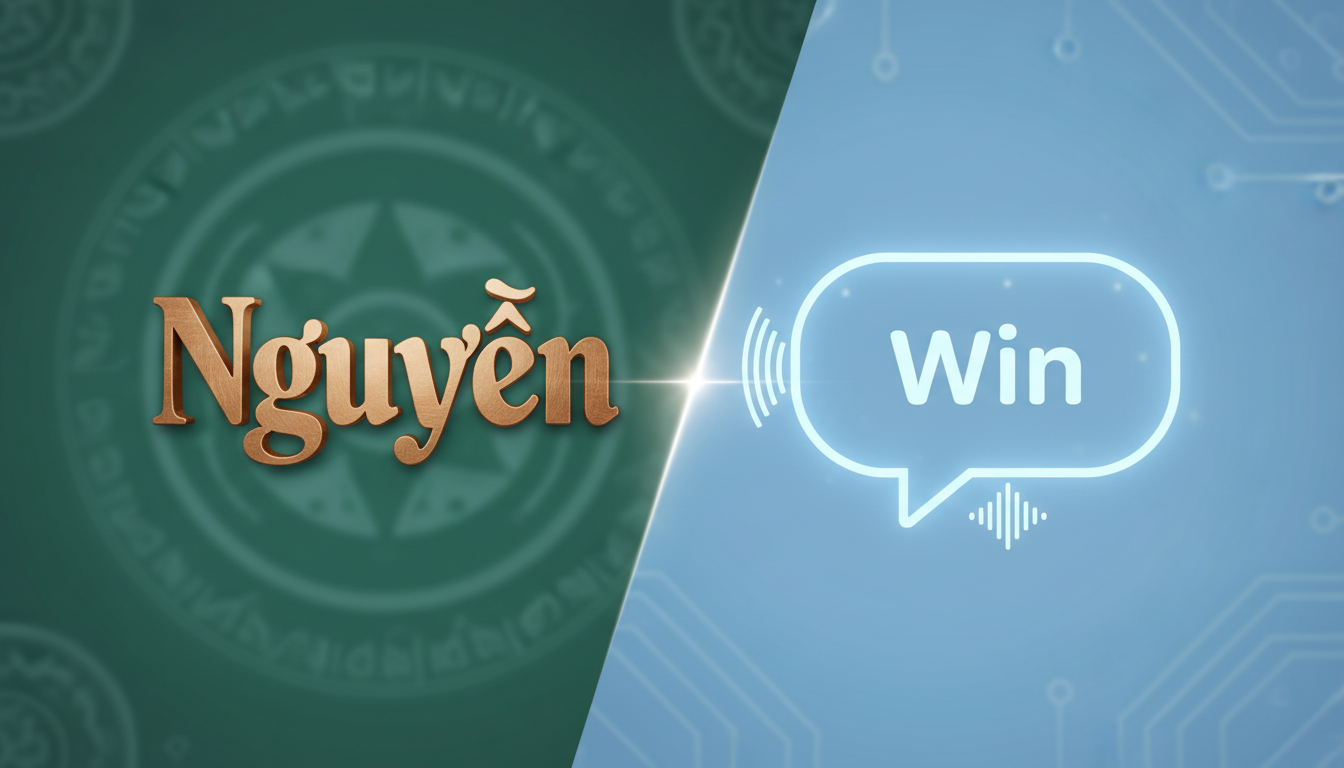
To get an English-centric AI voice generator to pronounce Vietnamese names correctly, you must replace the standard spelling with an English-based phonetic approximation. Because standard AI models are trained on English phonics, they read Vietnamese diacritics literally or ignore them, leading to mispronunciations of common names like Nguyễn (which often sounds like "Noo-yen" instead of "Win"). By rewriting Nguyễn as "Win" or "Nwen," and Lê as "Lay," you can guide the AI to a much more natural pronunciation. Keep in mind that while English-based AI speech generators cannot perfectly replicate the native tonal contours of the Vietnamese language, creative spelling tricks will help you achieve a highly recognizable and respectful approximation for your custom Fanfun video gifts.
Why English AI Voices Struggle with Vietnamese Names
Vietnamese is a tonal language featuring six distinct tones (such as rising, falling, and questioning) that change the meaning of a word. Many English-centric voice generators, however, are designed around English pronunciation rules, which typically do not account for Vietnamese tonal variations. Furthermore, Vietnamese orthography uses diacritics (like dấu hỏi or dấu ngã) to represent these tones, which English-centric speech synthesizers cannot interpret.
Another major hurdle is the presence of initial consonant clusters that do not exist at the start of English words. For example, the "Ng" in Nguyễn or Ngô requires a velar nasal sound that English speakers only use at the end of words (like the "ng" in "sing"). When an AI speech generator encounters "Ng" at the beginning of a name, it usually stumbles, pronouncing it as a hard "N" or attempting to split it into two syllables. If you are working with other languages, you might also want to refer readers to our comprehensive guide on phonetic spelling for unique names in AI voice generators to see how different linguistic rules apply to synthetic speech.
The Vietnamese Name Phonetic Cheat Sheet
To help you get started, we have compiled a translation table for some of the most common Vietnamese names. These phonetic spellings are designed to trick English-centric AI voice models into producing a natural flow. Because different AI character voices have unique accents and pitch ranges, you may need to try both options to see which one sounds best in your Fanfun voice note.

| Standard Name | Common Mispronunciation | Recommended Phonetic Spelling | Alternative Spelling |
|---|---|---|---|
| Nguyễn | "Noo-yen" or "N-guy-en" | Win | Nwen |
| Trần | "Tran" (with a hard T-R) | Chun | Trun |
| Lê | "Lee" | Lay | Leh |
| Phạm | "Fam" (with a short 'a') | Fahm | Fahm-p |
| Huỳnh / Hoàng | "Hoo-yinh" / "Ho-ang" | Hwin / Hwang | Win / Wahng |
| Vũ / Võ | "Vu" / "Vo" | Voo / Vaw | Vooh / Voh |
| Ngô | "N-go" | Ngo | No |
For multi-syllable combinations, you can explore our best practices for phonetic spelling of complex last names in synthetic speech to ensure the family and given names blend seamlessly.
Step-by-Step: How to Format Vietnamese Names for Natural Flow
Achieving a natural-sounding name in a digital message requires a systematic approach. Here is a reliable workflow to refine your AI scripts:
- Start with the standard English phonetic approximation: Use the cheat sheet above as your baseline. For example, if you want the AI to say "Anh," write it as "An-nh" or "Ahn."
- Use punctuation to force natural blending: Hyphens are incredibly useful for telling the AI to connect syllables without introducing a hard pause. For instance, writing "Hoang" as "Hwahng" or "Hwa-hng" can help smooth out the transition.
- Leverage commas to create pauses: Placing a comma immediately before or after a name gives the AI model room to breathe. This brief pause prevents the name from getting swallowed by the surrounding text and allows the pitch to reset naturally.
- Test and iterate: On Fanfun, you can generate a quick voice note to hear how your chosen character voice handles the spelling. Since a cartoon character voice might interpret phonics differently than a realistic political persona, micro-adjusting the spelling based on the voice note is key.
If you are working with a diverse cast of characters or scripts that include names from other cultures, you might also find it helpful to read how to write phonetic spellings for Latin American names in text to speech or check out our guide on phonetic spellings for Polish names in AI voice generators.
Advanced Tricks for Simulating Vietnamese Tones
While you cannot force an English AI voice to perfectly execute a Vietnamese "dấu hỏi" (asking tone), you can use creative punctuation and spelling hacks to simulate these pitch shifts:
- Use question marks for rising tones: If you want to simulate a rising tone on a short name like Lê, try adding a question mark immediately after the phonetic spelling (e.g., "Lay?"). This forces the AI's intonation to lift at the end of the word, mimicking the natural inquisitive rise.
- Double up on vowels to elongate short syllables: English speech generators often clip short vowels too quickly. If a name like Phan sounds too abrupt, try spelling it "Faahn" to stretch the vowel sound.
- Adjust surrounding words: Sometimes, the easiest way to fix a name's pronunciation is to change the word before it. Choosing a word that ends in a soft vowel can help the AI transition into a difficult initial consonant like "Ng" much more smoothly.
Should I include Vietnamese diacritics (like dấu hỏi or dấu ngã) in the AI text prompt?
No. Most English-centric AI voice generators do not recognize Vietnamese diacritical marks. Including them can cause the AI to stutter, skip the name entirely, or mispronounce it using literal English rules. It is always best to strip the diacritics and use simplified phonetic spellings instead.
Why does the phonetic spelling sound different when I change the AI character on Fanfun?
AI voices are trained on different datasets and speakers, meaning each character has a unique accent, pitch, and speech rate. A spelling that works perfectly for a relaxed, deep voice might sound unnatural when spoken by a high-pitched animated character. Always test your message with a voice note using your selected character and make minor spelling adjustments to match their specific vocal style.
How do I handle middle names like 'Thị' or 'Văn' in speech generators?
Middle names can be phoneticized using the same principles. For "Thị," use "Tee" or "Teeh" to avoid the English "th" sound. For "Văn," use "Vuhn" or "Van" depending on whether you want a northern or southern accent approximation. Combine them with hyphens (e.g., "Win-Vuhn-Chun" for Nguyễn Văn Trần) to help the AI maintain a steady tempo.



