
How to Write Phonetic Spellings for Unique Names in AI Voice Generators
Struggling to get AI voices to say unique or cultural names correctly? Learn a simple 3-step syllable framework to rewrite names phonetically for more accurate text-to-speech pronunciation.
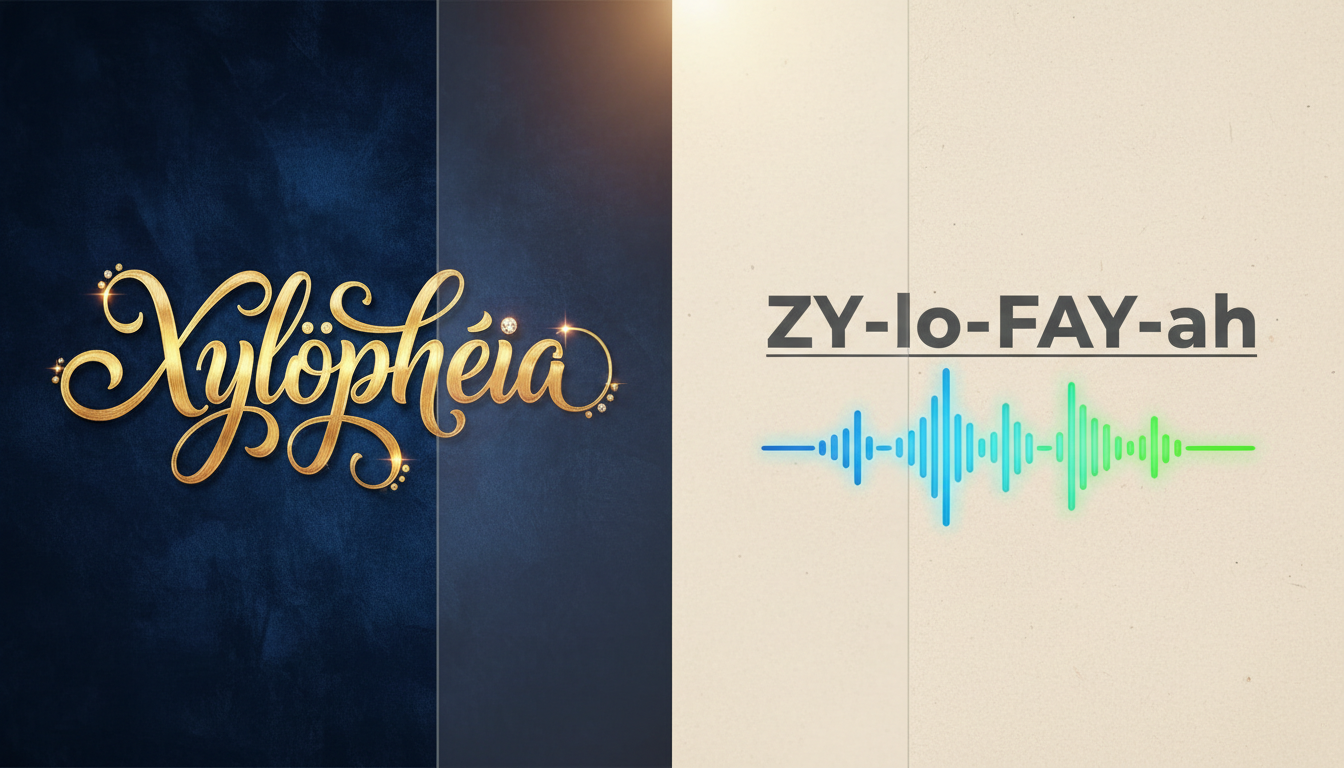
To get an AI voice generator to pronounce a unique, cultural, or uncommon name correctly, you must rewrite it phonetically using simple, standard English syllables that have only one unmistakable pronunciation. Because text-to-speech (TTS) models read strictly by phonetic rules optimized for common English spellings rather than cultural context, temporarily abandoning traditional spelling in favor of visual sound-outs (like writing "Siobhan" as "Shi-vawn") is the most reliable way to ensure your digital greetings sound natural and respectful.
Why AI Voices Struggle with Unique Names
AI voice generators rely on standard English grapheme-to-phoneme mapping. This is a technical way of saying they look at letters and guess their sounds based on the most common patterns in the English language. When encountering names from diverse linguistic backgrounds, these standard rules fail. The AI does not have cultural context; it does not know that a silent letter in Irish or a specific tonal glide in Vietnamese requires a different vocal approach.
This is where phonetic spelling comes in. By writing words exactly how they sound to the English-trained ear, you trick the AI into the correct pronunciation. When you are creating personalized voice notes or video gifts on Fanfun, getting a friend's name right makes the message feel genuinely thoughtful and warm, rather than robotic or careless. Taking a few seconds to adjust the spelling helps the character voice deliver your message more accurately.
The 3-Step Syllable Breakdown Framework
To systematically translate any unique name into an AI-friendly format, use this simple three-step framework. It focuses on breaking down complex sounds into basic, predictable English syllables.
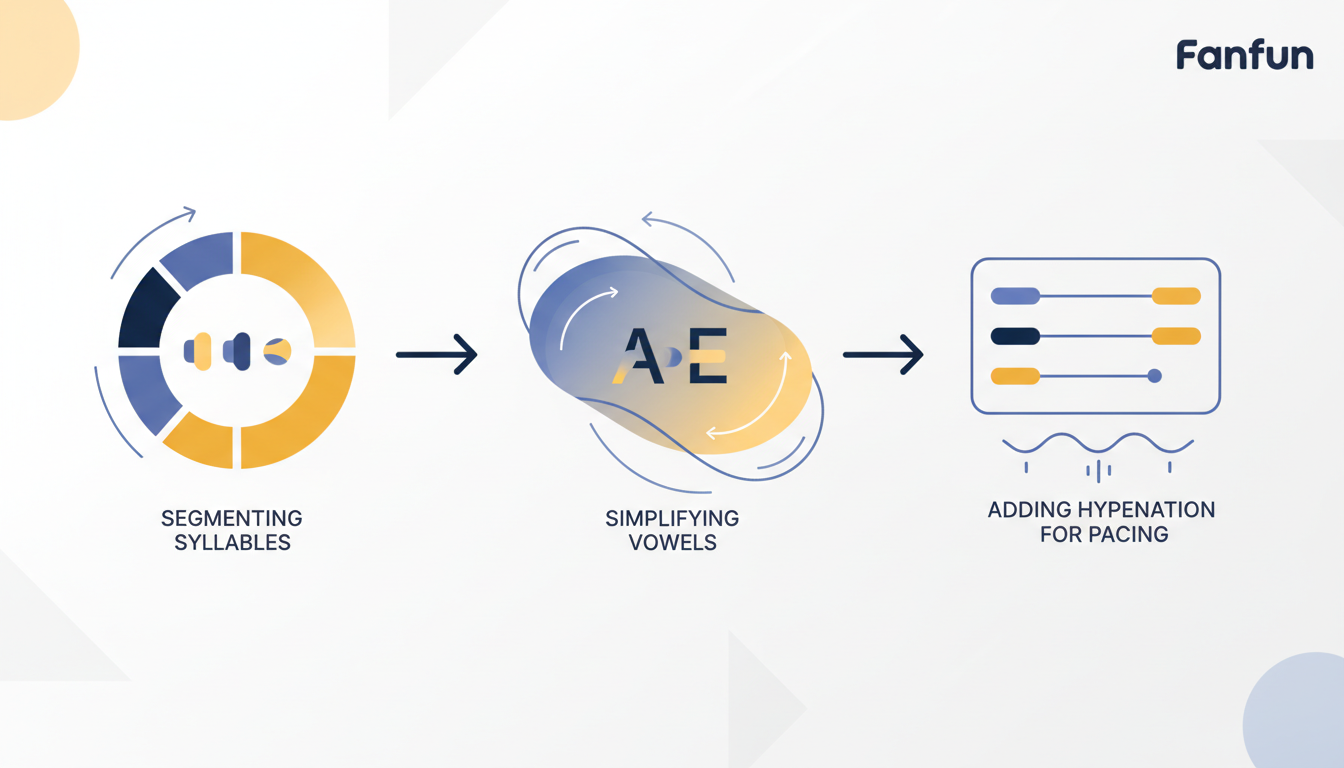
Step 1: Segment the name into distinct, bite-sized syllables. Identify the natural pauses in the name. For example, the name "Siobhan" naturally breaks into two parts: "Shi" and "vawn."
Step 2: Swap complex vowel blends for basic English equivalents. Avoid multi-vowel combinations like "ao," "ei," or "ua" which confuse synthetic voices. Instead, use phonetic equivalents that have only one common pronunciation in English, such as "ee" for a long E sound, "ay" for a long A, and "oh" for a long O.
Step 3: Use capitalization or hyphenation to guide rhythm. To prevent the AI from slurring syllables together, separate them with hyphens. For compound, multi-part, or double-barrelled names, you can also refer to our dedicated guide on pronouncing hyphenated names in synthetic voice software to ensure smooth transitions between each segment.
Phonetic Translation Examples for Diverse Names
The following table provides illustrative, non-tested examples of how to adapt diverse names from different linguistic origins into phonetic spellings that standard AI voice models can easily read.
| Original Name | Phonetic Spelling for AI | Pronunciation Key / Origin |
|---|---|---|
| Caoimhe | Kee-va | Irish origin; "mh" sounds like "v" |
| Adebayo | Ah-deh-by-o | Yoruba origin; even spacing on syllables |
| Nguyen | Win | Vietnamese origin; often simplified to "Win" for standard TTS |
| Ximena | Hee-meh-nah | Spanish origin; "X" pronounced as "H" |
To dive deeper into specific regional rules, you can explore our detailed breakdown on phonetic spellings for Latin American names in text to speech, which covers common sound mappings in Spanish-speaking regions.
Testing, Previewing, and Troubleshooting Your Script
Before committing to a full video creation, always test your phonetic spelling. On Fanfun, you can use the 500-character free voice-note tool to preview how the AI pronounces your exact script. This quick step helps prevent you from spending your video credits on an incorrect pronunciation.
If you run into issues during testing, try these troubleshooting techniques:
- The AI spells out the name letter-by-letter: Sometimes, highly unusual phonetic combinations look like acronyms to the AI. To fix this, learn how to stop synthetic voices from spelling out words in your script.
- The cadence sounds flat or rushed: Adjust the spacing or add hyphens between syllables to force a natural pause. You can also discover techniques to get synthetic voices to emphasize specific words in your scripts to make the name stand out organically in the sentence.
Why does the AI voice sound robotic when I spell a name phonetically?
If the AI voice sounds robotic or choppy, the syllables may be too fragmented or separated by too many hyphens. Try removing some hyphens or blending the syllables into a single, simplified phonetic word (e.g., changing "Shi-vawn" to "Shivawn") to help the model transition smoothly between sounds.
Can I use standard IPA (International Phonetic Alphabet) symbols in my AI script?
No, standard AI voice generators do not recognize IPA symbols and will either ignore them, skip them, or attempt to spell them out literally. Always stick to standard English letters and basic phonetic spellings.
What should I do if a name has a silent letter that the AI keeps pronouncing?
Simply omit the silent letter entirely from your phonetic spelling. If the name is "Wright," write it as "Rite." If it is "Amit," write it exactly as it sounds without any silent or confusing characters.



