
How to Pronounce Hyphenated Names in Synthetic Voice Software
Struggling with awkward pauses or slurred words in your synthetic scripts? Learn three simple text-formatting tricks to make AI voice generators pronounce hyphenated names naturally.
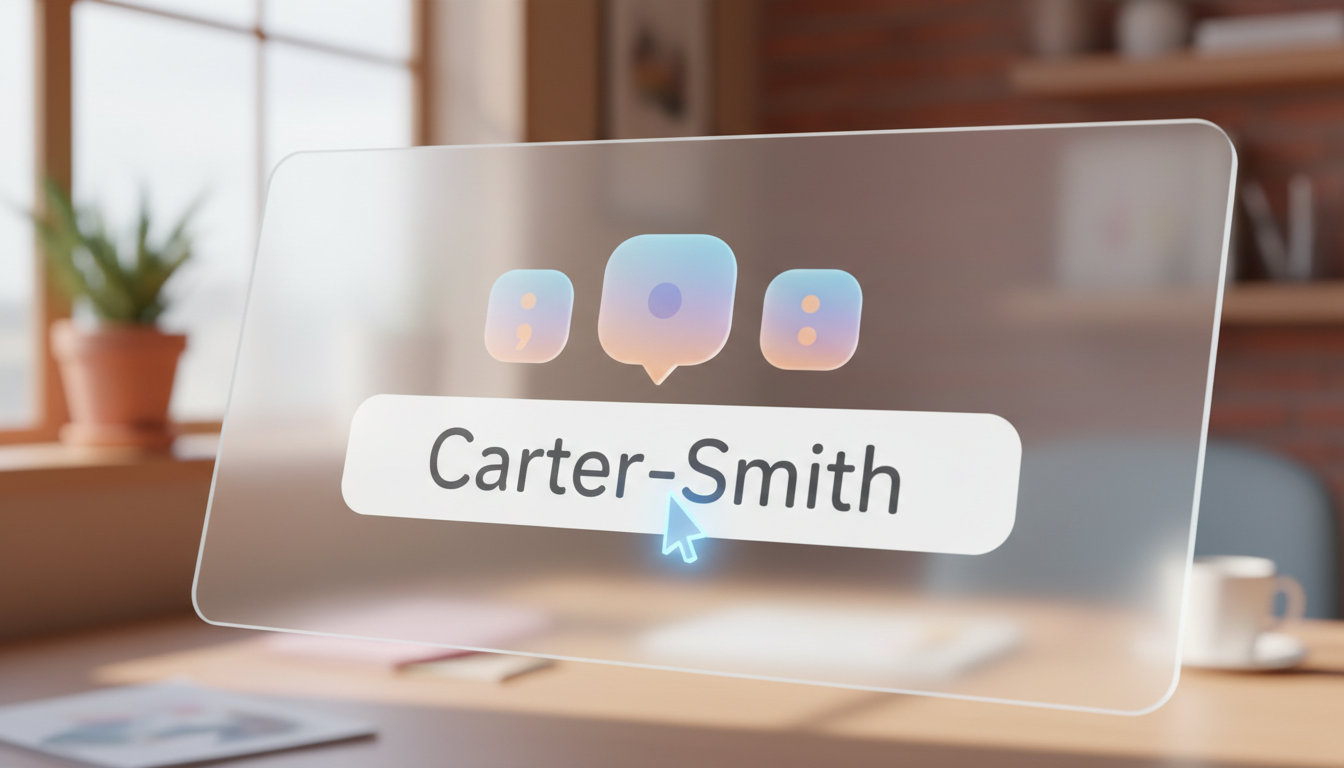
To get synthetic voice software to pronounce hyphenated (or double-barrel) names naturally, you must modify the punctuation or spelling in your script. Many text-to-speech engines interpret the hyphen character literally, resulting in either an awkward, robotic pause or a rushed, slurred pronunciation. Swapping the hyphen for a single space, using a comma to create a micro-pause, or writing out the name phonetically are the most reliable workarounds to guide the AI into a natural speech rhythm.
Why AI Voice Generators Trip Over Hyphenated Names
Many text-to-speech engines read punctuation symbols as direct commands rather than grammatical guides. When an AI voice encounters a hyphen, it typically does one of two things: it interprets the symbol as a hard pause (similar to a period), creating a silent, unnatural gap between the names, or it ignores the symbol entirely and runs the two words together aggressively. This turns a beautiful name like "Smith-Jones" into an awkward "Smith... Jones" or a slurred "Smithjones."
When you are creating custom, character-style video messages on Fanfun, getting the rhythm of a double-barrel name right is key to making the greeting feel personalized and natural. Because AI personas process text differently, a name that looks correct on paper may not sound correct in audio. If you find that basic names are also causing trouble, you can point readers to our comprehensive guide on fixing mispronounced names in synthetic video messages to troubleshoot general pronunciation issues before fine-tuning your hyphenated scripts.
Three Formatting Workarounds for Double-Barrel Names
You do not have to accept robotic pauses or slurred delivery. Depending on how your chosen voice model behaves, you can use one of these three simple formatting workarounds to smooth out the transition.
1. The Space Swap
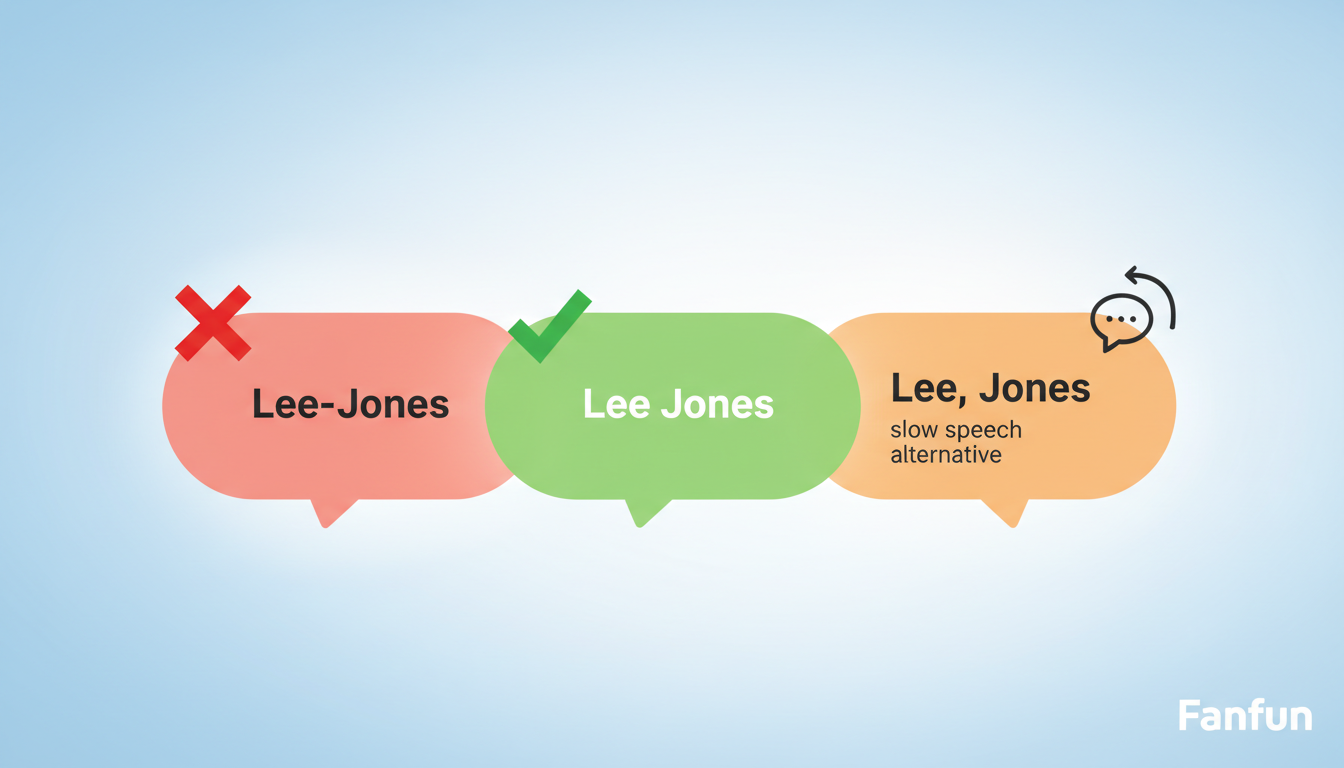
The simplest fix is to replace the hyphen with a single space (e.g., changing "Taylor-Smith" to "Taylor Smith"). This removes the confusing punctuation mark entirely. Most AI speech engines will treat the space as a natural transition, gliding from the first name to the second with a subtle, human-like breath instead of a hard stop.
2. The Comma Trick
If the AI engine is still rushing the transition and slurring the two names together, you can insert a comma instead of a hyphen (e.g., "Taylor, Smith"). A comma signals a brief, deliberate pause to the synthetic voice. While this pause can sometimes feel a bit too pronounced in fast-paced scripts, it works beautifully for slower, more dramatic, or formal character voices.
3. The Phonetic Bridge
If the voice engine struggles with the spelling or syllables of either name, you may need to combine punctuation adjustments with phonetic spelling. For example, "Cholak-Alvarez" might need to be written as "Cho-lak Al-vah-rez" to ensure both the hyphenated transition and the individual syllables are pronounced correctly. To dive deeper into this technique, you can explore how to construct phonetic spellings for complex last names.
Formatting Comparison Table
The table below outlines how standard hyphenated names are processed by synthetic voice software and how to apply these formatting fixes based on the specific speech issue you encounter.
| Original Name | AI Issue | Formatting Fix | Expected Audio Result |
|---|---|---|---|
| Carter-Smith | Hard, robotic gap between names | Carter Smith (Space Swap) | A smooth, continuous transition with a natural breath. |
| Lee-Jones | Rushed, slurred together as "Leejones" | Lee, Jones (Comma Trick) | A brief, deliberate pause that separates the two names cleanly. |
| Gomez-Francois | Mispronounces "Francois" and pauses awkwardly | Gomez Fran-swah (Phonetic Bridge) | Correct syllable pronunciation with a natural, unhyphenated flow. |
A Step-by-Step Workflow for Testing and Refining Your Script
Because every synthetic voice has its own unique pitch, speed, and accent profile, there is no single setting that works perfectly for every name. Use this practical, step-by-step workflow to preview and refine your script on Fanfun or any other text-to-speech platform.
Step 1: Run a short benchmark preview. Before applying any tricks, type the name in its standard hyphenated format (e.g., "Davis-Miller") and generate a short preview. Listen closely to how the specific voice model handles the hyphen. Does it pause too long, rush through, or mispronounce the syllables?
Step 2: Try punctuation adjustments first. If the pronunciation of the words is correct but the rhythm is off, apply the Space Swap or the Comma Trick. Adjusting punctuation is the fastest fix because it preserves the original spelling's phonetic integrity without requiring you to guess how to spell syllables phonetically.
Step 3: Transition to custom phonetic spelling if needed. If the voice engine still struggles with the flow or mispronounces the individual names, rewrite the names phonetically while keeping a space between them. Focus on breaking the names down into their basic phonetic sounds.
Step 4: Evaluate the overall speech rate. Once the name itself sounds correct, listen to how it fits into the surrounding sentence. A name that sounds perfect in isolation can sometimes feel rushed or dragged out when placed in a longer paragraph. If the timing feels off, you can learn how to adjust speech rate in synthetic voice generators for better timing to ensure the entire message flows naturally from start to finish.
Should I capitalize both parts of a hyphenated name when using phonetic spelling?
Generally, capitalization does not affect how synthetic voice engines pronounce phonetic spellings. However, some AI models use capitalization as a cue for emphasis or volume. It is best to use standard lowercase phonetic spelling (e.g., "car-ter smith") unless you want the voice to place unusual stress on a specific syllable.
How do different AI character voices on Fanfun handle hyphens differently?
Different AI character voices may deliver scripts with varying pacing, rhythm, and tone. A highly energetic character voice might rush past a hyphen and slur the names together, while a slower, more deliberate character voice might treat a hyphen like a full stop. Testing a quick preview with your chosen character is the best way to see how they handle your script's punctuation.
Can I use ellipses (...) instead of hyphens for a more dramatic pause?
Yes, ellipses are highly effective if you want a dramatic, theatrical pause between the two parts of a double-barrel name. Keep in mind that ellipses usually create a much longer pause than a comma, which can make the greeting sound disjointed if overused. Use them sparingly for stylistic effect.



