
How to Fix Mispronounced Names in Synthetic Video Messages
Tired of AI characters butchering tricky surnames? Learn the phonetic spelling hacks and simple punctuation tricks to make any digital voice sound natural and accurate.
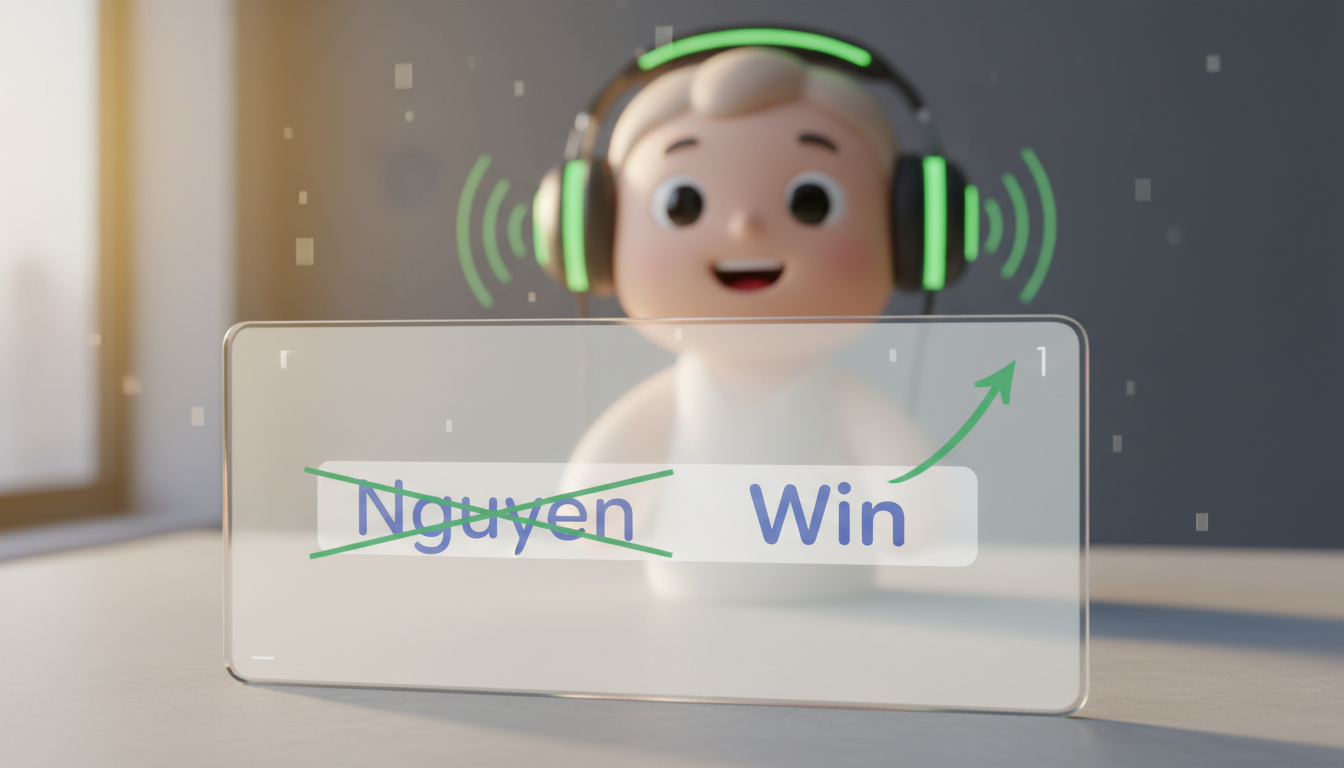
If you have ever generated a custom greeting only to hear the digital voice completely butcher your recipient's name, you are not alone. To fix mispronounced names in synthetic video messages, you must write the name phonetically—spelling it exactly how it sounds rather than how it is written—and use strategic punctuation to control syllable stress and pauses. While AI character voices on Fanfun are highly advanced, synthetic voices generally process text literally. They cannot guess unique family pronunciations or silent letters on their own. If a highly complex name still fails after three phonetic spelling attempts, it is best to pivot to a familiar nickname or first name to keep the message natural.
Why AI Voices Stumble on Surnames
Synthetic voices often rely on grapheme-to-phoneme dictionaries to translate written letters (graphemes) into spoken sounds (phonemes). This works beautifully for common words, but it frequently fails on rare, non-English, or uniquely spelled surnames. Because AI models do not possess personal context or family history, they cannot inherently know that a silent letter should be voiced or that a specific vowel has an unconventional sound.
When using Fanfun's roster of 60 AI characters, it helps to distinguish AI character voices from real-person recordings. Real actors can adjust their pronunciation on the fly based on a director's feedback; synthetic models require explicit, literal text guidance to mimic natural human speech patterns. If the voice sounds correct but lacks natural warmth, check out our tips to fix a robotic tone in AI character video messages.
The Phonetic Spelling Cheat Sheet
The most effective way to correct a mispronounced name is to rewrite it phonetically. Forget standard spelling rules and write the name exactly how it sounds when spoken aloud. This often means breaking complex surnames down into simple, recognizable English words.
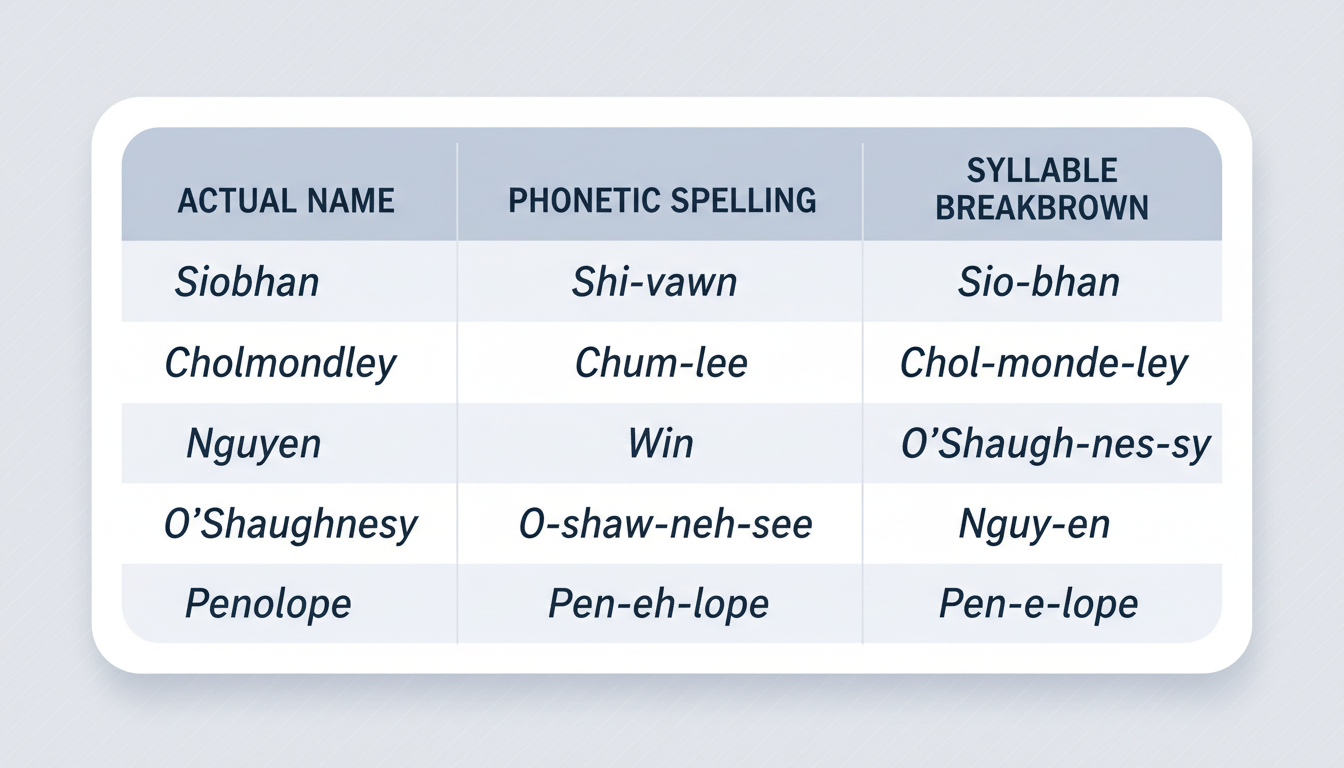
Below is a phonetic translation guide for common tricky names and vowel patterns to help guide your script writing:
| Actual Name | Phonetic Spelling | Syllable Breakdown & Notes |
|---|---|---|
| Nguyen | Win / Noo-wen | Pronounced like the English word 'Win' or a soft 'Noo-wen' |
| Siobhan | Shi-vawn | The 'bh' makes a 'v' sound: 'Shi-VON' |
| Cholmondeley | Chum-lee | Classic silent syllables: 'CHUM-lee' |
| Alicia | Ah-lee-sha | Softens the 'c' into a 'sh' sound: 'Ah-LEE-sha' |
| Featherstonehaugh | Fanshaw | An extreme example of traditional contraction: 'FAN-shaw' |
Getting the name right makes a massive difference when creating virtual character video messages for long-distance relationships, where personal touches are what make the message feel genuinely special and close.
Punctuation Hacks for Syllable Emphasis
Sometimes the spelling is correct, but the AI puts the emphasis on the wrong syllable. You can guide the rhythm and stress of a name using basic punctuation marks:
- Hyphens: Some text-to-speech engines interpret hyphens as cues to separate syllables. Writing 'De-Lu-ca' instead of 'Deluca' can sometimes help a model articulate each part of the name clearly.
- Capitalization: In some voice models, capitalizing a specific syllable (e.g., 'McGOO-in' vs 'Mcgooin') is used to signal stronger emphasis, though results vary depending on the underlying technology.
- Commas and Ellipses: Standard punctuation like commas or ellipses can help introduce natural pauses in a script. Placing them around a name may give the synthetic voice a moment of breathing room, preventing it from rushing through the name.
For more on script layout, see our guide on how to structure a script for an AI video message to optimize pacing and pronunciation.
How to Test and Preview on Fanfun Without Wasting Credits
You do not need to generate a full, high-definition video to find out if your phonetic spelling worked. Fanfun provides several low-cost and free ways to test your script before committing your video credits.
Use this simple checklist to test and verify your pronunciations efficiently:
- Use Voice Notes for Exact Scripts: To hear your exact script read literally, you can generate a voice note (up to 500 characters) on Fanfun to get a downloadable MP3. While you can also chat with characters to hear their voice style, chat replies are conversational and in-character rather than literal readings of your script, and they cannot be downloaded.
- Listen for Rhythm: Pay attention to the transitions. If the name sounds disconnected from the rest of the sentence, adjust your commas or hyphens.
- Refine and Repeat: If the pronunciation is still off, try an alternative phonetic spelling (e.g., changing 'Ah-lee-sha' to 'Uh-leesha').
- Know When to Pivot: If a highly complex name fails after three distinct phonetic variations, simplify it. Using a beloved nickname or a first name is often a much better fallback than a poorly pronounced surname.
Remember, on paid Fanfun plans, a failed generation never uses your allowance, and credits go back to your balance automatically. However, running a quick test using voice notes beforehand will save you valuable time and keep your creation workflow smooth.
Can I use the International Phonetic Alphabet (IPA) in my script?
Most consumer synthetic voice models do not natively support the International Phonetic Alphabet (IPA) in standard text fields. It is highly recommended to use standard English phonetic spelling (like 'Shi-vawn' for 'Siobhan') instead of IPA symbols, as the AI may read IPA characters literally or ignore them entirely.
Why does the AI voice pronounce a name correctly in one sentence but wrong in the next?
AI models generate speech dynamically based on the surrounding context. The words immediately before and after a name can alter how the model calculates its pacing, pitch, and syllable emphasis. If a name sounds correct in one sentence but wrong in another, trying a comma or ellipsis before the name can sometimes help isolate it from surrounding words.
Does changing the spelling of a name affect the video subtitles?
Yes, if you use external captioning tools. Because synthetic voice generators read the text you provide, any phonetic spellings you write (like 'Win' instead of 'Nguyen') will be spoken aloud. If you generate captions or subtitles later using third-party tools, you will want to manually edit the text back to the correct spelling so the recipient sees their actual name on screen.



