
How to Fix a Robotic Tone in AI Character Video Messages
If your generated AI character sounds stiff, adjusting your script's phrasing and pacing can help. Exploring different writing styles and conversational structures can guide a synthetic voice's natural cadence.
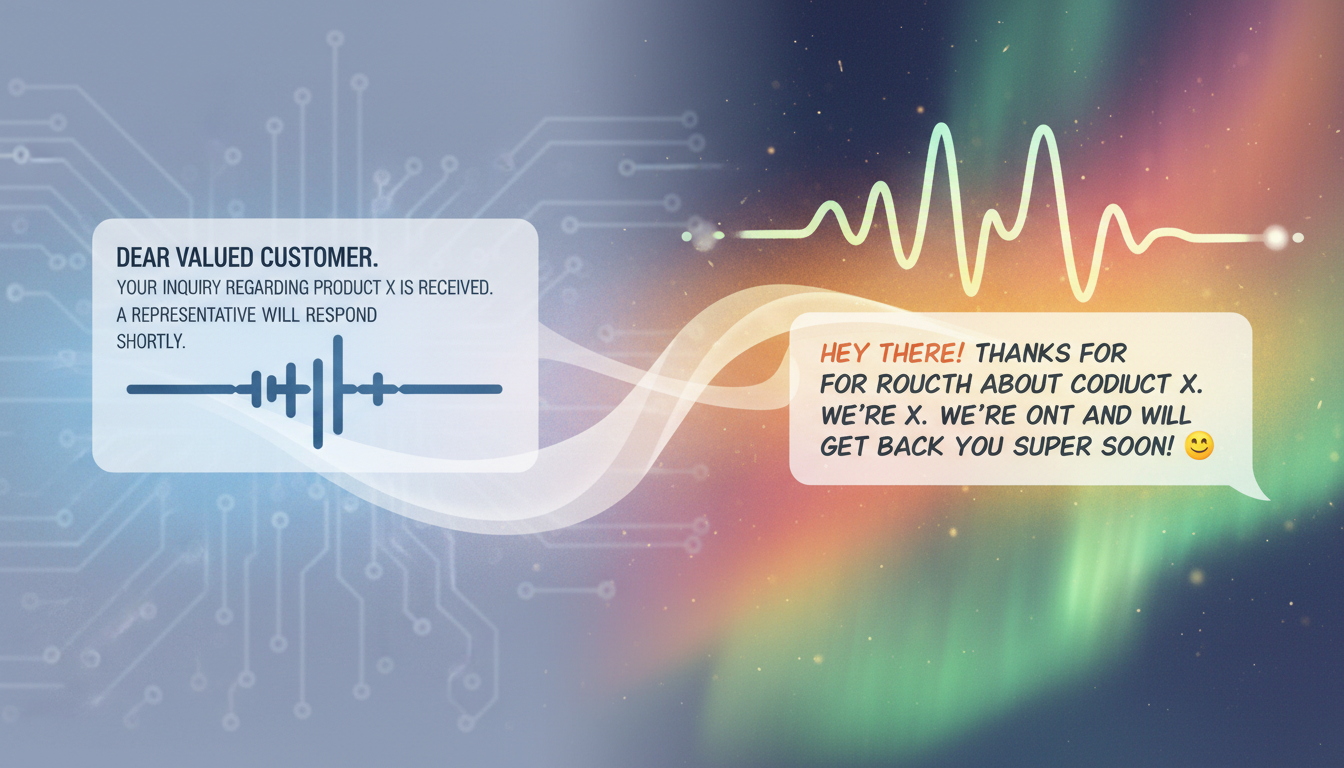
To address a stiff or mechanical tone in generated AI character video messages, adjusting your script's phrasing can help guide the overall pacing. Because synthetic voice models process text differently than humans, standard formal grammar can sometimes result in a uniform cadence. Some creators experiment with conversational writing, informal phrasing, or simplified sentence structures to encourage a more natural flow. When creating custom character videos on Fanfun, matching your script's mood to the character's natural persona is a great way to set up your message for success.
The Root Cause: Why Synthetic Voices Read Too Literally
AI voice models do not understand human emotion, sarcasm, or conversational flow; they only understand syntax. When you write a script for a virtual persona, synthetic voice generators often process your words literally. If your script is punctuated like a formal business email, the AI will read it like one—resulting in a flat, uniform delivery that sounds distinctly robotic.
The symptoms of a robotic read are easy to spot: a complete lack of pitch variation, perfectly uniform pauses between words, and overly precise pronunciation of casual phrases. To help avoid a flat delivery, writing in a more conversational style can be beneficial. When you are trying to move beyond a flat delivery, pointing readers to our guide on layering distinctive character narrations to avoid a flat delivery can help you structure the overall narrative flow of your video before you even begin fine-tuning individual lines.
Formatting Experiments: Exploring Punctuation and Phrasing
Depending on the underlying technology, some synthetic voice systems may respond to non-standard punctuation to alter pacing. While results vary widely across different platforms and voice models, experimenting with conversational formatting is a common troubleshooting step. If you are looking for ways to direct character-driven AI voiceovers for social media platforms, testing different script layouts can help you find a style that works best for your chosen persona.
Here are some formatting styles that creators often test when trying to influence pacing:
- Ellipses (...): In some systems, adding an ellipsis can encourage a brief pause between phrases, though some models may ignore them or treat them as standard periods.
- Dashes (—): An em-dash is sometimes used to represent a sudden shift in thought or a conversational transition, which may help break up a monotonous flow.
- Question Marks and Exclamation Points (?!): These marks are occasionally used to signal a change in inflection, though the actual vocal response depends entirely on the specific voice model's training.
To see how much of a difference phrasing can make, compare these two script styles in the table below:
| Standard Script | Experimental Script | Intended Conversational Effect |
|---|---|---|
| Hello, how are you? I am so excited that you are graduating today. | Hey there... how're you doing? I am so... so excited you're graduating today! | Aims to introduce casual pauses and a more enthusiastic tone. |
| What do you want to do? We should go to the beach. | Whaddya want to do? We should—I don't know—go to the beach? | Attempts to simulate casual speech patterns and a conversational pivot. |
Phonetic Spelling: Adjusting Text for Pronunciation
When working with synthetic voices, standard spelling can sometimes lead to overly formal or stiff pronunciation of casual terms, slang, or unique names. If a word sounds unnatural in your generation, experimenting with phonetic spelling is a common way to guide the pronunciation.
Here are some general phonetic adjustments you can test in your scripts:
- Casual contractions: Writing words like "gonna" instead of "going to" or "wanna" instead of "want to" can sometimes encourage a more relaxed delivery.
- Vowel adjustments: Some creators try repeating vowels (such as "nooo" or "ohhh") to see if the model extends the sound, though results depend heavily on the specific voice generator.
- Spelling out acronyms: If an abbreviation is pronounced incorrectly, spelling it out phonetically (like "Ay-Eye" instead of "AI") can help the system process the intended sound.
When to Stop Tweaking: Understanding the Limits of AI Text Tuning
While script adjustments can be helpful, synthetic voice technology has its limits. If your script edits are not yielding the results you want, it is important to know when to stop retrying and assess other factors.
Use this quick checklist to determine if your script needs more work or if you have hit a system limitation:
- Check the Character Persona: AI voice models have baked-in baseline tones. A character designed with a gritty, intense voice may not sound cheerful, regardless of the punctuation used.
- The Rule of Three: If you have generated multiple variations of a line with different phrasing and it still sounds stiff, the limitation may lie in the voice model itself. Try rewriting the sentence entirely using simpler words.
- Rule Out Audio Bugs: Sometimes a weird sound isn't a tone issue at all, but a rendering error. If the output sounds distorted, fuzzy, or cut off, try linking to our troubleshooting guide for fixing muffled audio in generated videos to resolve technical playback issues.
Does capitalization affect how loudly the AI character speaks?
In many synthetic voice models, writing in ALL CAPS does not make the character speak louder. Instead, it can sometimes cause the system to spell out individual letters (like saying "H-E-L-L-O" instead of "hello"). For a more natural tone, it is usually best to stick to standard capitalization.
Can I use emojis to influence the emotional tone of the voice?
No, many synthetic voice generators do not translate emojis into vocal emotions. Emojis are typically ignored by voice models or, in rare cases, the AI might literally read the emoji name aloud (e.g., saying "smiling face"). Keep emojis out of your raw text input for the best results.
Why does my AI character sometimes sound natural in a short preview but robotic in the final video?
Shorter text snippets are often easier for synthetic voice models to process naturally. If a longer video sounds robotic, it is usually because the generator is handling a large block of text all at once. Breaking your script into shorter, simpler sentences may help improve consistency between the preview and the final output.



