
How to Stop Synthetic Voices from Spelling Out Words in Your Script
Tired of your AI voice generator saying 'U-S' instead of 'us'? Discover how easy formatting tweaks, capitalization rules, and phonetic substitutions can instantly fix spelling glitches in your synthetic scripts.
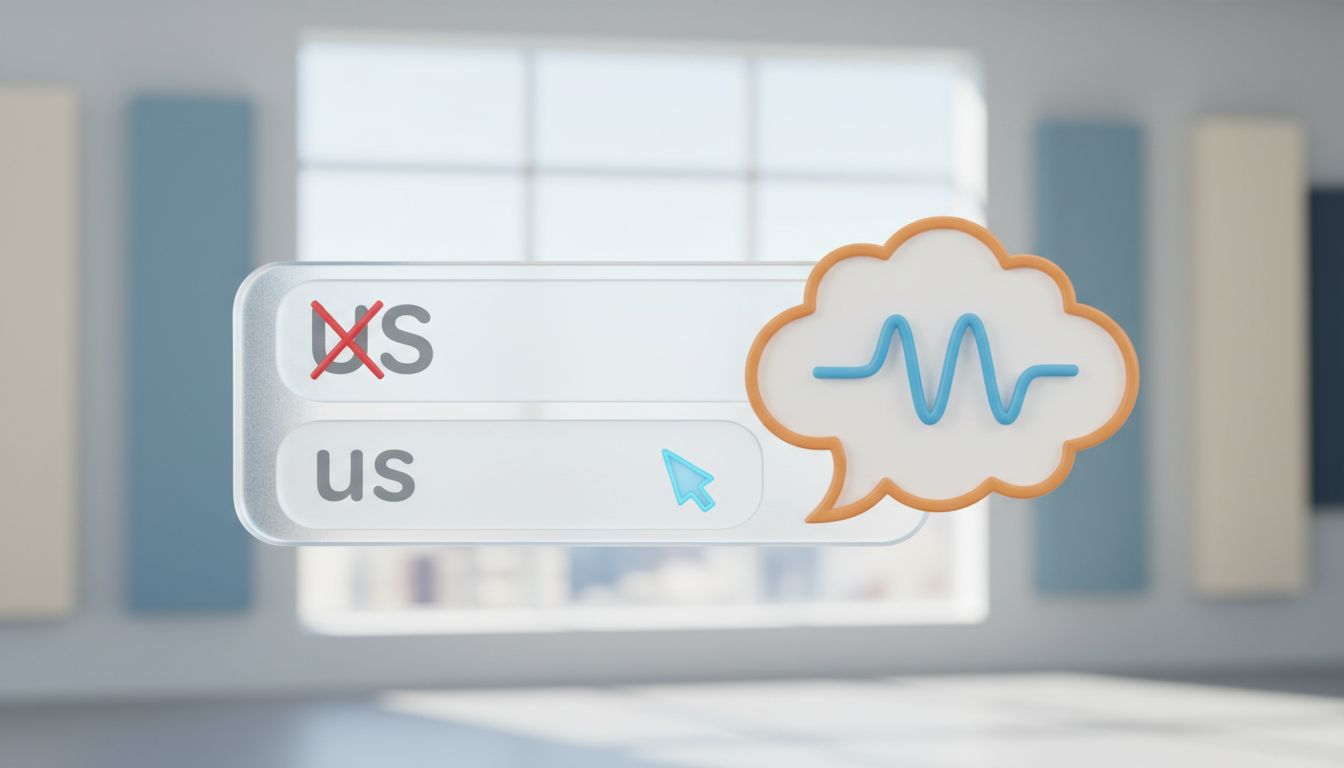
Synthetic voices spell out words instead of reading them because the underlying text-to-speech engine interprets all-caps words, short abbreviations, or unfamiliar letter combinations as acronyms or initialisms. To instantly stop an AI voice from reading a word letter-by-letter, change the word to lowercase, write it out phonetically, or adjust the surrounding punctuation to provide better grammatical context. By matching your script formatting to the way natural language processing models group letters, you can often achieve smoother, more realistic speech delivery.
Why Synthetic Voices Spell Out Words (And the Quick Fix)
AI voice generators often use built-in pronunciation databases and context clues to decide if a string of letters is a standard word or an initialism. When a synthetic voice encounters a short word, its natural language processing (NLP) model attempts to predict the correct pronunciation. If the word looks like a code, an abbreviation, or an acronym, the system defaults to spelling it out letter-by-letter to avoid mispronouncing it.
Capitalization is the primary trigger for this behavior. Writing 'US' (meaning the pronoun 'us') or 'SAT' (meaning 'sat on a chair') in all-caps signals to the AI that it is an acronym to be spelled out as 'U-S' or 'S-A-T'. To fix this issue quickly, follow this simple three-step troubleshooting framework:
- Lower the case: Convert capitalized short words to lowercase or title case to force standard dictionary lookup.
- Use phonetic spellings: Spell the word exactly how it sounds if the standard spelling continues to trip up the voice model.
- Add punctuation: Use commas, hyphens, and surrounding words to give the AI engine the context it needs to identify the word's role in the sentence.
The Capitalization Rule: Fixing Case-Induced Spelling
Because synthetic voice engines treat capitalized letters as distinct entities, case manipulation is your most powerful tool. If the AI is spelling out a word like 'ADD' or 'IT', writing them in lowercase as 'add' or 'it' immediately resolves the issue. If the word occurs at the beginning of a sentence where capitalization is grammatically required, write it in lowercase anyway and adjust your surrounding punctuation or sentence structure to hide the lowercase start.
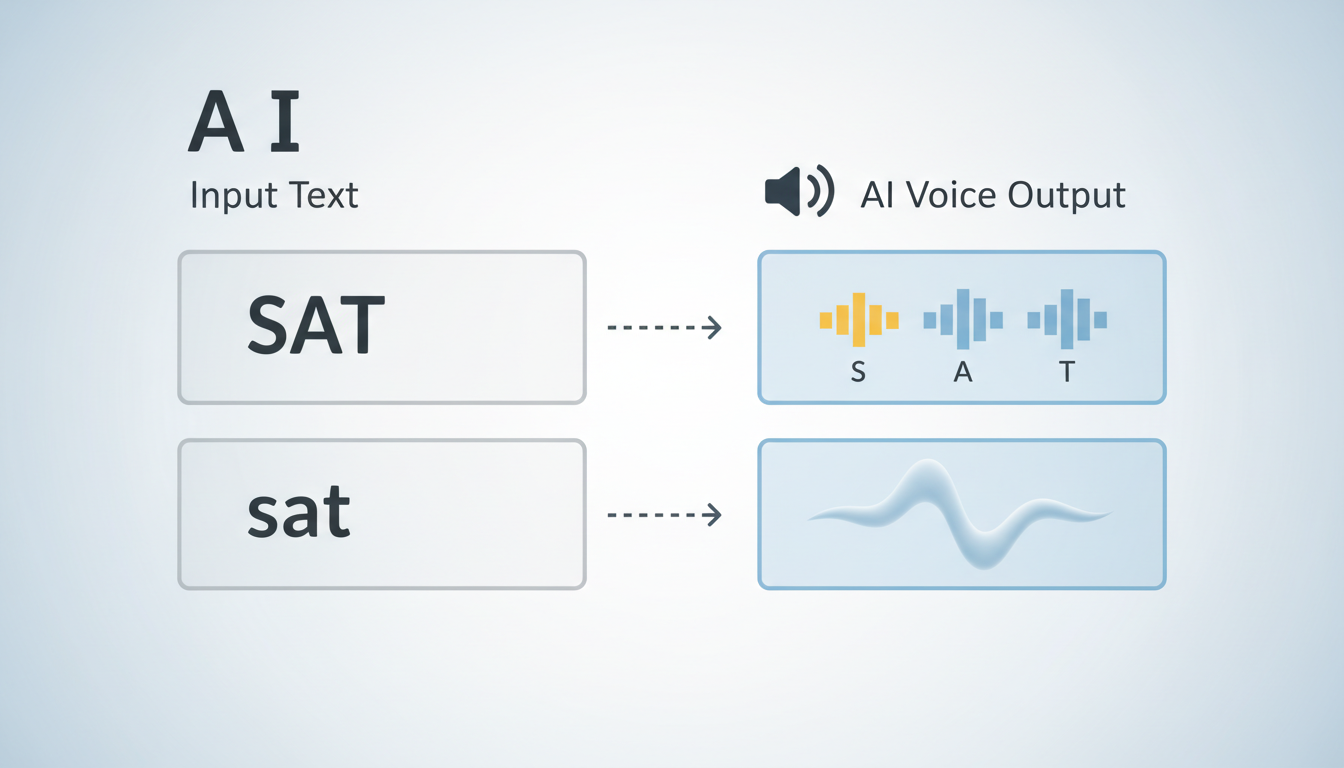
For acronyms that are meant to be spoken as whole words—often called acronym homographs—avoid all-caps. Write them in title case (e.g., 'Nasa' or 'Sass') or phonetically (e.g., 'nah-suh') to prevent the system from spelling out individual letters.
The table below illustrates how a synthetic model typically interprets different capitalization styles and how you can format your script to get the desired output:
| Input Text | Intended Meaning | Typical AI Voice Output | Corrected Script Input |
|---|---|---|---|
| WHO | The pronoun 'who' | W - H - O | who |
| SAT | Past tense of sit | S - A - T | sat |
| US | The pronoun 'us' | U - S | us |
| W.H.O. | World Health Organization | W - H - O | W.H.O. (or W-H-O) |
| SaaS | Software as a Service | S - a - a - S | Sass |
Phonetic Substitutions for Stubborn Words
When standard spelling and case adjustments fail, phonetic substitution is the next logical step. If a short brand name or unique word is consistently spelled out by the voice engine, swap the actual spelling for a phonetic equivalent. For example, if you want the voice to say 'assoc' (as in association) but it keeps spelling out 'A-S-S-O-C', write 'so-sh' or 'uh-soce' instead.
To keep the AI from pausing between letters or syllables, use hyphens to connect phonetic sounds into a single cohesive unit. This technique is especially useful for complex names or specialized terms; you can refer to our comprehensive guide on writing phonetic spellings for synthetic AI voices to master this syllable-linking strategy.
Additionally, avoid using short written abbreviations like 'St.' or 'Dr.' in your scripts. While advanced AI models can sometimes infer 'Street' or 'Doctor' from context, they will occasionally spell them out as 'S-T' or 'D-R'. Writing these words out completely ensures the voice reads them naturally without hesitation.
Punctuation and Context Hacks to Guide the AI
Punctuation marks act as traffic signals for synthetic voice models. By adding or removing specific symbols, you can guide how the engine groups and pronounces letters. If you want an abbreviation spoken as a single word, remove all periods. Conversely, if you actually want the voice to spell a word out letter-by-letter on purpose, insert spaces or hyphens between the letters (e.g., 'u s a' or 'U-S-A').
Contextual words also play a massive role in natural language processing. An AI model looks at the words surrounding an ambiguous term to predict its pronunciation. For example, writing 'tell us a story' gives the engine grammatical clues that 'us' is a pronoun, whereas 'the US economy' suggests 'U-S' is an abbreviation. If a word is being spelled out, try rephrasing the sentence slightly to make its grammatical function unmistakable.
Finally, use commas and em-dashes to give the synthetic voice breathing room. A hurried voice model is more likely to misinterpret a short word as a code or symbol. Inserting a comma before or after a tricky word slows down the speech rate momentarily, allowing the engine to process and pronounce the word cleanly.
Testing Your Script on Fanfun Before Exporting
Applying these formatting rules is a matter of trial and error, as different voice personas may interpret capitalization and phonetics in unique ways. When you are creating custom character messages or personal voice gifts, testing your script can help you refine the pronunciation before generating your final file.
You can use Fanfun's free voice-note characters to run quick tests on tricky, short words or brand names. By keeping your test scripts short, you can estimate the reading time of your virtual character script and manage your phonetic adjustments within your video credit limits. Testing a short snippet can help you learn how to fix mispronounced names in synthetic video messages before committing your credits to a full video generation. This step-by-step testing process helps ensure your final Fanfun video gift sounds natural, polished, and well-paced.
Why does the AI voice spell out my brand name if it is short?
If your brand name is a short, non-standard word (like 'SaaS' or 'Vibe'), the engine may assume it is an acronym and spell it out letter-by-letter. To fix this, write your brand name phonetically or in Title Case in your script.
How do I force an AI voice to spell out a word on purpose?
If you want the voice to spell a word out letter-by-letter, add hyphens or spaces between each capital letter (for example, 'A-I' or 'A I' instead of 'AI') or write it with periods, such as 'U.S.A.'
Does changing the spelling of a word affect subtitles?
If a video platform generates subtitles directly from your text script, phonetic spellings (like writing 'Nasa' as 'Nah-suh') may appear in the captions. You can balance pronunciation and visual text by testing minor capitalization changes first before resorting to heavy phonetic spelling modifications.



