
How to Write Phonetic Spellings for Latin American Names in Text to Speech
English-centric text-to-speech tools often struggle with Latin American names. Discover how to use phonetic spelling to guide AI voices toward natural pronunciations.

To get English-centric text-to-speech (TTS) tools to pronounce Latin American Spanish and Brazilian Portuguese names correctly, you need to write them phonetically using English letter combinations. Because standard AI voice models default to English phonics, typing 'Javier' often results in an awkward 'Jav-ee-er' sound instead of the natural 'Hah-vee-AIR'. Rewriting names phonetically guides the synthetic voice to mimic authentic pronunciations, though it is important to remember that AI cannot guarantee flawless regional accents.
Why English-Centric AI Voices Struggle with Latin American Names
When you use text-to-speech systems, you might notice they tend to apply English phonics rules to every word they see. This means beautiful Latin American names often get mangled. For instance, an AI voice might turn "Jorge" into "George" or "Javier" into "Jav-ee-er." This happens because most synthetic voice models are heavily optimized for English spelling conventions. If you are also trying to adapt patronymics or multi-part surnames, you can learn how to write phonetic spellings for complex last names to keep things sounding natural.
To fix this, we use phonetic spelling: rewriting names using English letter combinations that force the AI to produce the correct Spanish or Portuguese sounds. On platforms like Fanfun, where you can write custom scripts to create personalized AI character video messages, typing phonetic names directly into the script editor ensures your greeting sounds warm, recognizable, and respectful. While synthetic voices cannot guarantee absolute regional accent perfection, phonetic spelling goes a long way in making your digital gift feel truly personal.
Phonetic Spelling Examples for Spanish Latin American Names
Spanish names have distinct phonetic rules that English-centric TTS engines frequently misinterpret. For example, the Spanish "J" sounds like an English "H," and the double "L" (ll) can sound like a "Y" or a soft "J" depending on the specific Latin American region. To get the best results, you can explore our detailed guide on writing phonetic spellings for Spanish names in AI voice generators. Additionally, the soft "B" and "V" sounds in names like Valentina are often best represented with a soft "B" or "V" blend to prevent the AI from over-pronouncing a hard English "V."
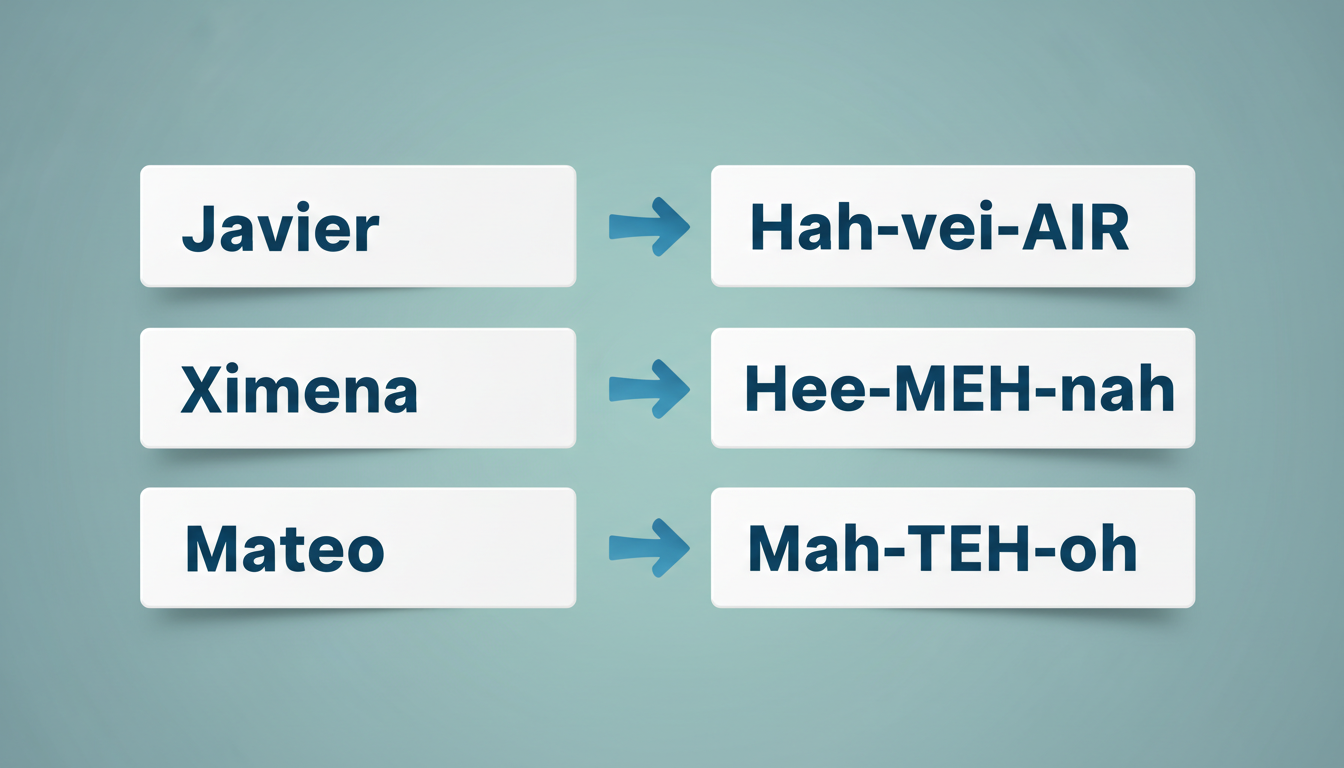
Here is a quick-reference table of common Spanish names in Latin America and how to write them phonetically for an AI voice generator:
| Standard Name | Phonetic Spelling for AI | Target Pronunciation / Tip |
|---|---|---|
| Alejandro | Ah-lay-HAHN-droh | Soft "H" sound for the "j" |
| Ximena | Hee-MEH-nah | The "X" sounds like an English "H" |
| Mateo | Mah-TEH-oh | Keep the "oh" clean, not "ee-oh" |
| Estefanía | Eh-steh-fah-NEE-ah | Stress the "NEE" syllable |
| Valentina | Bah-len-TEE-nah | Use a soft "B" sound for the starting "V" |
| Javier | Hah-vee-AIR | The "J" is a clear "H" sound |
Phonetic Spelling Examples for Brazilian Portuguese Names
Brazilian Portuguese presents its own unique set of text-to-speech challenges. For one, an initial "R" (as in Rodrigo) sounds like an English "H." Furthermore, Portuguese is famous for its nasal vowel sounds, such as the "ão" in João. Handling these nasal sounds in AI voice models is similar to how you handle nasal sounds when formatting French names for text to speech, requiring a creative combination of vowels and soft consonants to trick the synthetic engine.
Use the table below to guide your phonetic spelling for common Brazilian Portuguese names in your AI script:
| Standard Name | Phonetic Spelling for AI | Target Pronunciation / Tip |
|---|---|---|
| Thiago | Chee-AH-goo | The "Th" sounds like a soft "Ch" |
| João | Joo-OWNG | The "ão" sound is approximated with "OWNG" |
| Beatriz | Bee-ah-TREES | End with a soft "S" sound instead of "Z" |
| Caio | KIE-oh | Rhymes with "pie-oh" |
| Rodrigo | Hoh-DREE-goo | The initial "R" sounds like an English "H" |
A Simple Workflow for Testing Names in Your Fanfun Script
Getting the pronunciation just right might take a quick round of trial and error. Here is a simple, step-by-step workflow you can use when crafting your script in the Fanfun editor:
- Write your script: Draft your message in the Fanfun script editor, but swap the target name with its phonetic spelling from our tables or your own phonetic translation.
- Test with a Voice note: Use a Voice note to hear your exact script read aloud. This lets you hear exactly how the selected AI character pronounces the phonetic spelling before generating your final video.
- Adjust vowel length and emphasis: If the AI is rushing through a syllable or putting the stress in the wrong place, try doubling up the vowels (like changing "e" to "ee" or "o" to "oo") to stretch the sound out.
- Generate your video: Once the name sounds natural and recognizable in your Voice note test, go ahead and finalize your video gift generation. Your recipient will appreciate hearing their name spoken with care!
How do I handle accent marks (like á, í, or ñ) in text to speech?
Most English-centric AI voices will either ignore accent marks entirely or glitch when reading them. It is best to remove characters like á or í and replace them with phonetic English equivalents (like "ah" or "ee"). For the Spanish "ñ," write it out phonetically as "ny" (for example, spelling "Iñaki" as "Een-YAH-kee").
Can I use IPA (International Phonetic Alphabet) in Fanfun's script editor?
No, standard AI voice generators and the Fanfun script editor do not read IPA notation. They are designed to process natural language, so using standard English letters to mimic the sound (known as phonetic spelling) is the most effective way to guide the voice.
What should I do if a name has multiple regional pronunciations in Latin America?
Since Latin American Spanish and Portuguese have distinct regional accents, choose the phonetic spelling that matches how your recipient pronounces their own name. For example, if they pronounce the "ll" in "Marbella" as a soft "y" sound, write "Mar-BAY-ah." If they use a soft "j" or "sh" sound (common in Argentina), write "Mar-BAY-shah."



