
How to Write Phonetic Spellings for Spanish Names in AI Voice Generators
English-trained AI voice models often struggle with Spanish names. Learn how to use simple phonetic spelling hacks to make your custom voice messages sound natural and respectful.
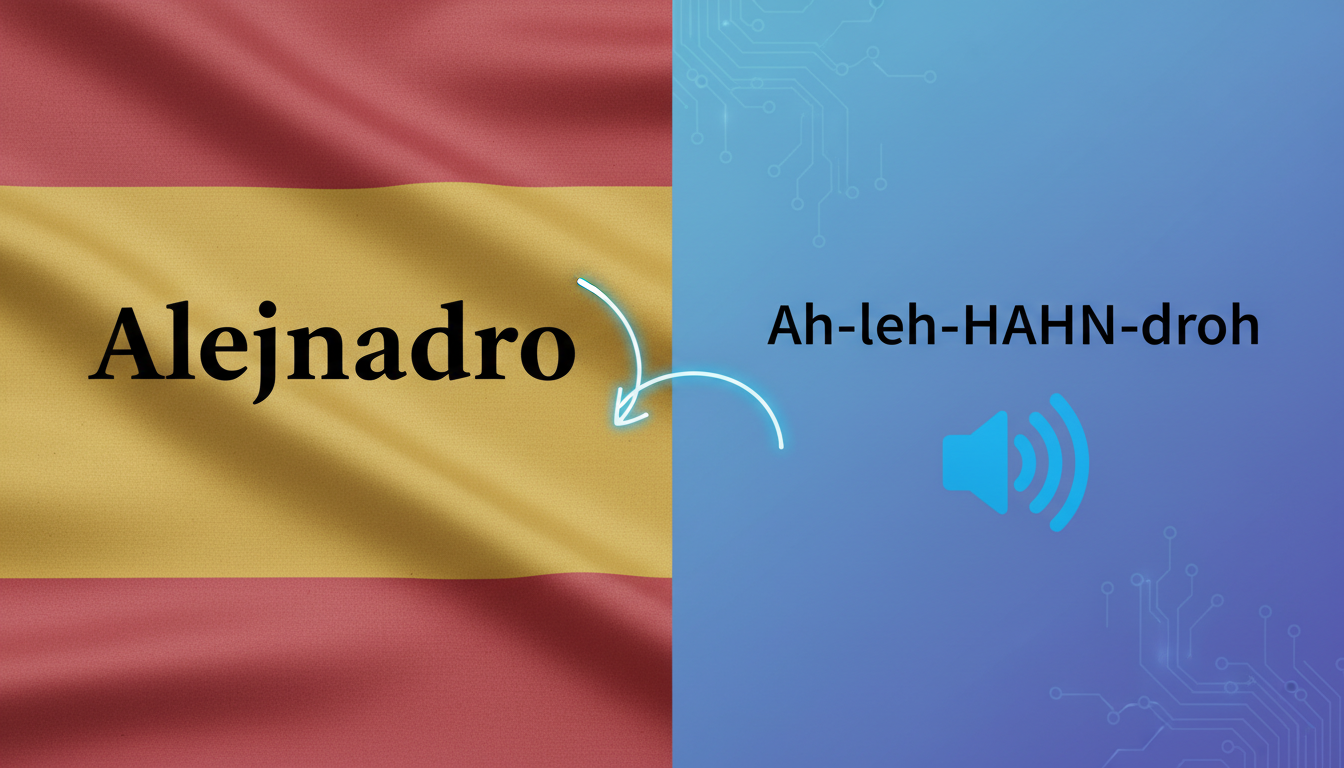
To get an English-trained AI voice generator to pronounce Spanish names correctly, you must rewrite the names using English phonetic spelling rules (for example, typing 'Alejandro' as 'Ah-leh-HAHN-droh'). Because standard English text-to-speech models default to English pronunciation patterns, they frequently misinterpret Spanish letters like the silent 'H,' the double 'L,' and the 'Ñ.' Phonetic spelling bypasses these defaults, helping your customized voice notes and video messages sound natural, respectful, and warm.
Why English-Trained AI Voices Struggle with Spanish Names
AI voice generators trained primarily on English data default to English phonetic rules. When they encounter a Spanish name, they apply English phonics, leading to jarring errors like pronouncing 'Jorge' with a hard English 'J' or pronouncing the silent 'H' in 'Hernandez.' While some advanced models can dynamically detect languages, mixed-language scripts—such as an English birthday greeting containing a Spanish name—almost always default to English rules for the entire text.
When you are customizing a personalized video greeting on Fanfun, getting a friend's name right makes all the difference. It turns a robotic-sounding template into a thoughtful, delightful gift. To master the foundational mechanics of this technique across different languages, you can check out our guide on how to write phonetic spelling for synthetic AI voices.
The Spanish-to-English AI Phonetic Cheat Sheet
To help English-trained AI models pronounce Spanish names correctly, you have to 'misspell' them using English equivalents. Here is a practical cheat sheet for translating common Spanish letter sounds that AI engines frequently misinterpret:
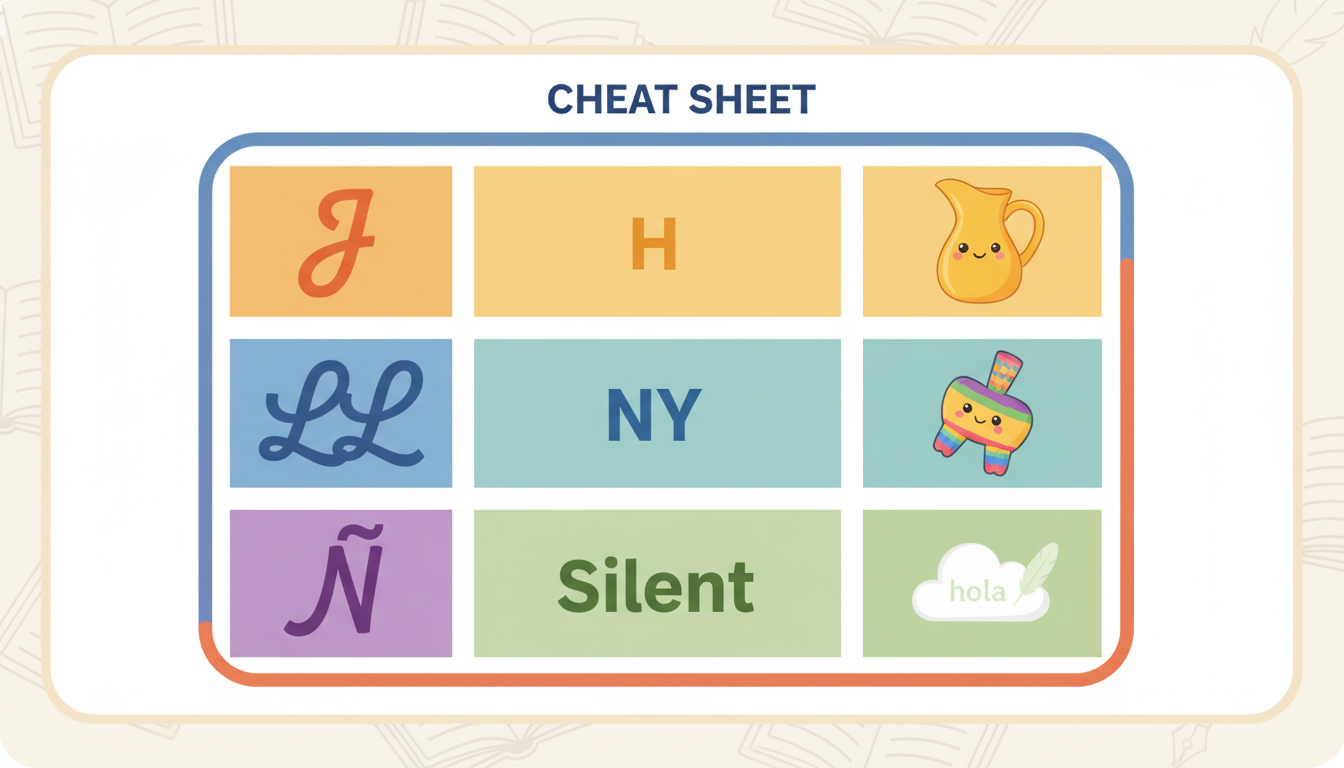
| Spanish Letter/Sound | English Phonetic Hack | Example Name | Phonetic Spelling for AI |
|---|---|---|---|
| J and G (before E/I) | Use 'H' or 'Heh' | Javier / Genaro | Hah-vee-air / Heh-nah-roh |
| Double L (LL) | Use 'Y' | Guillermo | Gee-yair-mo |
| Silent H | Omit the 'H' entirely | Hector | Ek-tor |
| Ñ | Use 'ny' | Iñigo | Een-yee-go |
| V (often soft) | Use 'B' or 'V' | Valeria | Bah-leh-ree-ah |
Step-by-Step Phonetic Examples for Popular Spanish Names
When you are integrating these phonetic names into a larger script, it helps to have concrete examples ready to copy, paste, and tweak. Here are some of the most common Spanish names and how to format them for an English AI voice generator:
- Alejandro: Spell as Ah-leh-HAHN-droh to prevent the AI from saying 'Al-e-jandro.'
- Jimena: Spell as Hee-MEH-nah to capture the soft, breathy starting sound.
- Mateo: Spell as Mah-TEH-oh to help the 'e' sound stay crisp and not slurred into 'May-teo.'
- Sofia: Spell as Soh-FEE-ah to lock in the correct vowel length.
- Joaquín: Spell as Wah-KEEN to bypass the complex 'Joa' vowel cluster.
For more tips on structuring your entire message, check out our practical script formatting guide for AI voice generators.
Mastering Syllable Stress and Accent Marks
Standard AI engines ignore Spanish accent marks (like the acute accent in Andrés) and will default to standard English stress patterns. To force the AI to place the vocal emphasis on the correct syllable, you can use capitalization and punctuation creatively.
Using capitalization on the stressed syllable (e.g., 'ahn-DREHS' instead of 'AND-res') guides the AI's natural pitch rise. Additionally, inserting hyphens can slow down the AI's pacing and prevent it from rushing through multi-syllable names like 'Es-te-ban.' For a deeper dive into these punctuation hacks, read our tactical guide on how to hack punctuation and spelling to fix unnatural AI voice emphasis.
Always test and iterate. You can try different spelling variations in your script to hear how they alter the rhythm of the generated voice.
Can I just use standard Spanish text-to-speech models instead of phonetic spelling?
Yes, if your entire script is in Spanish, using a native Spanish AI voice model is the best option. However, if you are writing a mixed-language script—like an English birthday message with a Spanish name—English-trained models will default to English phonetics, making phonetic spelling necessary for the name.
How do I handle the rolling "R" sound in Spanish names with an English AI voice?
English-trained AI voices cannot naturally roll their 'R's. Trying to force it often sounds robotic. The best approach is to accept a soft English 'R' or use a double 'd' (like 'dd') for a quick tapped 'R' sound, depending on the voice model's behavior.
Will using phonetic spellings look strange if the text is displayed?
If a platform displays your script text visually, phonetic spellings will appear exactly as you typed them. When creating audio-first messages or video gifts, prioritizing phonetic spelling helps the voice sound more natural, even if the written script looks a bit unusual to readers.



