
The Phonetic Director: How to Hack Punctuation and Spelling to Fix Unnatural AI Voice Emphasis
Stop fighting the algorithm. Learn the art of phonetic hacking—using deliberate misspellings, strategic punctuation, and syntax restructuring to force AI voice generators into delivering natural, high-impact performances.

You write a brilliant line of dialogue, load it into your AI voice generator, and hit generate. Instead of the dramatic, punchy delivery you envisioned, the voice breezes right past the climax of your sentence, pauses awkwardly on a preposition, and mispronounces your brand name. It is incredibly frustrating, but the issue isn't that the AI is a bad actor. It is simply a hyper-literal reader.
AI voice engines do not read for subtext, emotion, or comedic irony; they predict the next acoustic unit based on statistical patterns of standard syntax. To get a dynamic, high-impact performance that stops users from scrolling, you have to stop writing for human eyes and start writing specifically for the AI's phonetic parser. Welcome to phonetic hacking: the art of intentionally misspelling words and manipulating punctuation to direct AI voices with surgical precision.
The Hyper-Literal Actor: Why AI Voices Emphasize the Wrong Words
To control an AI voice, you must first understand how it processes text. Traditional text-to-speech (TTS) systems rely on grapheme-to-phoneme conversion. When you input the word "record," the AI has to decide whether it is a noun (RE-cord) or a verb (re-CORD) based entirely on context clues. If your sentence structure is slightly non-standard, or if you are aiming for a sarcastic tone, the AI’s predictive algorithms default to the most statistically common pronunciation. This is why standard text-to-speech tools fail when handling sarcasm, excitement, or dramatic pauses without manual intervention.
When a human voice actor reads a script, they subconsciously scan for emotional beats, subtext, and character motivation. An AI voice engine, however, reads character-by-character and word-by-word, matching text patterns to its training data. If you want a character to sound hesitant, typing "I don't know" will usually result in a flat, rapid delivery. To move past flat narration and inject true cinematic tension, you have to play the role of the phonetic director, hand-crafting the pacing. This level of control is especially critical when using a virtual character voice generator to build deeply immersive audio stories, where flat delivery instantly breaks the listener's suspension of disbelief.
Phonetic Hacking: Spelling Words Wrong to Get the Sound Right
If an AI voice keeps flattening a crucial word, stop trying to fix it by regenerating the track. Instead, change how the word is spelled. The AI doesn't care about spelling rules; it only cares about phonetics. By intentionally misspelling words, you can force the generator to stretch vowels, punch consonants, or shift syllable emphasis entirely.
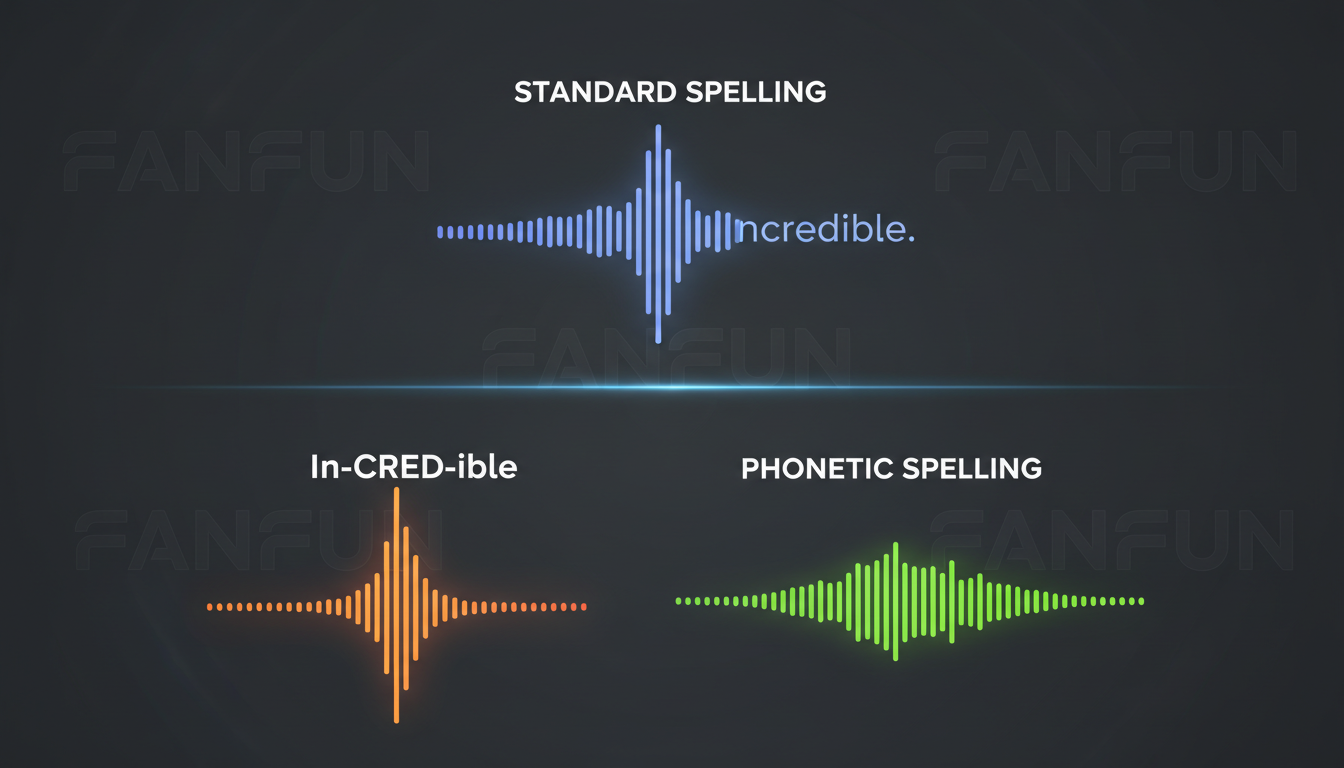
The first tool in your kit is the "Vowel Stretching" technique. Adding extra vowels forces the AI engine to hold a sound longer, creating a drawn-out, dramatic, or comedic emphasis. For instance, writing "What?" yields a quick, flat query. Writing "Whaaat?" or "Whoaa" forces the voice model to drag out the vowel sound, mimicking realization or shock. Be careful not to overdo it; adding too many vowels (e.g., "Whaaaaaaat") can confuse the parser and cause the voice to break or generate digital artifacts. Two to three repeating vowels is usually the sweet spot.
The second tool is the "Double Consonant" trick. If a word feels too soft or lacks urgency, doubling hard consonants can inject a sharp, punchy delivery. Writing "Stop it" might sound polite. Writing "Stoppit" or "S-stop" forces a sudden, hard glottal stop or a stutter that conveys panic or anger.
Finally, use phonetic translation for complex, foreign, or frequently mispronounced words. If the AI continuously flattens the second syllable of "profile," try writing it as "pro-fyle." If it struggles with the silent letters in "debris," type "de-bree." This approach is also your best defense when dealing with brand names or highly localized slang that standard dictionaries do not recognize.
Punctuation as a Director's Baton: Controlling Cadence and Pauses
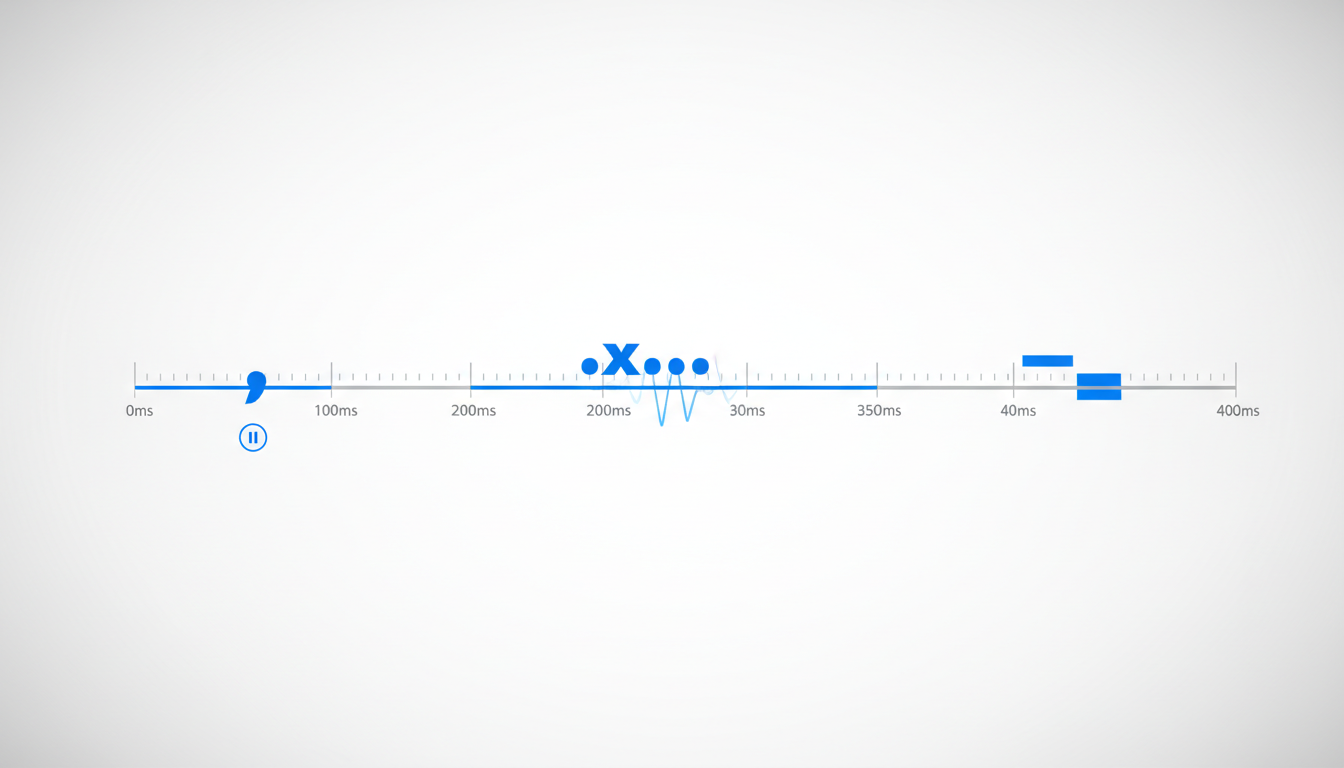
Punctuation is not just for grammar; in the world of AI voice generation, punctuation marks are timing cues. Different marks instruct the AI's neural network to pause for varying lengths of time and adjust the pitch of the surrounding words.
An em-dash (—) or a simple hyphen (-) acts as a sudden, sharp break. It is perfect for mid-sentence corrections, interruptions, or rapid shifts in thought. An ellipsis (...) is the ultimate tool for suspense, indicating a slow, fading pause where the voice's pitch naturally drifts downward. Commas create brief, natural breathing room, while semicolons offer a slightly longer pause without the definitive pitch drop of a period.
Capitalization also plays a massive role depending on the underlying AI model. Many modern voice engines interpret ALL CAPS as a cue for high-energy, louder volume, or sharper enunciation. However, if your model treats ALL CAPS as an acronym (spelling out "S-T-O-P" instead of shouting "STOP"), you can achieve a similar high-intensity effect by adding exclamation marks or spacing the letters out with hyphens (e.g., "S-T-O-P!"). Additionally, inserting manual line breaks and paragraph returns is the easiest way to force natural breathing room in longer narrations, preventing the AI from rushing through your script like a runaway train.
The AI Voice Director's Timing Framework
To make your directing workflow seamless, use this structured framework to map out your timing cues. By selecting the right punctuation mark, you can control exactly how long the AI pauses and how its pitch shifts.
| Punctuation / Input | AI Interpretation | Best Use Case |
|---|---|---|
| Comma ( , ) | Micro-pause (approx. 0.2s); slight upward pitch shift. | Listing items; natural conversational pauses. |
| Ellipsis ( ... ) | Medium pause (0.5s - 1.0s); downward pitch drift. | Suspense, hesitation, dramatic transitions, sarcasm. |
| Em-Dash ( — ) | Abrupt pause (0.3s); keeps the pitch level flat. | Self-correction, sudden interruptions, quick parentheticals. |
| Period + Line Break | Long pause (1.0s+); complete reset of pitch and tone. | Transitioning between major ideas or narrative beats. |
| Hyphenated Spacing (W-H-Y) | Spells out individual letters or creates intense stuttering. | Spelling out codes, acronyms, or conveying extreme fear/shock. |
Applying these timing tricks is especially useful when writing comedic scripts to ensure punchlines land with the right beat. Comedic timing relies entirely on the pause before the punchline and the sharp delivery of the payoff. For a deeper dive into mastering these beats, check out the Comedy Director's Playbook for mastering comedic timing and beats in video edits.
Syntax Restructuring: Rewriting Sentences to Avoid AI Traps
Sometimes, no amount of punctuation hacking can save a poorly structured sentence. AI voice models naturally place emphasis based on the syntax of standard English. If your sentence structure fights this natural flow, the delivery will sound awkward.
Shifting the Weight to the End
AI voice engines tend to drop or raise their pitch at the very end of a clause. If your high-impact noun or verb is buried in the middle of a long, winding sentence, the AI will likely gloss over it. To fix this, restructure your sentence to place the most important word at the end of the clause. Instead of writing, "The explosion destroyed the entire building in seconds," try rewriting it as, "In just seconds, the entire building was destroyed by the... explosion." By isolating "explosion" at the end, you give the AI a natural runway to emphasize it.
Additionally, break up complex, multi-clause sentences into shorter, punchier fragments. Humans rarely speak in perfectly formed, 30-word compound sentences. We speak in fragments. We pause. We restart. Writing your scripts in shorter fragments mimics natural human speech patterns, giving the voice generator built-in breathing room. This technique is highly effective when writing dialogue that fits the specific persona of your character, a concept explored in detail in our guide on injecting personality and timing into animated digital characters.
Bringing Characters to Life on Fanfun
When you are working with highly recognizable personalities, these phonetic hacks become your secret weapon. On Fanfun, our extensive library of AI voices—ranging from legendary athletes and cultural icons to beloved anime characters—features distinct speech rates, accents, and natural cadences. Directing a fast-talking anime protagonist requires a completely different punctuation strategy than directing a slow, commanding sports icon.
For example, if you want a custom celebrity voice on Fanfun to deliver localized slang, an inside joke for a friend's birthday, or a highly specific brand name in a promo video, standard spelling will often trip the model up. By applying phonetic spelling (like writing "Fan-fun" or adjusting a niche term), you ensure the delivery sounds natural, authentic, and instantly recognizable.
Because Fanfun offers instant, affordable generation, you don't have to wait days for a real voice actor to return a revised cut. You can rapidly iterate on your punctuation hacks, tweak a spelling, and regenerate in minutes until the delivery perfectly matches your creative vision. Treat the text box not just as a place to type, but as your director's soundboard.
How do I make an AI voice sound less robotic?
To make an AI voice sound natural, break up long sentences into shorter fragments, use ellipsis (...) and commas to force pauses, and try phonetic spelling for words that sound stiff. Avoiding complex, formal sentence structures also helps mimic natural human speech cadences.
Why does my AI voice generator mispronounce specific words?
AI voice generators rely on statistical models to convert text to phonemes. If a word is a brand name, slang, or has non-standard spelling, the model may default to standard dictionary rules. You can fix this by writing the word phonetically (e.g., spelling "debris" as "de-bree").
How do you add pauses to text-to-speech?
You can control pause length using punctuation. A comma creates a short pause, an em-dash creates an abrupt mid-sentence pause, and an ellipsis creates a longer, fading pause. For very long pauses, insert manual line breaks or paragraph returns.
Can you make an AI voice emphasize a specific word?
Yes. You can force emphasis by using "vowel stretching" (e.g., "loook" instead of "look"), capitalization, exclamation marks, or by restructuring your sentence so the high-impact word sits naturally at the end of a clause where the AI's pitch shifts.



