
The Animator’s Guide to AI Voice Readers: How to Inject Personality and Timing into Digital Characters
Stop settling for flat, robotic voiceovers in your animations. Learn how to format scripts, match vocal archetypes to your art style, and sync AI-generated voices to your keyframes for high-impact character performances.
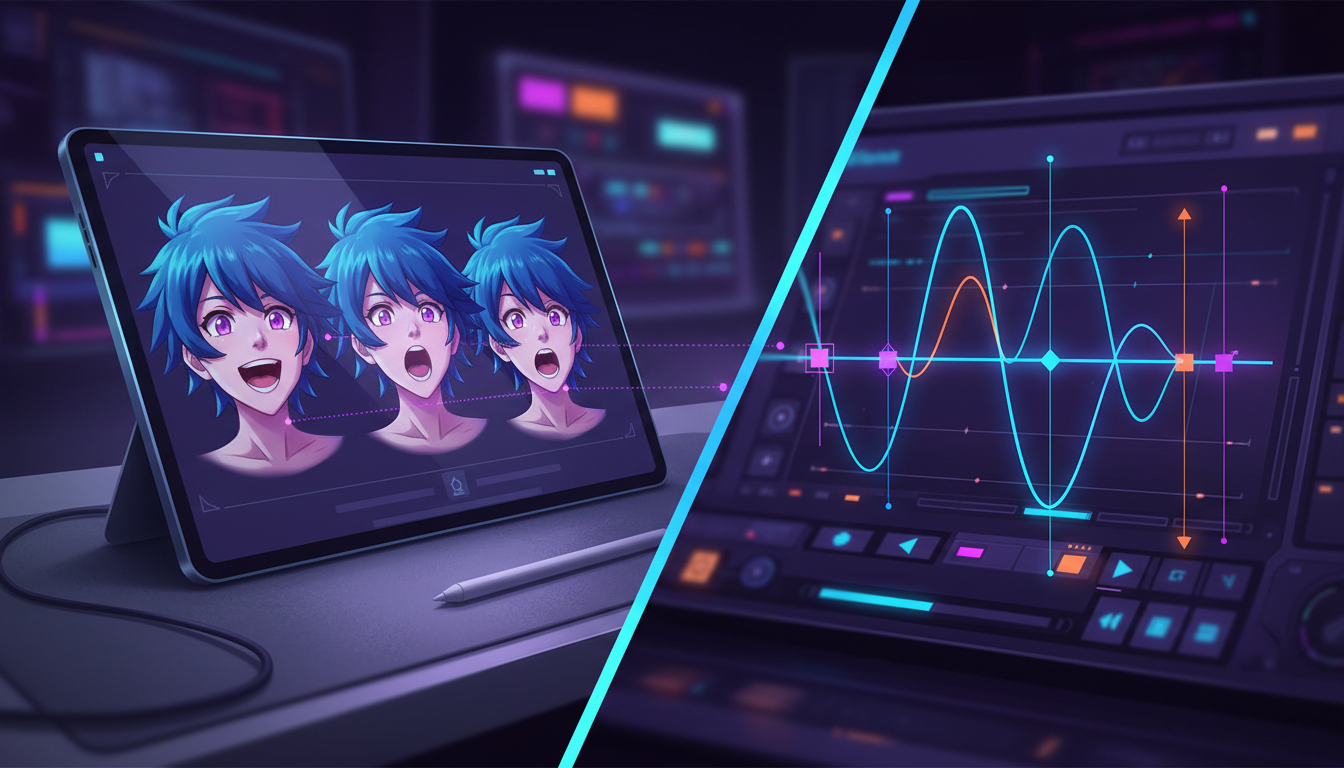
Great animation relies on the illusion of life—a magic trick performed with keyframes, timing, and weight. Yet, even the most beautifully rendered visual sequence falls flat if the accompanying voiceover sounds like a robotic customer service menu. For independent animators, solo game developers, and short-form video creators, hiring a full cast of professional voice actors for every quick TikTok gag or experimental short is financially impossible.
This production bottleneck often forces creators to settle for generic, monotone text-to-speech (TTS) engines that drain the personality from their characters. But by shifting your mindset and treating advanced AI voice readers as virtual actors in a recording booth, you can generate studio-quality vocal tracks instantly. Leveraging platforms like Fanfun, you can access dynamic, character-rich voices that match the visual energy of your art style and keep your audience fully engaged.
Beyond the Flat TTS: Why Animation Demands Dynamic Vocal Performance
Great animators live by the classic rule of "squash and stretch"—the principle of giving characters physical elasticity to convey weight, speed, and emotion. The exact same rule applies to vocal performance. A character's voice needs vocal elasticity: shifting pitch, sudden changes in pacing, and natural breathing patterns that mirror their physical movements on screen. When an animated character leaps across a frame but speaks in a perfectly level, unhurried drone, the cognitive dissonance instantly breaks the audience's immersion.
Standard, corporate-style text-to-speech readers are designed to deliver flat, informative data, not dramatic tension or comedic timing. They lack subtext, sarcasm, and emotional stakes, which are the lifeblood of character-driven storytelling. Discover how custom vocal direction can dramatically boost your video's performance in our breakdown of high-retention TikTok voiceovers. To keep viewers hooked, your audio must feel as alive as your visual keyframes.
This is where Fanfun transforms the workflow for digital creators. Instead of forcing you to work with clinical, robotic readers, Fanfun provides a diverse library of highly expressive, character-rich AI voices—from cartoon icons to high-energy anime personas. This allows animators to bypass the monotonous default voice entirely and start with an AI interpretation that already carries the baseline personality, attitude, and tone required for character animation.
Directing the Machine: How to Format Scripts for AI Voice Readers
To get a legendary performance out of an AI voice generator, you cannot simply paste in standard prose and hit export. You must act as the director, using specific script-formatting hacks to force the algorithm to pause, emphasize, or shift cadence. Just as a voice actor relies on stage directions, an AI voice reader responds to punctuation and spelling adjustments.
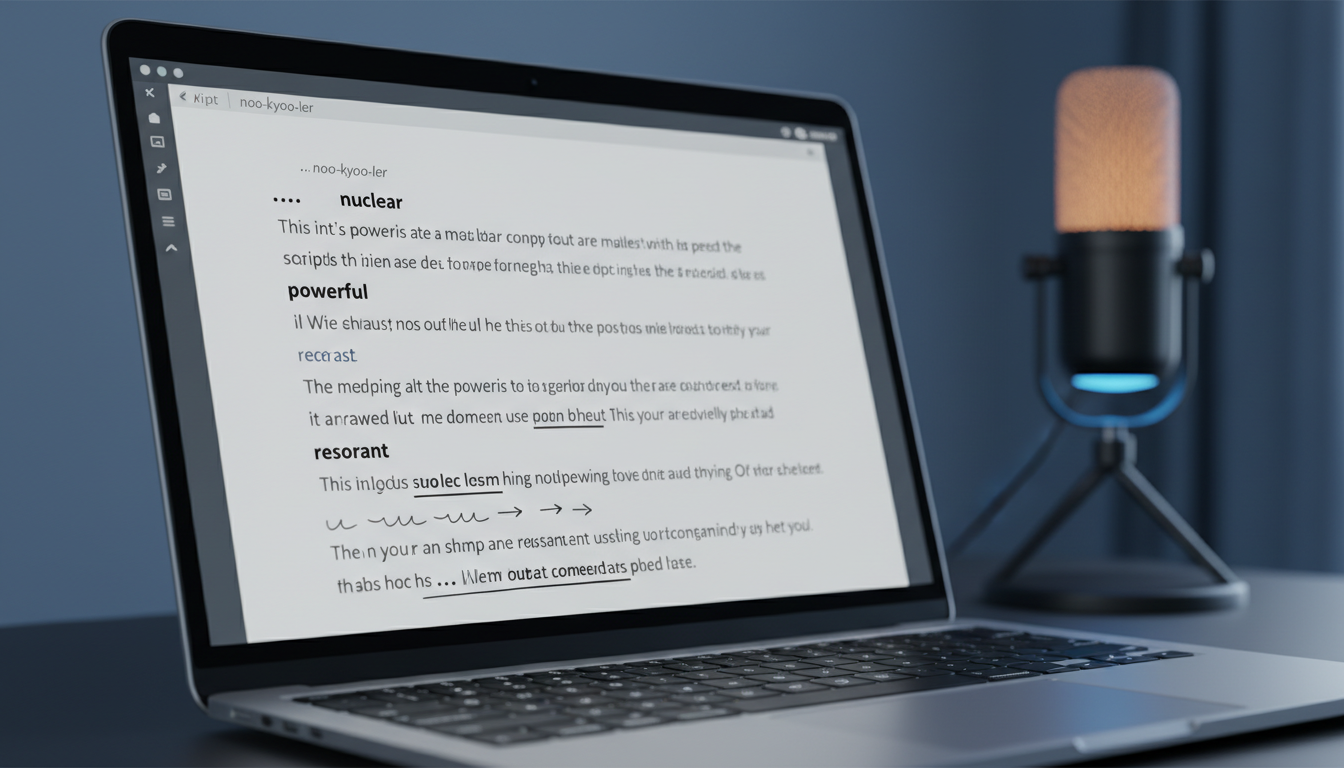
For a deep dive into managing a full voice cast and writing scripts for multi-character edits, check out our director's guide to custom voice text-to-speech. To get started with single-character scripts, use these formatting rules:
- The Em-Dash (—) and Ellipsis (...): Use these to force the AI to pause or hesitate. An ellipsis (...) creates a slow, dramatic build-up or a moment of confusion, while an em-dash (—) creates a sharp, sudden interruption.
- Double Commas (,,): If a standard comma doesn't give you enough breathing room, a double comma forces a slightly longer, natural beat without ending the sentence.
- Phonetic Spelling: If the generator mispronounces a word or delivers it with the wrong emphasis, spell it phonetically. For instance, write "buh-NAY-nuh" instead of "banana" to shift the syllable stress, or "noo-kyoo-ler" to capture a specific character's colloquial accent.
- Caps and Spacing: To force a shout or a slow, deliberate delivery, try using all-caps (e.g., "NO!") or inserting spaces between letters (e.g., "w h a t") to slow down the reader's pace.
Additionally, never export an entire two-minute monologue in a single pass. Break your script into small, single-line chunks. This allows you to generate multiple variations of a single line, select the perfect take with the exact emotional beat you need, and stitch them together seamlessly in your editing software.
The Animation Voice Casting Framework: Matching Personas to Your Art Style
Casting is just as critical in digital animation as it is in live-action cinema. Your voice selection must match the visual language of your design. A hyper-stylized chibi character paired with a deep, gravelly voice can be hilarious for a parody, but a mismatch in a serious narrative will alienate your audience.
Use this casting framework to align your art style with the right vocal archetype:
| Visual Art Style | Ideal Vocal Archetype | Key Vocal Attributes | Best Use Case |
|---|---|---|---|
| Chibi / Kawaii | High-pitched, energetic, breathy | Rapid pacing, expressive pitch spikes | Cute anime parodies, reaction videos, gaming memes |
| Gritty Comic Book | Gravelly, low-frequency, dry | Slow cadence, heavy vocal fry, minimal pitch variation | Noir monologues, anti-hero dialogue, dramatic dubs |
| Corporate Explainer | Warm, mid-range, clear | Moderate pace, friendly upward inflections, crisp diction | Product walkthroughs, educational animations, tutorials |
| Lo-Fi / Shitpost Meme | Sarcastic, deadpan, slightly compressed | Monotone delivery, abrupt endings, casual slang | Short-form comedy, viral TikTok trends, quick parodies |
Designing Vocal Contrast in Multi-Character Scenes
When animating a scene with multiple characters, vocal contrast is essential. If your protagonist and antagonist both speak in the same mid-range frequency and pace, their dialogue will bleed together, making the scene feel flat. Always pair contrasting vocal archetypes. If your hero has a fast-paced, high-pitched voice, make the villain speak with a slow, low-frequency drawl. This contrast not only makes the audio mix cleaner but also visually reinforces the character dynamics before the viewer even processes the actual dialogue.
Syncing Audio to Keyframes: The Animator's Workflow
The golden rule of animation is simple: always finalize your audio track before you begin keyframing or lip-syncing. Trying to stretch, compress, or adjust an animation to fit a newly generated voiceover is an administrative nightmare that ruins your timing.
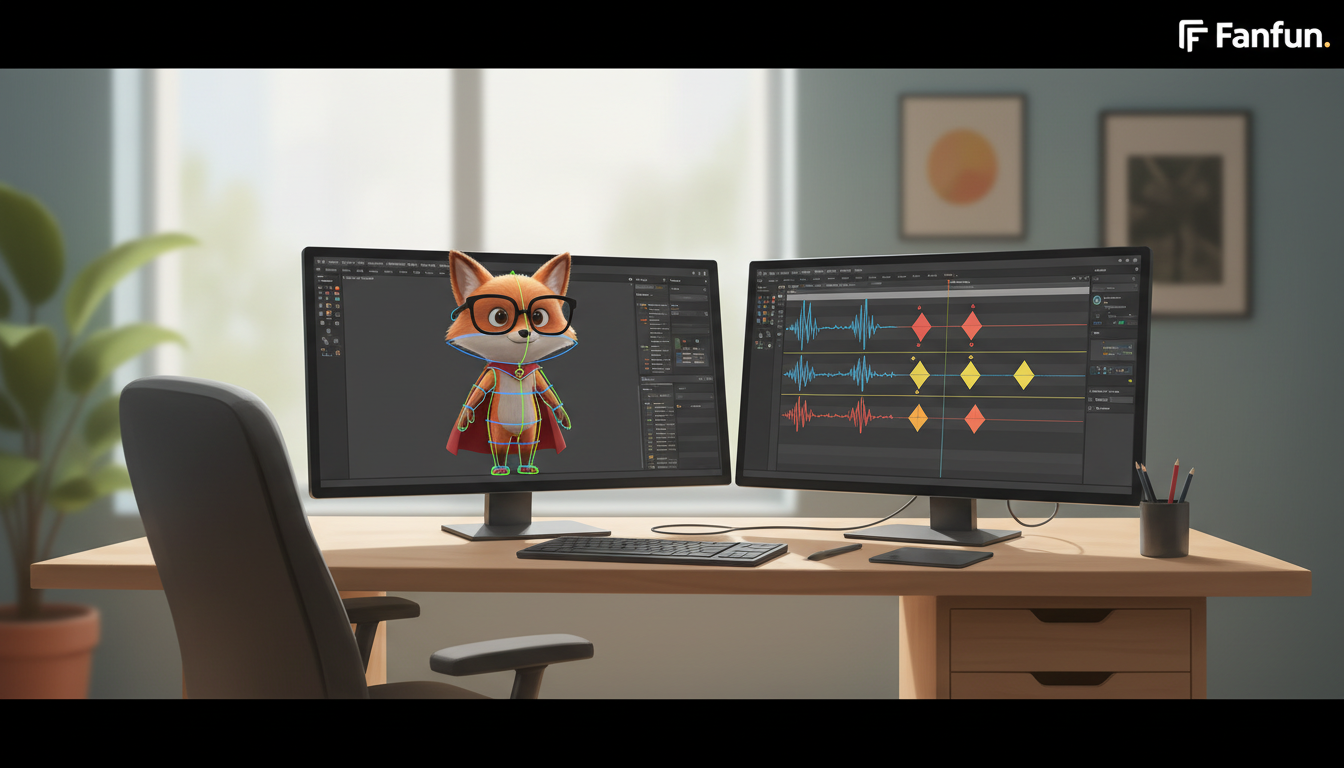
Once you have generated your character voices on Fanfun and exported the high-quality audio files, import them directly into your digital audio workstation (DAW) or animation software (such as Blender, Adobe Animate, or After Effects). Use the visual waveform as a physical map. Look for the peaks and valleys in the wave:
- Identify the Phonemes: The distinct shapes of the mouth (like 'O', 'M', 'F', or 'L') correspond to specific visual spikes in your audio track. Map your character's mouth keyframes directly to these waveform peaks.
- Track the Physical Gestures: A sudden spike in volume or a sharp intake of breath is your visual cue to animate a physical gesture—a shrug, a head tilt, or a sudden widening of the eyes. Aligning these physical reactions 2 to 3 frames before the audio peak creates a highly convincing illusion of conscious thought.
- Create Spatial Depth: To make an AI voice sound like it exists inside the physical space of your animated world, add a subtle room reverb in post-production. If your character is in a cave, use a long decay reverb; if they are outdoors, add subtle wind Foley and lower the high frequencies slightly to mimic open-air acoustics.
Ethical Remixing: Elevating Fan Animation and Comic Dubs Responsibly
The rise of AI voice readers has unlocked a golden age for fan-made content, webcomic adaptations, and parody dubs. Independent creators no longer have to leave their favorite webcomics static; they can easily transform 2D panels into fully voiced "motion comics" for YouTube and TikTok. Learn how to transition static panels into dynamic audio with our guide to directing AI voices for comic dubs.
When creating fan animations, ethical execution is key. Always credit the original artists of the webcomics or characters you are animating. Use AI voices primarily for parody, transformative fan art, and portfolio-building. This respects the creative boundaries of the community while showcasing your technical skills as an animator and director.
Fanfun is built to support this fast-paced, highly creative fan culture. By providing an affordable, instant platform where animators can experiment with unique, recognizable character archetypes, Fanfun empowers creators to build thriving communities around their work without the massive production budgets of traditional animation studios. Go ahead and start experimenting with different pacing, punctuation hacks, and character voices to bring your digital illustrations to life.
How do I make an AI voice reader sound natural for a cartoon character?
To make an AI voice sound natural, avoid standard punctuation. Use em-dashes (—) for abrupt cuts, ellipses (...) for hesitations, and double commas (,,) for longer natural pauses. Additionally, try spelling words phonetically (like writing "buh-NAY-nuh" instead of "banana") to force the AI to place the emphasis on the correct syllable.
Should I animate my character first or generate the AI voiceover first?
Always generate and finalize your AI voiceover first. It is significantly easier to time your keyframes, pauses, and lip-syncing to an existing audio waveform than it is to stretch or warp your voice audio to fit pre-rendered visual movements.
Can I use AI voice generators for commercial animated explainer videos?
Yes, but you must ensure you have the rights to the voice you are using. For commercial explainers, choose clean, neutral, and friendly voice archetypes, and verify the licensing terms of the platform you use to generate the audio files.
What is the best way to sync AI voice audio with character lip movements?
Import the audio file into your animation software and use the visual waveform as a guide. Map key mouth shapes (phonemes) directly to the peaks in the waveform. For a more realistic look, initiate facial reactions and body gestures 2 to 3 frames before the corresponding vocal spike occurs.



