The Panel-to-Audio Playbook: How to Direct AI Voice Generators for High-Impact Comic Dubs
Static comic panels demand dynamic, high-energy vocal performances to translate successfully to video. This playbook outlines how to direct AI voice generators, format scripts for natural pacing, and mix cinematic audio for platforms like TikTok and YouTube.
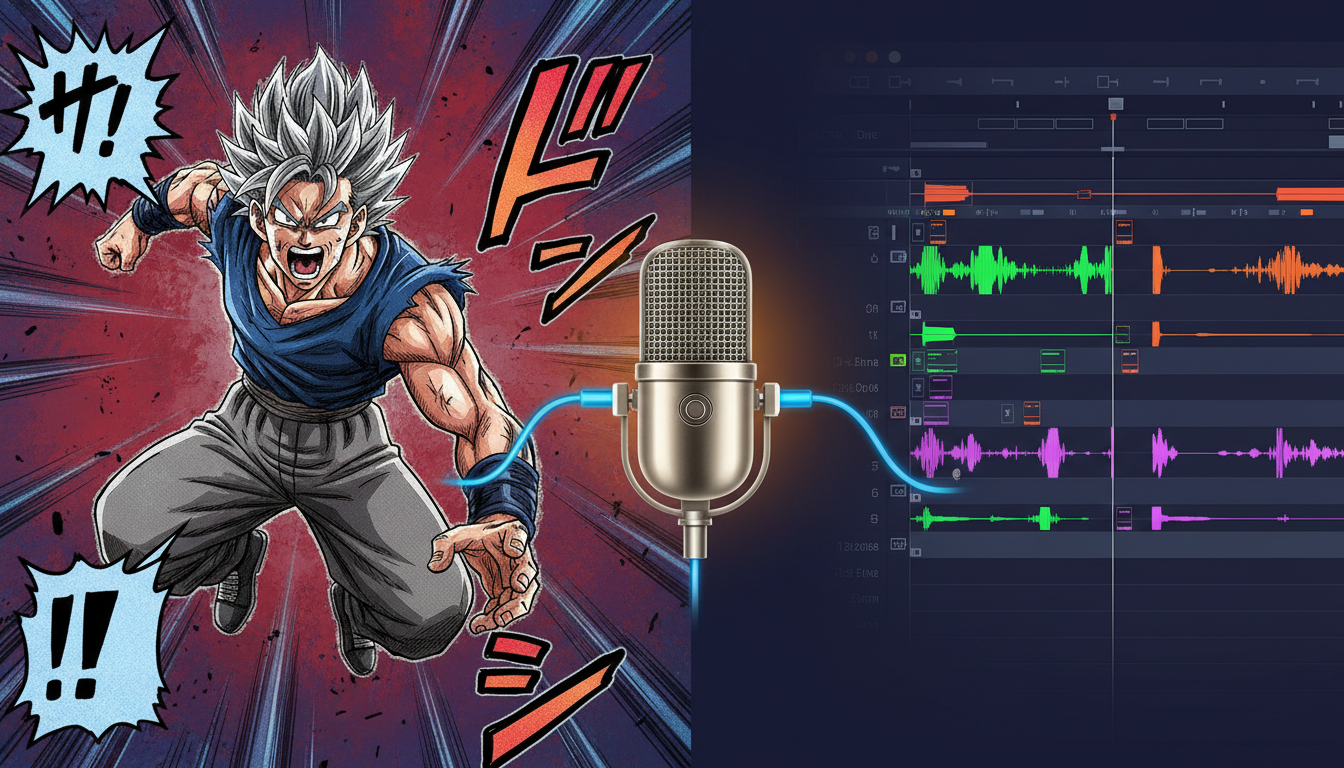
Translating a comic panel, webtoon, or manga into a short-form video for TikTok, YouTube Shorts, or Instagram Reels is more than just sliding static images across a screen. The real magic happens when those static illustrations get a voice. But anyone who has tried pasting raw comic text into a generic text-to-speech engine knows how quickly a flat, robotic delivery can kill the dramatic tension of a beautifully drawn scene.
To create a comic dub that actually stops the scroll, you have to think like a voice director, not just a content editor. By treating AI voice generators as actors that require precise cues, punctuation, and contextual coaching, you can transform flat dialogue bubbles into dynamic audio performances. Here is your masterclass in bringing panels to life.
The Anatomy of a Great Comic Dub (And Why Standard TTS Fails)
Comic dubs rely entirely on the synergy between visual art and vocal performance. When a reader flips through a physical comic, their mind automatically fills in the voice, the pacing, and the emotional weight of each line based on the character's expression and the surrounding art. When you adapt that comic into a video, you strip away the reader's imagination and replace it with your audio track. If that track features a flat, monotone voice, the impact of a beautifully drawn panel is instantly ruined.
The primary challenge of comic dubbing is managing the "silent space"—the gutter between panels. In a static comic, time is subjective; the reader decides how long a pause lasts. In a video, you must define that pause. Additionally, comics are packed with written sound effects like GASP, WHOOSH, or THUD. A generic text-to-speech engine will either read these words literally in a robotic voice or ignore them entirely, completely breaking the immersion of the scene.
To capture the true energy of your favorite panels, you need to move beyond basic office-focused text-to-speech tools. Creators must embrace advanced AI voice generators that offer deep emotional nuance and precise pacing controls. By selecting the right tools in our comic dub director's toolkit, you gain the ability to manipulate speed, volume, and tone to match the visual pacing of your artwork. To master the pacing of these transitions and voiceovers, it is also highly beneficial to study the principles of directing an AI voice generator for cinematic story narration.
Scoring the Panels: A Framework for Matching Voice to Art Style
Every comic has a distinct visual identity, and that identity dictates how a character should sound. A gritty, ink-heavy indie comic requires a textured, low-register voice with natural vocal fry. Conversely, a colorful, pastel-toned webtoon romance demands bright, highly expressive tones with a lighter, breathy quality. A vocal mismatch—such as pairing a booming, cinematic movie-trailer voice with a lighthearted slice-of-life comedy panel—breaks immersion instantly unless it is done intentionally for comedic contrast.
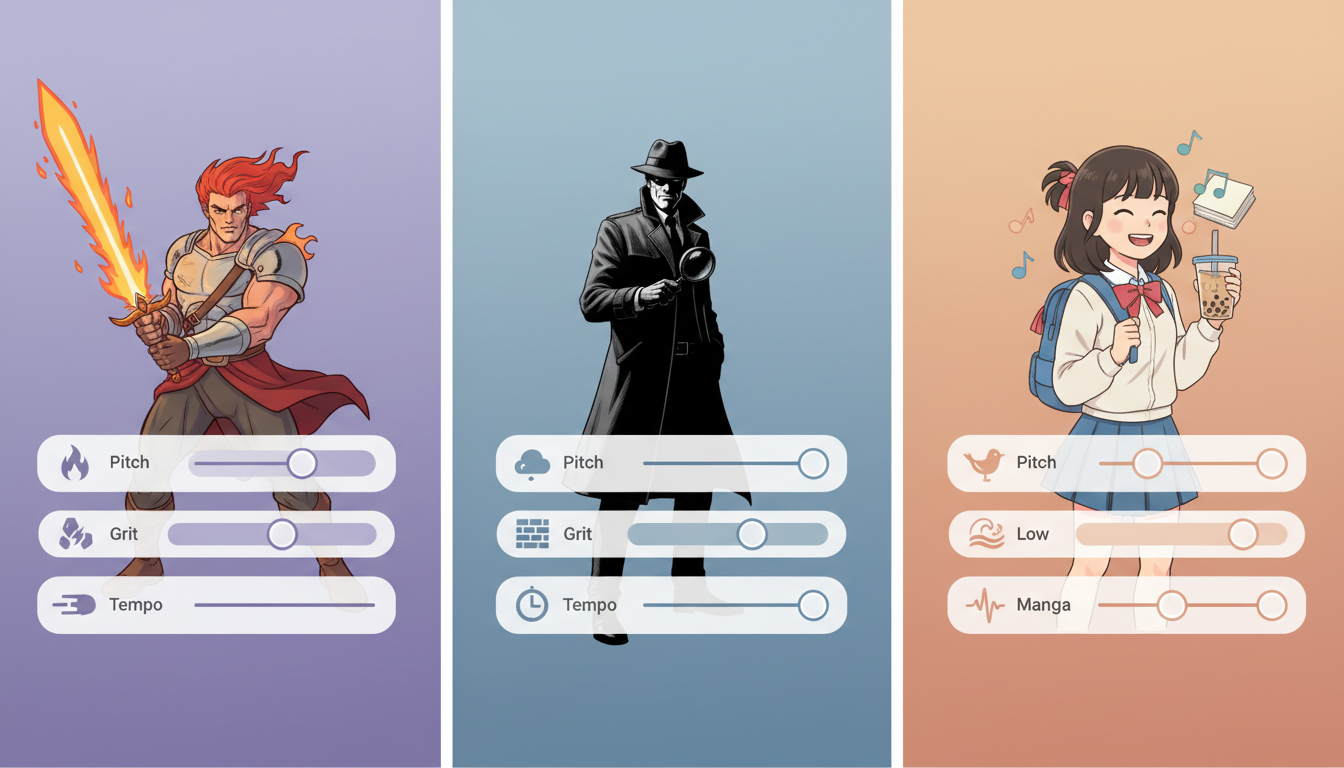
Before generating any audio, you should "score" your panels by analyzing the visual cues. Look at the line weight, the color palette, and the character designs to determine the target vocal profile. To help you match your visual assets with the perfect audio settings, use the reference framework below:
| Comic Genre | Visual Cue | Target Vocal Profile | Example Tone Settings |
|---|---|---|---|
| Shonen Manga | Sharp lines, speed lines, exaggerated expressions | High energy, wide dynamic range, chest voice | High pitch variance, fast tempo, minimal vocal fry |
| Noir Webtoon | Heavy shadows, high-contrast ink, cigarette smoke | Low register, high grit, breathy, slow tempo | Low pitch, heavy vocal fry, elongated pauses |
| Slice-of-Life / Shojo | Soft colors, wide eyes, floral backgrounds | Bright, melodic, warm, highly expressive | Mid-high pitch, light airiness, bouncy rhythm |
| Dark Fantasy | Intricate line art, gothic elements, heavy armor | Resonant, authoritative, textured, serious | Deep resonance, moderate pace, controlled breathing |
Tuning for Shonen Battle Screams vs. Slice-of-Life Whispers
Comic dubs thrive on emotional extremes. On one end of the spectrum, you have the high-octane battle cries of action manga; on the other, the quiet, intimate whispers of a slice-of-life romance. Directing an AI voice generator to handle these contrasting styles requires specific tactical adjustments.
Directing the Peaks and Valleys: Battle Cries and Whispers
AI voice models are typically trained on conversational data, which means they can struggle with raw screaming or whispering out of the box. To bypass this limitation, you must structure your text input to force the engine to exert maximum effort. When learning how to direct an anime protagonist voice generator online for maximum Shonen energy, avoid standard punctuation. Instead of writing "No, stop!", use capitalized phonetics and elongated vowels, such as "NOOOO! STOOOP!!!" or "HRAAAAGH!". This forces the AI generator to increase its pitch and volume to match the dramatic intensity of a Shonen battle panel.
For quiet, intimate moments—like an inner monologue or a soft romantic confession—you want to achieve a breathy, close-to-the-mic sound. You can coax this texture out of an AI voice generator by utilizing ellipses (...) and em-dashes (—). These punctuation marks slow down the generation speed and introduce natural-sounding pauses where a character would logically take a breath. Commas and line breaks also force the model to drop its pitch slightly at the end of a clause, mimicking the natural cadence of a soft-spoken realization.
The Director’s Script: Formatting Text for AI Voice Generators
Standard spelling is designed for the human eye, but AI voice generators read phonetically. If you paste raw dialogue directly from a comic bubble into a generator, the delivery can sound too formal, crisp, or unnatural. To get a highly realistic performance, you must format your script specifically for the AI engine.
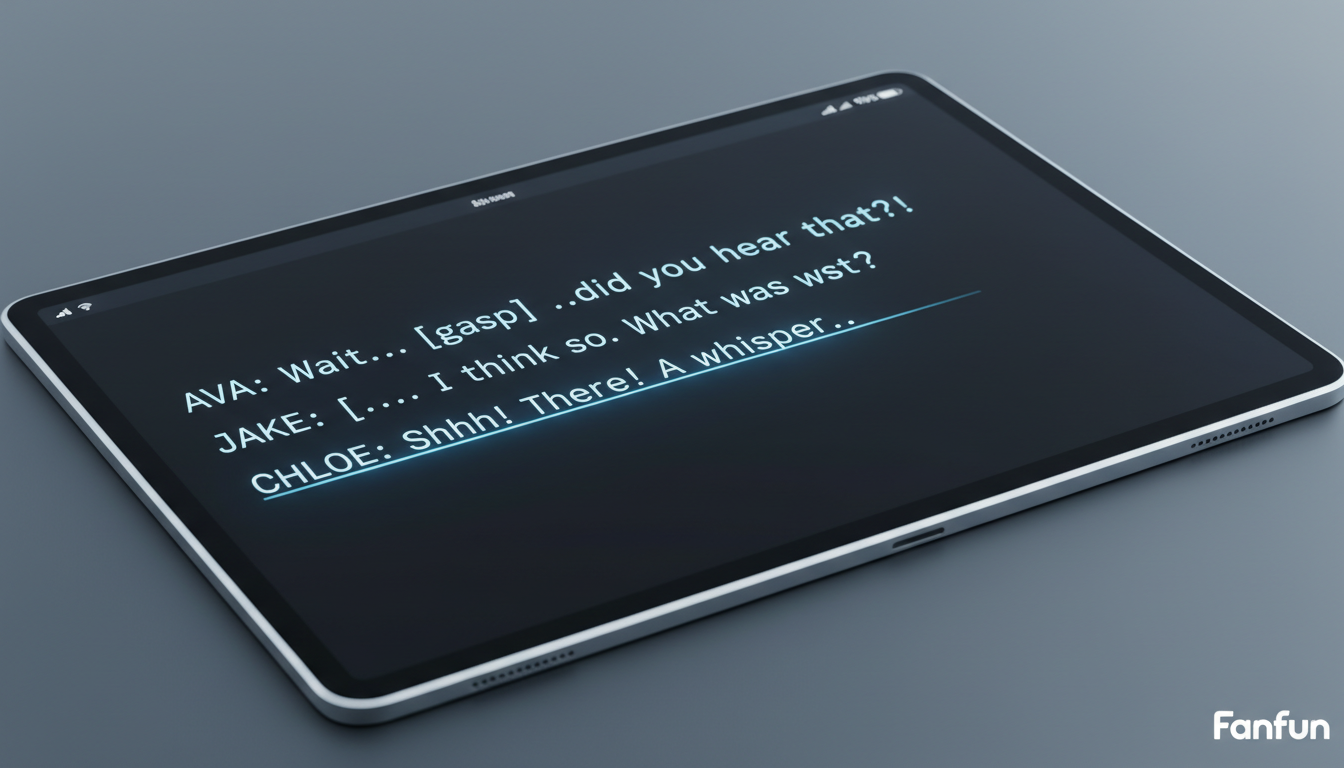
For example, if your character has a casual, street-smart personality, writing the word "probably" might sound too clinical. Instead, try spelling it phonetically as "prolly" or "prob'ly". If a character is stuttering in fear, do not just write "I-I don't know." Instead, write "I... I d-don't... know" to give the generator clear pause markers. Use the following step-by-step checklist to prepare your comic's dialogue bubbles before generating your audio:
- Strip non-spoken text: Remove written sound effects like *GASP* or *SLAM* from the dialogue box. These should be executed as actual sound effects in your editing software, not spoken by the voice track.
- Apply phonetic spelling: Spell out tricky names, slang, or regional accents exactly how they should sound (e.g., changing "going to" to "gonna", or "what are you" to "whatcha").
- Inject punctuation-based pacing: Use double commas (
,,) to create a medium pause, or ellipses (...) to simulate a character trailing off or hesitation. - Isolate lines by panel: Do not generate a massive block of dialogue all at once. Generate each panel's dialogue as an individual audio file so you have total control over the timing and spacing when aligning them with your visual timeline.
Instant Casting: Leveraging Fanfun for Iconic Character Archetypes
For indie comic creators and social media editors, traditional voice casting is a massive bottleneck. Hiring professional voice actors for a quick 15-second TikTok or a multi-panel webtoon dub can cost hundreds of dollars and take days of back-and-forth revisions. This is where Fanfun completely redefines the workflow. As the premier platform for instant, high-quality character and celebrity-style voices, Fanfun allows you to cast your entire comic roster in minutes rather than weeks.
Unlike traditional casting platforms or one-way video services like Cameo, Fanfun provides instant access to a growing library of licensed and original AI personas, including iconic fictional archetypes, anime-inspired leads, and legendary figures. The platform gives you the creative freedom to experiment with different voice profiles instantly. If you are unsure whether a character should sound like a cynical detective or a high-energy anime hero, you can run the exact same script through multiple Fanfun voices to compare the results in real-time. This rapid prototyping ensures that your final vocal track matches the visual energy of your art perfectly, all while keeping your production fast, agile, and incredibly affordable.
The Post-Production Mix: Blending AI Voices with Sound Effects and Music
Generating your AI voice tracks is only the first step. To make your comic dub feel like a cinematic experience, you must place the voice inside the physical world of the panel. Raw, dry vocal tracks sound like they were recorded in a vacuum, which breaks the illusion for the viewer. This is a crucial concept to master when directing custom voices for dynamic animation.
First, layer ambient soundscapes beneath your dialogue. If your panel is set in a rainy alleyway, a faint, low-volume loop of falling rain and distant city hums will instantly ground the performance. Second, implement precise audio ducking. Your background music track should automatically drop by 3 to 6 decibels whenever a character is speaking, ensuring that the dialogue remains prominent and clear without getting drowned out by the soundtrack.
Finally, apply subtle spatial audio effects to match the environment. If a character is speaking through a helmet or over a radio, apply a high-pass filter to cut out the lower frequencies and create a tinny speaker effect. If they are standing in a vast, empty castle hall, adding a small amount of hall reverb will make their voice echo naturally, visually reinforcing the scale of your comic's artwork.
How do I make an AI voice sound like it is shouting or screaming in a comic dub?
To force an AI voice generator to shout, use capitalized phonetic spelling, elongated vowels (like "NOOOO!"), and multiple exclamation points. This signals the AI model to increase its pitch and volume. Additionally, removing punctuation spaces between words can make the delivery sound more rushed and urgent.
Can I use AI voice generators to monetize my manga and webtoon dubs on YouTube?
Yes, you can monetize comic dubs on YouTube using AI voices, provided you have the proper rights or permissions to use the original comic artwork and the AI voice platform you use allows for commercial distribution. Always check the terms of service of your chosen voice generator.
What is the best way to sync AI-generated voices with moving comic panels?
Generate your dialogue in separate, short audio clips for each panel rather than one long track. Import these clips into your video editor (like CapCut, Premiere, or DaVinci Resolve) and align them directly with the visual transitions. You can pan, zoom, or shake the panels in sync with the vocal peaks to create a dynamic sense of motion.
How do I handle multiple characters interacting in a single scene using AI voices?
Cast distinct voice profiles for each character using a platform like Fanfun to ensure they sound visually and tonally unique. Generate each character's lines separately, and then arrange them on alternating tracks in your video editor's timeline, leaving natural pauses (gutters) between their lines to simulate a real conversation.