The Audio Drama Blueprint: How to Direct an AI Voice Generator for Cinematic Story Narration
Stop pasting text into flat text-to-speech engines. Discover the professional framework for directing AI voices, managing dramatic pauses, and crafting immersive multi-character audio dramas.
Most creators treat AI voice generation as a passive, two-step process: paste raw text into a box, click export, and hope for the best. The result is almost always a flat, monotonous voiceover that sounds more like a GPS navigation system than a compelling audio drama.
To build a truly immersive story, you cannot just generate speech—you have to direct it. By treating your AI voice generator like a professional voice actor in a recording booth, you can manipulate pacing, control subtext, and construct a rich, multi-layered soundscape that keeps listeners hooked from the first second to the last.
The Death of the Monotone Narrator: Why Story Narration Needs Cinematic Direction
Standard text-to-speech engines are designed for utility, not art. They read words sequentially, completely blind to the subtext, emotional gravity, and dramatic irony of your script. If a character is whispering in fear while hiding from a monster, a default engine will often deliver the line with the same sterile, rhythmic cadence it uses to read a software manual. This lack of emotional awareness instantly breaks the listener’s suspension of disbelief.
At Fanfun, we approach audio storytelling differently. By providing a diverse, highly expressive character library, Fanfun allows creators to move past the limitations of single-voice narration. Instead of forcing one voice to do all the heavy lifting, you can cast distinct, specialized voices for your narrator and individual characters.
The secret to cinematic audio storytelling lies in the deliberate contrast between your narrator and your cast. The narrator acts as the objective anchor—steady, reliable, and immersive. The characters, conversely, are highly subjective, emotional, and unpredictable. When you establish this vocal friction, your story instantly gains a sense of physical space and theatrical depth.
The Three-Act Pacing Framework for AI Voice Direction
Great directors control the heart rate of their audience by manipulating the speed and intensity of the performance. When directing an AI voice generator, you must actively adjust your delivery settings to match the narrative arc of your story.
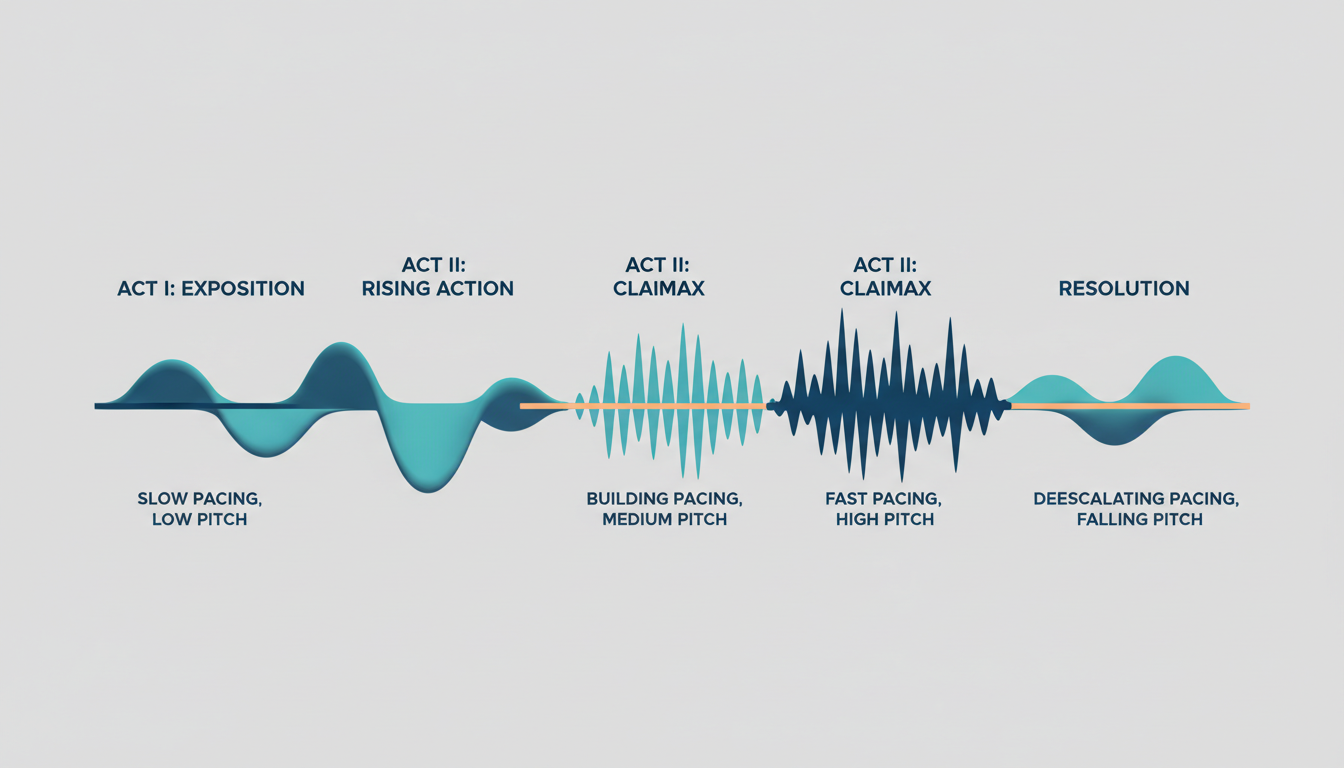
The table below outlines how to align your AI voice parameters with the classic three-act structure to maintain dramatic tension:
| Narrative Phase | Narrative Goal | Target Speed | Pitch Variation | Emotional Intensity |
|---|---|---|---|---|
| Exposition (Act I) | Establish setting and tone; build a comfortable baseline for the listener. | 0.95x - 1.0x (Steady, measured) | Moderate (Natural conversational flow) | Low to Medium (Neutral, authoritative) |
| Rising Action (Act II) | Build tension, introduce conflict, and accelerate the plot. | 1.0x - 1.05x (Slightly rushed) | High (Wider gaps between highs and lows) | Medium to High (Growing urgency) |
| Climax (Act III) | Deliver the emotional peak or physical confrontation of the story. | 1.1x (Fast, breathless) or 0.8x (Stretched, dramatic) | Extreme (Strained or whisper-quiet) | Maximum (Panicked, triumphant, or devastated) |
| Resolution (Act III) | Release tension and return the listener to a stable baseline. | 0.9x (Slow, reflective) | Low (Flatter, calm cadence) | Low (Sober, warm, or content) |
Matching your narrator’s delivery style to your genre is equally vital. For a slow-burn horror or suspense thriller, configure your voice generator to a slightly slower speed (around 0.9x) with a breathier, lower-register tone to evoke a sense of intimacy and dread. For high-octane action or sci-fi, push the speed to 1.05x and select a punchier, mid-range tone that mimics the rapid heartbeat of the characters on screen.
Managing Pause Durations and Breath Cues
One of the biggest giveaways of AI-generated audio is the lack of natural breathing. Humans pause to gather their thoughts, catch their breath, or let a shocking revelation sink in. You can force your AI generator to insert these crucial pauses by using non-standard punctuation markups instead of relying solely on standard periods and commas:
- The Dramatic Ellipsis (...): Use three periods to create a soft, lingering pause that simulates hesitation or deep thought. (e.g., "She opened the door... and stared into the empty room.")
- The Sudden Em-Dash (—): Insert an em-dash to force a sharp, abrupt cutoff, perfect for interrupted dialogue or sudden real-time realizations. (e.g., "The transmission was clear—until the screaming started.")
- The Double-Line Break: To give a major plot twist or the end of a chapter breathing room, insert a double carriage return in your text editor. This signals the generator to pause for a full beat before initiating the next paragraph.
Casting Your Ensemble: Matching Voice Profiles to Story Archetypes
A common mistake in indie audio dramas is "voice fatigue." This occurs when a single narrator attempts to perform every single character voice, using minor pitch shifts that eventually blur together in the listener's ears. To keep your audience oriented, you need to build a highly differentiated vocal cast.
Start by selecting a primary narrator voice that serves as your audience's neutral anchor. This voice should have a clear, warm, and highly legible tone. Once your anchor is secured, you can begin casting your supporting archetypes to create maximum contrast.
For example, if you are building a high-fantasy epic, you can learn how to direct a fantasy character voice generator to build immersive worlds, selecting ancient, gravelly tones for mythical mentors and crisp, youthful voices for your protagonists. When it comes to your antagonist, avoid generic, flat delivery by directing a villain voice generator to inject cinematic menace into your antagonist, utilizing low-frequency, hushed tones that suggest quiet, calculated power rather than cartoonish shouting.
Directing Dialogue vs. Narration: The Contrast Technique
The transition between descriptive narration and active character dialogue is where many AI-generated audiobooks fall flat. If your narrator delivers a line of description and a character's spoken dialogue with the exact same emotional weight, the scene loses its reality.
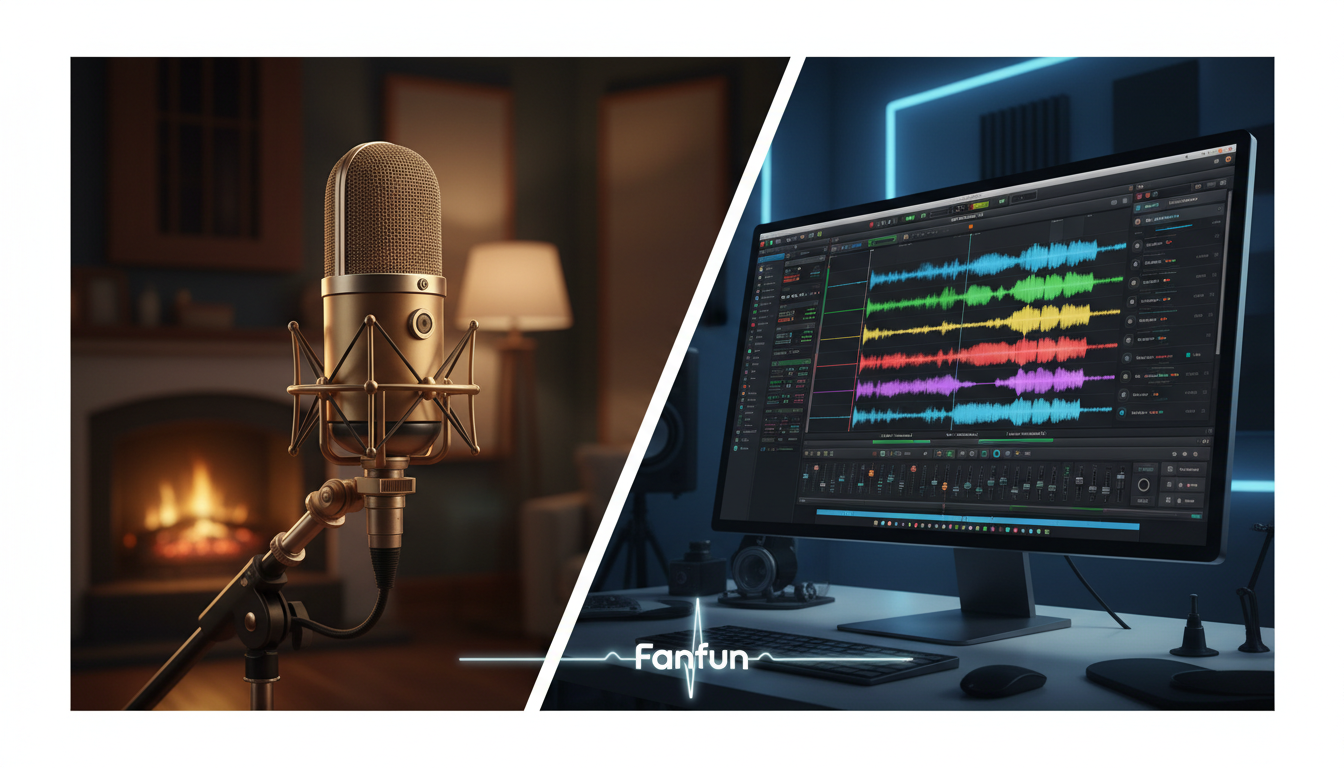
To master the Contrast Technique, visualize your script as two distinct layers: the Narrator Layer (stable, objective, external) and the Dialogue Layer (volatile, subjective, internal). When transitioning between these layers, you must adjust the emotional intensity of your generation settings.
Consider this marked-up script example:
[Narrator Voice - Tone: Cold, steady, slow]
The rain beat heavily against the cracked windowpane. Inside, the candle flickered, casting long, dancing shadows across the floorboards. Marcus backed slowly into the corner, his knuckles white against the iron fire poker.
[Character Voice - Tone: Panicked, fast, whispered]
"I know you're out there... I can hear you breathing."
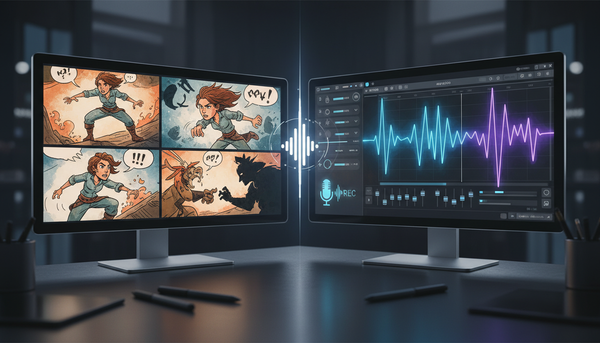
By splitting your script into individual lines and directing AI voices for game characters to capture genuine emotional peaks, you ensure that high-stakes dialogue pops against the steady, atmospheric background of your narrator. Fanfun’s multi-character workflow makes this seamless, allowing you to assign different AI personas to specific lines of dialogue and export them as individual, perfectly tuned audio assets.
Post-Production Hacks to Blend AI Narration into a Cohesive Soundscape
Once you have generated your directed voice tracks, the final step is to blend them into a singular, cohesive soundscape. Because AI voices are often generated in isolation, they can sound like they were recorded in different physical environments.
Use these three post-production steps to unify your audio drama:
- Layer a Continuous Room Tone: The easiest way to mask subtle digital stitching artifacts is to place a low-volume ambient background track under your entire timeline. Whether it’s the quiet hum of an empty room, a distant wind howl, or gentle rain, this continuous noise floor tricks the listener's brain into believing all voices are occupying the same physical space.
- Apply Unified EQ and Compression: Apply a subtle high-pass filter (cutting frequencies below 80Hz) to clean up low-end mud. Follow this with a gentle compressor (2:1 ratio, slow attack, fast release) on your master vocal bus to glue the different character voices together, smoothing out any sudden, jarring volume spikes.
- Utilize Stereo Panning: Do not leave all your voices dead-center. During dialogue-heavy scenes, pan your characters slightly to the left (10% to 15%) and right (10% to 15%) while keeping your narrator dead-center. This simple spatial positioning simulates a physical stage, making the conversation feel incredibly alive and dynamic.
How do I make an AI voice generator sound natural for storytelling?
To make an AI voice sound natural, avoid pasting long blocks of raw text. Instead, break your script into smaller paragraphs, adjust the pacing to match the emotional context of the scene, and use punctuation markup like ellipses (...) and em-dashes (—) to force natural pauses and breathing cues.
Can I use AI voices to narrate a fiction podcast or audiobook?
Yes. By casting distinct voices for your primary narrator and individual characters, you can build a highly professional, multi-character audio drama. Platforms like Fanfun provide a diverse character library that makes casting and generating multi-character narratives simple and affordable.
How do you add emotion and dramatic pauses to AI voice narration?
Emotion is added by selecting specific, expressive voice profiles and adjusting speed and pitch settings. Dramatic pauses can be manually engineered using punctuation cues, double-line breaks, or by inserting silence gaps in post-production software.
What is the best way to handle multiple character voices in an AI-narrated story?
Avoid using a single voice model for all characters. Cast a neutral anchor voice for your narrator, and assign unique, highly contrasting AI voices to your characters. Export dialogue lines separately so you can direct each character's emotional delivery individually before combining them in post-production.