
How to Write Scripts for AI Voice Generators: A Practical Formatting Guide
Writing for AI voice synthesis requires treating your script like a director's cue sheet. Learn how to use phonetic spelling, strategic punctuation, and pacing templates to get natural, expressive performances from AI voice generators.

To write a script for an AI voice generator that sounds natural and well-paced, you must treat text input as a set of performance cues rather than standard written grammar. This process involves using phonetic spellings for tricky words, inserting strategic punctuation (like ellipses and em-dashes) to control pacing, and organizing content into short, digestible sentences. By formatting your script specifically for text-to-speech engines, you can transform robotic, flat readings into expressive, character-driven performances.
The Editable AI Voice Script Template
Use this structural template to format your script before pasting it into an AI voice generator. This layout helps you organize thoughts, control emphasis, and ensure the AI doesn't rush through key moments. Copy and adapt the structure below for your next project:
[Intro Hook] Hey there... yes, IT'S ME!\n[Brief Pause] I heard it's a very... very special day.\n[Main Message] We are talking about the big... THREE-OH! Can you believe it?\n[Emphasis] Absolutely... wild.\n[Outro/Sign-off] Have an amazing day... catch you later!The Scriptwriting Framework for AI Voices
When you write for a human voice actor, they naturally interpret the subtext, breathe where appropriate, and adjust their pitch to match the mood. AI voice generators, however, rely entirely on the explicit formatting of your text. To achieve a natural delivery, you must shift your mindset from writing copy to directing a character AI voice generator.
AI models interpret standard punctuation marks as direct physical instructions:
- Commas (,): Create a brief, natural pause, ideal for separating clauses or listing items.
- Periods (.): Signal a full stop and a drop in pitch, indicating the end of a thought.
- Exclamation marks (!): Often trigger a slight lift in pitch and volume, adding energy to the sentence.
- Question marks (?): Force an upward inflection at the end of a phrase, making the voice sound inquisitive.
Because these models process text in chunks, short and punchy sentences consistently outperform long, complex paragraphs. If a sentence has too many clauses, the AI may run out of natural-sounding cadence, leading to a rushed delivery at the end of the line.
Controlling Pacing and Pronunciation
Even the most advanced AI voice generators can struggle with unusual proper nouns, slang, or brand names. To fix these issues, you must use phonetic respelling. Write words the way they sound, not the way they are spelled. For example, if you want the AI to pronounce "gif" with a soft G, write it as "jif." If a name like "Kara" is being mispronounced, try writing it as "Care-uh" or "Kah-ruh" to guide the synthesizer.
Pacing is the secret to human-like speech. You can manipulate the rhythm of your voiceover by using non-traditional punctuation:
- Ellipses (...): Excellent for creating dramatic, lingering pauses or indicating a transition in thought.
- Em-dashes (—): Useful for creating abrupt, sudden shifts in tone or mimicking a conversational self-correction.
When working on character-driven content, such as writing a script for an AI character video, small adjustments in punctuation make the difference between a generic automated message and a highly personalized performance. Always test short, ten-word segments of your script first to preview the pronunciation and pacing before generating the entire voiceover.
Example: Turning a Rough Draft into a Polished Performance
To understand the impact of these formatting techniques, compare how a standard text input performs against an optimized, directed script. This comparison shows how subtle changes in punctuation and spelling change the output from flat to engaging.
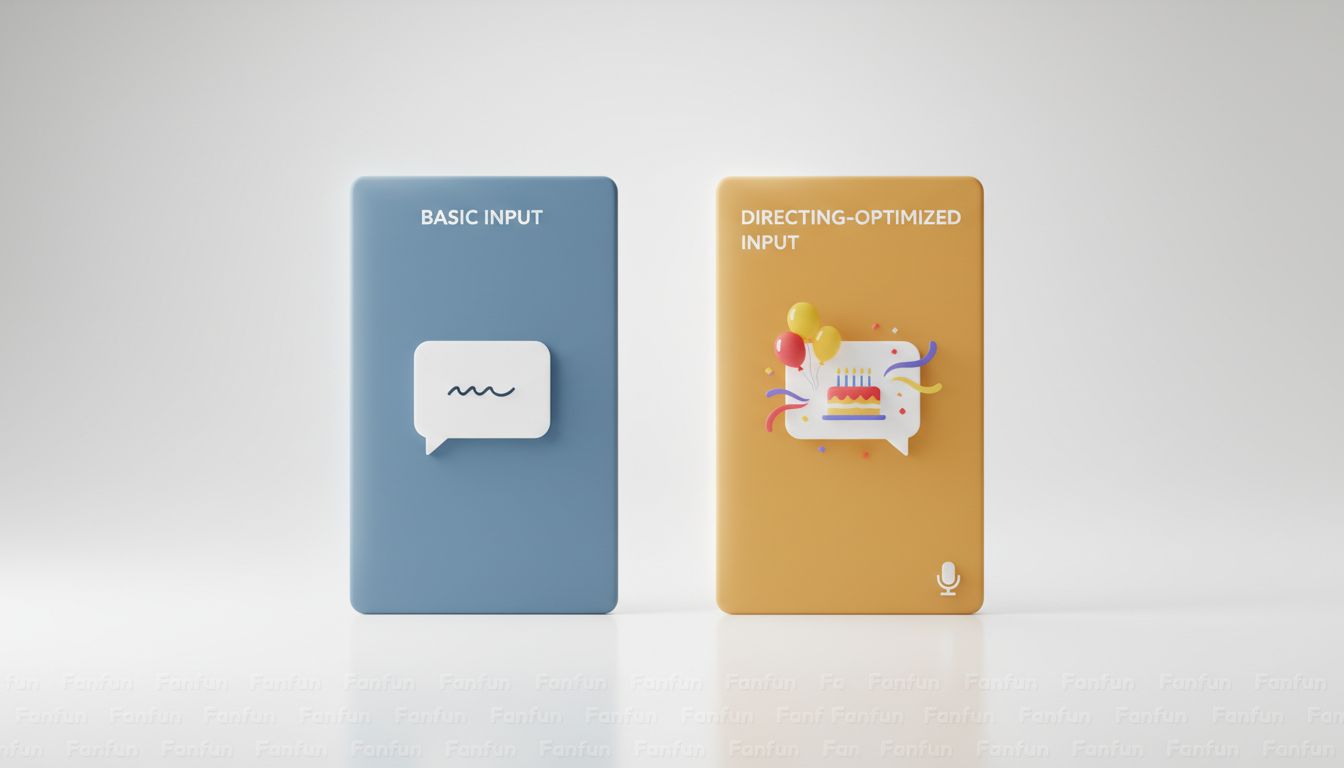
| Flat Script (Standard Input) | Optimized Script (Directing Cues) | Why It Works |
|---|---|---|
| "Happy birthday John, I hope you have a great day and eat lots of cake." | "Happy birthday... John! I hope you have a... GREAT day... and eat lots of... cake!" | The ellipses slow down the delivery, and the capital letters suggest a slight emphasis on "GREAT." |
| "Welcome to the show, we have a lot of fun things planned today." | "Welcome... to the show! We have a lot of... fun... things planned today." | Breaks up the monotonous flow, making the introduction sound much more energetic and human. |
| "I cannot believe you are thirty years old today." | "I can-not believe... you are... THIR-TEE... years old today!" | Hyphenating "can-not" forces distinct pronunciation, while phonetic spelling of "thirty" emphasizes the milestone age. |
This level of optimization is a useful creative experiment when scripting an AI birthday video or a custom roast. For example, Fanfun allows you to select a character and tell them what to say—whether it is a roast, a love note, or a birthday wish—to generate a custom video (https://www.fanfun.ai). While different AI engines vary in how they interpret specific punctuation, drafting your script with natural phrasing helps set the right tone for your character video.
AI Script Formatting Checklist
Before you hit generate on your next project, run your script through this quick checklist to ensure optimal results:
- Are all sentences under 15 words to prevent rushed delivery?
- Have you replaced complex punctuation (like semicolons or parentheses) with simple periods, commas, or dashes?
- Are all numbers, symbols, and abbreviations spelled out completely (e.g., "percent" instead of "%", "doctor" instead of "Dr.")?
- Have you broken down difficult proper nouns and slang words into phonetic syllables?
- Did you insert ellipses (...) where you want the character to take a breath or create suspense?
Why does my AI voice sound robotic even when I use good grammar?
AI voice generators do not read grammar rules the way humans do; they read punctuation as direct instructions for pauses and pitch shifts. Perfect grammatical structure often lacks the natural pauses, run-ons, and fragments of human speech, resulting in a flat, robotic delivery.
Can I use special characters to make the AI laugh or whisper?
Most standard text-to-speech engines do not interpret bracketed instructions like [laughs] or [whispers] literally. Instead, you must write out phonetic expressions (like "ha ha") or use ellipses to mimic the slower pacing of a whisper.
How do I handle proper nouns or slang that the AI consistently mispronounces?
Break the word down into simple, phonetic syllables. For example, if the AI struggles with "Fanfun," you might write it as "Fan fun" with a space, or "Fan-fun" with a hyphen, to force the correct pronunciation.
