
How to Write Phonetic Spellings for Polish Names in AI Voice Generators
Struggling with Polish names in text-to-speech generators? Learn how to convert complex Polish letters and consonant clusters into AI-friendly phonetic spellings.
To get an English-trained AI voice generator to pronounce a Polish name correctly, you must rewrite the name phonetically using English-based letter combinations. For example, the name "Małgorzata" should be written as "Mow-gor-zhah-tah" and "Grzegorz" as "Gzhe-gosh". Because most mainstream AI models are trained primarily on English phonetics, they struggle with Polish diacritics and unique consonant clusters, making phonetic translation essential for natural-sounding text-to-speech results.
Why English AI Voices Struggle with Polish Names
Most synthetic speech engines are optimized for English orthography. When they encounter Polish letters like "ł", "ą", "ę", or digraphs like "sz" and "cz", the results are highly unpredictable. The AI might skip the unfamiliar characters entirely, drop into an unnatural robotic glitch, or attempt to read the letters with standard English rules—pronouncing the "ł" in "Michał" as a hard "l" instead of a soft "w".
To bypass this limitation, creators use phonetic spelling: writing words exactly how they sound to an English speaker. For a broader look at this technique, see our comprehensive guide on writing phonetic spellings for complex last names. On Fanfun, where you can generate personalized voice replies and custom video gifts from favorite AI characters, getting names right is critical to maintaining the magic. A mispronounced name instantly breaks the illusion of a personal, direct message, whereas a perfectly spoken Polish name makes the character feel genuinely connected to the recipient.
The Polish-to-English Phonetic Translation Cheat Sheet
Translating Polish names for AI voice generators requires mapping Polish characters to their nearest English phonetic equivalents. The following table provides a quick-reference guide for some of the most common Polish letters, sounds, and name adjustments.
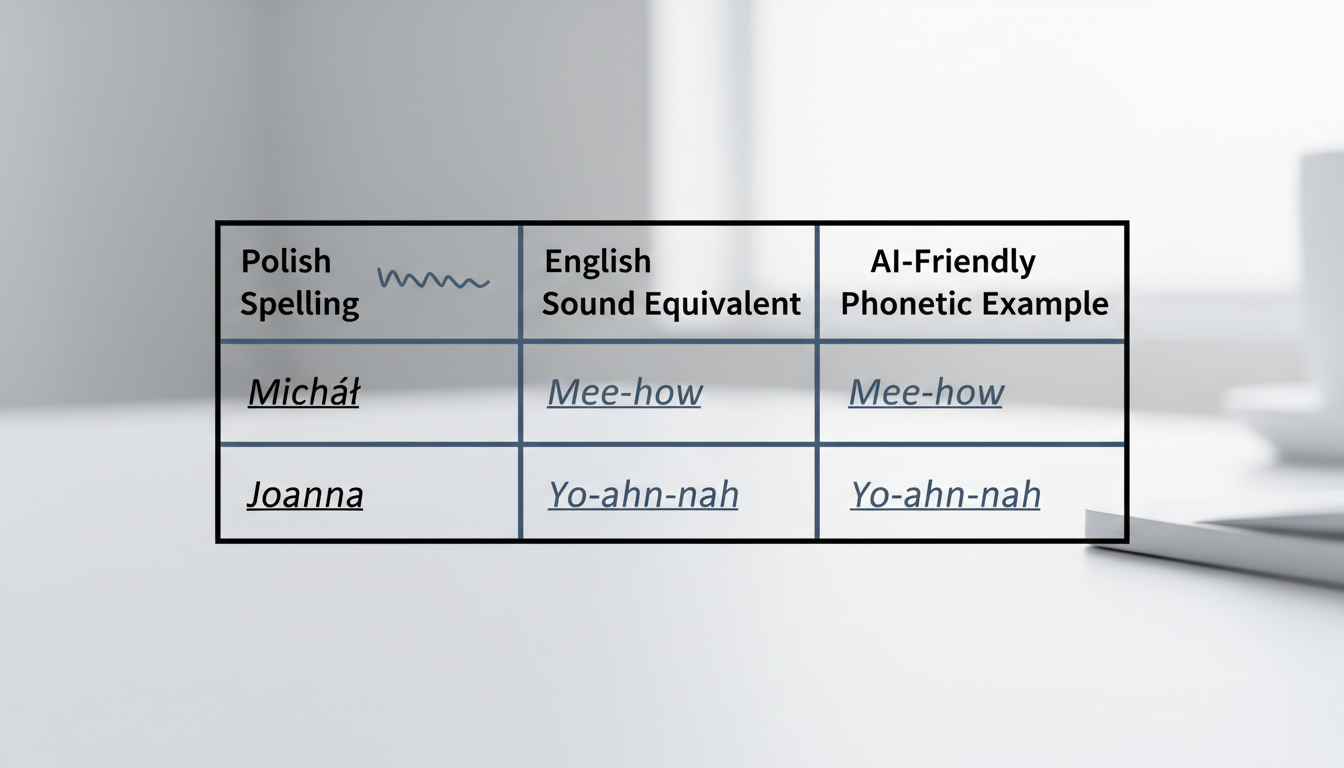
| Polish Sound/Letter | English Phonetic Equivalent | Example Name | AI-Friendly Phonetic Spelling |
|---|---|---|---|
| ł | w (as in wet) | Michał | Mee-how |
| ż / ź | zh (as in measure) | Żaneta | Zhah-neh-tah |
| sz | sh (as in shoe) | Tomasz | Toh-mahsh |
| cz | ch (as in chin) | Czarek | Chah-rek |
| rz | zh or sh | Grzegorz | Gzhe-gosh |
| c | ts (as in cats) | Alicja | Ah-lee-tsyah |
| j | y (as in yes) | Joanna | Yo-ahn-nah |
| ę (at end) | eh (soft nasal) | Jagodę | Yah-goh-deh |
This method of swapping letters for phonetic equivalents is highly adaptable. It is very similar to how we approach phonetic spellings for Spanish names in AI, where the goal is always to guide the English-trained engine using familiar English phonemes rather than native spelling conventions.
Step-by-Step Guide to Rewriting Polish Names for AI Scripts
To successfully convert any Polish name for your AI script, follow this structured, four-step workflow.
Step 1: Break the Name into Syllables
First, listen to the native pronunciation of the name and break it down into clear, distinct beats. For example, the name Agnieszka breaks down into four syllables: Ag - nyesz - ka.
Step 2: Replace Complex Consonant Clusters
Polish is famous for dense consonant clusters like "szcz" (as in Szczęsny). Replace these with simplified English approximations that the synthetic voice can easily digest. "Szcz" can be written as "shch", changing "Szczęsny" to "Shchen-snee".
Step 3: Indicate Syllable Stress
In Polish, the stress is almost always placed on the penult (the second-to-last syllable). To force the AI voice to emphasize the correct syllable, you can use capitalization in your draft script to test the rhythm, or simply group them with hyphens to help the AI pace the words naturally: "Ag-NYESH-kah" or "Mow-gor-ZHAH-tah".
Step 4: Test and Tweak
Input your phonetic spelling when generating a voice note on Fanfun. Listen closely to the generated audio. If the voice over-enunciates a syllable, try softening the vowels (such as changing "ah" to "uh").
Fine-Tuning the Rhythm and Speech Rate
Phonetic spellings often require extra characters or unusual letter combinations. This can sometimes cause an AI voice generator to slow down, over-enunciate, or pause awkwardly as it processes the script. To keep the voice sounding completely natural, you can apply a few formatting tricks.
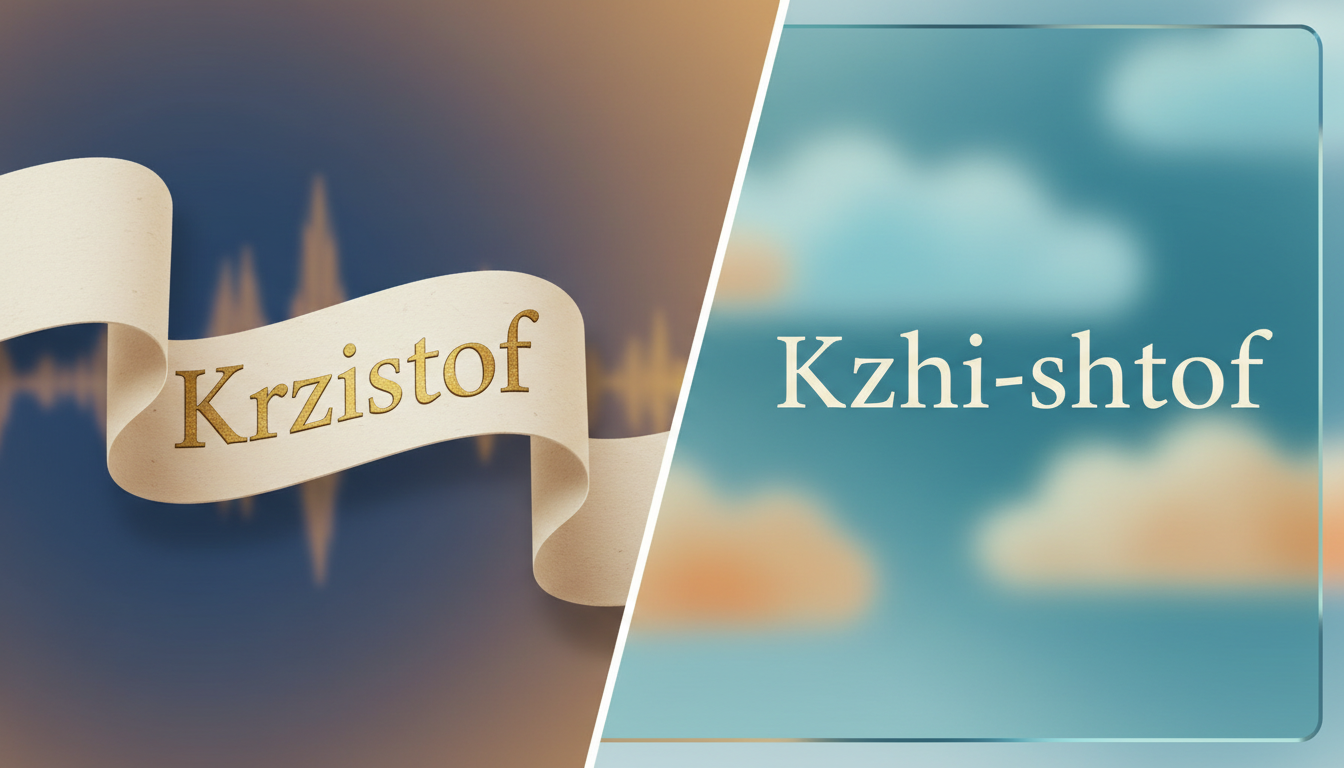
Using hyphens to connect syllables (like "Kzhi-shtof" for Krzysztof) helps the AI treat the phonetic spelling as a single cohesive unit rather than separate, choppy words. Commas can also be placed strategically before or after the name to give the synthetic voice a brief moment to breathe, preventing the name from running into the rest of the sentence. If the name still sounds slightly detached, consider adjusting speech rates in synthetic voice generators to let the phonetic spelling blend seamlessly into the rest of your customized greeting.
Should I use Polish diacritics (like ł, ś, ó) in my AI character script?
No. Standard English AI voice generators do not recognize Polish diacritics. They will either omit the characters, mispronounce them using flat English phonetics, or experience audio glitches. Always convert these characters to their English phonetic equivalents before running your script.
How do I phonetically spell the Polish name 'Mateusz' for an English AI voice?
To get a natural pronunciation of "Mateusz" from an English AI voice, spell it phonetically as "Mah-teh-oosh" or "Muh-teh-oosh". This guides the generator to make the correct vowel sounds and the soft "sh" ending.
What is the best way to handle the Polish 'rz' sound in text-to-speech?
The Polish "rz" sound is typically pronounced like a "zh" (the "s" sound in "measure") or a "sh" sound (when it follows voiceless consonants like p, t, or k). For names like Grzegorz, write "Gzhe-gosh". For names like Krzysztof, write "Kzhi-shtof".



