The Director’s Cut: How to Cast and Produce Multi-Character Fan Dubs Using AI Voice Generators
Traditional fan dubbing is plagued by casting delays and inconsistent mic quality. Learn how to reclaim creative control and produce cinematic multi-character fan dubs single-handedly using AI voice generators.
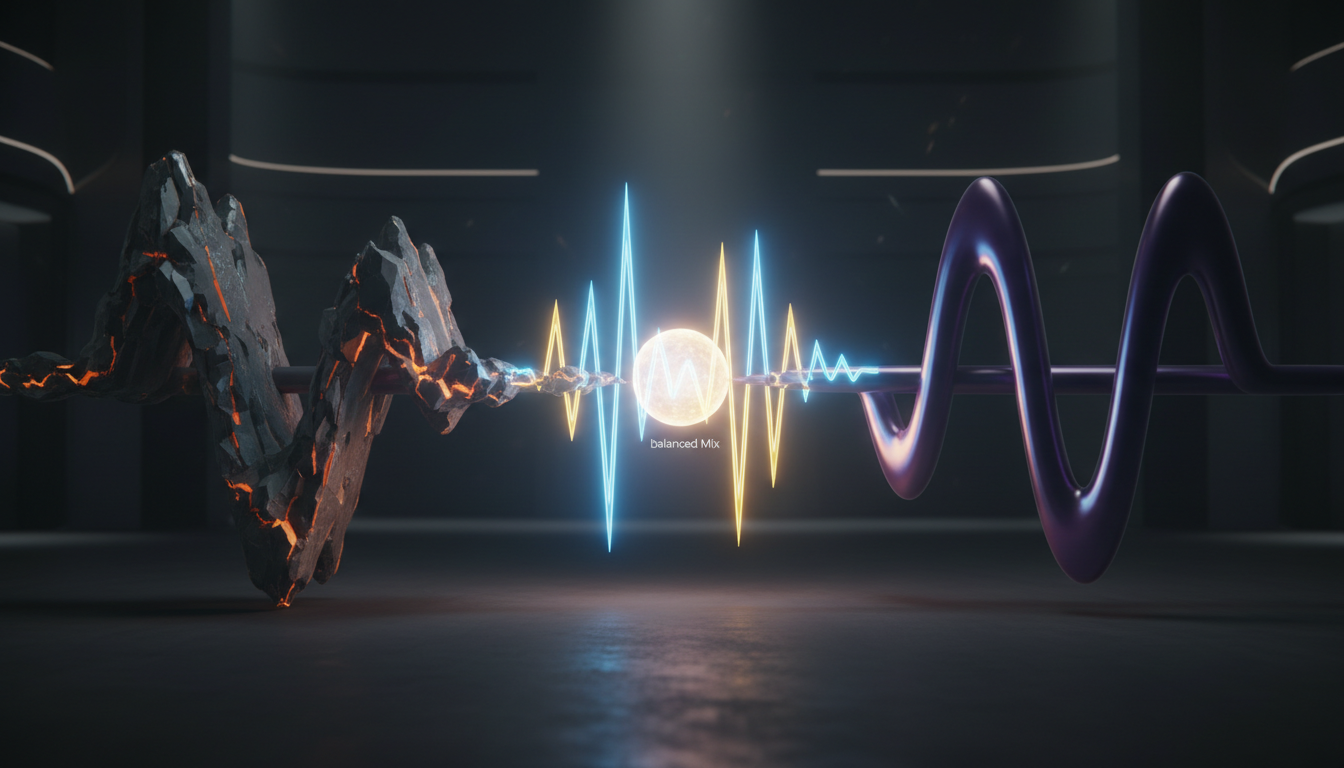
Traditional fan dubbing has always been a labor of love, but the logistics can quickly turn a passion project into a coordination nightmare. Creators routinely spend weeks scouting amateur voice actors across forums, dealing with inconsistent microphone qualities, and managing delayed line deliveries, only for a key cast member to ghost right before the final mix.
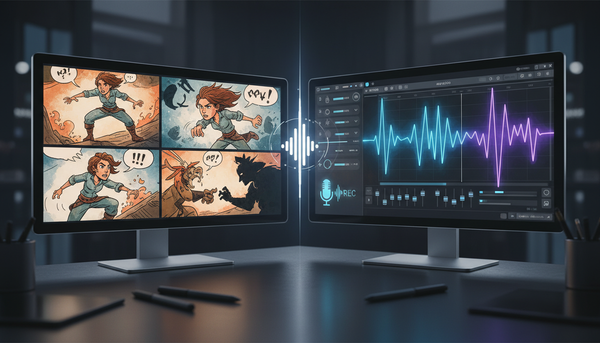
The rise of sophisticated AI voice generators has changed this dynamic entirely, shifting your role from a stressed-out project manager to an active creative director. By utilizing a digital voice cast, you can single-handedly produce cinematic multi-character fan dubs for anime, video games, or custom animations in a fraction of the time, maintaining absolute control over the pacing, tone, and final audio quality.
The New Era of Fan Dubbing: From Casting Bottlenecks to Instant Direction
In the traditional fan dubbing scene, a director is only as fast as their slowest contributor. A simple three-minute scene featuring three characters can drag on for months. One actor records on a high-end condenser microphone in a treated room, while another submits lines recorded on a phone headset with noticeable background hiss. Equalizing these tracks to sound like they exist in the same physical space is a grueling post-production task that often yields mediocre results.
Digital casting flips this equation. By treating an AI voice generator as an instant, highly directable digital voice cast, you eliminate scheduling friction, microphone discrepancies, and communication delays. You can generate, audition, and tweak lines in real time, focusing your energy entirely on the creative aspects of storytelling—such as emotional pacing, comedic timing, and sound design.
This is where Fanfun transforms the workflow. Instead of coordinating across multiple time zones, content creators can access Fanfun's diverse character library to instantly audition and generate high-quality voice lines, turning a multi-week bottleneck into a streamlined afternoon session. Whether you are recreating a classic anime confrontation or scripting a completely original crossover, having an on-demand roster of iconic voices gives you the creative freedom to experiment without limits.
Mapping Your Cast: Matching AI Voice Profiles to Character Archetypes
A common mistake in early AI-assisted fan dubs is vocal crowding—using voices that sit in the exact same frequency range, tempo, and texture. When two characters sound too similar, the listener’s brain has to work harder to distinguish who is speaking, shattering the cinematic illusion. To build a balanced, dynamic cast, you must curate contrasting vocal profiles.
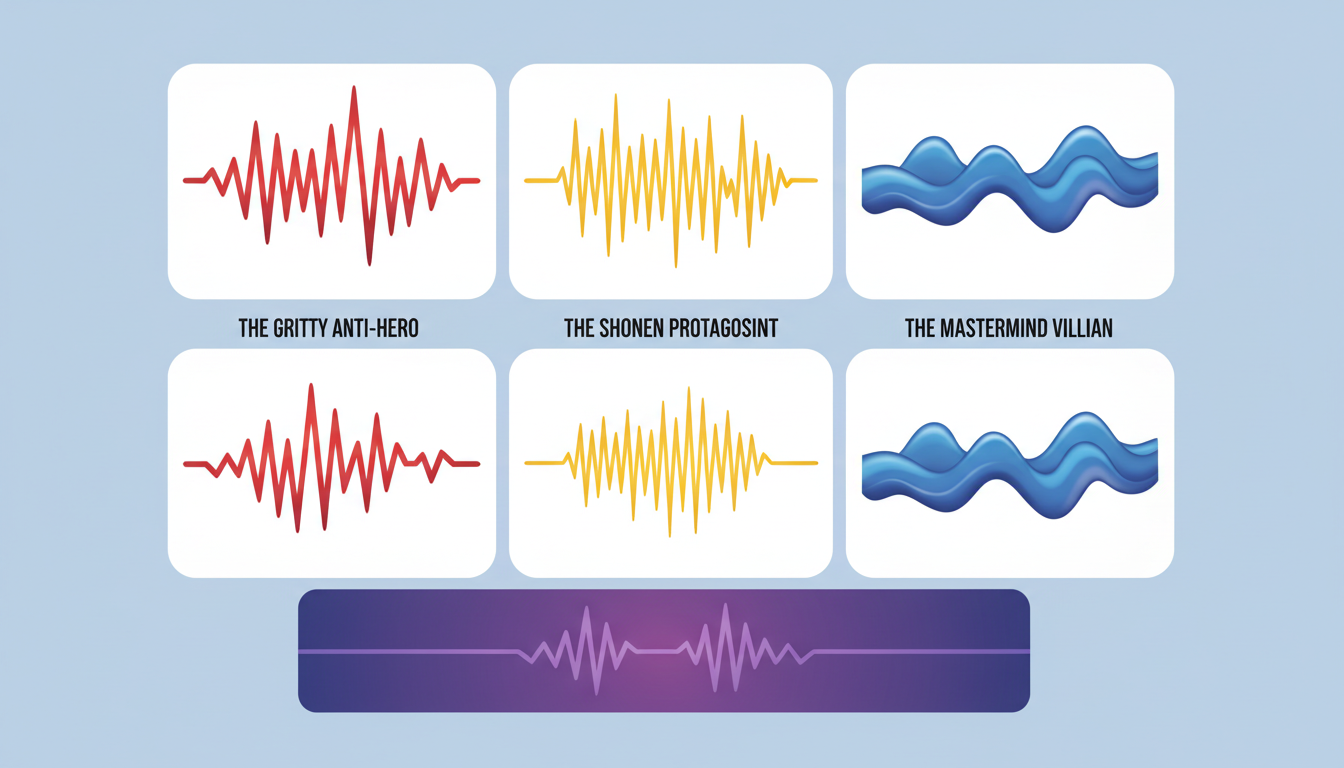
When planning your project, map out your characters across three primary vocal dimensions:
- Pitch: Contrast high, energetic registers with deep, resonant bass tones.
- Tempo: Pair rapid-fire, highly animated talkers with slow, deliberate, and calculated speakers.
- Texture: Balance clean, smooth, melodic voices against raspy, gravelly, or breathy tones.
Balancing the Hero-Villain Dynamic
The contrast between your protagonist and antagonist is the emotional anchor of any dramatic scene. For deep-dive tips on getting that classic high-energy shonen performance, check out our guide on directing an anime protagonist voice generator. A high-energy hero needs to sound expressive, urgent, and slightly unpolished to convey raw emotion.
Conversely, you can master the art of cinematic menace by learning how to direct a villain voice generator for your antagonists. Your villain’s voice profile should typically feature a slower tempo, a lower pitch, and a smooth, chillingly calm texture. This stark contrast immediately establishes the stakes of the scene before the characters even finish their first exchange.
The AI Scripting Framework: Writing for Synthesis, Not Just Reading
AI voice models do not read scripts the way humans do; they interpret text patterns, punctuation, and formatting as physical performance cues. Writing a script for an AI voice generator requires a specialized approach to punctuation and phonetic spelling to guide the generator toward the correct emotional delivery.
Punctuation acts as the "director's shorthand" for voice synthesis. An ellipsis (...) tells the AI to pause and build tension. Exclamation points spike the pitch and energy, while dashes (—) can simulate sudden interruptions or shifts in thought. Additionally, fantasy names, anime attacks, or complex jargon often confuse synthesis algorithms. Using phonetic spelling ensures the AI pronounces these unique terms correctly on the first try.
Review the table below to see how a standard script can be optimized specifically for an AI voice generator to get a more natural, dynamic performance:
| Character Profile | Standard Script (For Humans) | AI-Optimized Script (For Synthesis) |
|---|---|---|
| The Shonen Hero | "I won't let you destroy this world, Kakarot!" | "I... I won't let you... destroy this world... KAH-kah-rot!!!" |
| The Calculating Villain | "You are far too late to stop my plans." | "You... are far too late... to stop... my plans." |
| The Comic Relief Sidekick | "Wait, is that a giant robot coming toward us?" | "Wait! Is that... a GIANT... row-bot... coming toward us?!" |
The Post-Production Mix: Blending AI Voices into the Soundscape
Raw AI-generated audio is completely sterile. It lacks the natural room reflections, subtle mouth movements, and environmental noise that make a voice feel like it was recorded in a physical space. To make your fan dub sound cinematic, you must blend the generated tracks into a cohesive soundscape during post-production.
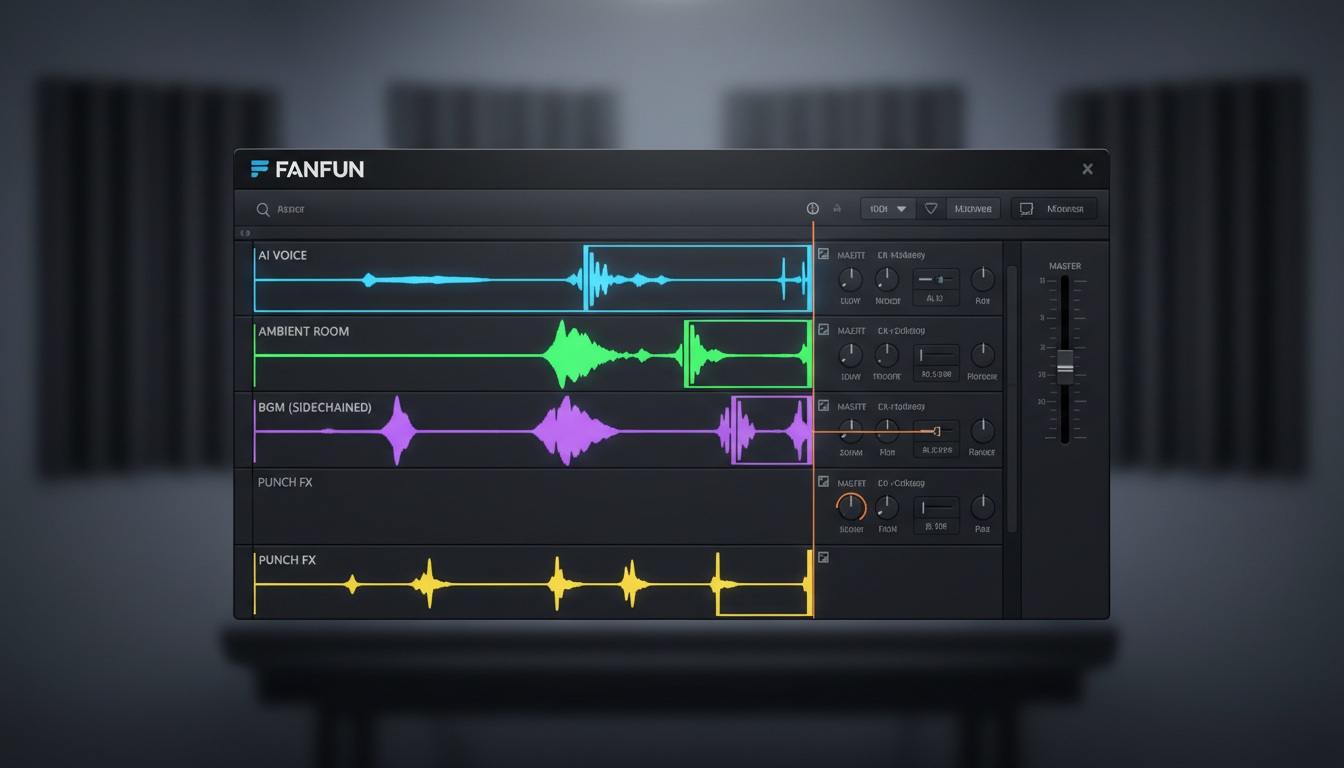
First, always layer a continuous track of low-volume "room tone" or ambient environmental noise underneath your dialogue. Whether it is the low rumble of a spaceship, the rustle of wind in a forest, or a gentle indoor hum, this constant background texture instantly masks the artificial silence between generated lines.
Second, apply subtle equalization (EQ) and compression to glue your voice tracks together. Use a high-pass filter to cut out unnecessary low-end mud below 80Hz, and apply a gentle compressor to smooth out any erratic volume spikes. For a highly detailed technical breakdown of timing and audio alignment, read our complete fandub blueprint on syncing and mixing anime voice makers.
Finally, align the audio to the original animation's lip-flaps. Because AI-generated lines may render slightly faster or slower than a human's natural delivery, use the time-stretching or elastic audio tools in your Digital Audio Workstation (DAW) to subtly expand or contract the audio track without changing its pitch. If you want to expand your project into a full audio-only experience, explore our audio drama blueprint for cinematic story narration.
Navigating Creative Ethics and Platform Rules in Fan Dubbing
As AI voice technology becomes more accessible, creators must navigate the ethical and legal landscapes of online video platforms. Building a sustainable channel relies heavily on transparency and respecting the boundaries of the creative community.
Always clearly label your content. Use tags and descriptions like "AI Fan Dub," "AI Voice Interpretation," or "Parody Fan Dub" on platforms like YouTube, TikTok, and Instagram. This transparency builds trust with your audience, prevents confusion, and aligns with platform policies regarding synthetic media disclosure.
Furthermore, ensure your projects are transformative. Rather than simply re-uploading an entire copyrighted episode with an AI voiceover, focus on creating parodies, localized translations, original crossover scenarios, or critical commentary. Transformative use not only protects your content from automated copyright strikes but also showcases your unique creative vision. At Fanfun, we view AI voices as a collaborative medium for fandom expression—a tool to help you bring highly imaginative, community-driven concepts to life instantly and affordably.
How do I make AI-generated fan dub voices sound less robotic?
To reduce robotic tones, use optimized punctuation in your scripts. Break up long sentences with ellipses (...) to force natural pauses, and use phonetic spelling for complex words. Additionally, layering room tone, subtle reverb, and background music in your DAW will mask digital artifacts and make the voice sound grounded in a real environment.
Can I sync AI voiceovers perfectly to anime lip-flaps?
Yes. You can achieve perfect sync by using the time-stretching or elastic audio features in video editing software or a DAW. This allows you to speed up or slow down specific words or phrases to match the visual mouth movements (lip-flaps) without changing the pitch of the voice.
What is the best software for mixing AI voices with sound effects?
For beginners, free programs like Audacity or Reaper offer excellent tools for layering and mixing. For more advanced creators, industry-standard DAWs like Adobe Audition, Pro Tools, or Logic Pro provide superior control over equalization, compression, and precise audio-to-video synchronization.
Is it legal to upload AI fan dubs to YouTube and TikTok?
Yes, provided your content is transformative (such as a parody, review, or original creative script) and you clearly label the audio as an AI voice interpretation. Always credit the original creators of the animation and disclose the use of AI tools to comply with platform guidelines regarding synthetic media.