
How to Create Video Intros with Fictional Character Voices
Transform your channel's first five seconds by replacing flat narration with custom fictional character voices. Learn how to script, direct, and mix them for maximum impact.
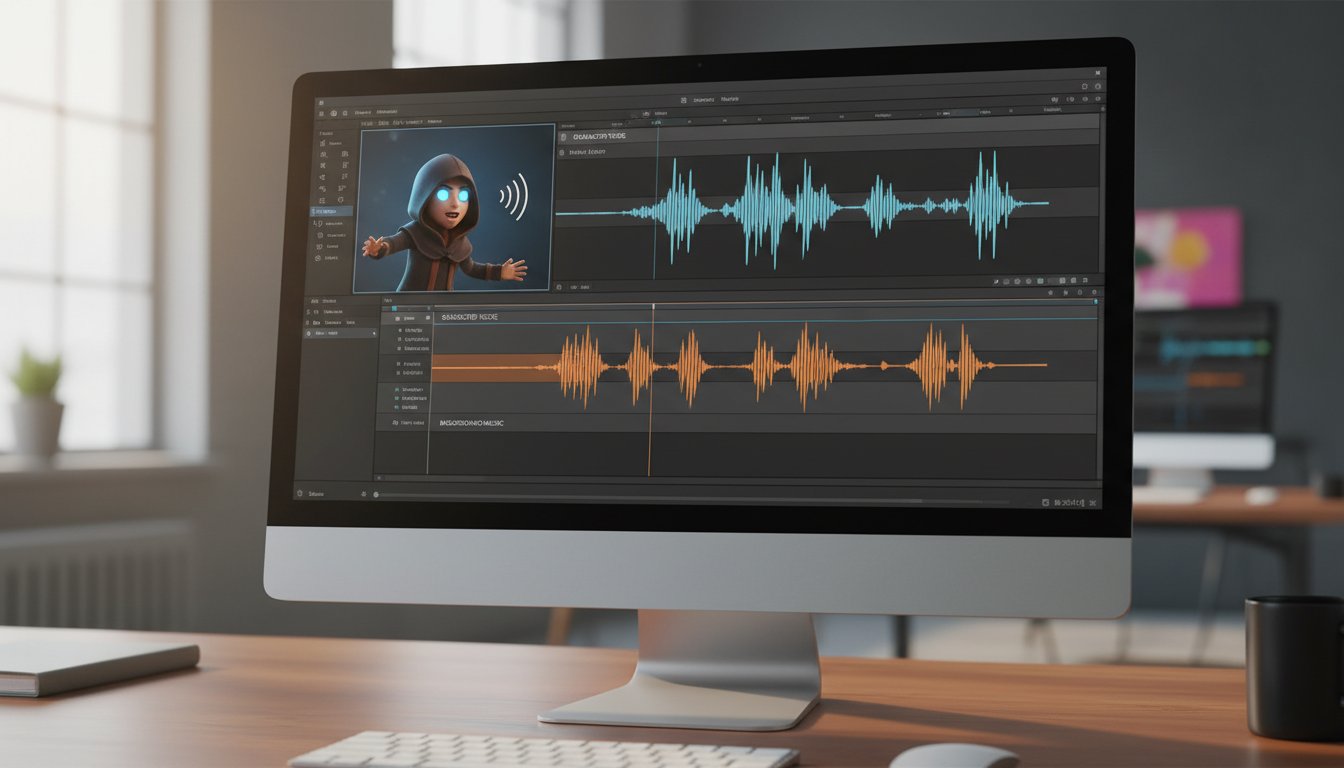
To create an engaging video intro with a fictional character voice, you must script a high-energy hook under 15 seconds, select an AI voice matching your video's specific tone, and mix the audio with ducked background music and synchronized visual cuts. Using custom character voices instantly captures viewer attention, replacing flat narration with a memorable, stylized persona that drives up early retention metrics.
Whether you are producing a YouTube tutorial, a gaming walkthrough, or a promotional reel, using platforms like Fanfun allows creators to generate custom character video messages in minutes. This eliminates the need for expensive voice actors while giving you the creative freedom to experiment with nostalgic, heroic, or comedic personas right from the start of your video. By matching the character's delivery to your visual pacing, you can establish an authoritative or humorous tone that keeps viewers from clicking away.
Scripting Your Intro for a Fictional Persona
An effective intro script for a character should be concise, usually lasting no more than 15 seconds—or about 30 to 40 words. To make the voice feel authentic, write in a way that leans into the persona's signature vocabulary and established catchphrases. For more advanced techniques on structuring these, refer to our guide on how to write promo scripts for fictional character voices. If you are tailoring your intro specifically for short-form platforms, you can also learn how to add custom fictional character voices to TikTok videos to capture fast-scrolling audiences.
Use punctuation to dictate pacing: commas and ellipses act as natural pauses, while line breaks can separate distinct emotional beats. Avoid overly complex sentences that can cause the AI voice generator to stumble or sound unnatural.
Scripting Comparison
| Style | Example Script |
|---|---|
| Generic Narration | Welcome back to the channel. Today we are going to look at the top five hidden secrets in this game. |
| Character-Driven Hook | Hey! Put down the controller and listen up. You've been playing this game all wrong, and I'm here to fix it. Let's go! |
Directing the AI Voice for Maximum Impact
To avoid a flat delivery, you must treat your AI voice generation as a casting and directing process. Match the character's energy—whether they are sarcastic, heroic, or chaotic—to the specific topic of your video. If the AI struggles with unique slang or specific channel names, use phonetic spelling to guide the pronunciation. For deeper strategies on avoiding monotone results, see our comprehensive guide on how to direct fictional character voices with AI.
Always generate multiple variations of your script. Sometimes a slight tweak in the script's phrasing or punctuation can lead to a much more expressive inflection in the final output. If a particular word sounds robotic, try swapping it with a synonym that has a different syllable structure.
Integrating and Mixing the Voice in Your Editing Timeline
Once you have your audio, the goal is to weave it seamlessly into your project. Keep the character voice prominent in the mix, using ducking or sidechain compression to automatically lower your background music whenever the character speaks. This keeps the dialogue clear and the energy high.
Sync your visual cuts, text overlays, and sound effects to the natural beats and pauses of the voiceover to create a polished, cinematic flow. For technical details on layering these assets, consult our guide on how to integrate AI character voices into your video editing workflow.
Expanding Character Voices Beyond Video Intros
Once you master the art of the intro, you can apply these same voiceover workflows to other creative projects. For instance, you can learn how to create a virtual graduation card with a custom character video to surprise a student, or discover how to organize a humorous retirement tribute video with AI character voices for a departing colleague. Using recognizable, stylized voices adds an element of surprise and personalization that standard media simply cannot match.
Can I use these character voices for commercial or monetized YouTube videos?
Usage rights vary depending on the specific character and platform terms. Always review the terms of service on the platform where you generate your audio to ensure your intended commercial use is permitted.
How do I fix a word that the AI character voice keeps mispronouncing?
Try using phonetic spelling in your script. For example, if the AI struggles with 'Fanfun', try writing it as 'Fan-Fun' or 'Fan Fun' to force a different cadence.
What is the ideal audio file format to export for video editing software?
A high-quality WAV or AIFF file is generally preferred for editing to maintain audio fidelity, though 320kbps MP3 files are usually sufficient for most YouTube workflows.
