
How to Add Custom Fictional Character Voices to TikTok Videos
Tired of generic, robotic text-to-speech voices on TikTok? Learn how to generate high-quality fictional character voices and seamlessly import them into your video edits.
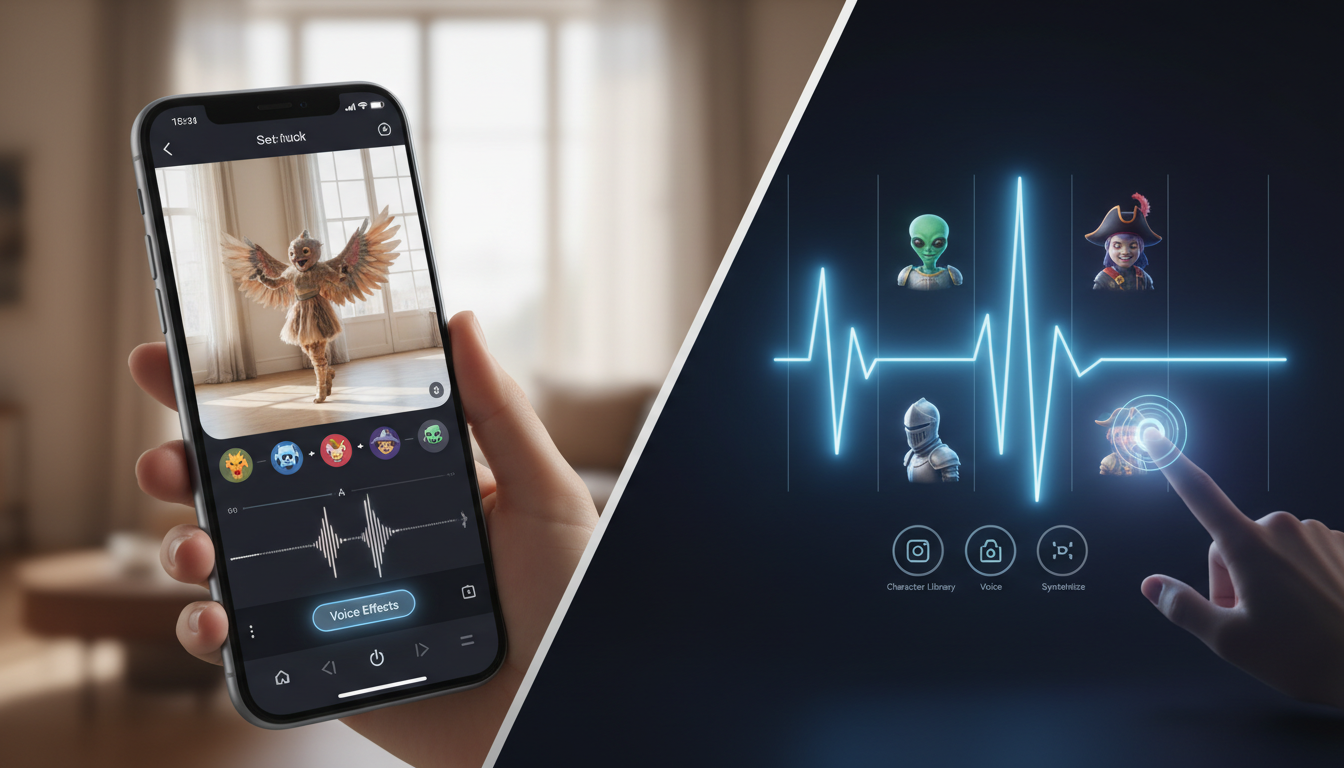
To add custom fictional character voices to your TikTok videos, you can generate the character's voice using an external AI generator, download the video file to your mobile device, and overlay the extracted audio onto your video using a mobile editor before uploading. While TikTok offers native text-to-speech (TTS) options, importing custom character audio allows you to bypass generic, overused robotic voices and instantly capture viewer attention with recognizable, high-personality parodies.
Why TikTok's Native Text-to-Speech Falls Short (And Why Character Voices Work)
TikTok's native text-to-speech tool is incredibly convenient, but it has a major drawback: ubiquity. Because millions of creators use the same handful of robotic voice options, viewers have developed subconscious "scroll-past" habits. When a user hears the same generic narration style for the hundredth time, they instantly associate it with low-effort content and swipe away.
By breaking free from overused native TikTok TTS options, you can leverage the instant recognition of established fictional character voices. This strategy works because it taps into existing fandoms, nostalgia, and humor. A video narrated by a beloved anime character, a legendary cartoon figure, or a recognizable pop-culture icon immediately disrupts the viewer's feed, boosting retention rates and helping your channel establish a distinct, memorable audio identity.
Step-by-Step: How to Generate and Import Custom Character Audio to TikTok
To get high-quality character voices into your TikTok videos, you need to look outside the app's native features. Here is a practical, step-by-step workflow to generate and import custom audio files.
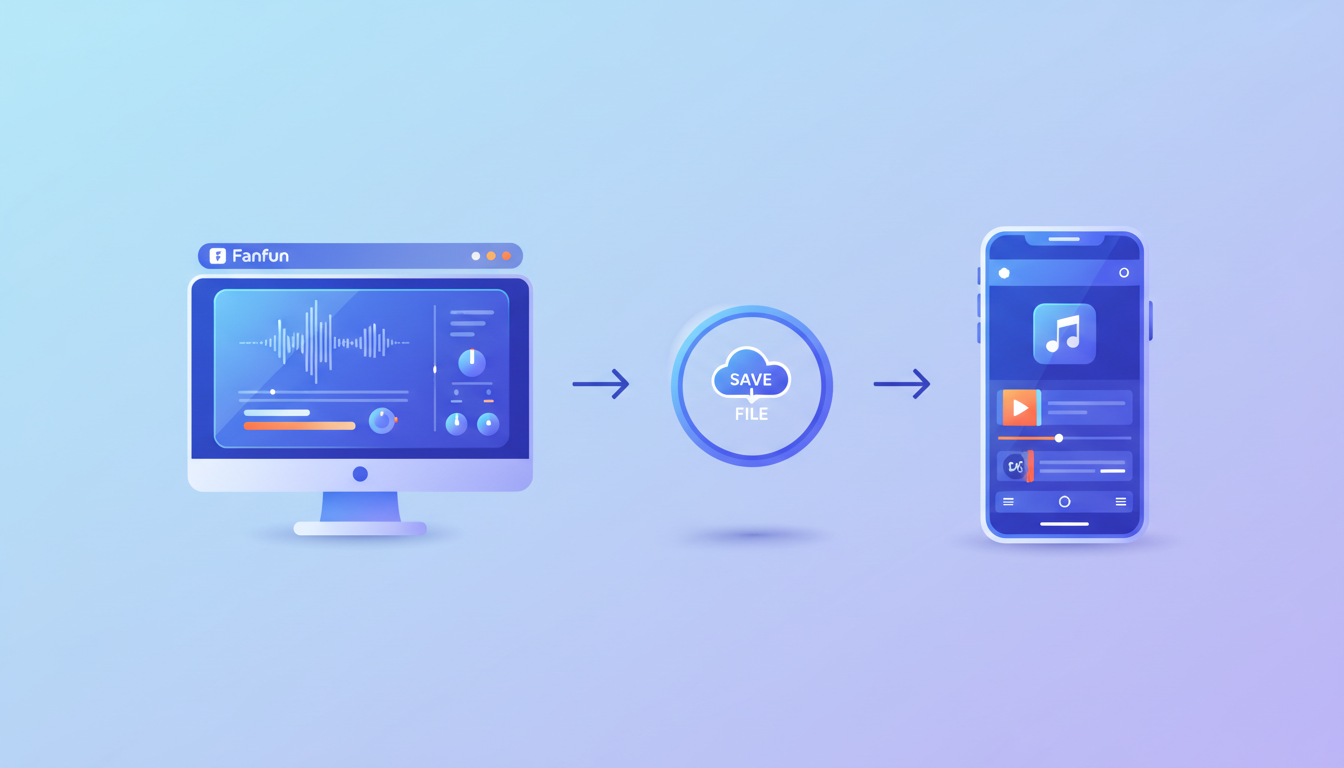
Step 1: Generate the Character Audio
First, use a platform like Fanfun to generate your custom character voice. Choose from a library of fictional characters, input your written script, and get your custom AI video in just minutes. Fanfun provides an instant, easy-to-use playground for creating highly recognizable character-style messages.
Step 2: Extract or Download the File
Once your video is generated, save the file directly to your mobile device's camera roll or local files app. Since the tool exports as a video file, you can easily extract the audio track in the next step.
Step 3: Import the Audio into a Mobile Video Editor
Instead of editing directly in TikTok, you can use a third-party mobile video editor to assemble your video. This typically allows for more precise control over your audio levels and timing:
- Import your video project into your preferred mobile editing application.
- Use the editor's audio extraction tool to separate the audio track from your downloaded character video.
- Align the extracted audio track with your visual timeline, adjusting the timing and cuts to match your clips.
Step 4: Upload to TikTok
Export your finished video from your mobile editor and upload it directly to TikTok. You can publish it as-is, or use TikTok's "Add Sound" feature to upload your custom audio track so other creators can use it, potentially driving even more traffic back to your original video.
Workflow Quick-Reference
| Workflow Step | Tool Needed | Action Required |
|---|---|---|
| 1. Voice Generation | Fanfun.ai | Select character, enter script, and generate the clip. |
| 2. Exporting | Mobile Browser / Files App | Save the generated file to your local device or camera roll. |
| 3. Audio Extraction | Mobile Video Editor | Extract the audio track from the video and align it with your clips. |
| 4. Publishing | TikTok App | Upload the finalized video with the custom voiceover. |
Scripting for Character Voices: Pacing, Phonetics, and Delivery
AI voice generators read text literally, which means standard writing doesn't always translate perfectly to spoken speech. To get the best possible delivery, you need to understand how to direct and refine AI character voices through strategic scriptwriting.
- Write in short, punchy sentences: Long, complex sentences can cause the AI generator to run out of "breath" or rush through words. Shorter phrases allow the generator to insert natural pauses and realistic pacing.
- Use phonetic spelling for tricky words: If the AI mispronounces a brand name, slang term, or unusual word, spell it out phonetically. For example, write "Fan-fun" instead of "Fanfun" or "sing-u-ler" instead of "singular" to guide the pronunciation.
- Match the character's persona: A cartoon character shouldn't sound like a corporate spokesperson. Use vocabulary, catchphrases, and sentence structures that align with the character's established personality to make the parody feel authentic.
Illustrative Script Comparison Template
The following table shows how to adjust a standard script to optimize it for an AI character voice generator. Note that these are illustrative spelling adjustments and results may vary depending on the specific character voice chosen.
| Standard Draft (Hard for AI) | Optimized Script (Recommended) | Why It Works Better |
|---|---|---|
| "Hey guys, today I am showing you the absolute best life hack for TikTok creators." | "Hey guys! Today, I'm showing you the absolute best... life hack... for Tik-Tok creators." | Punctuation marks force natural pauses, and phonetic spelling of "Tik-Tok" ensures correct emphasis. |
| "This incredibly unique feature on Fanfun will revolutionize your overall content creation workflow." | "This unique feature on Fan-fun... will change your content game... forever." | Simplifies complex vocabulary and breaks up the sentence so the character voice keeps its energetic pacing. |
Best Practices for Keeping Character Voices Engaging (and Legal) on TikTok
Using AI-generated character voices is a fantastic way to entertain, but creators must navigate the platform responsibly to avoid copyright flags or community guidelines violations.
When using character voices for promotional content without sounding gimmicky, transparency is essential. Always keep these best practices in mind:
- Distinguish parody from endorsement: Creating fan-edits, memes, or comedic parodies is generally well-received and falls under fair use in creative communities. However, using a fictional character's voice to falsely claim they endorse a real-world commercial product or service can lead to immediate copyright strikes or legal issues.
- Label your content clearly: Use your video captions or on-screen text to clarify that the voice is an AI parody (e.g., "#AIParody" or "Voice generated by AI"). Many platforms encourage or provide built-in labels for AI-generated content to maintain transparency with viewers.
- Avoid malicious use: Never use a character's voice to spread misinformation, make false claims about real individuals, or promote deceptive schemes. Keep your content lighthearted, creative, and focused on entertaining your audience.
Can I use these character voices for sponsored or commercial TikToks?
Generally, using fictional character voices for direct commercial endorsements or sponsored ads carries high legal risk, as copyright holders protect their intellectual property from unauthorized commercial use. Keep character voices limited to non-commercial parodies, memes, or creative fan content. If you are doing a brand deal, it is safest to stick to original or fully licensed voiceovers.
How do I sync the character audio perfectly with my video clips?
You can sync the audio by importing your generated video into a mobile video editor. After extracting the audio track, use the editor's splitting and trimming tools to divide the audio into smaller segments. This allows you to manually drag and align each spoken line with the corresponding visual action on your timeline.
Will using external audio affect my reach on TikTok?
Using imported external audio is a common practice among creators. To help maintain viewer engagement, focus on ensuring your audio is clear, high-quality, and well-synchronized with your video content.
