
The Scroll-Stopping Narrator: How to Break Free from TikTok’s Overused TTS and Direct Custom Character Voices
Tired of the same generic, robotic TikTok voices killing your retention? Discover how to leverage custom AI character voices to disrupt the feed, script for maximum algorithmic impact, and mix your audio like a professional editor.
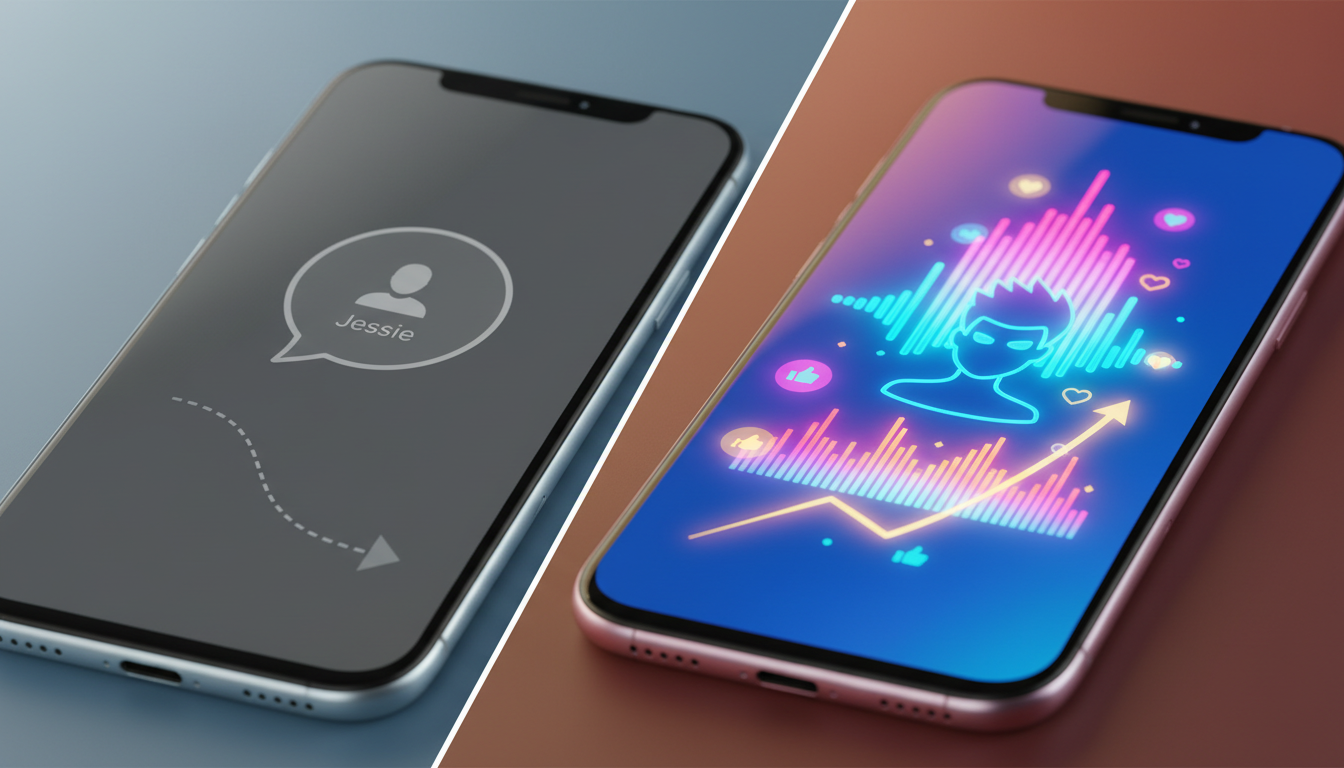
If you have spent more than five minutes scrolling through TikTok today, you have undoubtedly heard “her.” It is the cheerful, slightly robotic, and completely inescapable native text-to-speech (TTS) voice known to the creator community as “Jessie.” While this default narrator once helped democratize video production for creators who preferred to remain silent, it has now become a psychological cue for viewers to do one thing: keep swiping.
When every third video features the exact same flat, synthesized voiceover, the human brain stops processing the words and begins filtering them out as background noise. To build a loyal audience on TikTok, Reels, or YouTube Shorts, your audio cannot feel like an afterthought. By utilizing custom AI voice platforms like Fanfun, creators can break free from native limitations and introduce highly stylized, recognizable character voices that disrupt the scroll and instantly lock in viewer attention.
The Death of the Default: Why TikTok’s Native TTS is Killing Your Retention
The primary currency of short-form video algorithms is retention—specifically, whether a viewer stays past the critical three-second mark. When a user lands on your video and hears a generic native TTS narrator, their brain immediately categorizes your content as low-effort. This “TTS fatigue” triggers an almost subconscious scroll reflex. The viewer does not wait to see if your visual hook is good; they have already associated the voice with millions of low-quality slideshows and recycled internet threads.
Conversely, a unique, high-quality voice acts as an immediate premium signal. It tells the viewer that what they are about to watch is original, highly produced, and worth their time. When choosing a narrator, it is critical to move beyond the robot narrator and select voiceover generation tools that actually hold an audience's attention. By stepping outside the native ecosystem, you can access voices with actual emotional range, distinct accents, and cultural relevance. Fanfun offers an expansive playground of custom character voices and AI interpretations of cultural icons, allowing creators to inject instant personality into their narrations and bypass the native TTS filter entirely.
Sourcing and Selecting the Perfect Narrator Persona
A common mistake among emerging creators is choosing a voice simply because it sounds novel, rather than choosing one that aligns with their content's visual identity and emotional pace. Your narrator is not just reading words; they are setting the entire mood of the video. A high-energy gaming clip demands a voice with intense, dynamic range, while a dramatic historical countdown requires a deep, cinematic baritone.
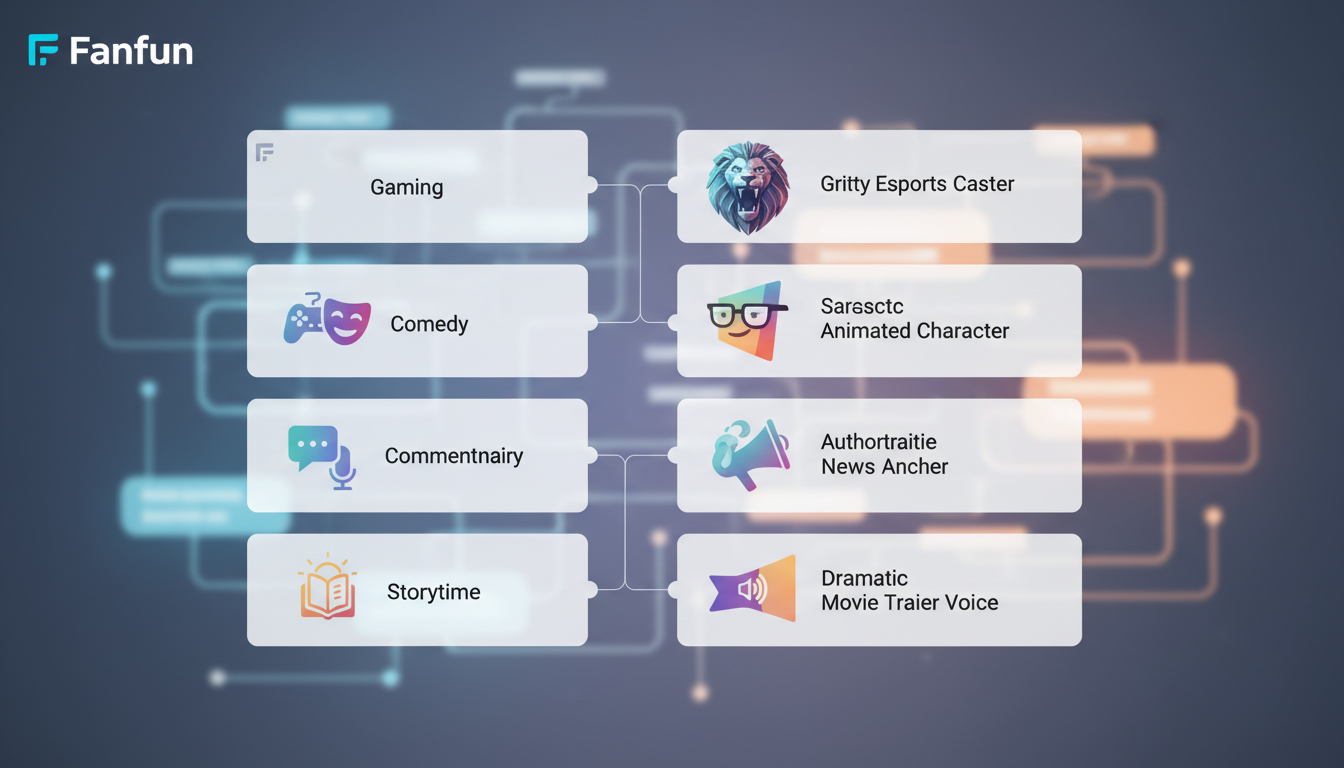
Matching Archetypes to Video Niches
To find the perfect match, think of your narrator as a casted actor. If you are producing comedy or meme formats, leveraging pop-culture parody and character voices is a highly effective way to build instant familiarity. When viewers hear an AI interpretation of a beloved cartoon character or a legendary sports commentator narrating a mundane daily routine, the cognitive dissonance is instantly funny and engaging.
For those in the gaming space, matching the right tone is key to building a gamer's soundboard that scripts and directs AI voices for high-retention gameplay videos. Fanfun’s character library allows you to browse distinct archetypes—from fast-talking anime heroes to gritty, hard-boiled detectives—giving you the precise vocal texture needed to elevate your specific niche. Instead of relying on a generic radio guy, you can match a dry, sarcastic character voice to a recipe tutorial, or a hyper-enthusiastic coach voice to a fitness challenge.
Step-by-Step: How to Generate and Import Custom AI Voices into TikTok
Creating custom voiceovers does not require a professional recording studio or expensive software. The modern workflow is streamlined, fast, and easily integrated into your existing mobile editing routine.

Step 1: Draft and Refine Your Script in Fanfun
Log into the Fanfun AI Voice Generator and select your target character persona. Type or paste your script into the generator. Read it aloud to ensure the syntax matches the natural speaking style of the character archetype you have chosen.
Step 2: Generate and Download the Audio
Click generate to hear the AI interpretation of your script. Once you are satisfied with the performance, download the high-quality MP3 or WAV file directly to your device.
Step 3: Import into Your Video Editor
Open your preferred mobile video editor (such as CapCut, InShot, or Premiere Rush). Import your video footage, then add the downloaded Fanfun audio file as a separate audio track. Align the audio with your visual hooks, trim any excess silence at the beginning or end, and export the final video. When uploading to TikTok, you can post it as an “Original Sound,” which also allows other creators to potentially use your custom sound, driving even more organic reach back to your profile.
| Metric | Native TikTok TTS | Fanfun Custom AI Voices |
|---|---|---|
| Emotional Range | Flat, robotic, and monotone | Dynamic, expressive, and character-driven |
| Voice Variety | Highly limited, overused pool | Extensive library of characters and icons |
| Brand Identity | Generic; sounds like everyone else | Unique, recognizable, and highly custom |
| Retention Potential | Low; triggers instant scroll reflex | High; disrupts feed and hooks attention |
Scripting for the Algorithm: Pacing, Pauses, and Punchlines
Writing for an AI voice generator requires a slightly different approach than writing for a human voice actor. AI synthesizers rely heavily on punctuation and spelling to determine their pacing, emphasis, and emotional inflection. If you type a script exactly as you would write a formal essay, the resulting voiceover may sound rushed or overly formal.
To get the comedic timing just right, you can adapt strategies from our character meme blueprint to script, pace, and direct AI voices for viral comedy videos. Here are three critical scripting techniques to optimize your AI narration:
- Phonetic Spelling Hacks: If the AI struggles with a specific word or brand name, spell it phonetically. For instance, writing “Fanfun” as “Fan-fun” or “Fann funn” can alter the syllable emphasis to sound more natural.
- Punctuation for Pacing: Use ellipses (...) to force a dramatic pause, or hyphens (-) to create abrupt, high-energy transitions. A comma creates a brief breath, while a period signals a complete vocal drop at the end of a thought.
- The 3-Second Audio Hook: Do not start your video with “Hey guys, welcome back.” Instead, open with an unexpected vocal tone, an intense character catchphrase, or a direct call-out that immediately signals to the viewer that this is not a standard, run-of-the-mill TikTok video.
Production Secrets: Mixing and Layering Your Narrator Voice for Maximum Impact
Even the most compelling custom voice can fall flat if it is poorly mixed into the final video. To ensure your narrator sounds polished and professional, you need to apply a few basic audio production techniques during the editing process.
First, always utilize audio ducking. This is the practice of automatically lowering the volume of your background music whenever your narrator is speaking. Most modern mobile editing apps like CapCut have a built-in “ducking” toggle. Set your background music to drop by 60% to 70% during speech, and rise back up during silent beats to keep the energy high without drowning out the voiceover.
Second, match the voice to its virtual environment. If you are using a gritty, dramatic character voice, adding a subtle touch of reverb can make it sound like they are speaking in an epic hall. If you are aiming for a retro or lo-fi aesthetic, layering a faint vinyl crackle or a subtle radio filter over the vocal track can make the voice feel deeply integrated into the video's world, rather than sounding like a detached, sterile recording.
Finally, always sync your visual cuts to the natural cadence of the voice. Let the physical transitions in your video hit exactly on the stressed syllables or the punchlines of the voiceover. This visual-audio alignment creates a highly satisfying, hypnotic rhythm that keeps viewers locked in from start to finish.
How do I get custom text to speech voices on TikTok?
To get custom text-to-speech voices on TikTok, you should generate your voiceover using an external platform like Fanfun's AI Voice Generator. Once you enter your script and generate the custom character voice, download the audio file (MP3 or WAV) and import it into a video editor like CapCut or InShot before uploading the completed video to TikTok.
Why are my TikTok voiceovers out of sync and how do I fix them?
TikTok voiceovers often go out of sync due to differences in frame rates or app rendering lag. To fix this, avoid using TikTok's native audio tool for long scripts. Instead, edit your video and align your custom AI voiceover tracks inside a dedicated video editing app (like CapCut) before exporting the final video as a single, cohesive file.
Can I use copyrighted character voices for my TikTok narration?
While using exact, cloned voices of copyrighted characters can raise intellectual property concerns, using stylized AI interpretations and parodies is a common practice for transformative, comedic, and social media content. Fanfun offers a curated library of licensed and original AI personas designed to keep your creative projects safe and accessible.
What is the best app for unique TikTok narrator voices?
Fanfun is the premier platform for unique TikTok narrator voices. Unlike native TikTok options that offer only a handful of overused generic voices, Fanfun provides an extensive library of custom character voices, pop-culture parodies, and interactive AI personas that instantly elevate your content's production value.



