The Gamer's Soundboard: How to Script and Direct AI Voices for High-Retention Gameplay Videos
Ditch the boring, robotic voiceovers that kill your viewer retention. Discover how to script, pace, and mix expressive AI character voices to turn standard gameplay into high-octane cinematic entertainment.
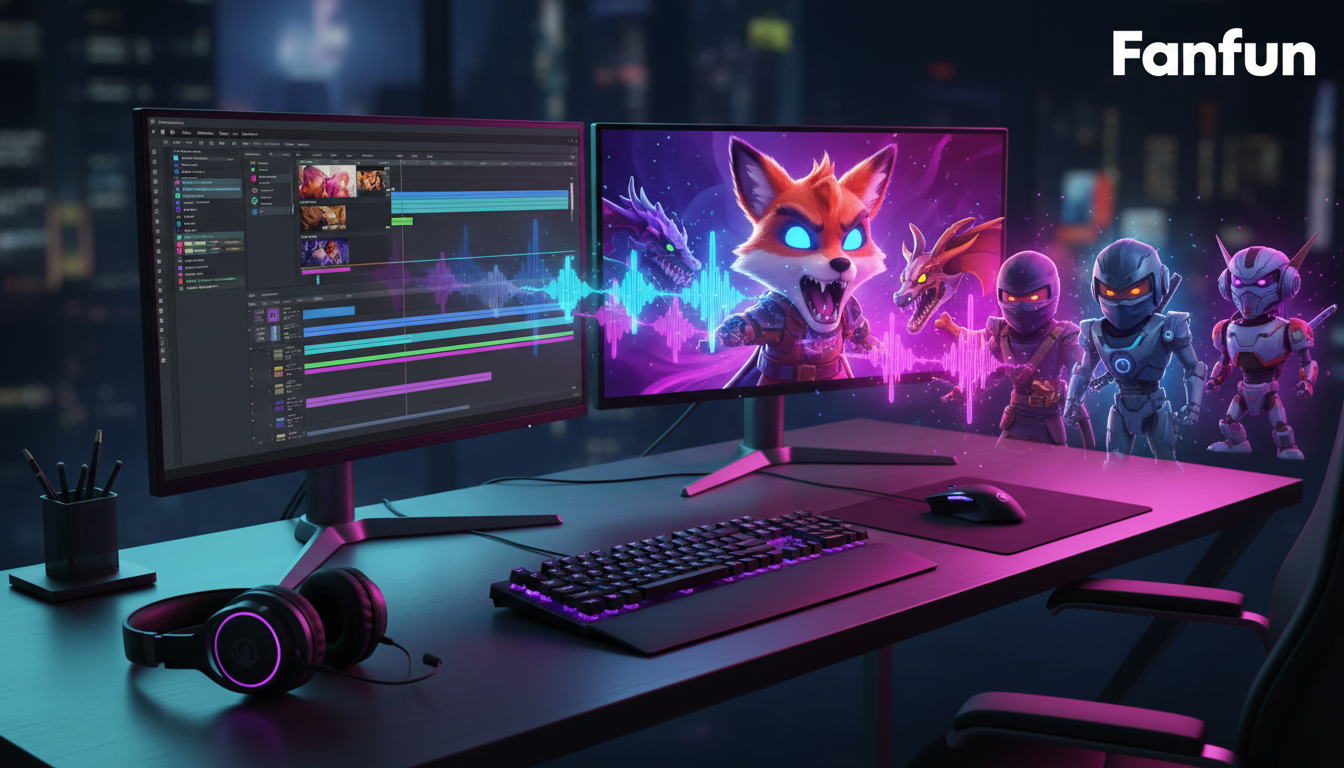
The standard, robotic text-to-speech (TTS) voice has quickly become a modern sign of low-effort editing. Viewers scrolling through TikTok, Reels, or YouTube Shorts can spot the generic, overused automated narrator within milliseconds, and their immediate reaction is to swipe away. If your gameplay videos rely on these flat, monotonous synthetic vocals to explain what is happening on screen, you are actively draining the tension and excitement from your content.
To keep retention high in a saturated market, creators must treat synthetic voices not as a lazy narration shortcut, but as digital voice actors that require deliberate scripting, pacing, and audio mixing. By leveraging high-personality platforms like Fanfun, you can move away from robotic narration and introduce dynamic characters, celebrity-style reactions, and culturally relevant voices that keep your audience locked into every frame of your gameplay edits.
The Trap of the Monotone Playthrough: Why Standard Text-to-Speech Kills Retention
Gaming is an inherently emotional experience. Whether it is the sheer panic of escaping a monster in a survival horror game, the split-second triumph of a clutch play in a competitive shooter, or the pure absurdity of a physics-based sandbox glitch, the audio must match the visual energy. When you overlay a flat, robotic voiceover across high-intensity gameplay, you create a massive cognitive disconnect for the viewer. The lack of vocal inflection flattens the emotional peaks of your video, making even the most exciting gameplay feel dull, predictable, and artificial.
This "monotone TTS fatigue" is real. Audiences have developed a subconscious filter for generic automated voices, immediately associating them with low-quality, mass-produced content. To stand out on highly competitive feeds, your audio track needs to feel intentional. It needs to react to the game state with the same urgency, sarcasm, or excitement that a live commentator or an enthusiastic co-op partner would bring to the session.
This is where Fanfun transforms your production workflow. Instead of settled, lifeless text-to-speech engines, Fanfun allows you to deploy expressive AI voices that carry built-in personality and comedic timing. By selecting voices that sound like recognizable cultural icons or highly expressive original characters, you instantly elevate your video's production value, turning a simple let's play into a highly engaging, curated show.
Matching the Energy: A Framework for Mapping AI Voices to Game Genres
Not every gaming video requires the same vocal delivery. A gritty, tactical shooter demands a completely different atmospheric tone than a chaotic, meme-filled sandbox game. Choosing the wrong vocal archetype can ruin the immersion of your edit. To help you select the perfect voice style for your content, use this strategic framework to align your vocal choices with your gameplay genre:
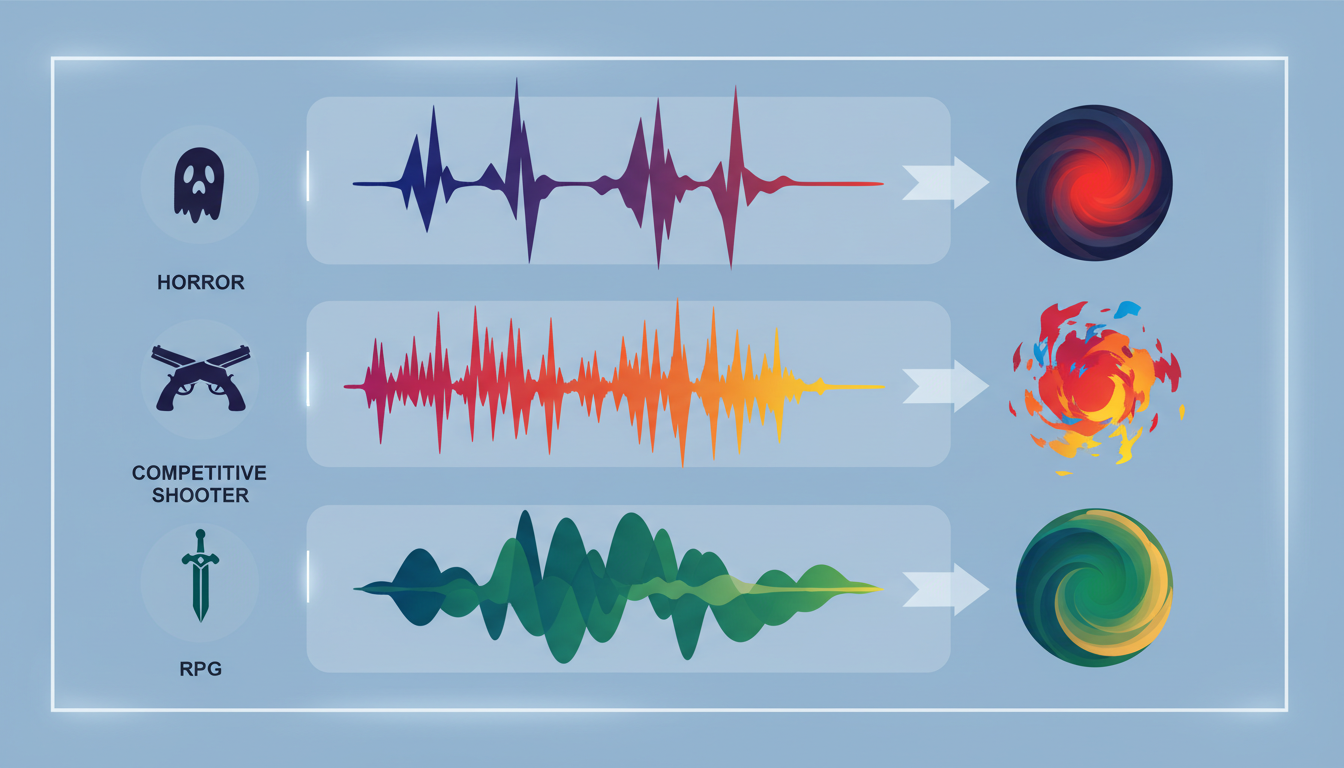
| Game Genre | Vocal Archetype | Pacing & Delivery | Key Emotional Range | Ideal Use Case |
|---|---|---|---|---|
| Competitive FPS (e.g., Valorant, Apex Legends) | The Gritty Tactician | Rapid, breathless, whispered mid-combat | High tension, urgent callouts, sudden triumph | Highlighting clutch 1v5 plays and intense team communication. |
| Cozy RPGs / Sims (e.g., Animal Crossing, Stardew Valley) | The Warm Companion | Slow, melodic, soft-spoken | Whimsical curiosity, relaxation, gentle humor | Narrating wholesome build diaries or peaceful world-building. |
| Survival Horror (e.g., Resident Evil, Phasmophobia) | The Terrified Skeptic | Hesitant, shaky, sudden high-pitched gasps | Paranoia, sheer panic, nervous laughter | Reacting to jump scares and building atmospheric dread. |
| Sandbox & Meme Games (e.g., Minecraft, Only Up!) | The Eccentric Heckler | Fast-paced, highly expressive, sarcastic | Mock outrage, chaotic energy, hysterical laughter | Roasting the player's failures and celebrating ridiculous glitches. |
When utilizing Fanfun's extensive character library, look for voices that already carry the dramatic or comedic weight your genre demands. For example, a survival horror playthrough becomes infinitely more entertaining when narrated by a voice that sounds perpetually terrified or dramatic. Matching the vocal archetype to the game's native mood ensures your synthetic voiceover feels like an organic extension of the game world rather than a detached, robotic overlay.
The Chaotic Sidekick: Injecting Comedy Into Let's Plays
One of the most effective ways to use AI voices in gaming videos is to avoid using them as primary narrators altogether. Instead, position the synthetic voice as your chaotic sidekick, a backseat gamer, or an eccentric heckler who actively reacts to your in-game triumphs and failures. This creates a dynamic "duo" feel, even if you are playing entirely solo.
To make this comedic dynamic work, timing is everything. You cannot simply have the AI voice talk continuously. It needs to react to specific, visual moments on screen with precise comedic delay. For instance, if you miss an easy shot in a shooter or fall off a simple platform, let there be a beat of dead silence before your AI sidekick drops a dry, sarcastic roast. This back-and-forths mimicry of real human interaction is what keeps viewers hooked.
Structuring the Dynamic Duo Edit
To master this high-octane pacing, creators should study the CookieKing Playbook for chaotic gaming energy to master high-retention editing. This playbook outlines how to structure erratic, fast-paced interactions that prevent viewers from clicking away during slower gameplay segments. When scripting these moments, don't be afraid to let the AI voice interrupt you, talk over your live reaction, or sound completely unhinged. For more advanced direction on shaping these performances, check out our guide on directing eccentric sidekick vocal chaos to learn how to manipulate pitch, pacing, and tone to make your digital sidekick sound genuinely reactive rather than pre-programmed.
Scripting for the Edit: Writing Dialogue That Sounds Natural in a Montage
Writing scripts for synthetic voices requires a fundamentally different approach than writing for human actors. AI voice engines interpret text literally, which means standard spelling can sometimes result in stiff, unnatural pronunciations of modern gaming slang. To make your synthetic voices sound human and punchy, you must write phonetically and use punctuation as a tool for physical performance.
For example, common gaming slang like "poggers," "clutch," or "noob" may need to be spelled phonetically (e.g., "poh-gers," "clutsh," or "newb") depending on the voice style you select. If you want a character to sound out of breath or hesitant, do not rely on the engine to figure it out. Use punctuation hacks like ellipses (...), dashes (—), and strategic line breaks to force the AI to pause, stutter, or shift its pitch naturally. A line written as "I... I don't think we should go in there—no, wait, run!" will yield a vastly more realistic, high-retention performance than a flat sentence.
To ensure your synthetic voiceover perfectly matches the rapid visual cuts of modern TikToks, Reels, and Shorts, you can utilize our character meme blueprint for pacing and scripting. This blueprint provides structural templates designed to keep your audio and visual pacing perfectly synchronized, preventing your voiceover from lagging behind your high-speed editing style.
Mixing and Mastering: How to Blend Synthetic Voices Into Your Game Audio
Even the most perfectly scripted voiceover will fall flat if it sounds like it was lazily pasted on top of the video file. To create a truly professional, immersive gaming edit, you must blend your synthetic audio tracks seamlessly into the game's soundscape. This requires three key audio engineering techniques in your editing software of choice:
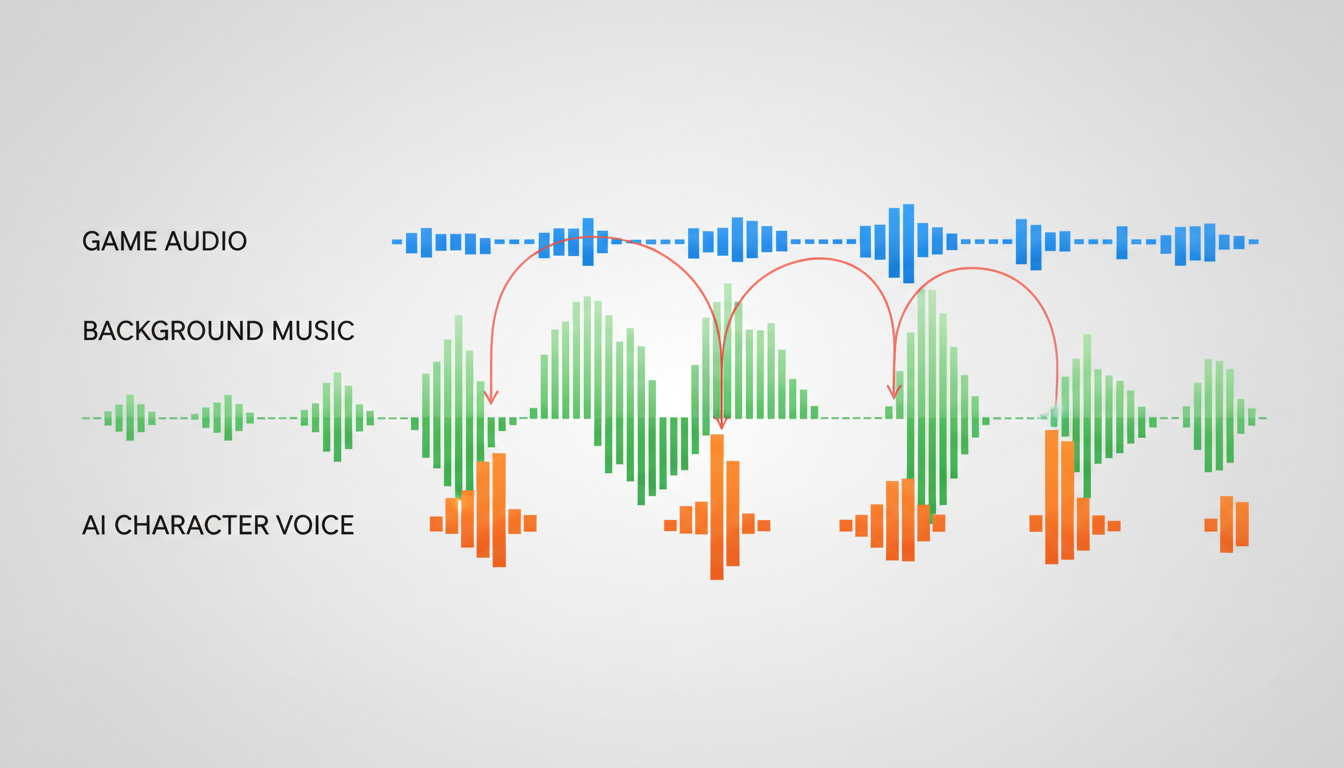
- Sidechain Compression (Audio Ducking): Never let your background music or game audio compete with the voiceover. Set up a sidechain compressor (or use your editor's auto-ducking feature) to automatically lower the volume of your game audio and music track by 3 to 5 decibels whenever the synthetic voice speaks. This ensures every joke, roast, or narrative point is crystal clear without forcing you to manually keyframe the entire timeline.
- Environmental Audio Effects: If your character is supposed to be speaking through an in-game walkie-talkie, inside a metallic spaceship, or down in a dark cave, apply audio filters to match that environment. Use a high-pass filter and a touch of distortion to create a convincing radio effect, or add a subtle wet reverb to simulate an echoey cavern. This simple step instantly grounds the voice inside the game's universe.
- Balancing the Soundstage: Avoid leaving all your audio tracks dead center. Keep your primary gameplay audio and music centered, but try panning your synthetic sidekick's voice slightly to the left or right (around 5% to 10%). This subtle spatial separation prevents frequency masking, making both your live commentary and the synthetic voiceover much easier for the viewer's brain to distinguish and process.
How do you make AI voices sound excited or angry for gaming videos?
To inject excitement or anger, use punctuation and phonetic styling. Writing words in ALL CAPS, adding multiple exclamation points, or using dashes (e.g., "NO—NO—WAIT!") forces the AI engine to apply more emphasis. Additionally, choose an inherently high-energy voice from Fanfun's library that fits the aggressive or excited profile you need.
What is the best AI voice generator for custom gaming characters?
Fanfun is the premier platform for custom gaming content because it offers a wide variety of highly expressive, culturally relevant, and celebrity-style voices. Unlike generic corporate TTS generators, Fanfun's voices are designed with built-in personality, making them perfect for comedic roasts, dramatic narrations, and fast-paced gaming edits.
How do I sync synthetic voiceovers to fast-paced gameplay edits?
Always generate your AI voiceover first based on a rough script of your gameplay highlights. Once you import the audio track into your timeline, edit your video clips to match the timing, pauses, and punchlines of the voiceover. This ensures the visual cuts hit precisely on the vocal beats, maximizing viewer retention.
Can I use AI-generated character voices in monetized YouTube gaming videos?
Yes, you can use AI-generated voices to enhance your original gameplay commentary and creative edits on monetized platforms. Ensure your content remains highly transformative by combining the synthetic voices with original gameplay, unique visual edits, and custom scripting to comply with platform monetization guidelines.