Beyond Gandalf: How to Craft 5 Distinct Wizard Archetypes with an Online Voice Generator
Don't settle for monotone fantasy voices. Discover how to direct online voice generators to craft five distinct wizard archetypes—from chaotic pyromancers to dark necromancers—complete with punctuation hacks and post-processing tips.
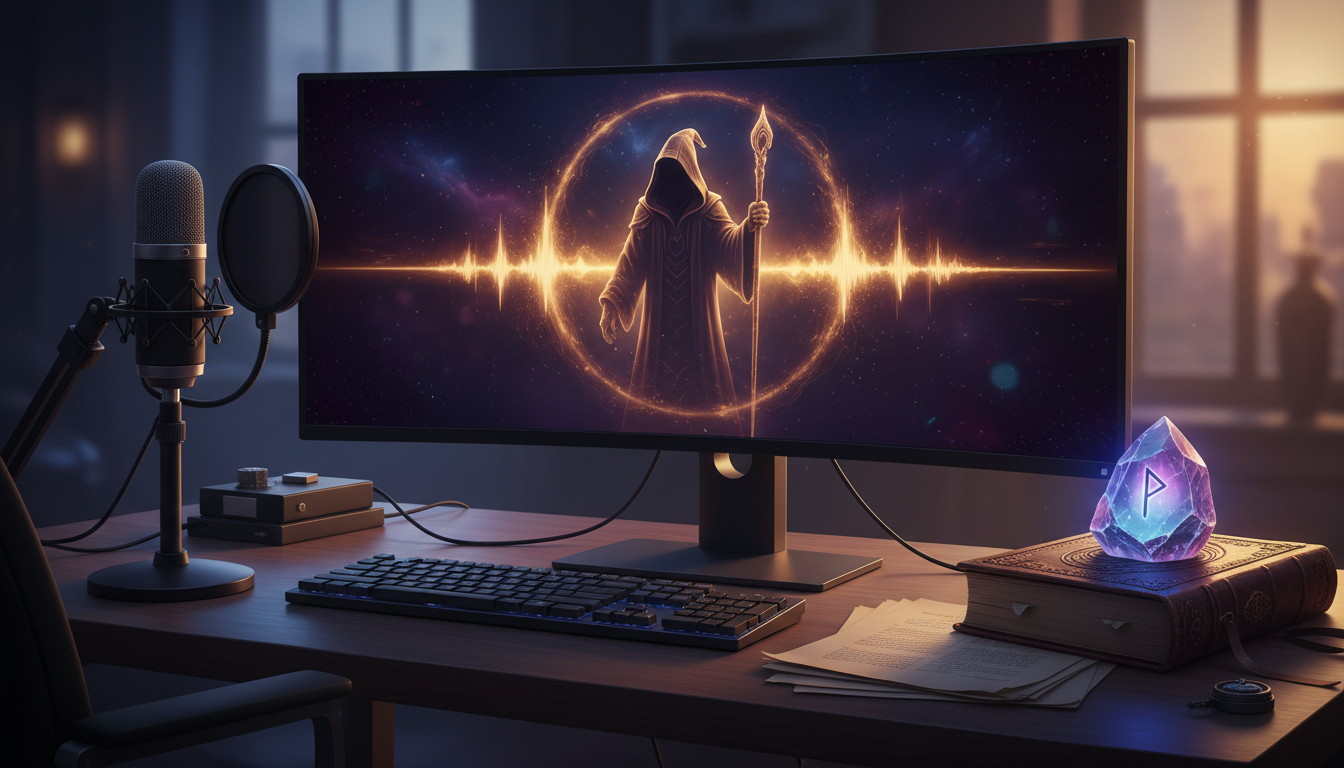
Standard text-to-speech engines have a serious fantasy problem. When you ask an online voice generator for a "wizard," it almost always defaults to a dry, monotone "old man" voice that sounds more like a bored GPS system than a master of the arcane. For game masters, video editors, and content creators, this flat delivery completely breaks the spell of an otherwise immersive story.
To build a truly compelling fantasy world, you have to treat the voice generator as an actor rather than a machine. By understanding vocal archetypes and learning how to manipulate pacing, pitch, and punctuation, you can transform basic text inputs into cinematic audio. Here is how to break free of the generic old-man trope and craft five highly specific, immersive wizard archetypes.
The Trap of the Monotone Mage: Why Default Wizard Voices Fall Flat
The core issue with most standard online generators is that they are built for modern, conversational reading. They excel at reading corporate training videos or news articles, but they lack the theatrical weight required for fantasy. A true wizard voice relies on breath control, dramatic pacing, and resonant chest tones—elements that a default algorithm will skip in favor of a flat, continuous stream of words.
When you generate a voice without active direction, the AI doesn't know the difference between a grocery list and an ancient spell of resurrection. It won't pause for dramatic effect, it won't lower its voice to a conspiratorial whisper, and it won't build to a thunderous crescendo. To get high-quality fantasy outputs, creators must move beyond basic text inputs and actively direct the AI's emotional delivery. For a deeper dive into the foundational rules of fantasy audio, check out our comprehensive guide on how to direct a fantasy character voice generator.
The 5 Wizard Archetypes and How to Voice Them
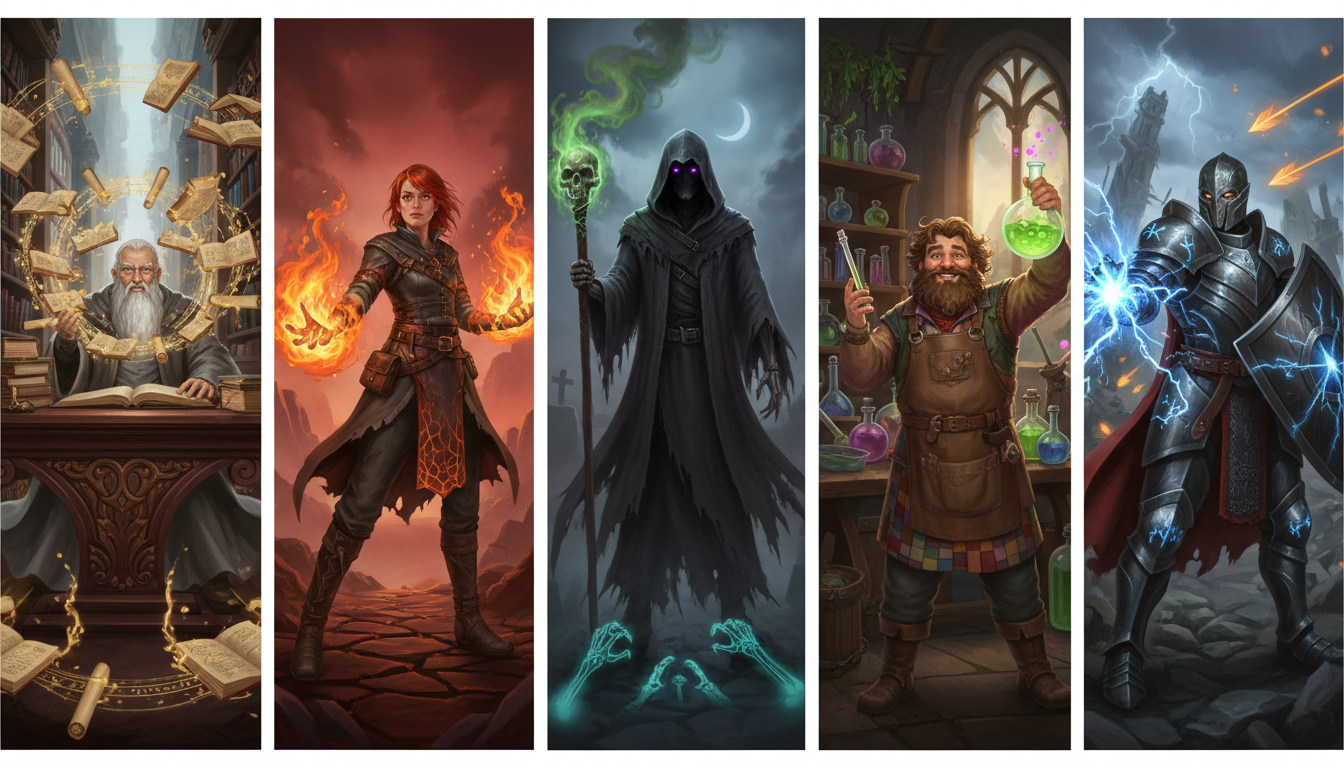
To create a cast of characters that feel alive, you must diversify their vocal profiles. A library-bound scholar does not sound like a battle-hardened commander, nor does a sinister necromancer share a cadence with a hyperactive alchemist. Here are five distinct wizard archetypes and the exact blueprints to voice them.
1. The Ancient Archivist
The Archivist is a scholar of dust and forgotten centuries. Their voice should sound slow, dry, and incredibly old, as if speaking requires physical effort. They don't raise their voice; they force the listener to lean in.
- Pacing: Extremely slow, with heavy pauses between thoughts.
- Punctuation Trick: Use ellipsis (
...) frequently to force the AI generator to take long, contemplative breaths. - Example Prompt:"The... ancient scrolls... speak of things... best left forgotten by mortal minds."
2. The Chaotic Pyromancer
Fueled by the unstable element of fire, this wizard is high-energy, erratic, and slightly out of breath. Their speech pattern is unpredictable, mirroring the flickering flames they control.
- Pacing: Rapid, with sudden bursts of speed.
- Punctuation Trick: Use exclamation points and short, fragmented sentences to mimic breathless excitement.
- Example Prompt:"Fire! It dances, it sings! Why build a tower when you can burn the whole sky?!"
3. The Dark Necromancer
Cold, calculating, and dripping with malice, the Necromancer speaks from the chest and the throat. The tone must be low-pitched, gravelly, and menacing. If you are looking to push your dark spellcasters into truly sinister territory, explore our playbook on directing a villain voice generator online.
- Pacing: Deliberate, dragging, and cold.
- Punctuation Trick: Draw out vowels by repeating letters slightly or using dashes to force a lingering, ominous presence.
- Example Prompt:"The grave is not an ending. It is... merely... a beginning. Speak to me, cold bones."
4. The Whimsical Alchemist
This archetype is eccentric, distracted, and highly expressive. Their pitch should shift rapidly from high to low as they jump from one thought to another, constantly interrupted by their own bubbling potions.
- Pacing: Fast-paced but punctuated by sudden, startled pauses.
- Punctuation Trick: Use dashes (
—) to indicate sudden shifts in thought and question marks to elevate the pitch. - Example Prompt:"Ah! A pinch of sulfur, a dash of nightshade, and—wait, did I add the nightshade already?"
5. The Stoic Battlemage
The Battlemage is a soldier first and a scholar second. Their voice is resonant, authoritative, and steady, designed to be heard over the din of clashing swords and roaring dragons.
- Pacing: Moderate, rhythmic, and unwavering.
- Punctuation Trick: Use short, declarative sentences with strong periods to eliminate hesitation in the delivery.
- Example Prompt:"Stand firm. The shield holds. The storm obeys my command."
The Wizard Voice Blueprint: A Quick-Reference Directing Guide
When working with an online voice generator, you can't just type and hope for the best. You need a systematic approach to adjusting settings and text formatting to guide the AI actor. To master the art of breaking free from robotic text-to-speech limits entirely, read our creator's guide to directing an AI voice generator.
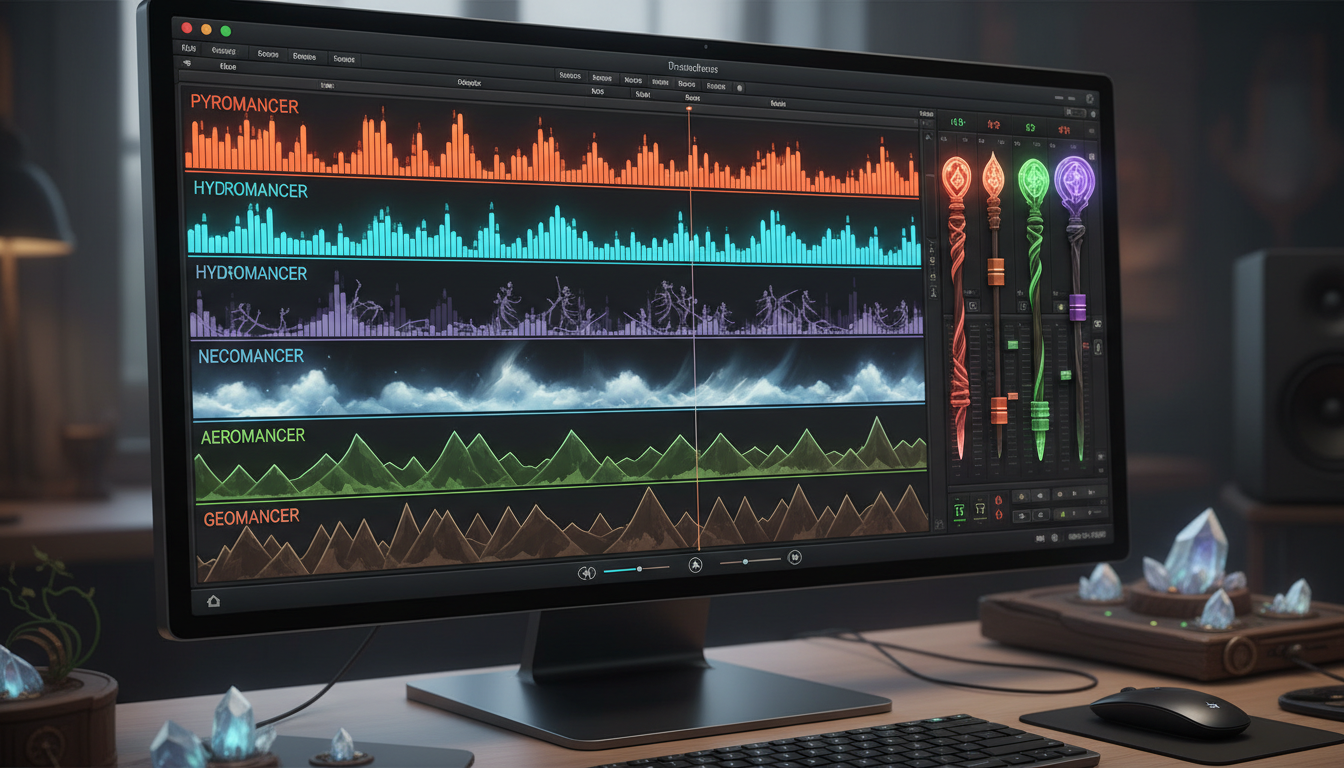
Use the framework below to configure your generator's parameters and format your scripts for each archetype:
| Archetype | Pitch & Tone | Stability Setting | Punctuation Style | Primary Emotion |
|---|---|---|---|---|
| Ancient Archivist | Low, dry, whispery | High (Consistent) | Ellipses (...) | Weary Wisdom |
| Chaotic Pyromancer | High, bright, erratic | Low (Expressive) | Exclamations (!) | Manic Excitement |
| Dark Necromancer | Very low, gravelly | High (Steady) | Dashes & Commas | Cold Menace |
| Whimsical Alchemist | Mid-to-high, shifting | Low (Unpredictable) | Em-dashes (—) | Curiosity / Panic |
| Stoic Battlemage | Mid-range, resonant | Medium-High | Short Periods (.) | Unshakeable Resolve |
To prevent the voice from breaking or sounding robotic during intense lines, balance your generator's stability and clarity sliders. Higher stability ensures the voice remains consistent but can make the performance flatter. Lower stability introduces dramatic range but can sometimes cause the AI to clip or whisper unexpectedly. For high-energy archetypes like the Pyromancer, drop the stability to around 35-40% for maximum expressive chaos. For the Battlemage, keep it around 75% to maintain a steady, unbreakable command.
Integrating Magic into Your Content: Gaming, Memes, and Storytelling
Once you have mastered these vocal blueprints, you can deploy them across various creative mediums to instantly elevate your production value.
For tabletop roleplaying game (TTRPG) Game Masters, running a live session while keeping track of dozens of unique NPCs is exhausting. Instead of straining your vocal cords trying to maintain a raspy wizard voice for three hours, you can prep your dialogue ahead of time or generate real-time responses during play. This keeps your players deeply immersed in the lore without breaking your voice.
For social media creators, character-driven audio is a massive tool for viewer retention. Learn how to leverage these unique character voices to capture attention instantly with our strategy for directing a TikTok AI voice generator. A funny, high-energy Alchemist voice arguing with a deadpan Necromancer over a potion recipe can turn a simple meme video into a viral hit.
This is where Fanfun comes in as the ultimate tool for content creators. While standard text-to-speech tools force you to spend hours tweaking complex knobs and audio parameters, Fanfun is built specifically for character-driven, high-fidelity audio. Whether you need a quick, personalized fantasy greeting, a hilarious wizard roast for a friend's birthday, or a highly specific voiceover for your next animation project, Fanfun provides instant access to rich, expressive character voices. You get cinematic, personality-filled audio in minutes, bypassing the tedious trial-and-error of traditional generators.
Audio Alchemy: Post-Processing Tricks to Elevate Your Wizard Voice
While a great performance from your online voice generator is crucial, the final magic happens in post-production. You don't need a professional studio setup to make your generated voices sound cinematic. With a few basic adjustments in any free audio editor (like Audacity or GarageBand), you can turn clean vocal tracks into grand, mystical masterpieces.
The Shimmer Reverb
Wizards rarely speak in small, carpeted bedrooms; they speak in grand stone halls, echoing libraries, or deep cavern ruins. To simulate this, apply a reverb effect with a long decay time (around 2.5 to 3 seconds) but keep the "wet" mix low (around 15%). This ensures the voice remains perfectly clear and intelligible while giving it a subtle, ghostly tail that makes the space feel vast and ancient.
The "Possessed" Double-Tracking Trick
If your Necromancer is casting a powerful spell or speaking with the voice of the dead, use double-tracking to create an eerie, supernatural effect:
- Duplicate your main vocal track.
- Pitch-shift the duplicate track down by 5 semitones.
- Lower the volume of the pitched-down track until it sits just beneath the original voice as a subtle, rumbling whisper.
- Apply a slight chorus or flanger effect only to the duplicate track to make it sound like multiple spirits are speaking in unison.
Cleaning with EQ High-Pass Filters
Deep, gravelly voices can sometimes generate a muddy "rumble" in the low-end frequencies, especially when the AI is trying to emulate an old man's chest resonance. Apply a high-pass filter to your vocal track, cutting off everything below 80Hz. This cleans up the muddy low-end noise without sacrificing the warm, gravelly character of your wizard's voice, resulting in a crisp, professional-grade fantasy voiceover.
How do I make an online AI voice sound like an old fantasy wizard?
To make an AI voice sound like an old wizard, you must actively direct the pacing and punctuation. Avoid standard text-to-speech blocks. Instead, use ellipses (...) to force the generator to take long, weary breaths, and select a lower-pitched, gravelly voice model. Adjust the stability settings slightly lower to allow for natural, dramatic vocal cracks.
What is the best online wizard voice generator for D&D and TTRPG campaigns?
Fanfun is an exceptional choice for TTRPG campaigns because it focuses on character-driven, expressive voices rather than dry, corporate text-to-speech. It allows Game Masters to quickly generate high-quality, immersive character audio, roasts, and custom dialogue in minutes, making it easy to bring complex magical NPCs to life.
Can I add magical effects like reverb or echoes directly inside a voice generator?
While some advanced generators offer basic environment effects, you will get much better, more cinematic results by exporting the clean audio and applying effects in a free audio editor like Audacity. Applying a subtle "shimmer" reverb or pitch-shifted double-tracking in post-production adds a professional, magical finish.
How do I prevent my generated wizard voice from sounding robotic?
The best way to prevent a robotic tone is to avoid long, unbroken sentences. Break your script into shorter, conversational fragments. Use punctuation like em-dashes (—) and commas to force natural human pauses, and make sure your generator's stability settings are balanced to allow for emotional range and vocal variation.