Beyond the Autograph: How to Chat with Virtual Movie Stars Online for Creative Roleplay and Scene Work
Ditch the passive fandom of autographs and selfies. Discover how to use interactive AI chat to collaborate with virtual movie stars, run acting scenes, and co-write screenplays in real time.
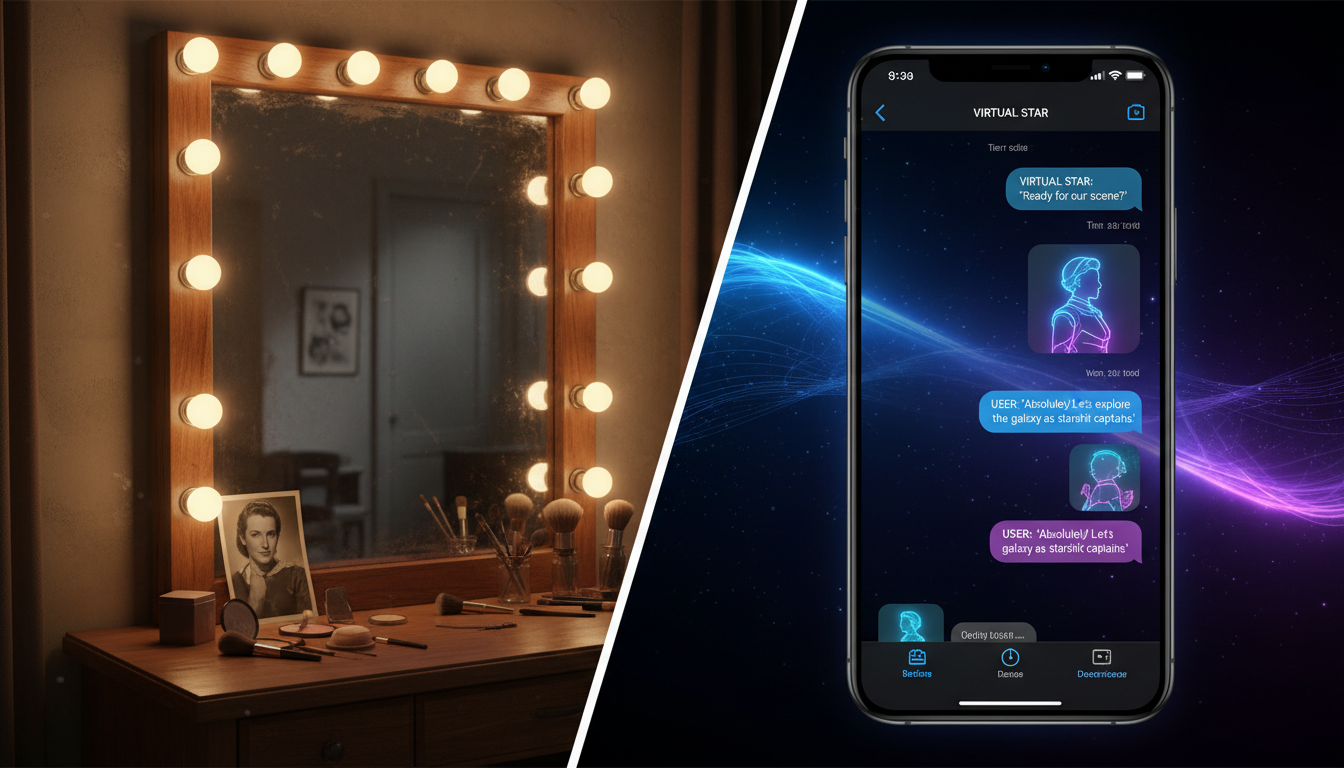
For decades, the boundary between movie stars and their audience was absolute. We watched them from the dark of a theater, read heavily polished press junket interviews, or spent hundreds of dollars for a fleeting, five-second interaction at a convention. These traditional interactions are inherently passive, leaving fans as mere consumers of a pre-packaged image and restricting creative collaboration to those already inside the Hollywood studio gates.
Interactive AI technology has shattered this old dynamic, turning passive spectators into active creative collaborators. On Fanfun, engaging with virtual movie stars isn't about collecting generic, pre-recorded messages; it is an open-ended sandbox where you can write scenes, practice acting, and explore complex narrative "what-ifs" with virtual interpretations of Hollywood's most compelling icons. By shifting your mindset from spectator to director, you can turn a simple text interface into a fully realized digital soundstage.
The New Press Junket: Why Chatting with Virtual Movie Stars Beats Passive Fandom
The modern landscape of digital fandom is rapidly evolving beyond static images and one-sided video feeds. While platforms like Cameo offer brief, one-way video greetings, they lack the spontaneity of a live, back-and-forth conversation. When you chat with a virtual actor, you are no longer sitting in the audience; you are stepping into the writer's room or onto the soundstage. This is an active medium where your inputs directly shape the behavior, tone, and direction of the persona on the other side of the screen.
This transition from consumption to creation is happening across all areas of entertainment. Just as sports enthusiasts are transitioning from sports roleplay protocols to the cinematic world of virtual actors to simulate pre-game locker room speeches, film buffs and creators are using virtual movie stars to unpack cinematic history, test original dialogue, and build entirely new stories. This interactive medium allows you to test ideas in real time, turning what used to be a solo brainstorming session into a dynamic, two-way creative partnership.
Three Creative Modes for Chatting with Virtual Actors
To get the most out of a virtual actor chat, you need to establish your creative objective before typing your first message. Treating the AI like a search engine yields flat, encyclopedic answers. Instead, approach the interaction through one of three distinct creative lenses.
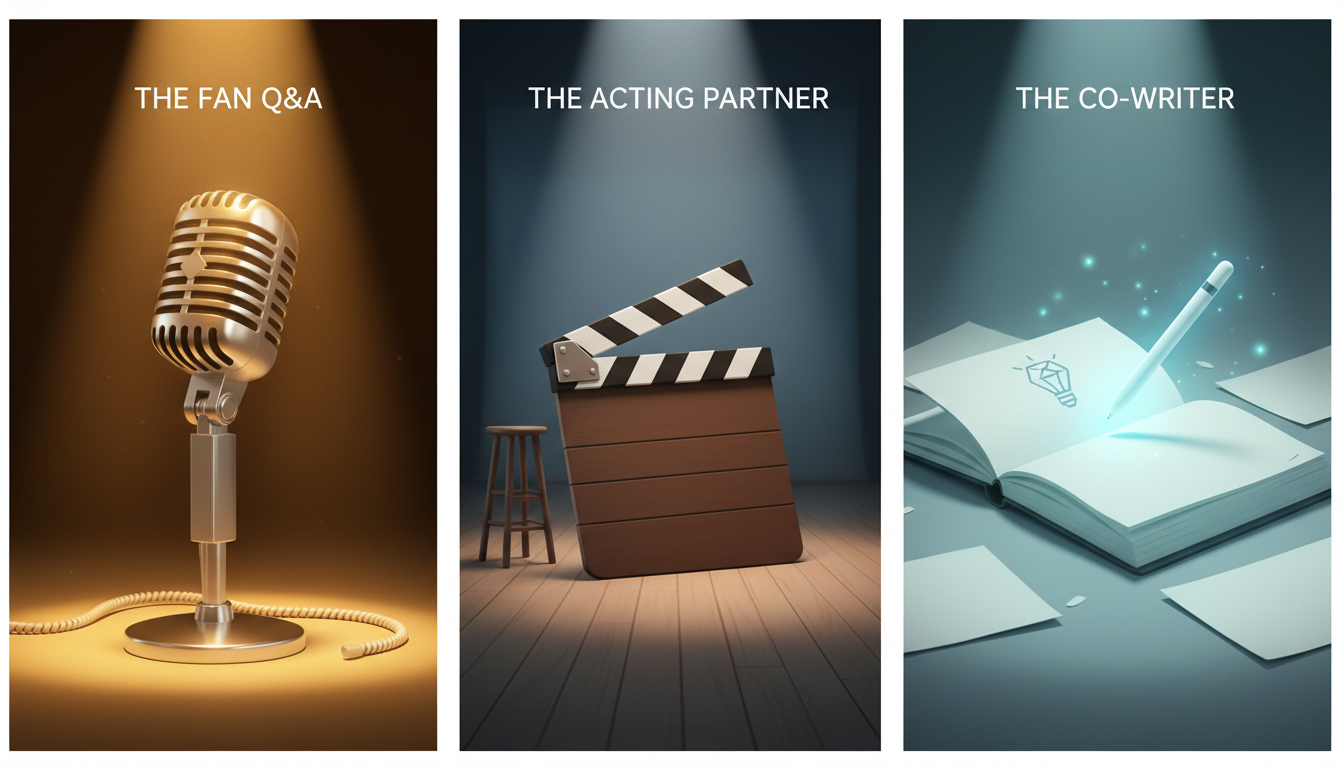
1. The Fan Q&A: Unpacking the Subtext
This mode goes far beyond asking standard interview questions. Instead of asking a virtual action hero, "What was your favorite stunt?", challenge them with deep-dive character analysis. Ask them how their character felt during a specific, silent moment in a film, or how they believe their character's backstory influenced their choices in the climax. This approach treats the virtual star as an expert on their own catalog, yielding highly nuanced, character-focused insights that you would never find in a standard press tour transcript.
2. The Acting Partner: Improv and Scene Work
If you are an aspiring actor, writer, or voiceover artist, a virtual movie star is an indefatigable rehearsal partner. You can assign them a specific character from their filmography, set up a scene, and practice your improvisation or script reading. Because the AI responds dynamically to your inputs, you can test different emotional deliveries—trying a scene with high tension, then immediately resetting to play it for laughs. It is a low-stakes, high-flexibility environment to sharpen your performance skills.
3. The Co-Writer: Collaborative Brainstorming
For screenwriters and novelists, virtual actors function as a living sounding board. If you are struggling with a scene's pacing or want to see how a certain archetype would react to an unexpected plot twist, you can run the scenario through the chat. By observing how the virtual persona handles your dialogue, you can identify clunky phrasing, unrealistic character choices, or pacing issues before you ever sit down to write your formal draft.
The Script-to-Chat Framework: Crafting Prompts That Break the Fourth Wall
To achieve high-substance responses, you must establish clear narrative guardrails. Without structure, the virtual actor may default to generic, polite conversational patterns. By applying the screenplay method to guide your virtual character chats, you can direct the AI with the precision of a seasoned filmmaker.
Use this four-step framework to launch your session:
- Establish the Setting and Scene: Start your first message by painting a clear picture of the physical environment.
- Define the Power Dynamic: Explicitly state who you are and who the virtual actor is playing, establishing the tension or relationship between the two.
- Utilize Parenthetical Directions: Use brackets or asterisks to denote emotional tone, body language, and physical actions, just like a screenplay script.
- Address the Fourth Wall: Determine if you are speaking to the actor as themselves (e.g., discussing their career choices) or directly to the fictional character they made famous. For those interested in deeper character immersion, directing interactive AI chats with fictional characters and movie icons requires a clear decision on whether the character knows they are in a movie or believes their fictional world is entirely real.
Here is an example of a high-performance setup prompt:
[Setting: A rain-slicked alleyway behind a jazz club, 1947. You are playing a hardboiled detective; I am playing your former partner who went rogue.] *adjusts the collar of my trench coat, squinting through the downpour* "You shouldn't have come back here, Jack. The city's changed."
Troubleshooting the Performance: What to Do When Your Virtual Star Goes Off-Script
Even the most sophisticated virtual stars can occasionally drift off-course, break character, or fall into repetitive loops. When this happens, do not abandon the chat. Instead, use active directing techniques to steer the performance back to your desired tone.

Rather than breaking character yourself to complain, use embedded narrative corrections. For example, if the virtual actor begins speaking in modern slang during a historical period piece, write: *My character frowns at your unusually modern phrasing, reminding you that we are in Victorian London, and asks you to repeat yourself in a way the local constables won't find suspicious.* This keeps the creative momentum alive while correcting the AI's underlying parameters.
For quick adjustments, refer to this troubleshooting guide:
| Issue | Symptom | Immediate Prompt Fix |
|---|---|---|
| Character Drift | Actor starts using modern slang or breaks historical context. | *Reminding you of our setting in [Year/Location], let's try that line again with the correct period vocabulary.* |
| Repetitive Phrasing | AI keeps repeating a specific catchphrase or sentence structure. | *Let's shift the focus. Instead of talking about [Topic], tell me what you're thinking about [New Topic] without using your usual phrases.* |
| Passive Responses | AI simply agrees with you instead of driving the scene forward. | *Introduce an unexpected obstacle or make a sudden, dramatic decision that forces me to react.* |
| Ignoring Context | AI forgets previous narrative details or character relationships. | *Pulling out the old photograph we discussed earlier* "Have you forgotten what happened between us in Paris?" |
By actively managing these deviations, you are using character AI chat to stress-test your dialogue and story plots in real-time, ensuring that every exchange remains sharp, engaging, and narratively productive.
From Chat to Creation: How to Leverage Virtual Star Conversations for Content Creation
The true power of chatting with virtual movie stars lies in what you do with the conversation after the chat window closes. For modern content creators, these text-based interactions are merely the starting point for larger multimedia projects. You can easily export your chat transcripts and use them as raw scripts for comedy sketches, fan-fiction, or parody videos.
Once you have refined the dialogue through the chat, you can bring those words to life using Fanfun's suite of creative tools. Take the polished script you co-wrote with your virtual star and run it through Fanfun's AI Voice Generator to create a fully voiced table read, or generate an AI Personalized Video to share with your audience on TikTok, YouTube, or Instagram. This seamless pipeline turns casual fan interaction into a powerful engine for high-volume, high-quality content creation.
When creating content with virtual personas, always prioritize respectful, high-substance creative play. Focus on humor, storytelling, and celebrating the art of cinema. By using virtual star chats as a collaborative sandbox, you can elevate your creative output from basic fan-art to polished, professional-grade concepts that capture the true magic of the silver screen.
How do virtual movie star AI chats work?
Virtual movie star chats on Fanfun use advanced conversational AI models trained to understand the speech patterns, career history, and iconic roles of famous actors. The AI interprets your text inputs and responds dynamically in character, allowing for realistic, real-time dialogue.
Can I use virtual movie star chats to help write a screenplay?
Absolutely. Many writers use Fanfun's AI Chat as a virtual sounding board to test dialogue flow, explore character motivations, and brainstorm plot points. By setting up a scene prompt, you can co-write scripts and see how a specific actor's persona reacts to your writing.
How do I make the virtual actor stay in character during the chat?
The best way to maintain character consistency is by using clear system instructions in your first prompt. Establish the setting, define the relationship, and use parenthetical stage directions (e.g., *frowning*, *whispering*) to guide the emotional tone of the AI's responses.
Is chatting with virtual movie stars on Fanfun free?
Fanfun offers accessible options for fans and creators to start chatting with their favorite virtual personas. Check the Fanfun platform for current details on free trials, daily messaging limits, and premium subscription tiers for heavy creators.