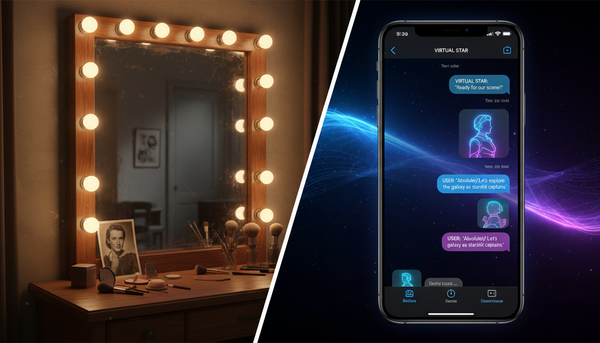
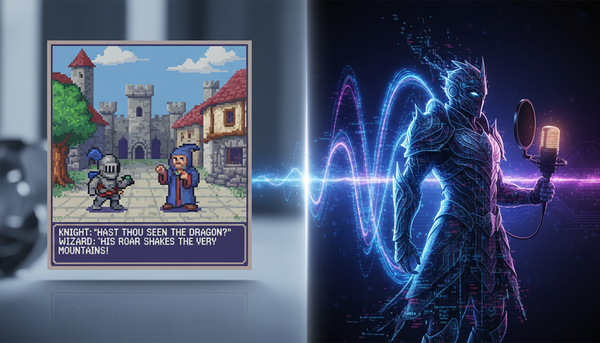
Breaking the Fourth Wall: A Director's Guide to Interactive AI Chat with Fictional Characters
Stop treating AI characters like basic search engines. Learn how to use director-level prompting, OOC brackets, and narrative guardrails to co-create rich, immersive stories with your favorite fictional icons.

Most people approach AI character chats like a search engine or a customer support bot, expecting a static Q&A. This results in flat, polite, and sterile interactions that break immersion instantly. When you ask a legendary hero or a mischievous cartoon icon a basic question, you often get a generic, overly formal response that sounds more like a corporate disclaimer than a living character.
To unlock deep, lore-accurate roleplay, you must stop acting like a passive user and start thinking like a theatrical director. By setting clear narrative stakes, establishing relationship dynamics, and using strategic guardrails, you can co-create rich, collaborative stories with your favorite fictional icons.
Beyond the Search Bar: Treating AI Characters as Creative Partners
Standard conversational models are optimized for helpfulness, politeness, and factual accuracy. While these traits are excellent for writing emails or debugging code, they are the enemy of compelling storytelling. If you ask a villainous character to discuss their plans, a standard bot might apologize and refuse, or give a dry, encyclopedic summary of their lore. High-fidelity character chats require models trained to prioritize personality consistency, distinct speech patterns, emotional volatility, and deep-seated motivations over generic safety filters and dry facts.
When evaluating virtual character text chat platforms, memory retention and persona consistency are the twin pillars of quality. A great platform preserves the character’s unique syntax, vocabulary, and underlying psychology even fifty turns into a conversation. At Fanfun, we treat interactive AI chat as the creative engine of modern fandom. It is not just about reading text on a screen; it is about building a living relationship with a character that can later inspire custom voiceovers, personalized videos, and original content.
Setting the Stage: The Three-Step Setup for Immersive Roleplay
The first message you send dictates the entire trajectory of your session. If you start with a simple 'Hello, how are you?', the AI is forced to generate a generic response because it has no narrative context to latch onto. To build an immersive scene, you need to 'prime' the AI using a three-step setup that establishes the creative boundaries of the interaction:

- The Scene (The Sandbox): Describe the physical environment. Is it a rain-slicked neon alleyway, a dusty tavern, or a high-tech spaceship bridge? Sensory details help the AI anchor its descriptions.
- The Relationship (The Dynamic): Define who you are in relation to the character. Are you their trusted lieutenant, an annoying rival, a lost traveler, or a complete stranger?
- The Catalyst (The Inciting Incident): Give the character an immediate problem to solve or a choice to make.
The Catalyst in Action: Breaking the Ice with Whimsical Icons
This three-step priming is especially effective when working with characters who have highly specific, whimsical worldviews. For example, if you are chatting with Doraemon AI online, starting with a mundane greeting limits the fun. Instead, prime the scene with a playful catalyst: 'Nobita is in trouble again, and we are standing in his bedroom looking at a broken time-travel gadget.' Instantly, the AI has a concrete problem, a familiar relationship, and a rich setting to draw from, leading to a much more dynamic and lore-accurate response.
The Director’s Toolkit: Prompting Strategies to Keep Characters in Voice
Once the scene is set, keeping the character in voice requires active directing. You cannot rely solely on the AI to maintain the pacing and tone. You must use a set of subtle prompting strategies to guide the narrative without breaking the fourth wall.
One of the most powerful tools in a writer's arsenal is the use of Out of Character (OOC) brackets. By inserting (OOC: [instruction]) at the end of your message, you can give behind-the-scenes directions to the AI without ruining the flow of the dialogue. For example, you might write: 'I hand you the mysterious map. (OOC: React with sudden panic, but try to hide it from me.)' This allows you to shape the character's internal state directly.
Another essential strategy is the Screenplay Method for directing virtual character chats. Instead of writing long blocks of prose, structure your inputs like a script, blending dialogue with parenthetical action beats. Write your character's actions in asterisks or brackets to show physical movement, which encourages the AI to respond in kind, keeping the narrative active rather than passive. If a character starts to drift from their established lore—perhaps becoming too agreeable or using modern slang that doesn't fit their medieval background—you can gently steer them back. Use an OOC note like (OOC: Remember to speak in your usual formal, Elizabethan tone) to reset their linguistic parameters instantly.
From Text to Multi-Sensory Fandom: Upgrading Your Creative Workflow
For content creators, fan fiction writers, and digital artists, an interactive AI chat is not just entertainment—it is the ultimate drafting phase. Instead of staring at a blank page trying to figure out how two characters would interact, you can live-test dialogues, explore emotional arcs, and discover unexpected narrative twists in real-time.
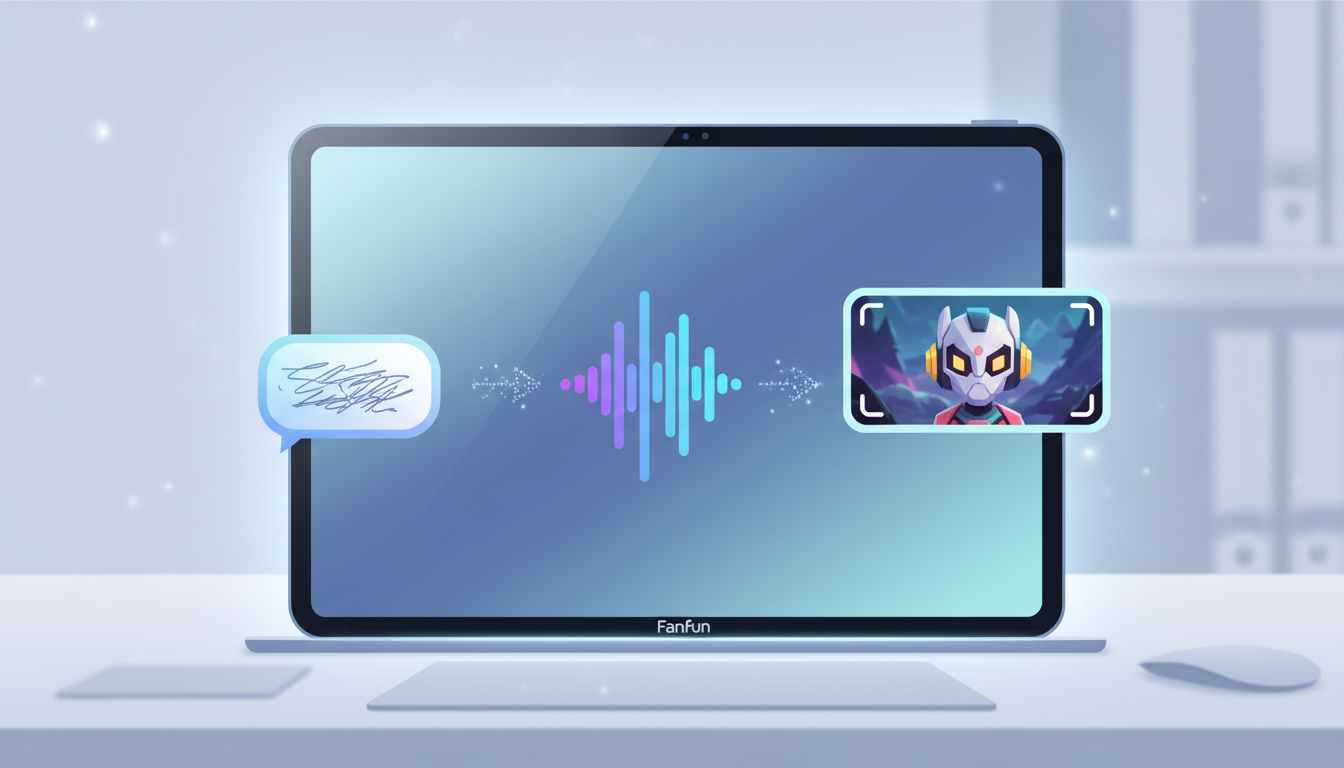
Fanfun bridges the gap between text-based roleplay and high-quality multimedia creation. Once you have co-written a brilliant scene or a hilarious comedic exchange in your chat session, you do not have to leave it behind as flat text. You can transition those written lines directly into our voice and video generators.
When transitioning from a text chat to an audio project, the nuance is everything. By directing fictional character voices with AI, you can match the exact tone, pacing, and emotional weight you established during your written session. If your chat character whispered a confession or shouted in anger, you can direct the AI voice generator to replicate those specific vocal dynamics, turning your text-based roleplay into a cinematic audio drama or a viral social media clip in minutes.
Troubleshooting the Chat: Common Pitfalls and How to Pivot
Even the most sophisticated AI models can occasionally lose the plot, fall into repetitive loops, or become overly agreeable. When this happens, do not abandon the chat. Instead, use a 'pivot prompt' to realign the character's behavior.
The table below outlines the most common AI chat pitfalls and the exact direct prompts you can use to fix them instantly:
| Pitfall | Why It Happens | The Pivot Prompt (Copy-Paste Solution) |
|---|---|---|
| The Yes-Man Syndrome The AI agrees with everything you say, destroying all dramatic conflict. | AI models are naturally trained to be helpful and accommodating. | (OOC: You strongly disagree with my last suggestion. Introduce an obstacle or an alternative plan based on your character's stubborn nature.) |
| The Echo Chamber The AI starts repeating your words or looping the same descriptive phrases. | The model is over-indexing on recent context tokens in the chat history. | (OOC: Break the loop. Do not repeat my words. Describe your next action using entirely new vocabulary and change the subject slightly.) |
| Amnesia The AI forgets a crucial plot point or character death that happened earlier. | The context window limit has been reached, pushing older messages out of immediate memory. | (OOC: Quick recap: We are currently [insert brief summary of situation]. You are still holding [item/secret]. Let's continue from here.) |
| Out-of-Character Modernism A historical or fantasy character starts using modern slang or corporate phrasing. | The general training data is leaking into the specific persona. | (OOC: Stay in character. You do not know what modern technology or slang is. Speak strictly using the vocabulary of your world.) |
How do I make an AI character chat feel more realistic and less robotic?
To reduce robotic responses, avoid simple 'Q&A' prompting. Instead, use the Screenplay Method: write in the first-person, include sensory details, and write actions in asterisks (e.g., *sighs and looks away*). This signals the AI to adopt a narrative, expressive style rather than a conversational assistant tone.
Why does my AI character keep breaking character or forgetting what we just talked about?
This is usually due to context window limits. As a chat gets longer, the AI 'forgets' the earliest messages. You can fix this by occasionally sending a brief Out-of-Character summary in brackets, such as (OOC: Recap of current status: We are in the castle, and you are secretly plotting to steal the crown), to keep key plot points fresh in its active memory.
Can I use AI character chats to help me write a novel or script?
Absolutely. Interactive AI chats are excellent for live-testing dialogue, discovering character chemistry, and brainstorming plot points. Once you have a strong scene, you can copy the text and use tools like Fanfun to generate character voiceovers or conceptual videos to bring your script to life.
How do I stop an AI character from constantly agreeing with everything I say?
AI models are trained to be helpful, which often makes them too agreeable. To introduce conflict, use an Out-of-Character instruction: (OOC: Your character is highly skeptical of my plan. Challenge me on the risks and propose a different, more dangerous route.)