
How to Stop Synthetic Voices from Mispronouncing Scientific Terms in Your Video Scripts
Synthetic AI voices are trained on everyday conversation, causing them to struggle with complex scientific terms. Learn how to use phonetic spelling, syllable stress, and structured testing to get flawless technical pronunciations in your scripts.
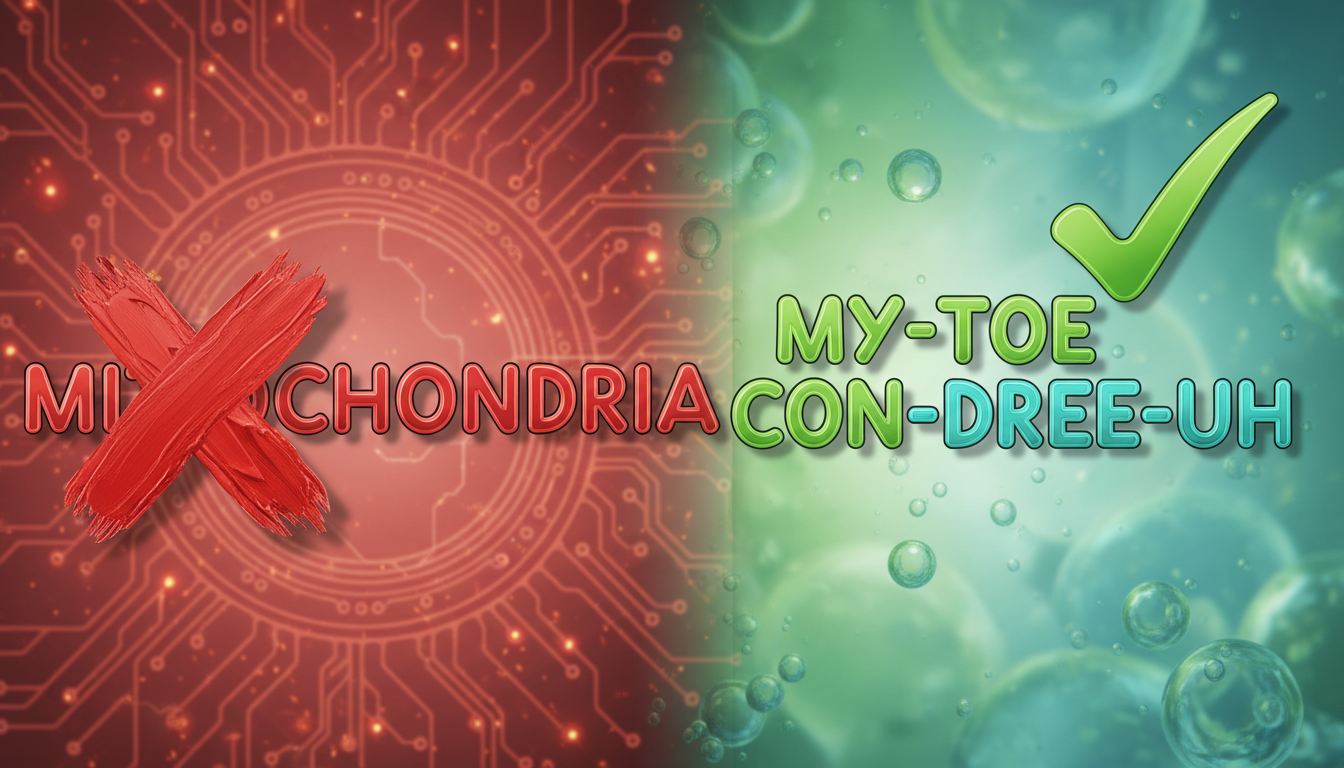
If you have ever tried to get a synthetic voice to say "mitochondria" or "anisotropy," you have likely heard some spectacularly awkward results. Synthetic AI voices struggle with complex scientific terms because their underlying models are trained on everyday conversational language, not academic journals. To prevent these mispronunciations in your video scripts, you must rewrite technical jargon using phonetic spellings, custom syllable breaks, and strategic punctuation. This guides the voice engine to read the words exactly as they should sound, rather than trying—and failing—to apply standard English phonics rules.
The Symptom: Why AI Voices Butcher Scientific Jargon
To fix a mispronounced word, it helps to understand why the computer is struggling. Synthetic voices rely on grapheme-to-phoneme models. These models translate written letters (graphemes) into spoken sounds (phonemes) based on patterns they learned from massive datasets of conversational English.
When you input a rare Latinate, Greek, or highly specialized technical term, the AI voice generator does not look up the scientific definition. Instead, it tries to apply standard, everyday phonics rules to a word that does not follow them. This leads to misplaced syllable emphasis, flat vowels, or completely garbled syllables. To get a clean result, you have to treat the synthetic voice like an actor reading a script who needs explicit, simplified pronunciation cues.
Three Ordered Fixes for Technical Terms
When you encounter a technical term that the synthetic voice cannot quite master, apply these three fixes in order. Start with the simplest structural change before moving on to phonetic rewrites.
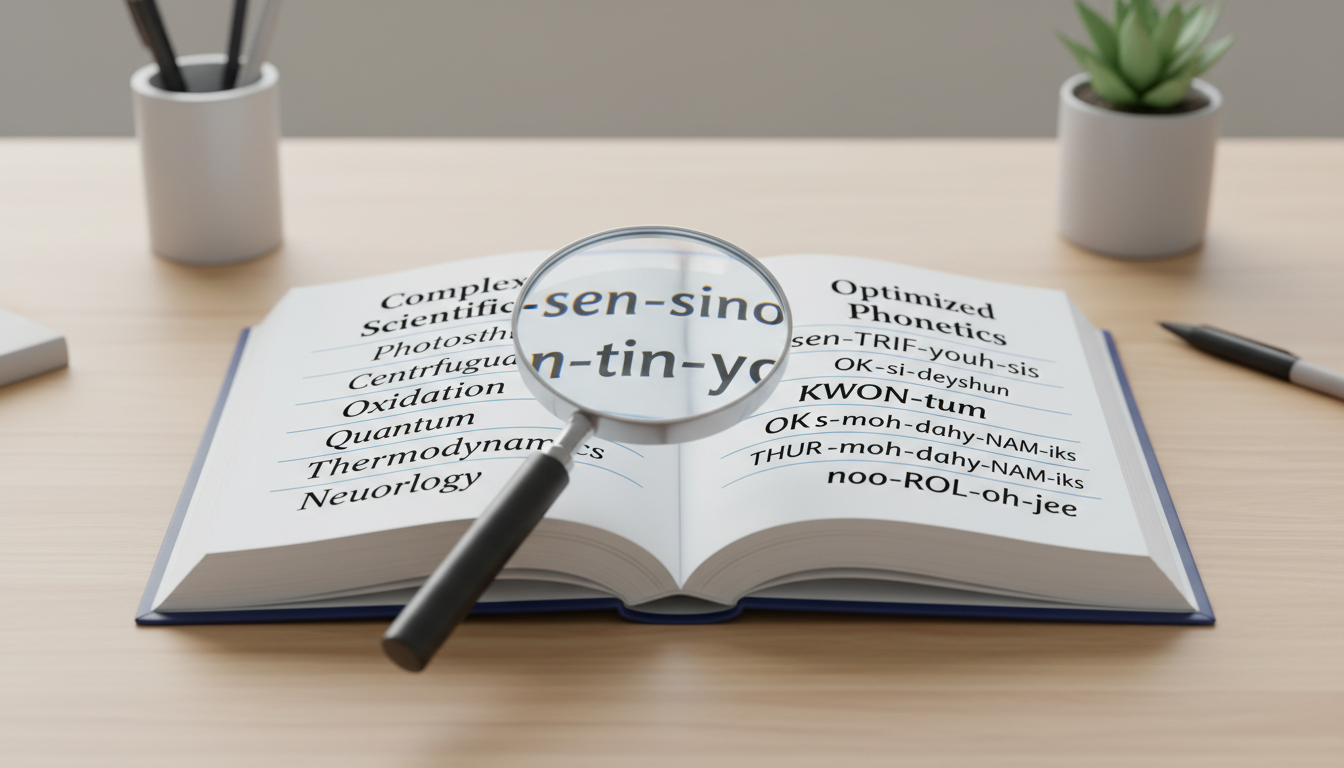
Fix 1: Break the Word into Hyphenated Syllables
Long, continuous strings of letters can overwhelm text-to-speech engines. By breaking a word into smaller, hyphenated syllables, you force the AI to slow down and process each piece individually. This often restores natural pacing and prevents the voice from swallowing the middle of the word.
- Standard spelling: deoxyribonucleic
- Hyphenated fix: de-oxy-ribo-nucleic
Fix 2: Use Intuitive Phonetic Respelling
If hyphens alone do not work, swap out confusing letter combinations for common English equivalents. Replace soft "c" sounds with "s," hard "ch" sounds with "k," and ambiguous vowels with spellings that have only one logical pronunciation. For a deep dive on how to construct these custom spellings, see our comprehensive guide on writing phonetic spelling for synthetic AI voices.
- Standard spelling: lichen
- Phonetic fix: ly-ken
Fix 3: Substitute Homophones for Tricky Syllables
Sometimes an AI engine simply refuses to pronounce a specific syllable correctly, no matter how you spell it. In these cases, substitute a completely different, common English word that sounds identical (a homophone) to trick the engine. For example, if the AI struggles with "cytoplasm," you can replace "cyto" with the word "site."
- Standard spelling: cytoplasm
- Homophone fix: site-o-plaz-um
Use this quick reference table to easily convert common scientific suffixes into AI-friendly phonetic spellings:
| Scientific Suffix | Common Mispronunciation | Phonetic Respelling Guide | Example Word (Phonetic) |
|---|---|---|---|
| -itis (inflammation) | "it-is" (flat 'i') | eye-tis | arthritis (arth-rye-tis) |
| -ology (study of) | "oh-logy" | ol-uh-jee | biology (by-ol-uh-jee) |
| -phoresis (transmission) | "for-ee-sis" | fuh-REE-sis | electrophoresis (e-lek-tro-fuh-REE-sis) |
| -tomy (cutting) | "tuh-mee" | tuh-mee | lobotomy (luh-bot-uh-mee) |
Managing Stress, Acronyms, and Pacing
Pronunciation is not just about getting the individual vowels and consonants right; it is also about rhythm, emphasis, and flow.
Scientific terms often rely on highly specific syllable stress to sound correct to a trained ear (for instance, "ca-PIL-lary" versus "CAP-ill-ary"). To guide the voice engine's emphasis, try using capitalization cues. Writing the stressed syllable in ALL CAPS can signal to the AI where to place the vocal weight. To make sure the scientific term carries the right weight in your sentence, check out our guide on how to get synthetic voices to emphasize specific words.
Acronyms present another unique challenge. An AI voice might try to spell out a common scientific acronym letter-by-letter, or conversely, try to pronounce an abbreviation as a single word. If your script contains abbreviations that the AI keeps reading out letter-by-letter, learn how to stop synthetic voices from spelling out words. For example, write "NASA" as "na-suh" if it is being read as "N-A-S-A," or write "CRISPR" as "kris-per."
Finally, give the synthetic voice room to breathe. Complex technical terms require a bit of physical space in the audio track to let the listener absorb them. Use commas, dashes, or ellipses (...) immediately before and after a heavy scientific term to force the AI voice to pause naturally, mimicking how a real human presenter would deliver a lecture.
How to Test Your Script on Fanfun Without Wasting Credits
When you are creating a custom video message on Fanfun, you want your final video to sound polished and professional on the first try. Generating a full video message right away can consume your video credits unnecessarily if a scientific term is mispronounced.
Instead, use Fanfun's voice-note feature to test short, 500-character snippets of your script first. Copy the sentence containing your difficult scientific term, paste it into the voice-note box, and generate a quick MP3 preview. This allows you to hear exactly how the AI character voice handles your phonetic spellings without spending any video credits. Listen closely to the output, adjust your hyphens or phonetic spellings, and generate another test note if needed.
However, it is important to know when to stop retrying. If an incredibly obscure scientific term refuses to render correctly after three or four phonetic variations, do not keep fighting the AI model. Simplify your script instead. Swap the highly technical term for a simpler synonym, or explain the concept using common words. Your audience will likely appreciate the clearer explanation, and your synthetic voice will sound perfectly natural.
Can I use the International Phonetic Alphabet (IPA) in my video scripts?
Generally, no. Standard synthetic voice engines used for video greetings and voice notes do not read IPA notation. They will either ignore the symbols entirely or attempt to read them as standard text, resulting in silence or garbled noise. Stick to intuitive, English-based phonetic spellings (like writing "my-toe-CON-dree-uh" for mitochondria).
Why does the synthetic voice pronounce a scientific term correctly in one sentence but mispronounce it in the next?
AI voices generate speech contextually, meaning they look at the surrounding words to determine pronunciation and inflection. If the surrounding sentence structure changes, the AI might interpret the scientific term differently. If this happens, applying your phonetic spelling fix to each instance of the word can help encourage more uniform pronunciation across your script.
How do I handle scientific units of measurement like 'µm' or 'mg' in my script?
Never leave raw symbols like "µm" or "mg" in your script, as synthetic voices may skip them, read them as individual letters ("m-g"), or mispronounce the Greek letters. Always spell them out entirely in plain English, such as "micrometers" or "milligrams."



