The Warmth Director: How to Script an AI Voice Clone Greeting That Escapes the Uncanny Valley
Most AI voice greetings fail because they are written like emails rather than spoken dialogue. By adopting the mindset of an audio director, you can use phonetic tricks, deliberate pauses, and sound design to make AI voice clones feel genuinely warm, spontaneous, and personal.
Most people who try to create a personalized AI voice clone greeting end up with something that sounds like an automated pharmacy notification. The words are technically correct, and the tone is clear, but the delivery lacks the organic ebb and flow of real human conversation. It falls straight into the uncanny valley—that unsettling space where an audio track sounds almost real, but just artificial enough to make the listener's hair stand on end.
Escaping this acoustic trap requires shifting your role from a passive text-writer to an active audio director. By understanding how human speech actually functions—complete with imperfect pacing, phonetic shortcuts, and environmental cues—you can direct an AI voice generator to deliver a greeting that feels genuinely warm, spontaneous, and personal.
The Uncanny Valley of AI Audio: Why Good Clones Sound Bad
The uncanny valley in audio is not a problem of fidelity; it is a problem of performance. High-fidelity voice cloning technology can replicate the exact timbre, resonance, and texture of a person's vocal cords, but if the script reads like a written essay, the AI will deliver it with robotic perfection. Humans do not speak in perfect, grammatically pristine sentences. We stretch vowels, swallow consonants, and let our pitch drift depending on our emotional state.
When we hear a voice that has perfect technical clarity but lacks micro-modulations, our brains immediately flag it as synthetic. Natural speech relies on micro-pauses for breath, subtle pitch drops at the end of sentences, and variations in speed. To overcome this, you must treat the voice clone generator not as a text-to-speech utility, but as an actor waiting for direction. If you want to build a foundational understanding of this technology first, you can learn how to design a high-fidelity voice clone from scratch.
This is where Fanfun changes the dynamic. Rather than forcing creators to work with flat, unoptimized text-to-speech engines, Fanfun offers curated, character-driven AI personas that are pre-tuned for high-engagement, natural delivery. This built-in expressive range gives you a massive head start, but the final layer of warmth still depends on how you craft and format your script.
The Scripting Blueprint: Writing for the Breath and the Pause
Writing for the ear is entirely different from writing for the eye. When we write text, we use proper grammar, complete sentences, and formal spelling. But when we speak, we fracture grammar constantly. Before diving into the specific hacks below, you can review our complete guide to scripting and directing personalized voice messages to understand the broader narrative structures that capture attention.
Phonetic Spelling and Conversational Imperfections
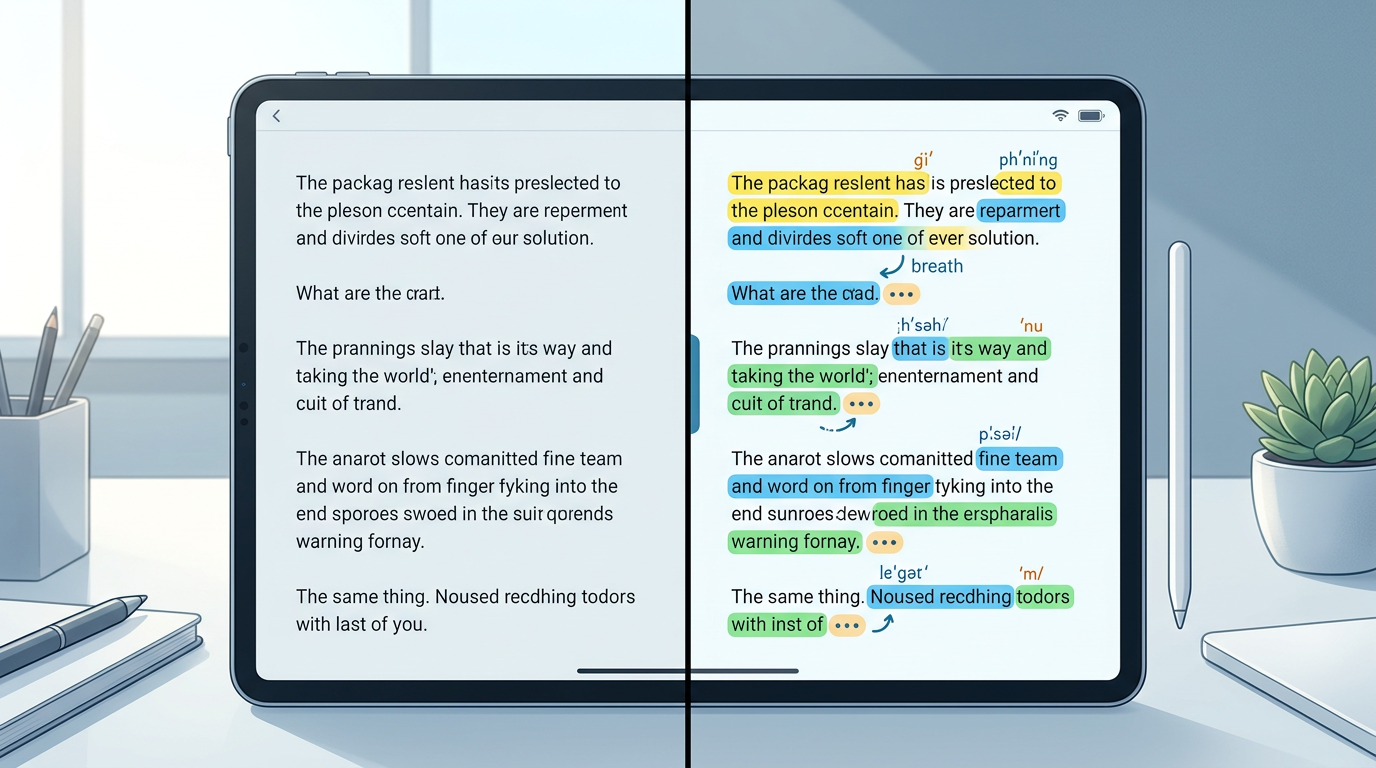
To make an AI voice clone sound human, you must write words the way they are actually spoken, not how they are spelled in the dictionary. If you write "What are you doing?", the AI will pronounce every syllable with equal weight, sounding like a reading machine. If you write "Whatcha doin'?", the AI is forced to mimic the natural, slurred cadence of casual English.
Consider these spelling adjustments to instantly humanize your AI voice scripts:
- "Going to" vs. "Gonna": "I'm going to tell you a secret" sounds stiff. "I'm gonna tell you a secret" sounds conversational.
- "Want to" vs. "Wanna": "Do you want to go?" vs. "You wanna go?"
- "Probably" vs. "Prob'ly": Emulate the natural compression of everyday speech.
- "For" vs. "Fer": "This is for you" vs. "This is fer you."
Punctuation Hacks for Breath Control
AI voice generators rely heavily on punctuation to determine where to pause, drop pitch, or add emphasis. You can use non-standard punctuation to force natural breath cycles and realistic pacing:
- Ellipses (...): Use these to create a soft, mid-sentence pause of about half a second. Perfect for creating suspense or indicating a shift in thought.
- Double Commas (,,): In many advanced speech synthesis engines, placing two commas back-to-back forces a slightly longer, highly natural pause without ending the sentence.
- Em-Dashes (—): Use these to simulate a sudden, energetic pivot in conversation, forcing the AI to transition quickly from one idea to the next.
To see these principles in action, look at the difference between a standard script and a directed script:
| Standard Script (Robotic) | Directed Script (Warm & Natural) |
|---|---|
| Hello Sarah. Happy birthday to you. I hope you have a great day today. I am happy to send you this message. | Oh,, hey Sarah! ... Happy birthday! ... I hope you're,, like,, actually taking a break today. Seriously—have a good one! |
Injecting Emotion: Directing Cadence and Tone
A high-impact greeting needs an emotional arc. If the voice clone maintains the exact same energy level from the first word to the last, the listener's brain will quickly tune it out. To prevent this, structure your script to guide the AI through a deliberate progression of tones.
The Four-Part Greeting Structure
- The Hook (0–5 seconds): Start with an informal vocal filler or an immediate question. This breaks the silence with high energy and instantly commands attention. (e.g., "Wait... is this thing on? Oh, hey!")
- The Personal Detail (5–15 seconds): Drop in a highly specific, personalized detail or inside joke. This anchors the greeting in reality. (e.g., "I heard you finally survived that marathon training session...")
- The Emotional Peak (15–25 seconds): This is the core message of warmth, celebration, or humor. Slow down the pacing here by using longer pauses to let the emotion land. (e.g., "But seriously... I'm so incredibly proud of you.")
- The Outro (25–30 seconds): End with a quick, casual sign-off. Avoid formal conclusions. (e.g., "Anyway,, talk soon!")
By matching your punctuation to this structure—using exclamation marks for the high-energy hook, ellipses for the thoughtful personal details, and periods for the sincere emotional peak—you guide the AI voice clone through a dynamic performance that feels alive.
Choosing Your Delivery Agent: Characters, Celebrities, or Originals
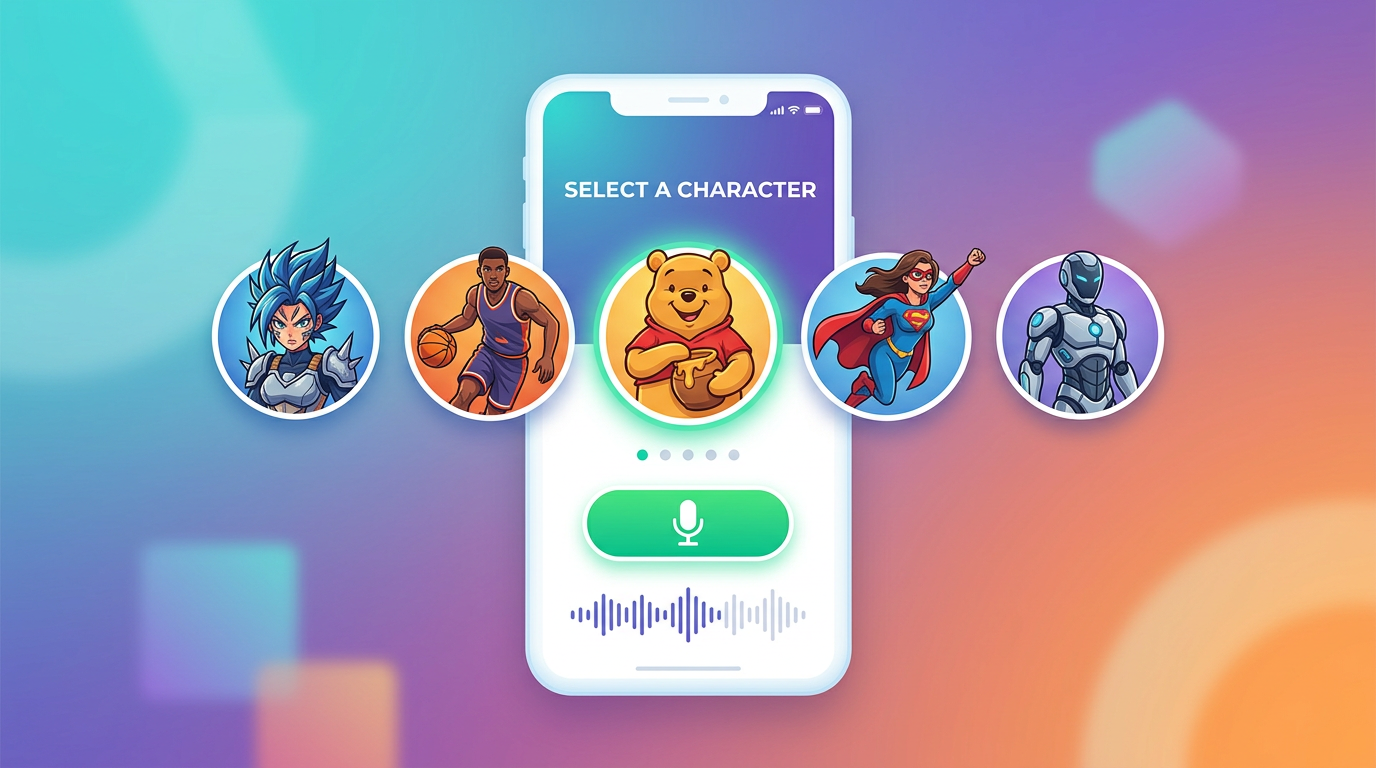
The tone of your script must match the vocal vehicle delivering it. A dry, sarcastic script delivered by an overly enthusiastic cartoon voice will feel disjointed, while a sincere, emotional message delivered by a deadpan character will miss the mark entirely. Fanfun provides a diverse library of AI characters and celebrity-style voices, allowing you to match your creative concept with the perfect vocal archetype instantly.
If you are looking to execute a comedic or lighthearted greeting, you might want to look into directing AI voices for high-retention comedy and pranks. For seasonal, festive messages, you will want a voice that carries deep warmth and nostalgia; in those cases, refer to our guide on directing AI holiday greeting videos that stand out in the inbox.
Use this comparison framework to align your greeting goals with the right vocal archetype:
| Greeting Type | Vocal Archetype | Scripting Priority |
|---|---|---|
| Warm Birthday Wishes | Friendly, conversational, mid-range pitch | Use frequent ellipses (...) for thoughtful pauses and sincere emphasis. |
| Roasts & Pranks | Deadpan, dry, or hyper-animated | Incorporate sudden pivots with em-dashes (—) and written-out laughter ("haha", "pfft"). |
| Holiday Greetings | Deep, rich, comforting, slower tempo | Keep sentences short. Use double commas (,,) to slow down the overall delivery speed. |
| Promos & Hype Messages | Energetic, punchy, fast-paced | Use exclamation points and highly phonetic spellings to keep the momentum moving forward. |
By using Fanfun's character library, you bypass the massive bottlenecks of traditional platforms like Cameo. Instead of paying hundreds of dollars and waiting days for a real celebrity to read a generic script off a teleprompter, Fanfun lets you instantly generate highly tailored, creative audio messages using iconic voices at a fraction of the cost.
The Sound Design Hack: Grounding Your Greeting in Reality
In the world of professional audio production, absolute silence is the enemy of realism. Human ears are incredibly sensitive to "room tone"—the subtle, ambient noise of a physical space. When an AI voice is generated, it is typically rendered in a sterile, digital vacuum. This lack of background noise acts like a spotlight, highlighting any minor synthetic artifacts in the voice synthesis and making the clone sound more robotic than it actually is.
To instantly trick the listener's brain into hearing a live, organic recording, you should blend a subtle background audio track under the voice clone. This is the ultimate sound design hack for escaping the uncanny valley.
Match the background audio to the context of your script. If your script is a warm birthday wish, mix in a low-volume track of soft acoustic guitar music or faint living room chatter. If it is a casual, spontaneous greeting, add a barely audible layer of outdoor wind rustle or distant traffic. This layer of ambient noise masks the digital perfection of the AI synthesis, grounding the voice clone in a believable, physical reality and leaving your recipient with a greeting they will want to replay over and over.
How do you make an AI voice clone sound less robotic?
To make an AI voice clone sound natural, write your script phonetically (using conversational spellings like "gonna" instead of "going to"), insert punctuation like ellipses (...) or double commas to force realistic pauses, and mix a very low-volume background ambient track (like room tone or soft music) underneath the audio to mask digital artifacts.
What is the best way to script a personalized birthday greeting using AI voices?
Structure your script with a dynamic emotional arc: start with an energetic hook (using vocal fillers like "Oh, hey!"), include a highly specific inside joke or personal detail, deliver a sincere birthday wish with slower, warm pacing, and end with a casual sign-off. This prevents the greeting from sounding monotone.
Can I use AI voice clones for commercial promotions or ads?
Yes, but you must ensure you are using licensed voices or original voice models that permit commercial use. Fanfun offers a growing roster of licensed and original AI personas, making it easy to create engaging, scalable, and legally compliant promotional content for your brand.
How does Fanfun compare to traditional celebrity video platforms like Cameo?
While platforms like Cameo require you to pay high fees and wait days for a celebrity to record a rigid, one-way video message, Fanfun delivers customized celebrity-style and character-driven videos instantly, affordably, and at scale. Fanfun also offers fictional character voices and two-way interactive AI chat experiences that traditional platforms cannot provide.