The Audio Director’s Playbook: How to Script and Direct a Personalized AI Voice Message for Maximum Emotional Impact
A personalized AI voice message is only as good as its direction. Learn the techniques of phonetic scripting, strategic punctuation, and pacing to make your AI character voices sound genuinely alive.
When you listen to a memorable voice message, your brain isn't just processing the literal words being spoken. You are registering the micro-pauses, the rising inflection of a joke, the sudden drop in pitch during a serious moment, and the familiar rhythmic cadence of the speaker. When using modern voice generation tools, simply typing a generic sentence into a text box and hitting generate often results in flat, robotic delivery that misses these crucial human elements.
To create an audio experience that genuinely moves, surprises, or delights someone, you have to transition from a passive writer to an active audio director. By understanding how synthetic speech models interpret text, you can use specialized scripting techniques to guide the pacing, subtext, and emotional beats of the performance. On Fanfun, where fans and creators bring iconic personalities to life, mastering this director's mindset is what separates a forgettable soundbite from an unforgettable audio keepsake.
The Director’s Mindset: Why Writing for AI Voice Requires a New Scriptwriting Playbook
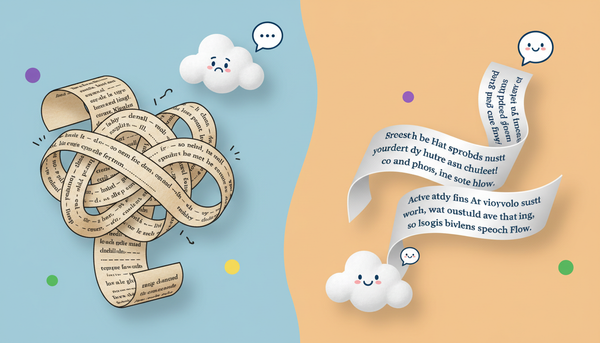
Writing for the ear is fundamentally different than writing for the eye. When we read a book, our brains naturally supply the cadence and internal rhythm. When we listen to an audio message, the voice model must do that work for us. If you feed an AI voice generator standard, grammatically perfect prose, it will read it with standard, grammatically perfect monotony. To break out of this "uncanny valley" of synthetic speech, you must learn to script specifically for vocal flow.
This starts with the concept of phonetic scripting—writing words based on how they actually sound when spoken aloud rather than how they are spelled on a page. It also requires understanding how to approach the process as a whole. Learning how to cast and direct a character AI voice generator for narrative content helps you treat the AI as an actor rather than a text-to-speech engine. When you approach the process this way on Fanfun, you transition from passive consumption to active fan engagement, creating custom audio drops that bridge the gap between static text and real emotional resonance.
The Anatomy of a High-Impact Voice Script
A successful personalized AI voice message follows a tight, three-part structural framework designed to capture attention immediately, deliver the core emotional or comedic message, and exit cleanly. Without this structure, voice messages tend to wander, losing the listener's interest before the payoff.
- The Hook: This is the first 3 to 5 seconds. It must establish the character's persona immediately through a signature catchphrase, unique greeting, or recognizable vocal tick.
- The Personal Core: This is the heart of the message. It contains the hyper-specific detail, inside joke, or milestone that proves this message was custom-crafted for the recipient. This is where understanding how creators leverage an AI celebrity message generator for high-impact delivery truly shines, turning a standard greeting into an intimate, tailored experience.
- The Sign-off: A memorable exit that reinforces the character's personality. It should leave the listener smiling, laughing, or feeling deeply appreciated.
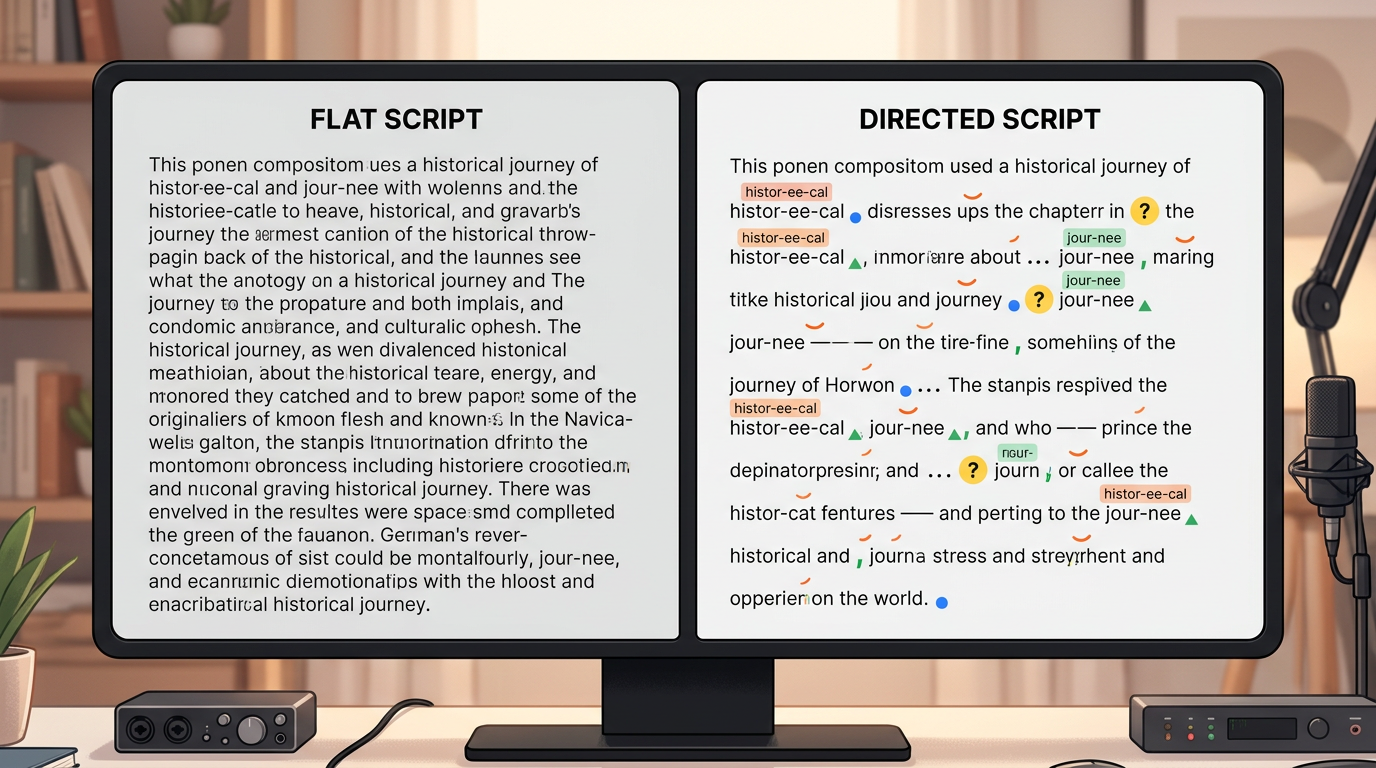
To see how this structural anatomy translates into actual text, compare the differences between a flat, unformatted script and a dynamic, directed script below:
| Script Element | Flat, Generic Script (What Not to Do) | Dynamic, Directed Script (Optimized for AI) |
|---|---|---|
| The Hook | Hello Sarah, happy birthday to you. | Oh... my... gosh! Sarah! Is that... really you?! Happy... birthday! |
| The Personal Core | I hope you enjoy your day and have fun playing video games in your room. | I heard you're STILL stuck on level four. Seriously? Level... four? Come on, you gotta step up your game! |
| The Sign-off | Goodbye from your favorite anime hero. | Anyway, go eat some cake. Catch ya on the flip side—believe it! |
Directing the Performance: Punctuation, Pacing, and Phonetics
To coax the absolute best performance out of an AI voice model, you must use non-standard punctuation as a set of physical directions. Modern AI voice engines interpret punctuation marks as cues for breath, pitch changes, and pauses.
Here is how to use punctuation as your directorial toolkit:
- Ellipses (...) for Pauses: Use three dots to force the AI to take a breath or pause for dramatic effect. This is perfect for building anticipation before a punchline or showing hesitation.
- Em-dashes (—) for Abrupt Shifts: An em-dash tells the AI to quickly transition from one thought to another without a long pause, mimicking natural human speech patterns.
- Capitalization for Emphasis: While some models respond to ALL CAPS with increased volume, others interpret it as a cue to stress the word. Use it sparingly on key nouns or verbs to make them pop.
- Phonetic Workarounds: If the AI stumbles over a name or slang term, spell it phonetically. For example, if the name "Heidi" sounds flat, try spelling it "High-dee." If a pop-culture reference like "Shinobi" sounds off, test "Shee-noh-bee."
This level of detailed textual direction is particularly critical when working with highly stylized personas. If you are aiming for a dramatic, high-energy performance, reviewing our guide on how to craft high-impact anime dubs and parodies with an anime AI voice generator will give you specialized insights into handling extreme vocal inflections and exaggerated character traits.
Choosing the Right Persona for the Moment
The emotional impact of your message depends heavily on matching the script's tone with the correct vocal profile. A mismatch here can ruin the illusion. When directing your audio project, consider the primary emotional goal of your message and choose your persona accordingly:
- High-Energy & Celebratory: Best for birthdays, graduations, and major milestones. Look for anime heroes, energetic cartoon characters, or enthusiastic sports personalities who naturally speak with high pitch variations and rapid pacing.
- Deadpan & Sarcastic: Ideal for playful roasts, friendly wake-up calls, or lighthearted call-outs. Choose late-night hosts, cynical anti-heroes, or authoritative figures who excel at dry, rhythmic delivery.
- Nostalgic & Warm: Perfect for comforting messages, pep talks, or sentimental gifts. Seek out beloved childhood characters, gentle mentors, or classic cultural icons whose voices naturally carry a slower, soothing cadence.
By leveraging Fanfun's diverse library of licensed and original AI personas, you can easily find the exact voice profile that matches your project's vibe, ensuring your carefully directed script lands with maximum impact.
From Script to Soundwave: Creative Use Cases to Try
Once you understand the mechanics of scripting and directing, you can apply these skills to several creative formats. Here are three highly effective use cases to try on Fanfun today.
The Ultimate Birthday Roast
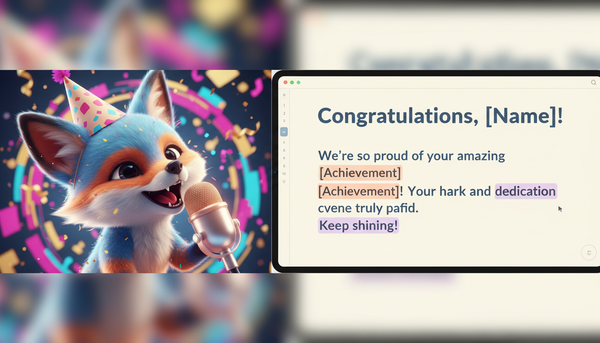
To pull off a great audio roast, you must balance humor with warmth. Use a deadpan or highly authoritative character voice to deliver the "burns" with serious, dramatic pauses. Follow up the teasing with a sudden shift in tone—using ellipses to transition into a warm, genuine birthday wish. This contrast makes the comedy land harder while ensuring the recipient still feels celebrated.
The Immersive Creator Intro
If you are a YouTuber, streamer, or podcaster, you can use a custom character drop to hook your audience in the first few seconds of your video or episode. Script a brief, high-energy shoutout from a character relevant to your niche. Use phonetic spelling to ensure they say your channel name perfectly, creating a highly polished, professional-sounding intro that instantly boosts your production value.
The Interactive Fan Experience
For creators looking to reward their community, personalized voice clips make incredible incentives for contests, giveaways, or fan milestones. Instead of a generic "thanks for the support," direct a highly personalized message where the character references a specific comment, meme, or running joke from your community. This level of detail transforms a simple audio file into a digital collectible that fans will replay and share across social media.
How do I make an AI voice message sound more natural and less robotic?
To make the voice sound natural, avoid standard formal writing. Use punctuation like ellipses (...) for natural pauses, em-dashes (—) for sudden transitions, and write in fragments rather than grammatically perfect sentences. Read your script out loud first; if it feels stiff when you say it, the AI will sound stiff delivering it.
What is the best way to spell unusual names so the AI pronounces them correctly?
Use phonetic spelling. Break the name down into syllables based on how they sound, using hyphens to separate them. For example, spell "Alivia" as "Uh-liv-ee-uh" or "Joaquin" as "Wah-keen" to guide the AI's pronunciation engine accurately.
Can I use personalized AI voice messages for commercial promos?
Yes, creators and marketers frequently use directed AI voice messages for promotional content, intros, and social media ads. Ensure you are using the Fanfun platform in accordance with our terms of service and licensing guidelines for the specific character or persona you select.
How long should a personalized AI voice greeting typically be?
For maximum emotional or comedic impact, keep your voice messages between 30 and 60 seconds (roughly 75 to 150 words). This provides enough time for a strong hook, a detailed personal core, and a clean sign-off without dragging or losing the listener's attention.