The Rhetoric of the Rant: Mastering Trump TTS for High-Engagement Content
Most creators fail with Trump TTS because they write grammatically perfect scripts. To make the AI sound authentic, you must write for the unique, fragmented cadence of the speaker's natural rhetoric. Here is how to master it.
Social media feeds are currently flooded with AI voiceovers, but the vast majority suffer from a glaring issue: they sound like a robotic customer service line reading a script. When creators try to tap into the massive engagement potential of iconic cultural figures, they often default to standard, out-of-the-box text-to-speech (TTS) engines that strip away all the humanity, timing, and unique vocal quirks that make those figures famous in the first place.
To break through this noise, creators must transition from basic text-inputting to actual voice directing. If you want to master a Donald Trump voice generator, you cannot write standard, grammatically correct sentences; you must reverse-engineer the highly specific linguistic patterns, dramatic pauses, and rhetorical pivots of his natural speech. By understanding these mechanics, you can transform flat AI outputs into highly convincing, high-retention social content that keeps viewers hooked from the first second.
The Trump TTS Trap: Why Most Generative Audio Falls Flat
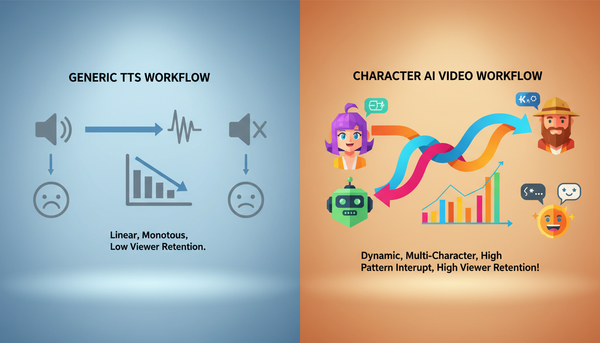
Standard text-to-speech systems are engineered for clarity, utility, and standard grammatical rules. They are built to read audiobooks, announce GPS directions, or assist with accessibility needs. However, when you throw a highly expressive, non-linear speech pattern at a standard engine, it fails instantly. The algorithm attempts to smooth out the sentences, reading them with a flat, continuous cadence that immediately exposes the voice as a synthetic clone. To build content that actually stops the scroll, you must point out why standard, default TTS lacks the personality required to hold an audience's attention and instead look toward platforms built for character-driven nuance.
At Fanfun, our AI platform is built to move beyond these flat, robotic defaults. Instead of focusing solely on literal text-to-phoneme translation, our models prioritize the underlying performance—the sudden shifts in pitch, the localized emphasis, and the natural conversational cadence of iconic personalities. When creators use Fanfun to generate custom videos, roasts, or memes, they aren't just getting a voice clone; they are getting an interactive, expressive character engine that responds dynamically to how a script is actually structured.
The Anatomy of Trumpian Speech: Linguistic Codes for Better Audio
To make an AI voice generator sound authentic, you must stop writing for the eye and start writing for the ear. The key to a convincing vocal performance lies in the speaker's unique rhetorical DNA. If you want to elevate your content, you can explore our comprehensive guide on writing scripts tailored to the cadence of the campaign, or start by mastering these three core linguistic codes:
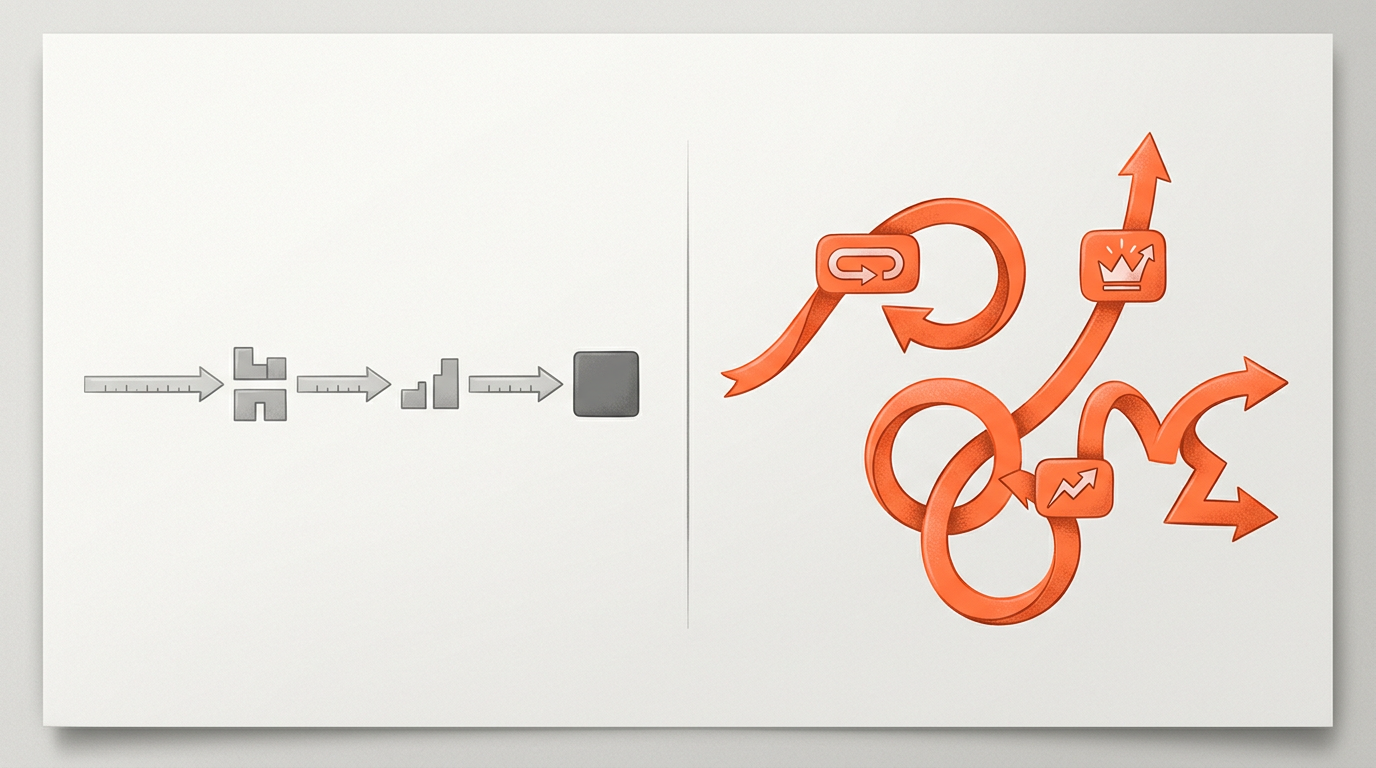
First, embrace parataxis. In classical rhetoric, parataxis is the placing of clauses or phrases one after another without coordinating conjunctions (like 'and,' 'but,' or 'so'). While a standard copywriter might write, 'We had a successful quarter because our team worked hard,' a paratactic translation would read: 'We had a quarter. A beautiful quarter. The team worked hard. Nobody's ever seen anything like it.' This fragmented structure forces the AI engine to take short, punchy breaths, instantly mimicking a natural speaking style.
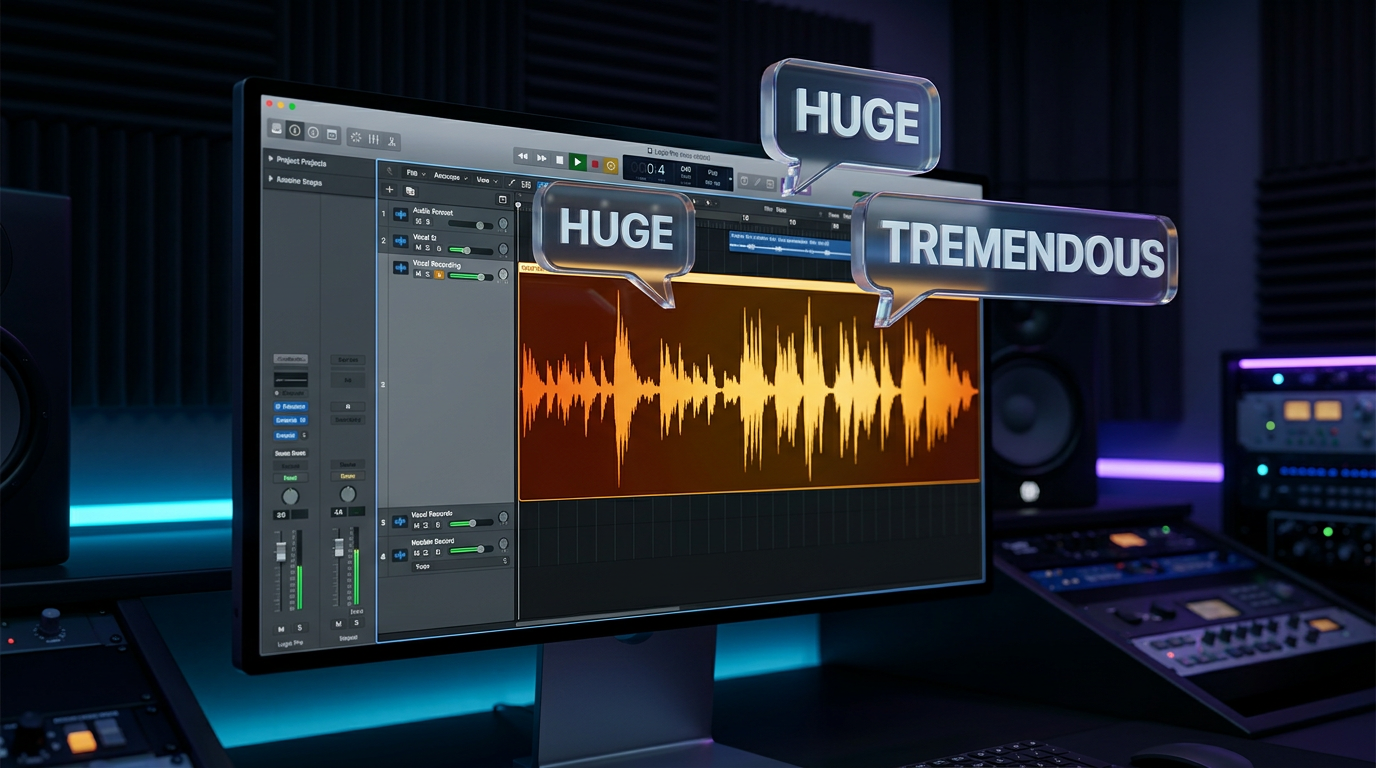
Second, lean heavily into hyperbole and superlatives. The vocabulary is famously polarized—things are rarely mediocre; they are either 'the greatest in the history of our country' or an 'absolute, complete disaster.' Inserting words like 'tremendous,' 'nobody,' 'millions and billions,' and 'disgrace' at key transition points gives the AI engine the phonetic runway to apply dramatic vocal weight.
Finally, use the 'Many People are Saying' frame. This rhetorical device allows the speaker to introduce a narrative or a joke while distancing themselves from it. Phrases like 'Many people are saying,' 'I've heard from very smart people,' or 'They look at me and they say...' establish an immediate conversational, storytelling tone that hooks the audience's curiosity.
The Power of the Self-Correction (Anacoluthon)
Real human speech is incredibly messy. We hesitate, we change our minds mid-sentence, and we pivot to entirely new thoughts without finishing the old ones. In rhetoric, this sudden grammatical shift is known as anacoluthon.
To make your Trump TTS sound uncannily real, you must intentionally break your grammar. If you write a perfectly structured sentence, the AI will deliver it with a smooth, unnatural arc. Instead, interrupt your own script mid-way through. For example, instead of writing: 'We are going to build a new studio because the old one has terrible acoustics,' write: 'We are building a studio—and by the way, the old studio, a total disaster, the sound was terrible, but we are building a new one.' This sudden detour forces the generator to adjust its pitch and pacing on the fly, creating a highly realistic, conversational pivot that sounds completely unscripted.
Prompting vs. Scripting: Crafting the Perfect Input
The primary mistake creators make is copy-pasting a standard written script directly into an AI voice generator. To get the best possible output, you must treat your text box as a musical score, complete with notation for speed, volume, and pronunciation. If you want to get the absolute most out of your generation, you should learn how to break down and structure your prompts for the ultimate vocal output.
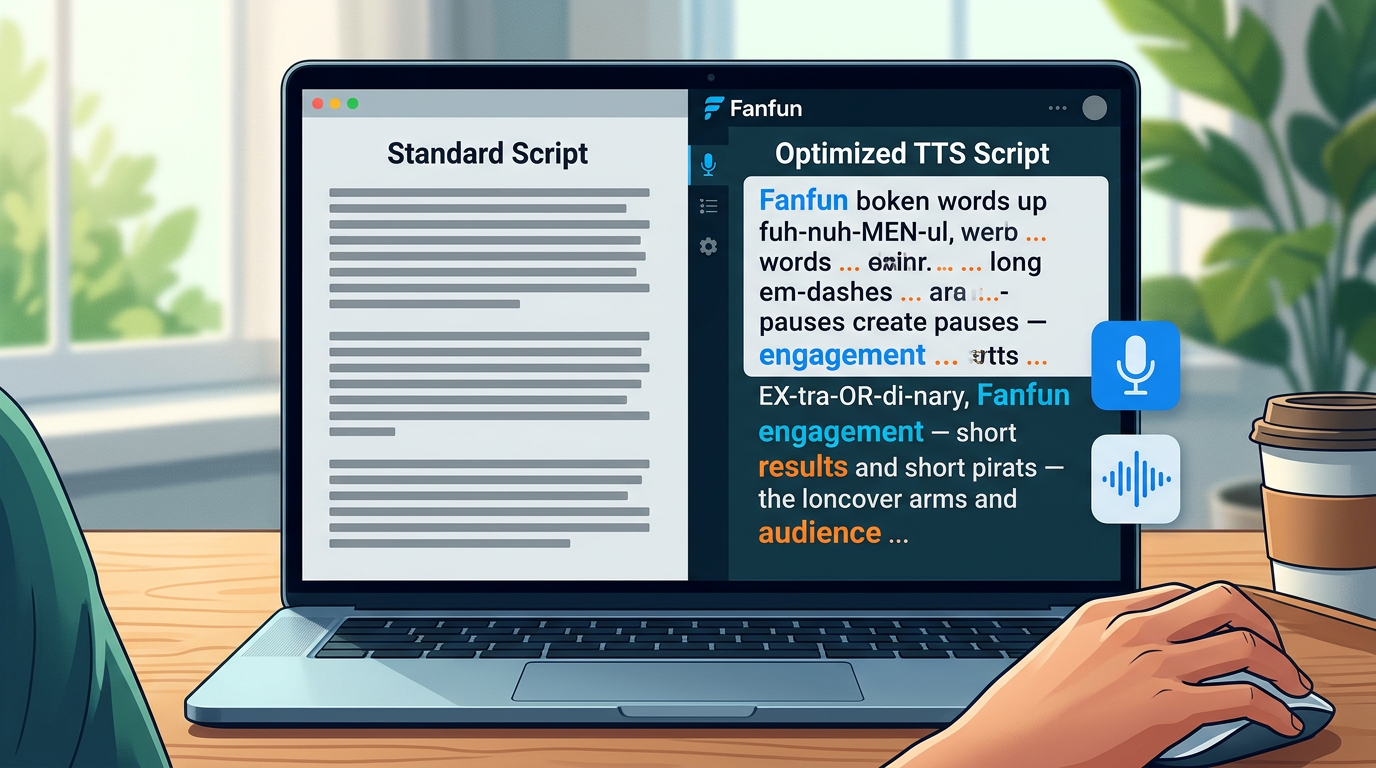
To illustrate the difference between a standard script and an optimized AI prompt, let's look at how we can transform a simple announcement:
| Standard Script (Fails in TTS) | Optimized TTS Script (Succeeds in TTS) |
|---|---|
| "Hello everyone, today I am happy to announce that we are launching our new product. It is going to be incredibly successful and will help many creators make better content." | "You know... people come up to me—very smart people—and they say, sir... how do we make great content? And I tell them... it’s Fanfun. Okay? It’s going to be yee-uge. Absolute-ly tremendous. Nobody’s ever seen anything like it, believe me." |
| "We have worked on this project for three years, and our engineering team did a fantastic job solving all the technical issues." | "Three years... we worked on this. Three years! And the engineers—highly respected people, the best—they solved it. They said, sir, it’s impossible. I said, do it anyway. And they did. Incredible people." |
Notice the deliberate use of phonetic spelling (like 'yee-uge' instead of 'huge' or 'absolute-ly' to force a hard break on the syllable). Standard AI engines often struggle with regional accents or specific emphasis; by spelling words phonetically and breaking up syllables with hyphens, you manually guide the engine to deliver the exact pronunciation you need for comedic or dramatic effect.
Pacing, Breath, and Emphasis: Directing the AI Engine
Think of punctuation not as grammatical rules, but as direct commands for the AI's vocal cords. When directing a generative voice, you have three primary steering wheels: em-dashes, ellipses, and capitalization.
First, use em-dashes (—) to signal sudden, sharp interruptions. When the AI encounters an em-dash, it will typically cut off the previous word slightly faster, mimicking a speaker who is rushing to their next point.
Second, use ellipses (...) to force dramatic, lingering pauses. In natural speech, pauses are where tension and comedy live. An ellipsis tells the generator to take a breath, slowing down the overall pacing and giving the next phrase a much heavier impact.
Third, use capitalization and strategic exclamation points to signal vocal spikes. While some standard engines ignore capitalization, advanced character platforms like Fanfun respond to ALL-CAPS by adding a slight boost in volume and a sharper, more assertive attack to the beginning of the word.
To help you fine-tune your next audio generation, use this Rhetorical Tuning Checklist:
- Did you remove coordinating conjunctions? Replace 'because,' 'therefore,' and 'although' with short, punchy periods or em-dashes.
- Are there enough pauses? Insert ellipses (...) before major punchlines or dramatic reveals to build anticipation.
- Is the vocabulary polarized? Replace neutral words like 'good' or 'bad' with extreme alternatives like 'tremendous,' 'perfect,' 'disaster,' or 'disgrace.'
- Did you include a self-correction? Ensure at least one sentence breaks its own grammatical structure mid-way to simulate a live, unscripted thought.
The Creator's Playbook: Ethical Satire and Audience Engagement
When done correctly, high-fidelity voice parody is one of the most powerful tools in a creator's arsenal. On platforms like TikTok and YouTube Shorts, where the first three seconds dictate whether a video goes viral or gets buried, an instantly recognizable, highly expressive voiceover is a massive cheat code for audience retention.
However, with great creative power comes responsibility. To keep your channel safe and build a sustainable brand, creators should dive into our satire playbook for crafting viral parodies that resonate on social media. The line between harmless parody and harmful misinformation lies in context and intent. Clear labeling—such as using 'AI Parody' in your video overlays, descriptions, or hashtags—not only protects your content from platform moderation but also builds trust with your audience, who can enjoy the humor without being misled.
With Fanfun's suite of instant AI generation tools, creators can jump on breaking news cycles, trending memes, and pop-culture moments in minutes. Instead of waiting days for a voice actor or struggling with tedious manual editing, you can write, optimize, and generate high-impact character audio on demand. By mastering the rhetoric of the rant, you ensure your content doesn't just sound like a machine—it sounds like a masterclass in modern digital storytelling.
How do I make a Trump TTS voice sound more realistic and less robotic?
The secret lies in breaking standard grammatical rules. Use short, fragmented sentences (parataxis), insert sudden self-corrections mid-sentence, and use phonetic spellings like "yee-uge" to guide the AI's pronunciation.
What are the best punctuation marks to use for pausing in AI voice generators?
Use ellipses (...) for slow, dramatic pauses and breathing room, and em-dashes (—) for sharp, sudden transitions or self-interruptions.
Can I use Trump text-to-speech for commercial social media videos?
Yes, but you must ensure your content qualifies as parody, satire, or fair use, and clearly label it as an AI parody. Avoid using the voice to spread misinformation or falsely claim endorsement of a product.
How does Fanfun's voice generator differ from standard text-to-speech tools?
Unlike corporate TTS engines designed for flat, literal reading, Fanfun’s AI is optimized for character-driven performance. It captures the natural cadence, pitch shifts, and dramatic timing of iconic figures, delivering instant, highly expressive audio.