The Anatomy of a Trump Prompt: How to Structure Scripts for the Ultimate AI Voice Generation
Writing for an AI voice generator requires more than just correct spelling; it requires capturing the unique linguistic rhythm of your subject. Learn the five pillars of Trumpian syntax to create hyper-realistic parodies instantly on Fanfun.
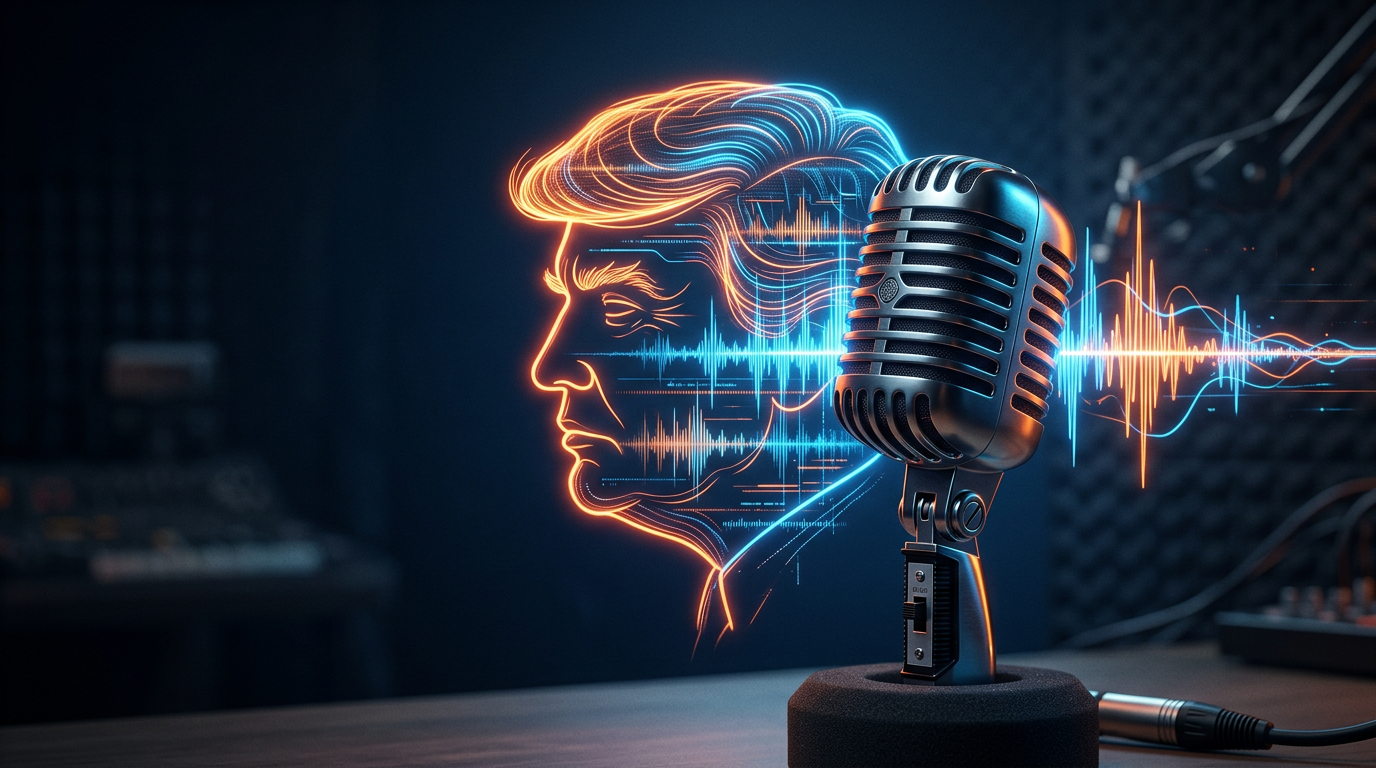
Most creators think that generating a convincing AI voiceover is purely a technical challenge. They search for the perfect vocal model, tweak the pitch settings, and expect the software to do all the heavy lifting. But the truth is far simpler: an AI voice generator is only as good as the script you feed it.
If you write standard, grammatically correct sentences, even the most advanced voice model will sound flat and robotic. To unlock the viral potential of a Donald Trump AI voice, you have to master his highly specific speech patterns, rhythmic loops, and rhetorical quirks. By structuring your scripts with intentional punctuation and linguistic cues, you can guide the AI to deliver a performance that feels incredibly authentic, dynamic, and engaging.
Beyond the Soundbite: Why Syntax Matters More Than Tone
When we listen to a famous public figure, our brains process much more than just the pitch and timbre of their voice. We react to their cadence, their favorite transition words, and the unique way they structure their arguments. If you feed an AI voice generator a sentence like, "Our quarterly earnings have increased by fifteen percent, which is a positive development for our stakeholders," the output will sound like a generic text-to-speech robot, no matter how good the underlying voice model is.
This is the psychological gap between a basic vocal impression and a fully realized rhetorical performance. To bridge this gap, creators must understand how natural speech cadences instruct the AI engine. Modern generative AI models do not just read words; they analyze the context of the sentence to determine where to place emphasis, where to drop the pitch, and where to insert a breath. If your script lacks the natural, fragmented rhythm of real-world speech, the AI won't know where to perform those subtle vocal adjustments. By mastering these patterns, you can go beyond a simple impression by discussing how to go beyond a simple impression by mastering the rhetorical nuances of the voice.
The Five Pillars of Trumpian Syntax
To write scripts that translate perfectly into high-impact AI voiceovers, you need to rely on a proven set of linguistic markers. These five pillars of Trumpian syntax will instantly make your text sound like an authentic, spontaneous speech rather than a pre-written essay.
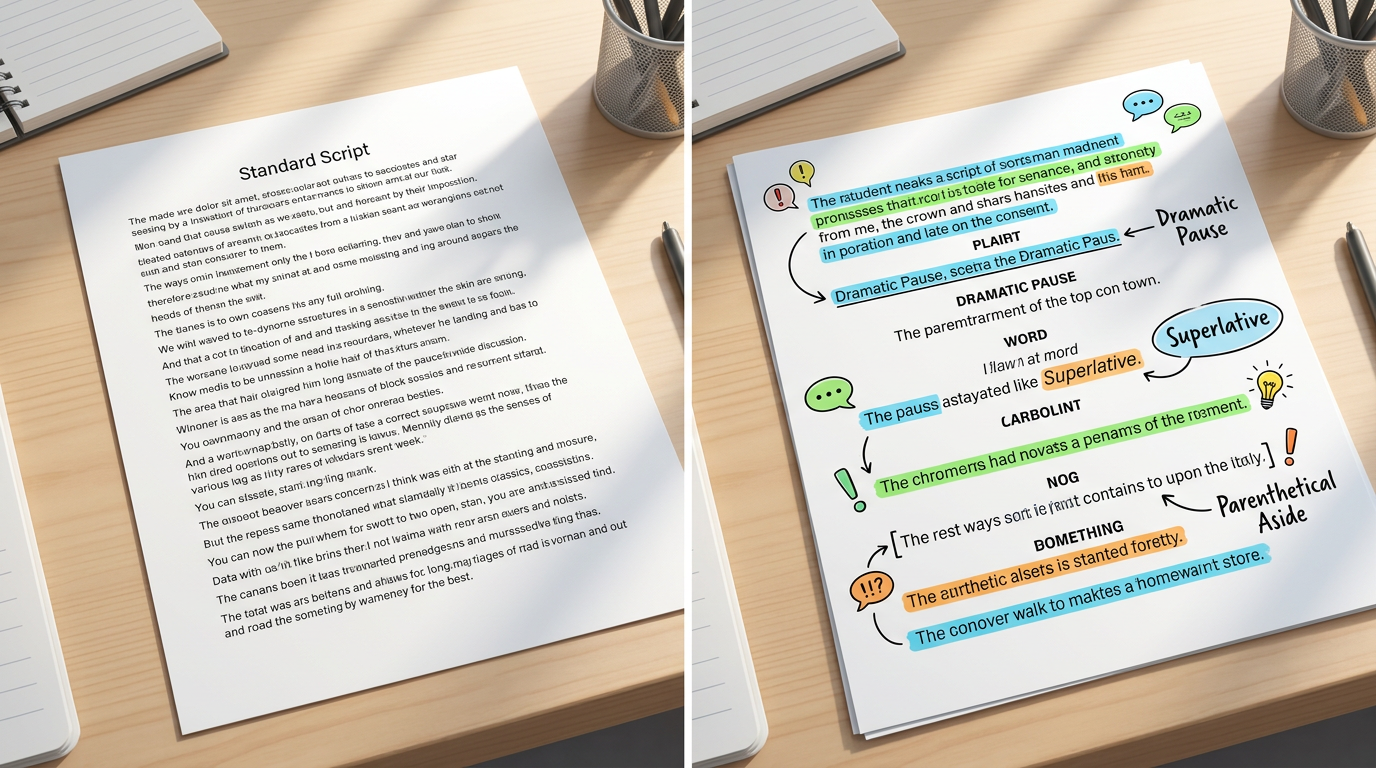
- Pillar 1: The Superlative Launchpad: Start your sentences or thoughts with extreme, unquantifiable claims. Use phrases like "nobody has ever seen anything like it" or "the likes of which we've never seen before" to establish immediate high stakes.
- Pillar 2: The Parenthetical Aside: Break off mid-sentence to address a completely different, self-aggrandizing point or to call out someone in the room. This mimics the spontaneous, stream-of-consciousness style of his rallies.
- Pillar 3: The "Many People Are Saying" Framing: Validate your claims by attributing them to a vague, anonymous consensus. This allows the script to introduce wild ideas or humorous claims under the guise of popular opinion.
- Pillar 4: Rhythmic Repetition: Repeat key words or short phrases three or four times in rapid succession. This builds dramatic emphasis and gives the AI model the chance to vary its pitch across the repetitions.
- Pillar 5: The Sudden Self-Correction: Correct a minor detail mid-thought. For example, starting with a large number, pausing, and then raising it to an even larger number makes the performance feel unscripted and alive.
Writing the Perfect Prompt: Before and After
To see how these pillars function in practice, look at how a simple message changes when optimized for an AI voice generator. The table below demonstrates how a generic announcement is transformed into a highly stylized, rhetorically accurate script.
| Standard Script (Flat Output) | Optimized Trump Script (High-Impact Output) |
|---|---|
| "I want to wish John a very happy 40th birthday. You are having a party tonight, and I hope you have a great time with your family and friends." | "They tell me it's John's birthday... the big forty. Can you believe it? Forty. Many people are saying it's the greatest birthday ever. Incredible people, very smart. You're having a party tonight--a beautiful party, nobody does parties like you--so have a fantastic time. Truly spectacular." |
| "Our new marketing strategy is performing well. We have seen a significant increase in website traffic over the last month." | "We looked at the numbers--and the numbers are massive, nobody has ever seen numbers like this before. The traffic... it's flowing. Up fifteen percent, actually twenty percent, maybe even more. It's beautiful. The fake news won't report it, but we know. We know." |
Generative vs. Real-Time: Choosing the Right Tool for the Job
When creators decide to make comedic or satirical content, they often face a technical crossroads: should they use a real-time voice changer or a generative text-to-speech platform? Making the right choice depends heavily on your production workflow and the type of content you want to create.
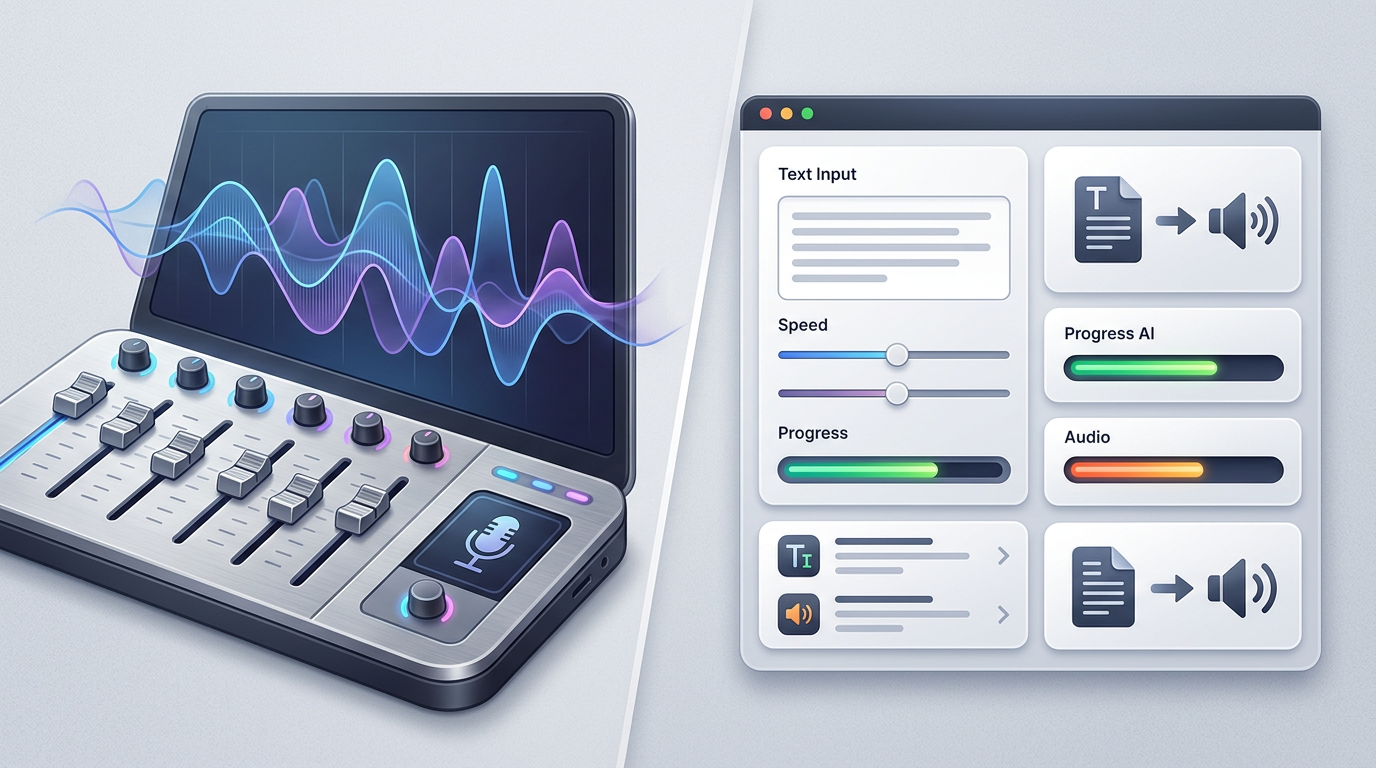
Real-time voice changers act as a digital mask, modifying your actual voice as you speak into a microphone. While this can be fun for live streaming or gaming, it requires you to perform the impression yourself. If your natural speaking rhythm, accent, and comedic timing do not already match the target persona, the output will feel awkward and unconvincing. It also requires professional microphone setups and quiet recording environments to avoid digital distortion.
Generative text-to-speech, on the other hand, relies on advanced AI models to synthesize a complete vocal performance directly from written text. This gives you absolute control over the pacing, pronunciation, and structure of your script. You do not need to be a voice actor or have expensive recording gear. Platforms like Fanfun feature a highly optimized AI Voice Generator that allows you to input your custom script and generate studio-quality audio in minutes, making it the superior choice for scripted parodies, memes, and personalized messages. Understanding these options is key to understanding the technical differences between real-time and generative tools.
Ethical Satire: Keeping Your Content Creative and Compliant
As AI voice generation tools become more powerful and accessible, creators must navigate the ethical landscape of digital satire. There is a clear line between harmless creative parody and malicious misinformation. Using AI voices to entertain, roast friends, or create political satire is a time-honored creative tradition, but using them to deceive or spread false news can lead to account bans and platform takedowns.
To protect your channels and keep your content compliant, always provide clear context for your audience. Labeling your videos as "parody," "meme," or "AI-generated" in the description or as an on-screen watermark is a highly effective way to maintain transparency while keeping the humor intact. Responsible platforms like Fanfun prioritize ethical creative expression, offering creators a safe sandbox to build viral, high-impact content. If you want to dive deeper into the creative boundaries of digital comedy, consider exploring advanced comedic frameworks in our comprehensive satire playbook.
Step-by-Step: How to Generate Your First Viral Clip on Fanfun
Now that you understand the rules of Trumpian syntax and the technical advantages of generative AI, you are ready to create your own high-impact content. Follow this simple workflow to turn your written script into a completed, shareable audio or video file on Fanfun.
- Select Your Character Persona: Log into Fanfun and navigate to the extensive character library. Choose the Donald Trump AI voice model to begin your project.
- Draft and Refine Your Script: Use the five pillars of syntax to write your script. Remember to use punctuation creatively. Insert ellipses (
...) to signal a dramatic pause, dashes (--) to indicate a sudden shift to a parenthetical aside, and capital letters on key words to prompt the AI to add vocal emphasis. - Generate and Preview: Click the generate button to process your text. Listen to the output carefully. If a specific word sounds too flat, try changing the spelling phonetically (for example, writing "tremendous" as "tre-mendous") or adding an exclamation point to change the AI's inflection.
- Export and Share: Once you are satisfied with the performance, export your high-quality audio or video file instantly. Your clip is now ready to be uploaded directly to TikTok, YouTube Shorts, or Instagram Reels to engage your audience.
How do I make a Donald Trump AI voice sound realistic?
To make the voice sound realistic, focus heavily on the writing style of your script. Use short, fragmented sentences, natural pauses (using ellipses and dashes), repetitive phrases, and conversational self-corrections. The AI engine relies on these syntactic cues to generate natural-sounding pitch shifts and breaths.
What is the best AI voice generator for Donald Trump parodies?
Fanfun offers one of the most accessible and high-quality AI voice generators for parodies and memes. It provides instant text-to-speech generation, allowing you to create custom voiceovers and personalized videos without needing complex audio editing software or voice acting skills.
Is it legal to use a Donald Trump AI voice generator for memes?
Yes, using AI voice generators for parody, satire, and comedic memes is generally protected under fair use guidelines. However, to keep your content compliant with social media platform policies, you should always label your content clearly as a parody or AI-generated meme.
Can I use Fanfun to make personalized celebrity videos instantly?
Absolutely. Fanfun is designed to deliver instant, affordable, and personalized celebrity-style videos and voiceovers. Unlike traditional services where you must wait days for a creator's response, Fanfun lets you generate custom content in minutes.