
How to Use Phonetic Spelling for Unique Names in AI Speech Tools
AI voice tools are literal-minded and often struggle with unique names. Learn how to translate any name into an AI-friendly phonetic spelling in three simple steps.
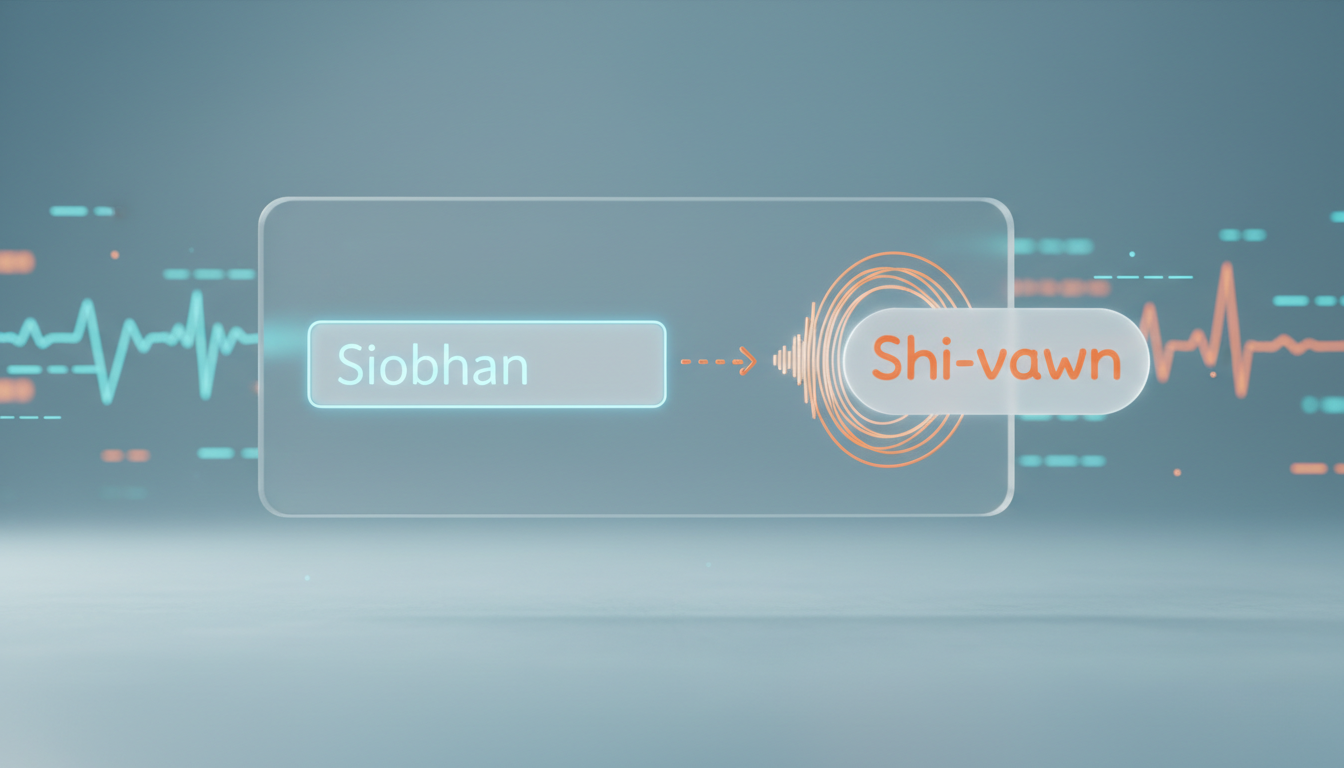
To get AI speech tools to pronounce unique, rare, or non-English names correctly, you need to write them phonetically—spelling them out exactly as they sound rather than how they are traditionally spelled. By breaking names down into syllables, swapping out complex vowel combinations, and replacing silent letters with phonetic equivalents, you can guide an AI voice to deliver a natural-sounding greeting. While AI models are incredibly advanced, they lack human cultural intuition, meaning a phonetic adjustment is the best way to prevent awkward mispronunciations on your first try.
The Literal Mind of AI: Why Unique Names Get Tripped Up
AI voices rely on standard grapheme-to-phoneme rules, which is a fancy way of saying they look at letters and guess the sound based on common patterns. Because of this, they often fail when encountering silent letters, unique vowel blends, or cultural naming conventions. For example, an AI reading "Siobhan" will almost certainly say "Sigh-oh-bhan" instead of "Shi-vawn." To get an accurate pronunciation, you must write for the AI's ears rather than its eyes.
Using phonetic spelling is essential when personalizing Fanfun voice notes or video gifts to help the recipient's name sound natural. When you send a custom digital greeting, hearing a name mispronounced can instantly break the magic of the moment. By taking a brief moment to adjust your text input, you can transform a potentially awkward robotic mistake into a warm, highly personalized experience. For a deeper look at this process, you can explore our comprehensive guide on writing phonetic spellings for unique names in AI voice generators.
The Three-Step Phonetic Translation Framework
Translating a unique name into text that an AI can read correctly is easy when you follow a structured approach. Use this three-step framework to convert any name into AI-friendly phonetic text:
Step 1: Break the Name into Syllables
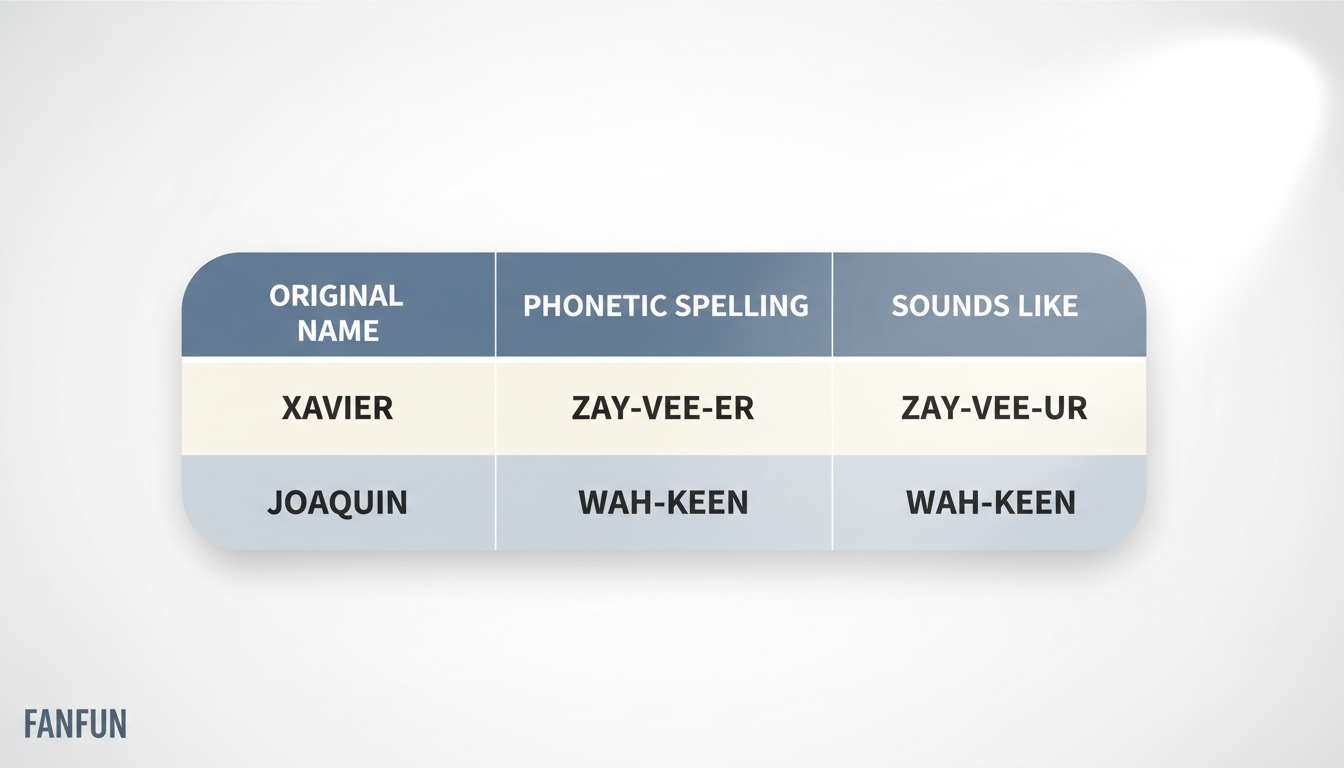
Use hyphens to separate the name into individual syllables. This helps the AI process the letters as distinct sounds rather than rushing through complex groupings. For example, "Xavier" becomes "Zay-vee-er."
Step 2: Simplify the Vowels
Swap out complex vowel combinations for simple, unambiguous English vowel equivalents. If a name has an "ei" that sounds like "ay" (as in "reign"), write it as "ay." If a name has an "ee" sound, spell it as "ee" rather than "ie" or "y."
Step 3: Replace Confusing Consonants
Get rid of silent letters entirely and replace ambiguous consonants with clear phonetic alternatives. Use "k" instead of a hard "c," "z" instead of a soft "s" if it sounds like a buzz, and "sh" or "v" to replace more complex consonant blends.
Depending on the origin of the name, regional naming conventions can introduce distinct patterns. For instance, if you are working with European names, you might find our specific walkthrough for handling French names in text-to-speech highly useful. Similarly, for East Asian names, you can consult our guide on phonetic spellings for Japanese names in TTS to help keep the pitch and syllable structure accurate.
Phonetic Conversion Examples
The table below demonstrates how to apply these phonetic translation steps to common names that often trip up text-to-speech engines:
| Original Name | Phonetic Spelling | Sounds Like |
|---|---|---|
| Joaquin | Wah-keen | Wah-keen |
| Siobhan | Shi-vawn | Shi-vawn |
| Nguyen | Win | Win |
| Margot | Mar-go | Mar-go |
| Xavier | Zay-vee-er | Zay-vee-er |
Fine-Tuning and Testing Phonetic Names in Your Fanfun Scripts
Once you have drafted your phonetic spelling, it is time to test and refine how it sounds. Because different AI character voices have unique voice profiles, accents, or speaking speeds, they may interpret phonetic spellings slightly differently.
- Use short previews: Before committing to a full video gift, use Fanfun's voice-note tool to test your phonetic spelling variations. Since paid and free tiers offer voice-note options, you can easily hear how the character pronounces the name before generating the final video.
- Adjust syllable spelling: If the AI is placing the emphasis on the wrong part of the name, try altering the spelling of the stressed syllable to make it more prominent. For example, changing a single vowel to a double vowel (like 'ee' or 'oo') can sometimes encourage the voice to linger on that sound naturally.
- Iterate on vowels: If a vowel sounds too flat, try doubling it or swapping it. Changing "ah" to "aw" or "uh" can dramatically alter how the AI shapes the sound.
Testing your script in short segments can help you identify pronunciation issues early, making it easier to adjust the spelling until the name sounds more natural and fits smoothly into the character's message.
Should I capitalize specific syllables to show the AI where to place the vocal emphasis?
While some advanced text-to-speech engines respond to capitalization (such as writing "Shi-VAWN"), many standard models treat capitalized letters the same as lowercase ones. A more reliable way to guide vocal emphasis is to use hyphens to break up syllables or adjust the spelling of the stressed syllable to make the vowel sounds more obvious.
How do I handle silent letters in a name when writing a script for an AI voice?
You should remove silent letters entirely from your phonetic spelling. Because AI voices are highly literal, leaving letters like the "t" in "Margot" or the "b" in "Subtle" will often cause the AI to pronounce them. Instead, rewrite the name strictly by its sound—such as "Mar-go"—to help the model skip the unpronounced letters.