How to Use Commas and Periods for Natural Breathing Pauses in AI Video Scripts
Want your AI character voiceovers to sound less robotic and more conversational? Discover how simple punctuation marks like commas and periods act as a musical score, instructing AI generators when to take a natural breath.

Punctuation in AI video scripts acts as a musical score, telling the voice generator exactly when to pause and simulate taking a breath. By strategically placing commas (for short catch-breaths), periods (for full transitional pauses), and ellipses (for dramatic beats), you can transform a flat, rushed synthetic delivery into a warm, conversational message. Keep in mind that different AI character models interpret these cues slightly differently based on their unique baseline speaking speeds, so testing and previewing your script is essential for the best results.
The Grammar of Breathing: How AI Voices Read Punctuation
AI voice models do not read punctuation out loud; instead, they translate symbols into milliseconds of silence and subtle changes in pitch. When a human speaks, they naturally pause to breathe, emphasize key points, and let ideas sink in. Synthetic voice engines simulate this behavior by scanning your script for punctuation markers. Without these visual cues, the AI will rush through the text until it reaches the end of the generator's sentence limit, resulting in an unnatural, robotic drone that feels exhausting to listen to.
When writing scripts for Fanfun's AI characters, punctuation acts as your primary tool for directing the emotional pacing of the message. Rather than worrying solely about strict grammatical correctness, you should write your script based on how you want the character to sound. For a deeper dive into pacing mechanics, see our guide on writing scripts for AI voiceover pacing.
Commas vs. Periods: Mapping Punctuation to Pause Lengths
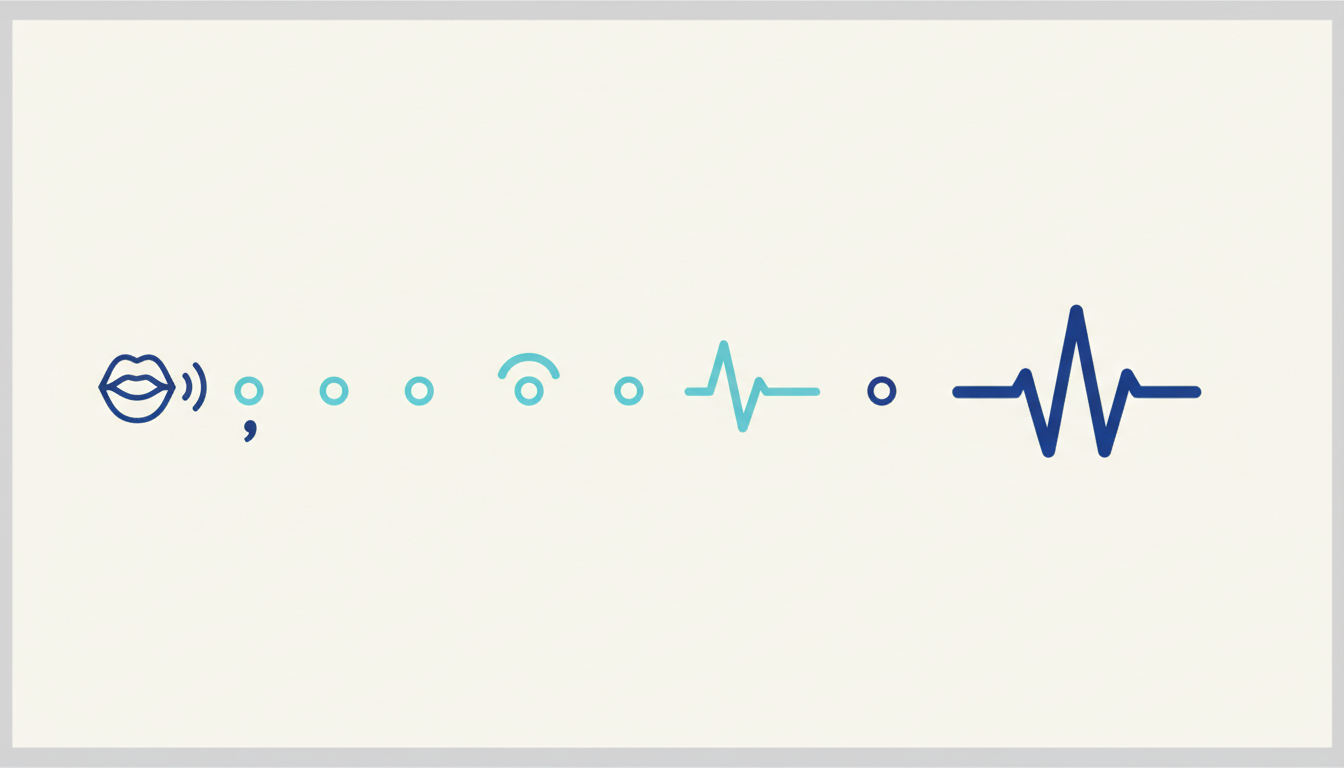
To master the rhythm of your AI video messages, it helps to understand how different punctuation marks dictate pause durations. While exact timing varies by character persona, the table below outlines the typical behavior of modern voice synthesis engines:
| Punctuation Mark | Pause Effect | Best Use Case in Scripting |
|---|---|---|
| Comma (,) | Brief catch-breath | Listing items, separating clauses, or adding a minor pause within a sentence. |
| Period (.) | Full stop | Transition between thoughts, allowing the listener to absorb the statement. |
| Ellipsis (...) | Dramatic beat | Suspense, comedic timing, or a lingering, heartfelt transition. |
While adding punctuation is vital, over-punctuating can backfire. Inserting too many commas or periods in a short sentence will make the character sound choppy, hesitant, or overly robotic. Learn more about using punctuation to control AI speech rhythm and pauses to master these timing intervals without disrupting the flow.
Script Makeovers: Before and After Examples
To see how punctuation tuning changes the delivery of an AI character, compare these two versions of a birthday greeting script. Notice how the unpunctuated script forces the AI to rush, while the punctuated script creates a natural, friendly cadence.
The Unpunctuated Script (Rushed and Flat)
"Hey Sarah happy birthday I hope you have an amazing day filled with cake and fun you deserve the absolute best this year has to offer."
In this version, the AI voice generator will likely sprint through the entire 27-word sentence without a single pause, making the greeting sound mechanical and insincere.
The Punctuated Script (Natural and Rhythmic)
"Hey Sarah, happy birthday! I hope you have an amazing day... filled with cake and fun. You deserve the absolute best this year has to offer."
By introducing a comma after the name, an exclamation point (which acts similarly to a period but with rising pitch), an ellipsis for a playful pause before "filled with cake," and a final period, the AI character is given clear instructions on where to pause, breathe, and shift tone. Review our instructions on how to format scripts for natural flow in synthetic voiceovers for more structural templates.
Pro-Tips for Testing and Fine-Tuning Your Script's Rhythm
Achieving the perfect voiceover pacing requires a bit of experimentation. Here are three practical steps to fine-tune your script before finalizing your video message:
- Read your script out loud: Read your draft at a normal, conversational speaking pace. Use a pencil or digital editor to mark exactly where you naturally take a breath, then place a comma or period at those exact spots.
- Use line breaks for clean transitions: If you want an AI character to transition to a completely new thought or paragraph, hit "Enter" to create a line break. Many AI voice models interpret a line break as an additional cue for a clean, natural pause.
- Account for character baseline speeds: Every AI character on Fanfun has a unique baseline tempo. A high-energy character may naturally speak faster and benefit from strategic punctuation to pace the delivery, whereas a character with a slower, more deliberate cadence might require fewer punctuation marks to avoid sounding overly disjointed.
Do exclamation points and question marks change the pause length compared to a period?
In terms of pause duration, exclamation points and question marks function similarly to a period, creating a full stop. However, they also signal the AI engine to adjust the vocal inflection—raising the pitch at the end of a question mark for curiosity, or adding energy and brightness for an exclamation point.
Can I use double commas to create a slightly longer pause than a single comma?
Generally, using consecutive punctuation marks like double commas is not recommended for controlling pacing. If you need a pause that is longer than a standard comma but shorter than a period, try using an ellipsis (...) or a dash (—) instead to guide the voice generator naturally.
How do different AI character personalities on Fanfun react to the same punctuation?
Each AI character persona on Fanfun is built on a distinct voice model with its own baseline speaking rate, accent, and emotional range. While punctuation functions as a universal guide, a fast-talking character will still deliver a shorter pause at a comma compared to a slower, more dramatic character. We recommend starting with standard punctuation and adjusting based on your chosen character's natural cadence.